FREE CHEATS FOR
9 Kings
Released May 23, 2025
Updated

 EAGLE CHEATS
How to use Eagle in 9 Kings
With 9 Kings running, press Insert to open the Eagle menu. The quick keys give direct access to Instant Construction and Instant Research. Use the menu for Resource Editor, Unit Health and Production Speed and the remaining listed features; close it with Insert to return to the app.
- F2 Instant Construction
Press F2 to activate Instant Construction without opening the menu. - F3 Instant Research
Press F3 to activate Instant Research without opening the menu. - Insert Resource Editor
Press Insert, choose Resource Editor, adjust its value or option, and apply. - Insert Unit Health
Press Insert, find Unit Health in the feature list, and switch it on or off. - Insert Production Speed
Press Insert, choose Production Speed, adjust the value, and apply.
EXPLORE THE MENUFeatures
9 features
Resource Editor and Instant Construction allow rapid resource manipulation and building. Eagle changes game speed, reveals maps, and adjusts unit stats during gameplay. Press Insert to open the Eagle menu on Windows PC. The mod menu is free for Windows PC.
- Resource Editor
- Instant Construction
- Instant Research
- Unit Health
- Production Speed
- Map Reveal
- Campaign Speed
- Supply View
- Faction View
About the game
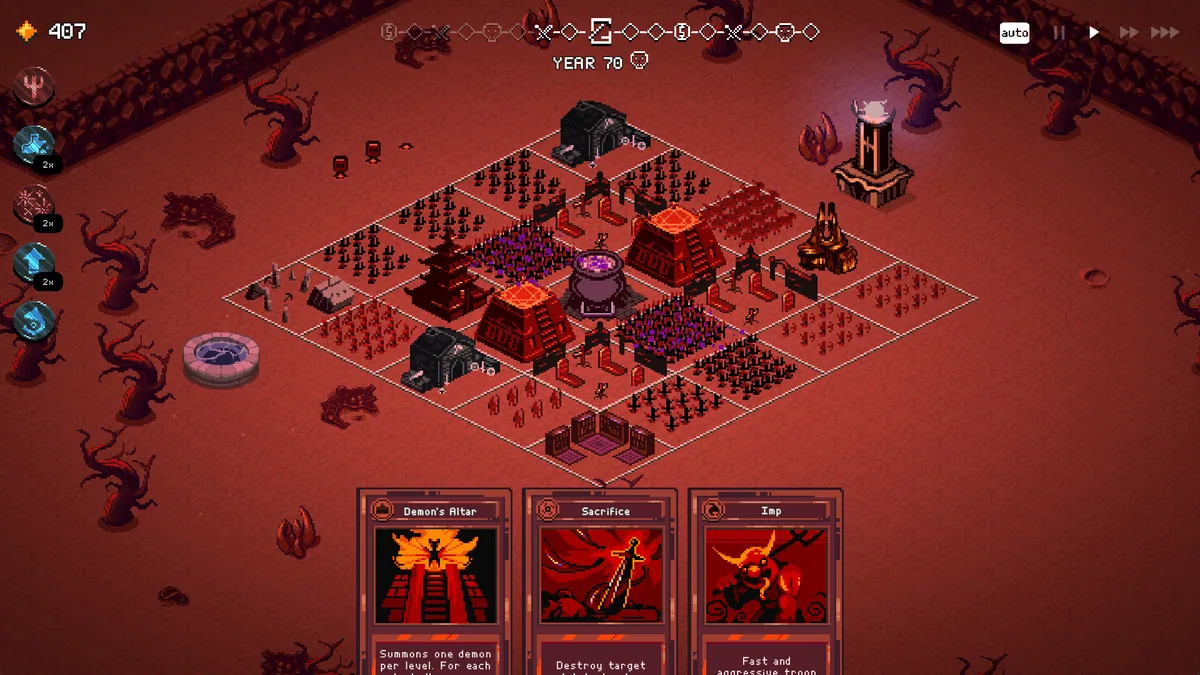
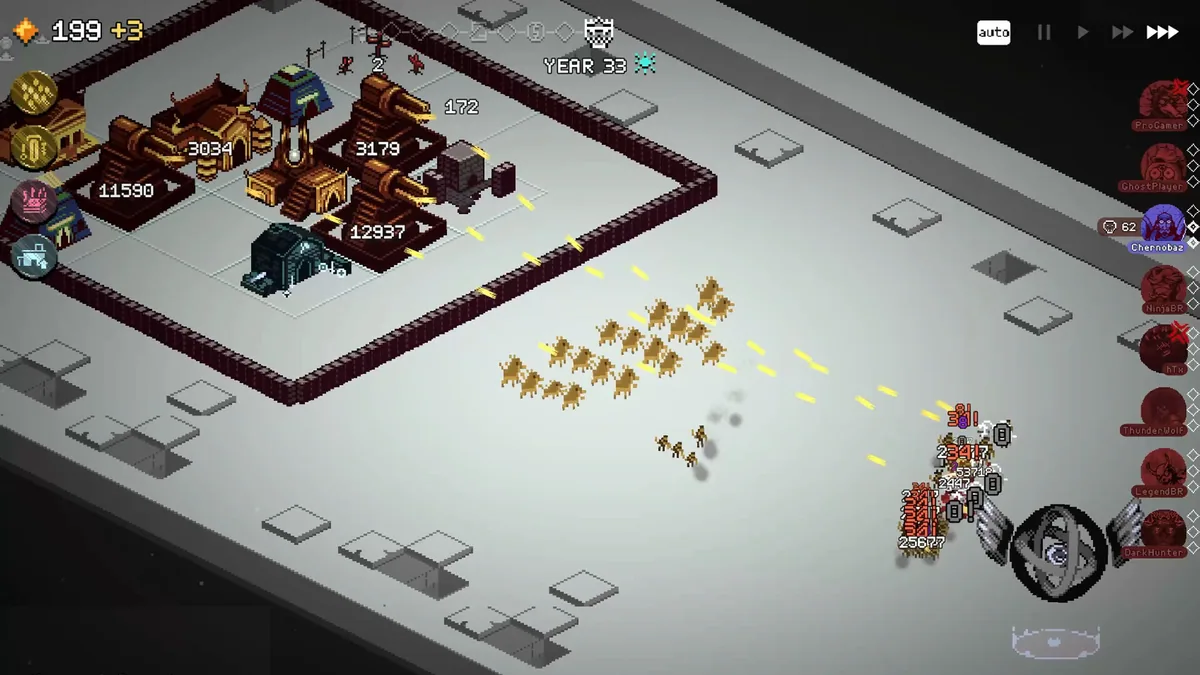
In 9 Kings, players build and expand their kingdoms through strategic resource management and unit deployment. The core loop involves constructing buildings, researching technologies, and commanding diverse units to conquer rivals. As the game progresses, players face unique events and must adapt their strategies to survive prolonged conflicts. The game's dynamic environment allows for creative combinations of units and spells, enabling players to develop powerful synergies and dominate the battlefield.
Players can customize their kingdoms by balancing economic growth, military strength, and technological advancement. The game supports both single-player and multiplayer modes, with the ability to engage in asynchronous battles against other players. Each kingdom has a unique starting deck, and players can acquire new cards by defeating rival kings, expanding their strategic options and potential for domination.
Official game page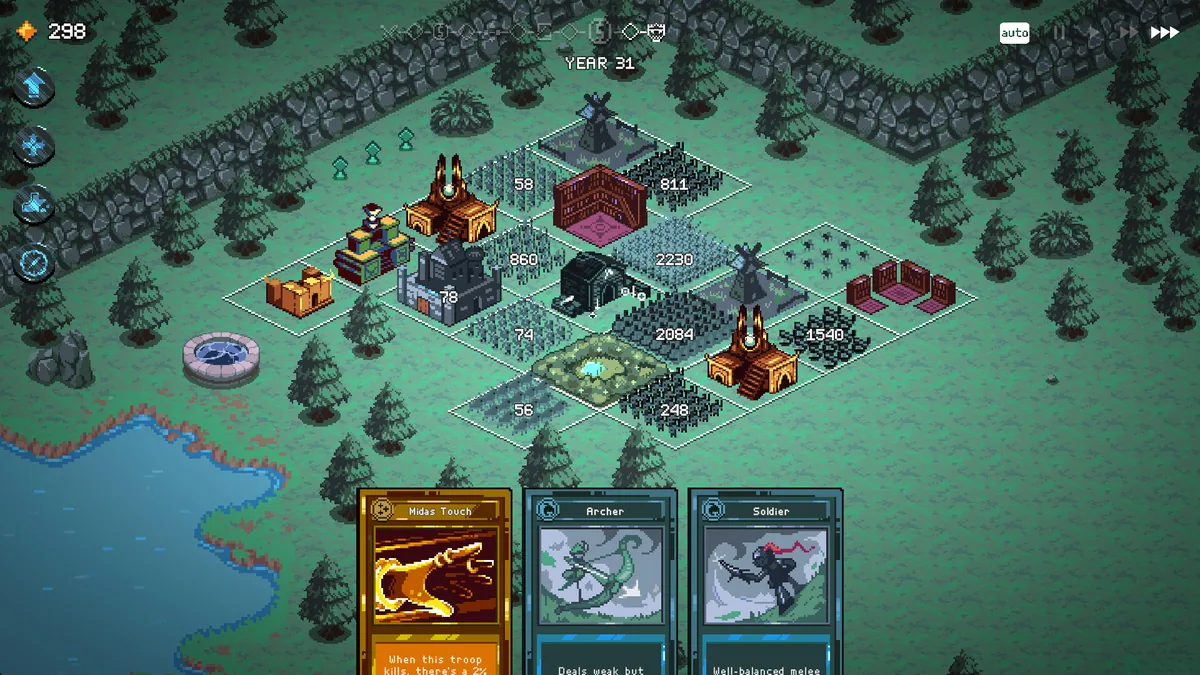
Using the 9 Kings mod menu
Use Resource Editor to instantly adjust gold and food supplies during battles. Employ Instant Construction to speed up building processes in competitive matches. These controls let players optimize their strategies in real-time, enhancing gameplay efficiency and adaptability.