FREE CHEATS FOR
Alaska Gold Fever
Released April 14, 2026
Updated

 EAGLE CHEATS
How to use Eagle in Alaska Gold Fever
With Alaska Gold Fever running, press Insert to open the Eagle menu. The quick keys give direct access to Instant Crafting and No Build Cost. Use the menu for Unlimited Materials, No Weather Damage and Set Weather and the remaining listed features; close it with Insert to return to the app.
- F2 Instant Crafting
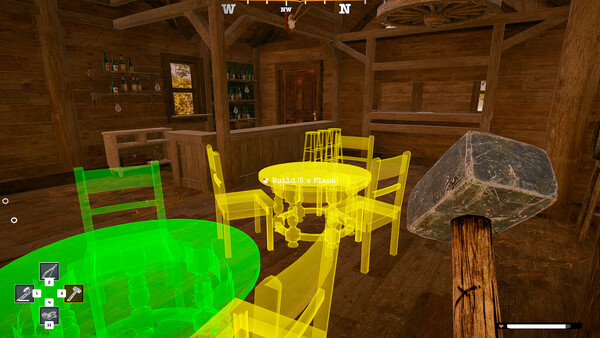
Press F2 to activate Instant Crafting without opening the menu. - F3 No Build Cost
Press F3 to turn No Build Cost on or off without opening the menu. - Insert Unlimited Materials
Press Insert, find Unlimited Materials in the feature list, and switch it on or off. - Insert No Weather Damage
Press Insert, find No Weather Damage in the feature list, and switch it on or off. - Insert Set Weather
Press Insert, choose Set Weather, adjust its value or option, and apply.
EXPLORE THE MENUFeatures
6 features
The free Alaska Gold Fever trainer includes Instant Crafting, No Build Cost and Unlimited Materials. It also offers Set Weather, Set Wind and No Weather Damage. Press Insert to open the menu on Windows PC.
- Instant Crafting
- No Build Cost
- Unlimited Materials
- Set Weather
- Set Wind
- No Weather Damage
About the game
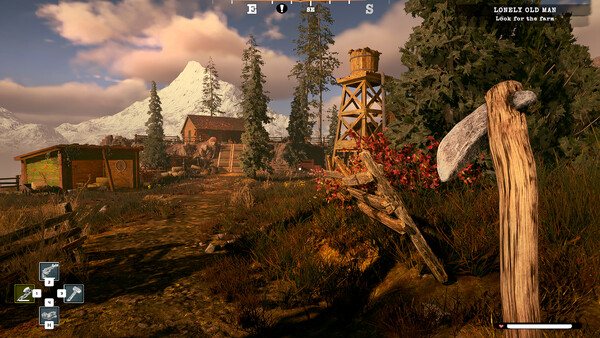
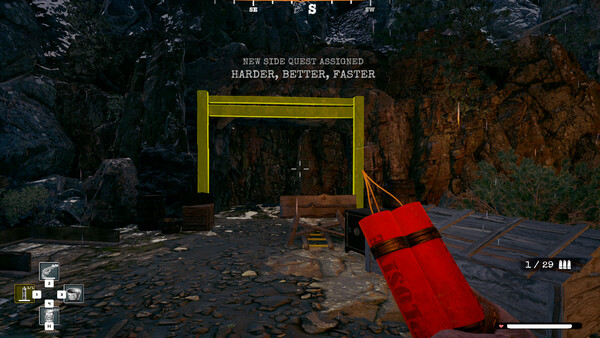
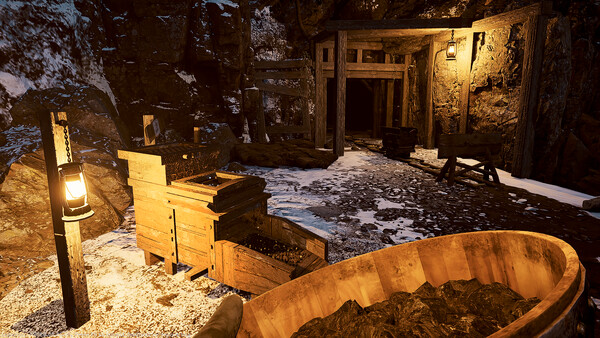
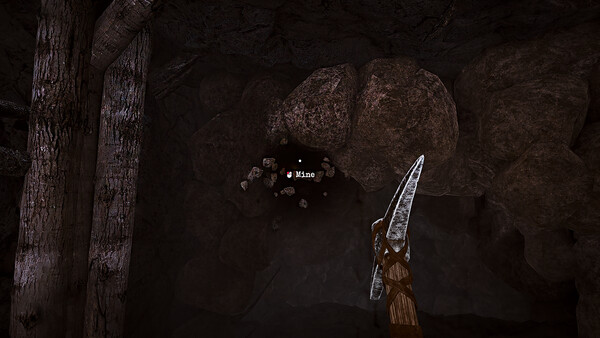
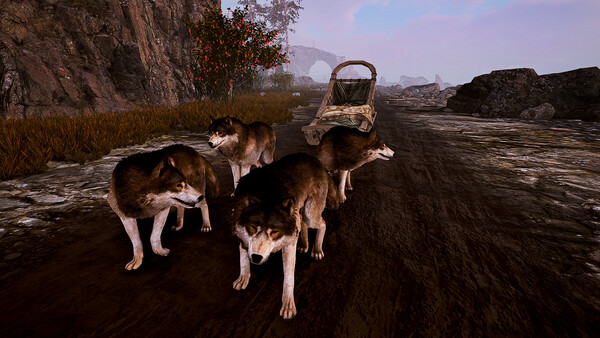
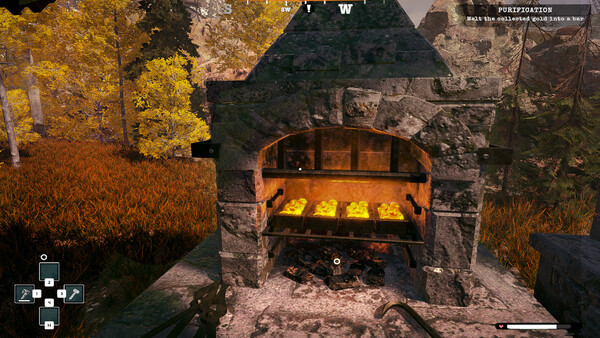
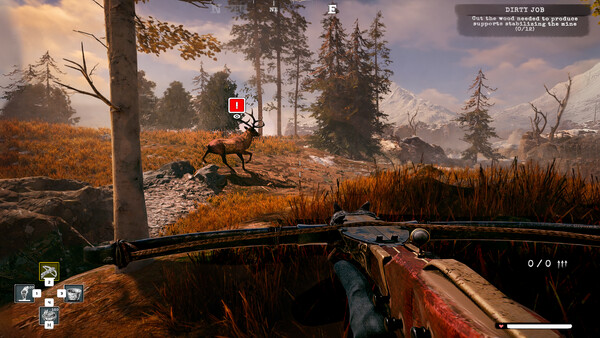
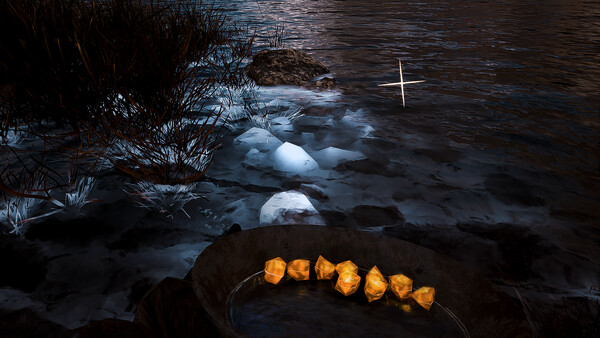
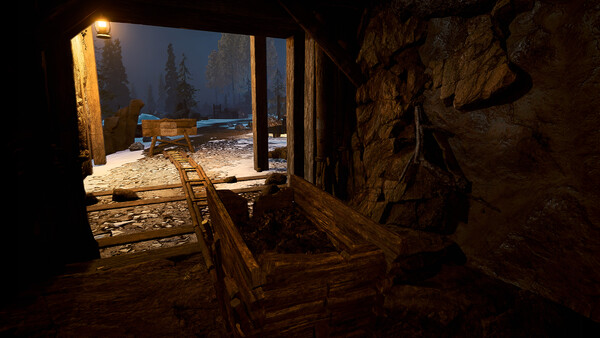
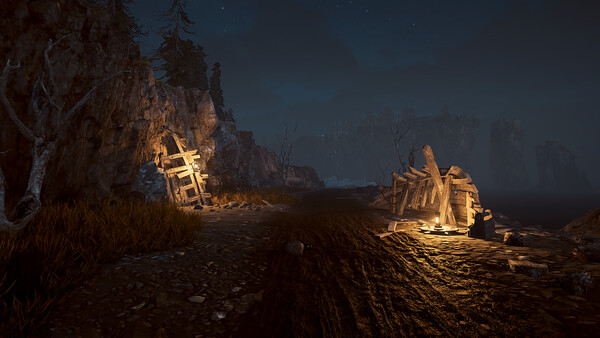
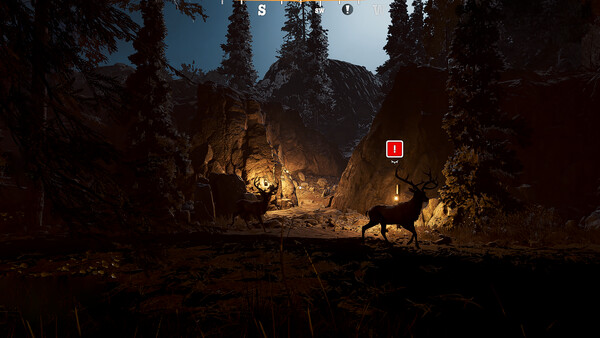
Step into the role of a gold prospector during the Alaskan gold rush and build your own empire from scratch. Mine resources, refine different forms of gold, and upgrade your tools to increase efficiency. Explore diverse mines, survive the harsh climate, and complete engaging story and side quests!.
Official game page