FREE CHEATS FOR
Allogloom
Released October 13, 2026
Updated
 EAGLE CHEATS
How to use Eagle in Allogloom
With Allogloom running, press Insert to open the Eagle menu. The quick keys give direct access to Interactive Object Highlight and Puzzle Hint Overlay. Use the menu for Inventory Tracker, Map Reveal and Dialogue History and the remaining listed features; close it with Insert to return to the app.
- F2 Interactive Object Highlight
Press F2 to turn Interactive Object Highlight on or off without opening the menu. - F3 Puzzle Hint Overlay
Press F3 to turn Puzzle Hint Overlay on or off without opening the menu. - Insert Inventory Tracker
Press Insert, find Inventory Tracker in the feature list, and switch it on or off. - Insert Map Reveal
Press Insert, find Map Reveal in the feature list, and switch it on or off. - Insert Dialogue History
Press Insert, find Dialogue History in the feature list, and switch it on or off.
EXPLORE THE MENUFeatures
8 features
The Eagle Allogloom menu includes interactive object highlight, puzzle hint overlay and inventory tracker for Gruesome Grove's item puzzles. Press Insert to open the menu on Windows PC.
- Interactive Object Highlight
- Puzzle Hint Overlay
- Inventory Tracker
- Dialogue History
- Map Reveal
- Quest Clue Tracker
- Hidden Item Markers
- Scene Notes
About the game
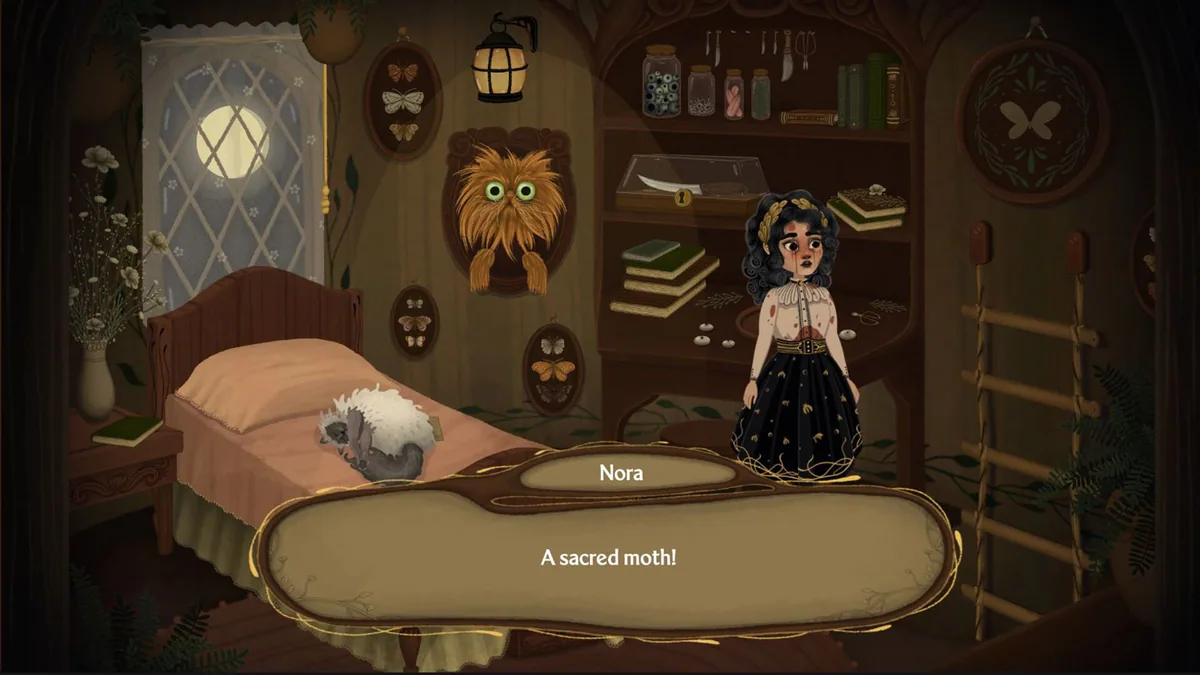
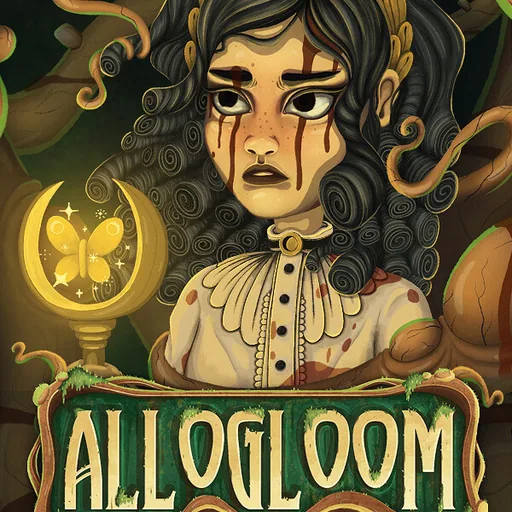
Allogloom is a dark point-and-click adventure starring Nora. She explores Gruesome Grove, talks to its strange inhabitants and collects items needed for puzzles.
New places and conversations uncover the town's forgotten history as Nora searches for a way to help its people.
Official game page