FREE CHEATS FOR
Apex Legends
Released February 4, 2019
Updated

 EAGLE CHEATS
How to use Eagle in Apex Legends
With Apex Legends running, press Insert to open the Eagle menu. The quick keys give direct access to Aimbot, Triggerbot and Aim FOV. Use the menu for Aim Smoothing, Health and Shield Bars and Item Rarity Filter and the remaining listed features; close it with Insert to return to the app.
- F2 Aimbot
Press F2 to turn Aimbot on or off without opening the menu. - F3 Triggerbot
Press F3 to turn Triggerbot on or off without opening the menu. - F4 Aim FOV
Press F4 to turn Aim FOV on or off without opening the menu. - Insert Aim Smoothing
Press Insert, find Aim Smoothing in the feature list, and switch it on or off. - Insert Health and Shield Bars
Press Insert, find Health and Shield Bars in the feature list, and switch it on or off. - Insert Item Rarity Filter
Press Insert, choose Item Rarity Filter, adjust its value or option, and apply.
EXPLORE THE MENUFeatures
22 features
The free Apex Legends cheat menu includes Aimbot, Triggerbot and Aim FOV. It also offers Aim Smoothing, Target Bone Selection and Player ESP. Press Insert to open the menu on Windows PC.
- Aimbot
- Triggerbot
- Aim FOV
- Aim Smoothing
- Target Bone Selection
- Player ESP
- Skeleton ESP
- Health and Shield Bars
- Distance Labels
- Team Filter
- Loot ESP
- Item Rarity Filter
- Radar
- Ring Overlay
- No Recoil
- No Spread
- Spectator Indicator
- Weapon Information
- Hotkey Profiles
- Crosshair Overlay
- Teammate Position Overlay
- Team Health Overlay
About the game
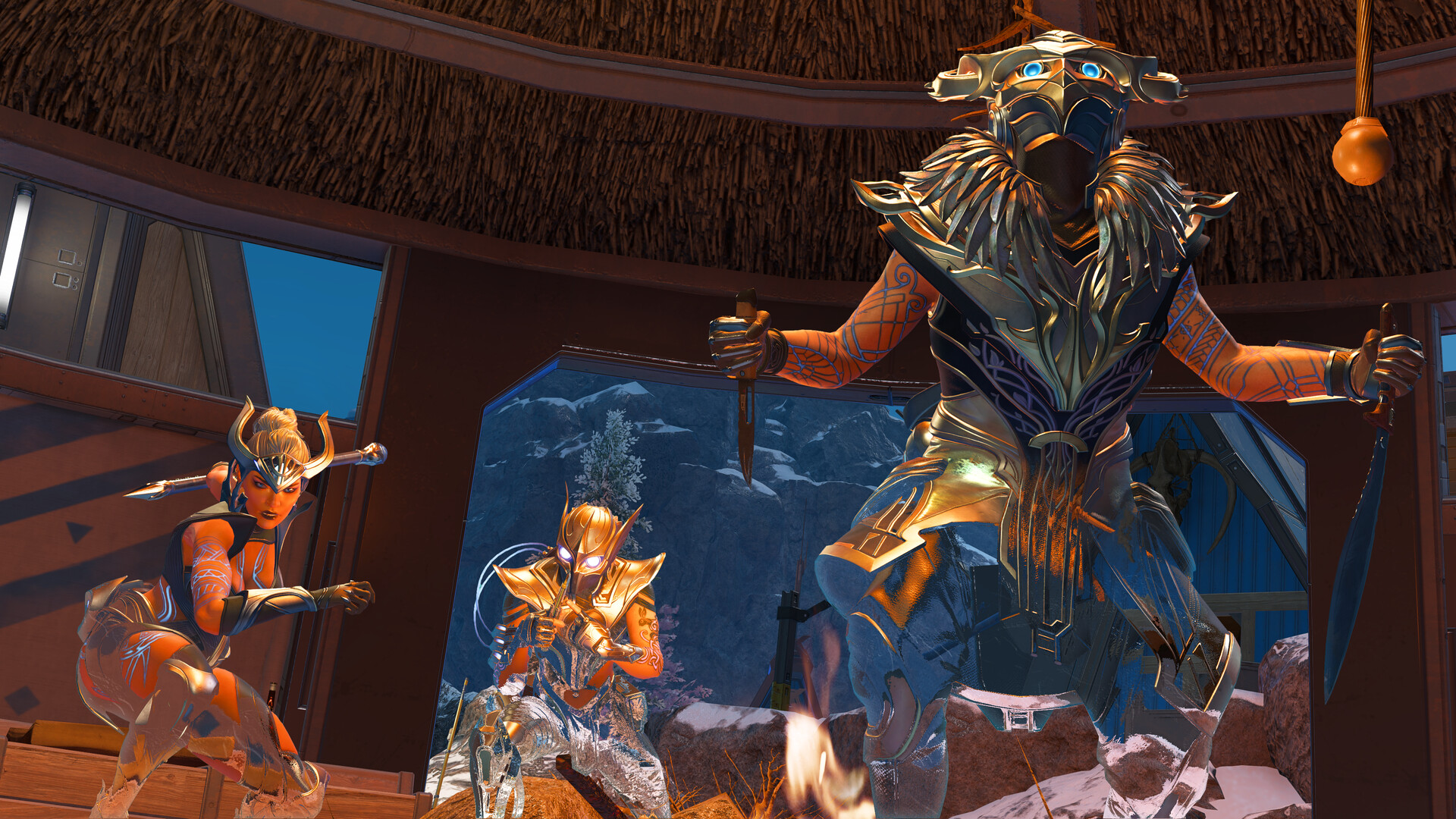
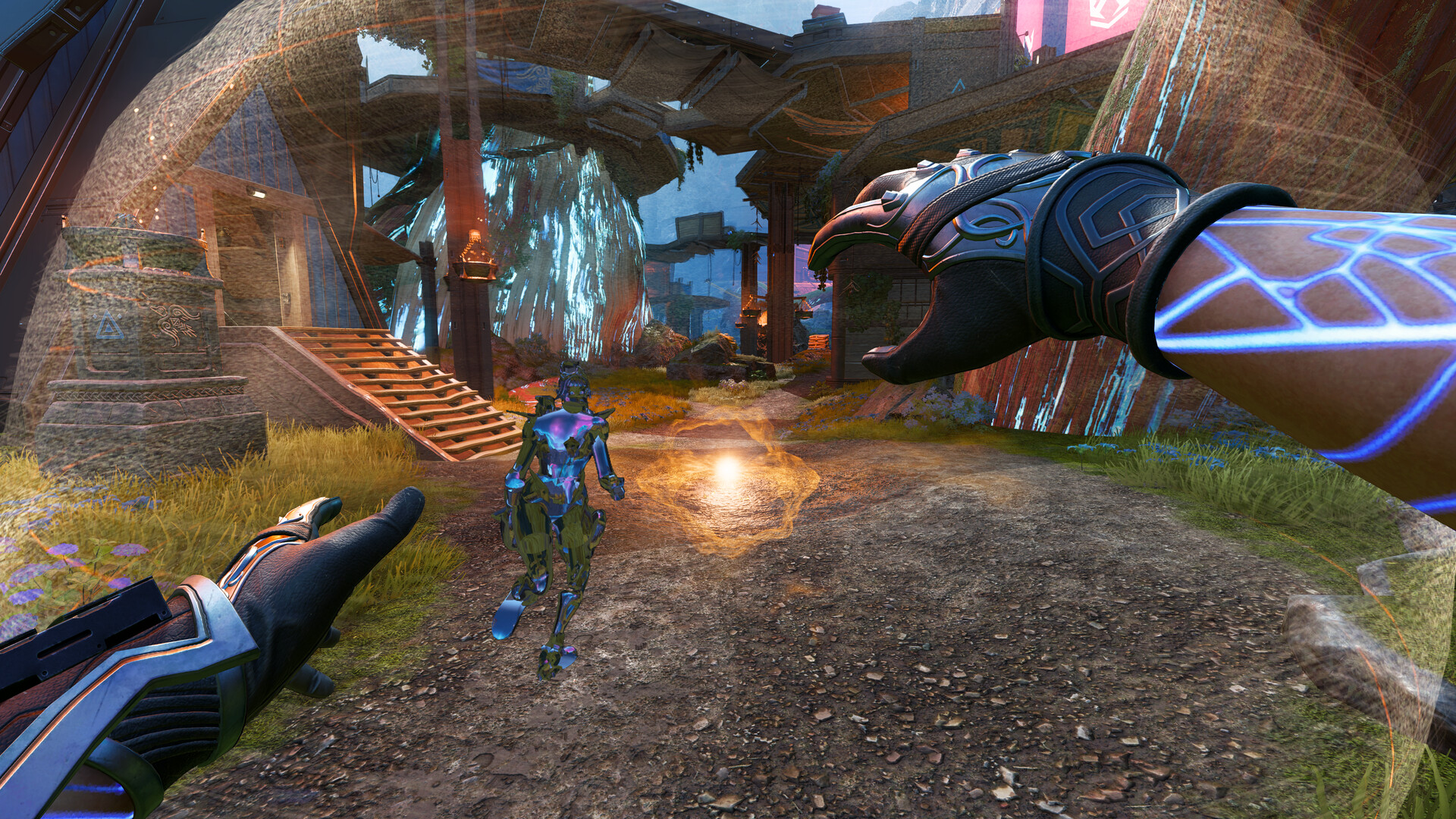
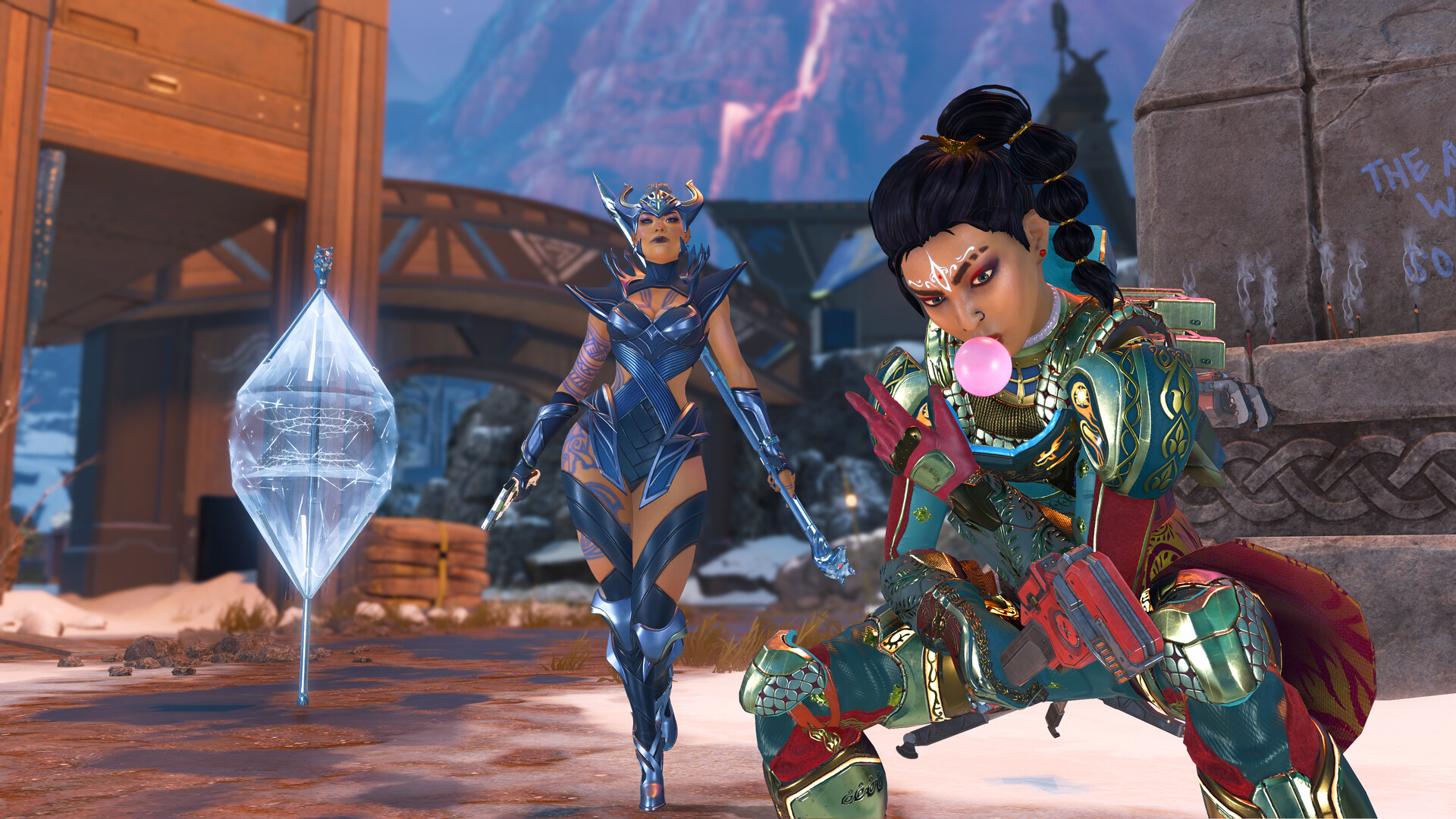
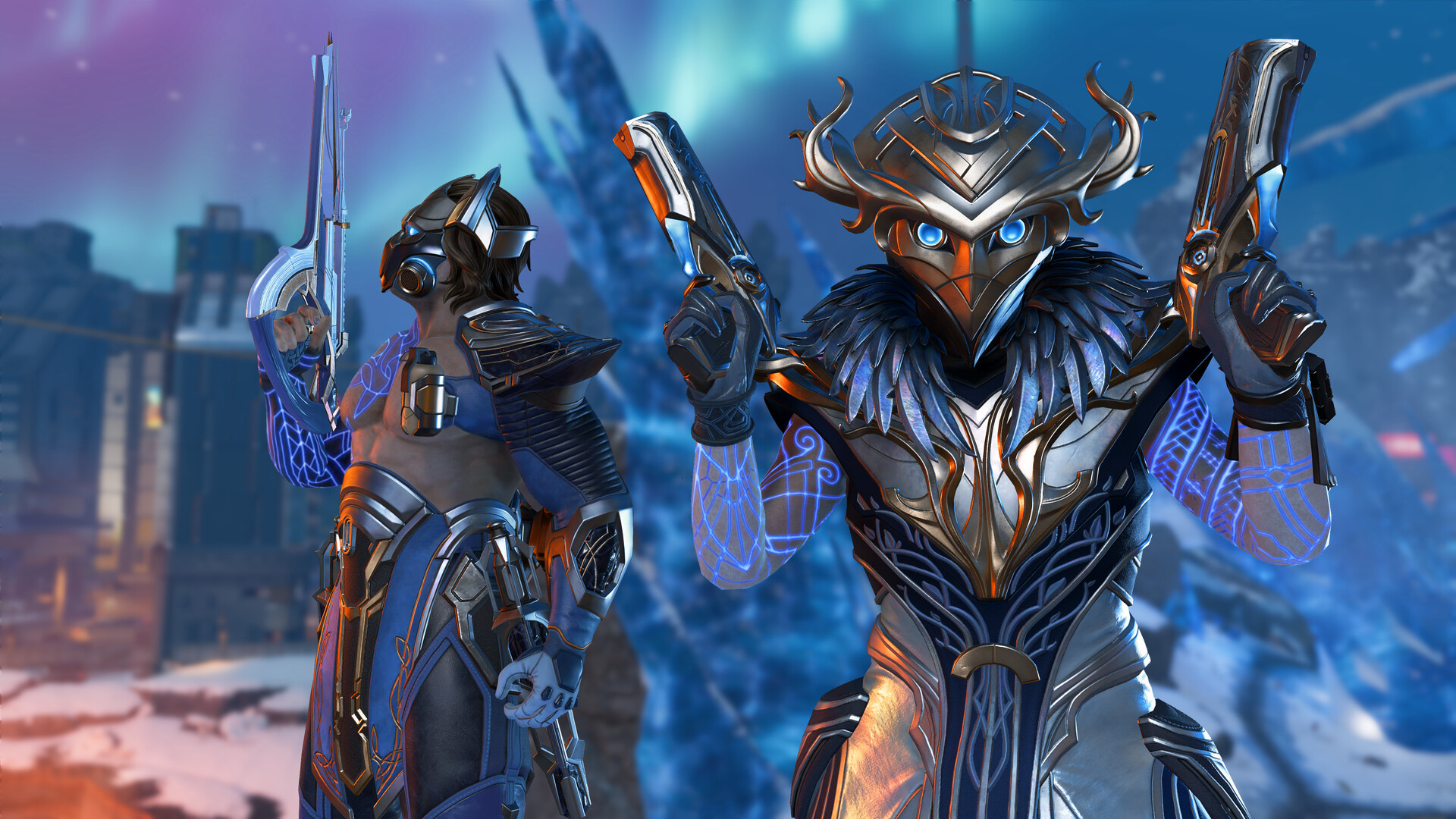
Apex Legends is a squad-based battle royale and hero shooter set in the Outlands. Players choose Legends whose tactical, passive and ultimate abilities create different ways to scout, defend, reposition or begin a fight. Teams drop into a map, gather equipment and move toward a shrinking safe area while trying to outlast the other squads. The fast movement system and revive mechanics make a battle about more than the first exchange of gunfire.
Looting, weapon attachments and changing ring positions force quick choices about where to rotate next. A squad may chase a fight for better gear, hold a strong position or avoid attention until the late game. The ping system helps teammates share enemy locations and items without voice chat. Alongside battle royale, rotating modes use the same Legends and weapons in shorter, more direct contests.
Official game page