FREE CHEATS FOR
Battleplan
Released October 12, 2026
Updated
 EAGLE CHEATS
How to use Eagle in Battleplan
With Battleplan running, press Insert to open the Eagle menu. The quick keys give direct access to Unit Strength, Morale View and Supply Lines. Use the menu for Ammunition Stock, Time Speed and Reinforcement Timer and the remaining listed features; close it with Insert to return to the app.
- F2 Unit Strength
Press F2 to turn Unit Strength on or off without opening the menu. - F3 Morale View
Press F3 to turn Morale View on or off without opening the menu. - F4 Supply Lines
Press F4 to turn Supply Lines on or off without opening the menu. - Insert Ammunition Stock
Press Insert, find Ammunition Stock in the feature list, and switch it on or off. - Insert Time Speed
Press Insert, choose Time Speed, adjust the value, and apply. - Insert Reinforcement Timer
Press Insert, find Reinforcement Timer in the feature list, and switch it on or off.
EXPLORE THE MENUFeatures
14 features
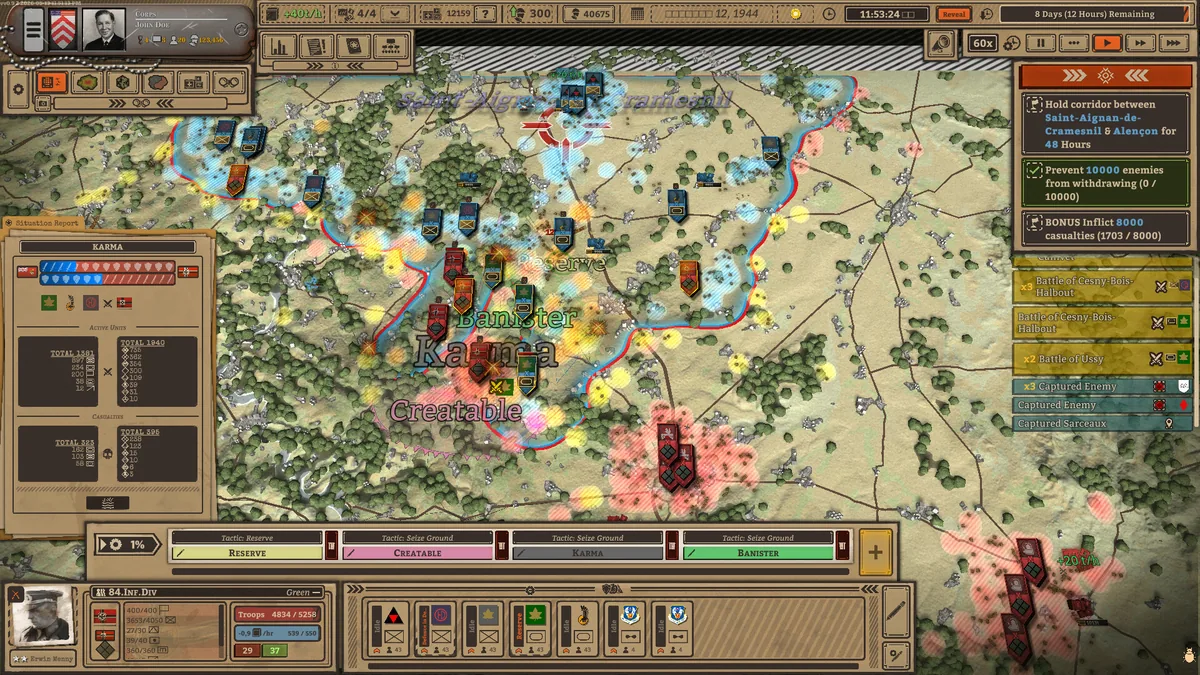
Plan operations with unit, supply and terrain information on the command map.
- Unit Strength
- Morale View
- Supply Lines
- Ammunition Stock
- Fuel Stock
- Artillery Range
- Reconnaissance View
- Terrain Elevation
- Front Line Overlay
- Order Queue
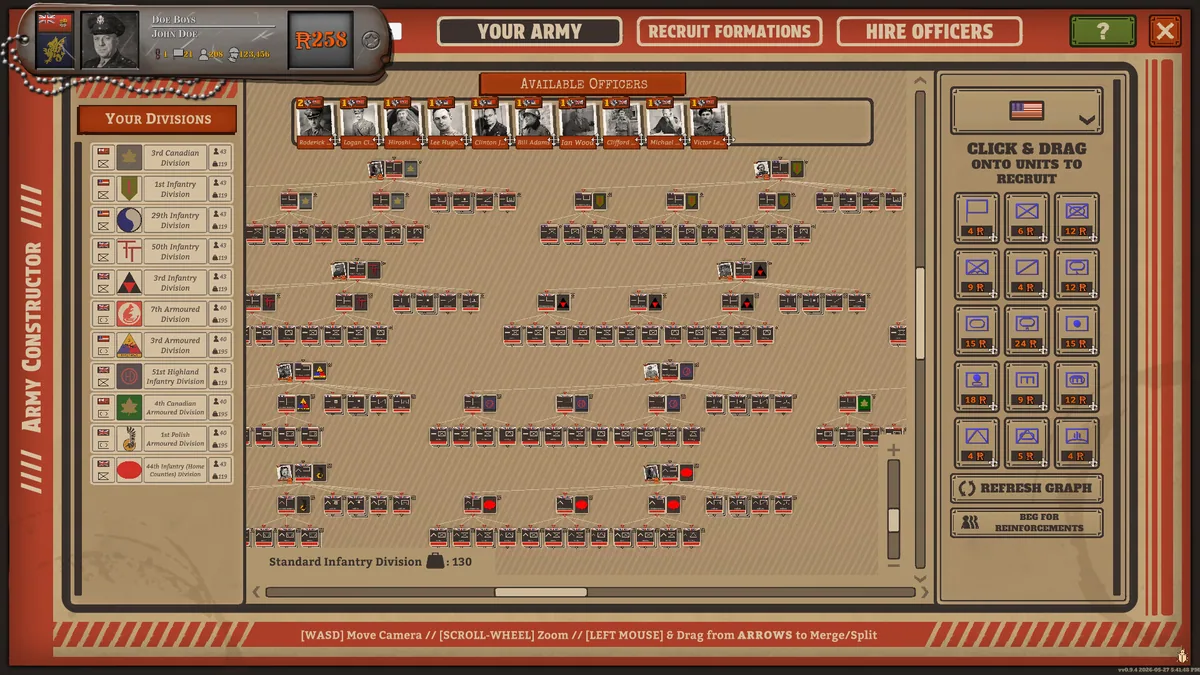
- Chain Of Command
- Reinforcement Timer
- Objective Control
- Time Speed
About the game
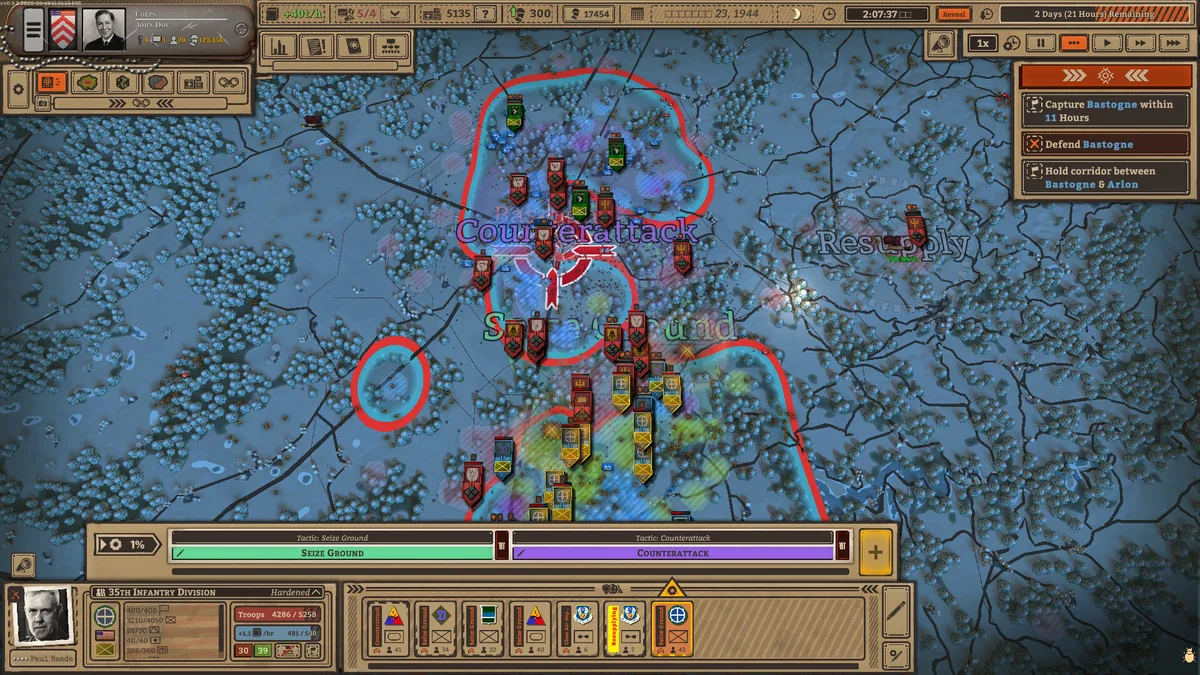
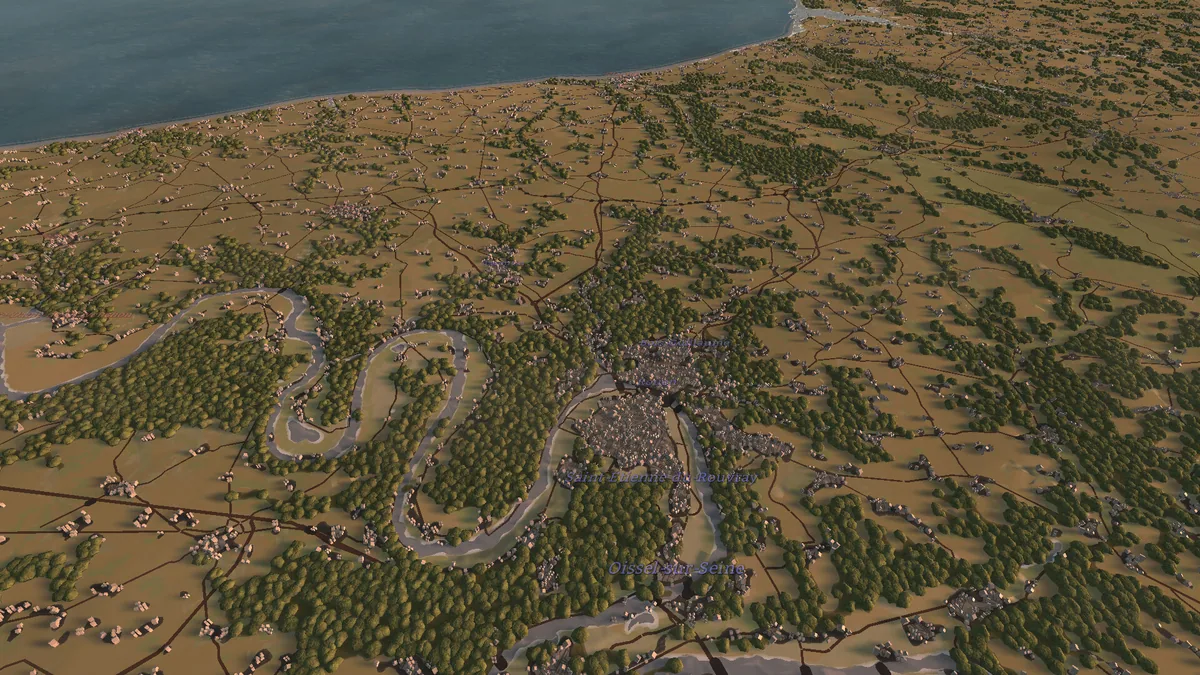
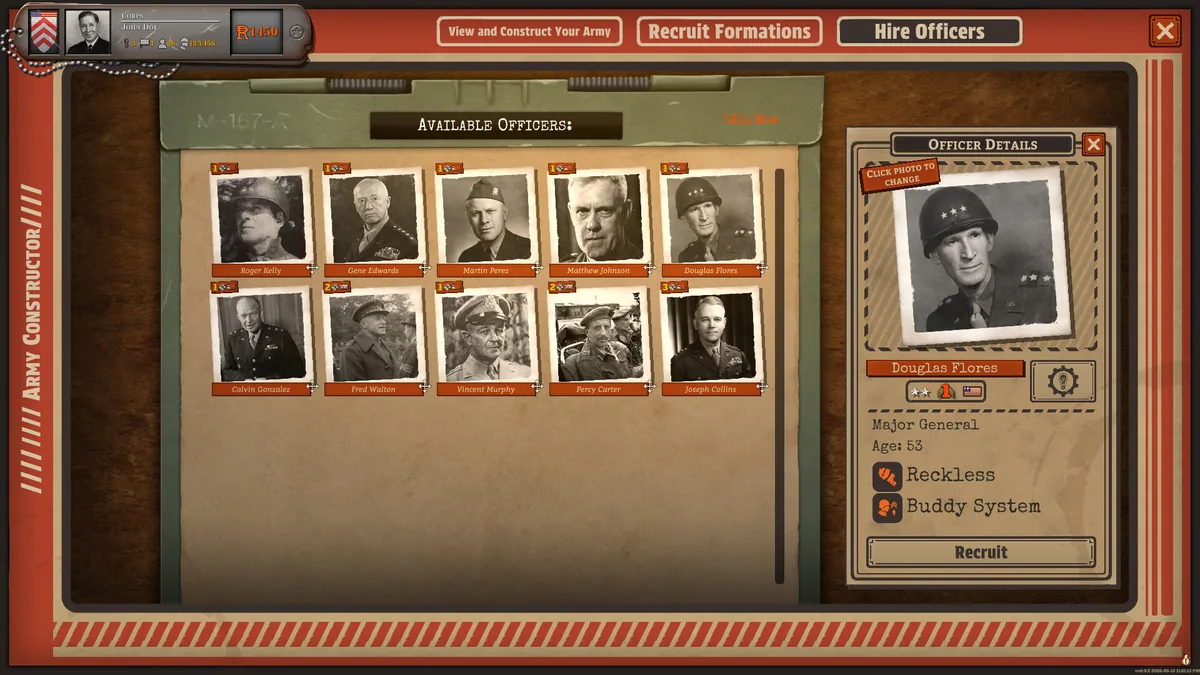
Battleplan recreates Second World War command on large battlefields drawn from geographic data. Orders move through a chain of command while units compete for terrain, supplies and a viable front line.
The battle is decided through planning as well as direct combat. Reconnaissance, artillery and reinforcement timing change what a commander can ask a formation to do.
Official game page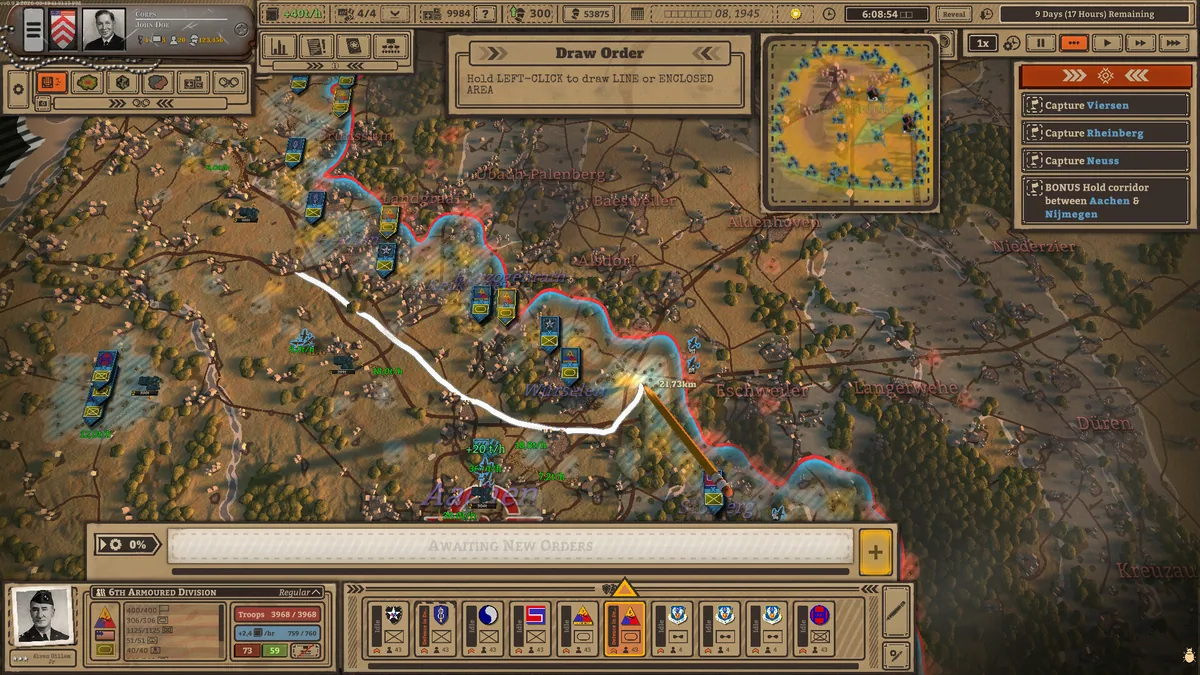
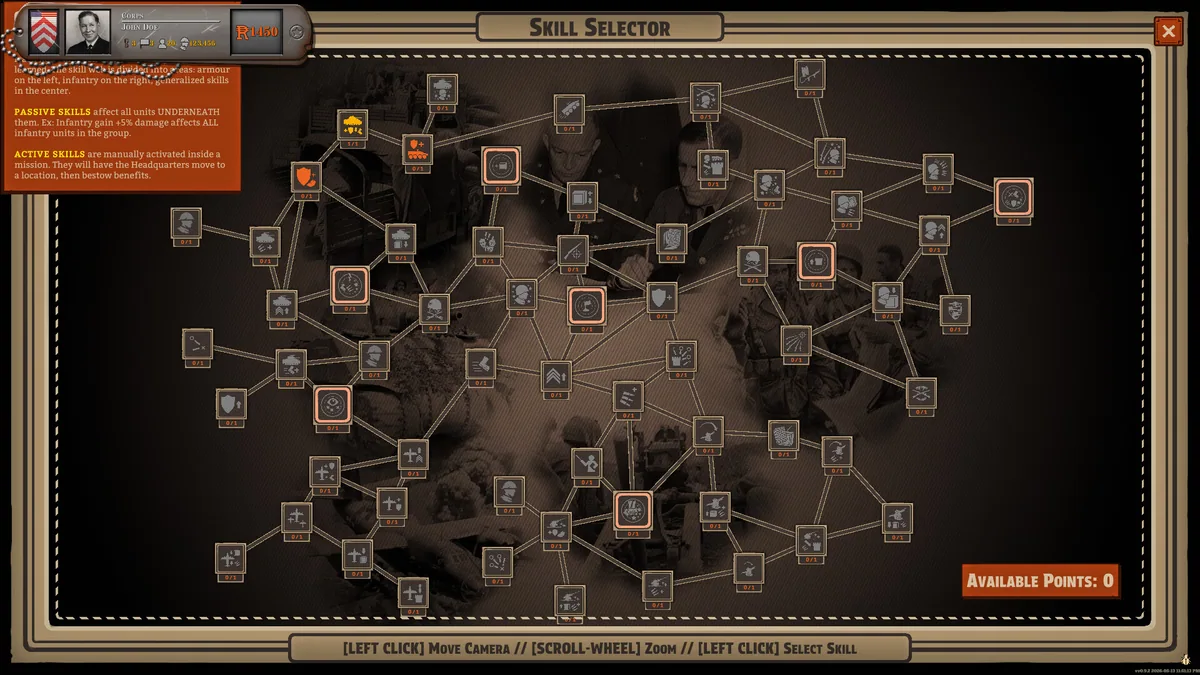
Battleplan trainer features
The battle is decided through planning as well as direct combat. Reconnaissance, artillery and reinforcement timing change what a commander can ask a formation to do.