FREE CHEATS FOR
Blade Ball
Released June 17, 2023
Updated
 EAGLE CHEATS
How to use Eagle in Blade Ball
With Blade Ball running, press Insert to open the Eagle menu. The quick keys give direct access to Ball Target Indicator and Deflect Timing Guide. Use the menu for Auto Deflect, Ball Speed Overlay and Match Radar and the remaining listed features; close it with Insert to return to the app.
- F2 Ball Target Indicator
Press F2 to turn Ball Target Indicator on or off without opening the menu. - F3 Deflect Timing Guide
Press F3 to turn Deflect Timing Guide on or off without opening the menu. - Insert Auto Deflect
Press Insert, find Auto Deflect in the feature list, and switch it on or off. - Insert Ball Speed Overlay
Press Insert, choose Ball Speed Overlay, adjust the value, and apply. - Insert Match Radar
Press Insert, find Match Radar in the feature list, and switch it on or off.
EXPLORE THE MENUFeatures
11 features
The free Blade Ball cheat menu includes Ball Target Indicator, Deflect Timing Guide and Auto Deflect. It also offers Ball Speed Overlay, Ball Trajectory Preview and Parry Cooldown Overlay. Press Insert to open the menu on Windows PC.
- Ball Target Indicator
- Deflect Timing Guide
- Auto Deflect
- Ball Speed Overlay
- Ball Trajectory Preview
- Parry Cooldown Overlay
- No Parry Cooldown
- Infinite Dash
- Player Position Overlay
- Safe Zone Highlight
- Match Radar
About the game
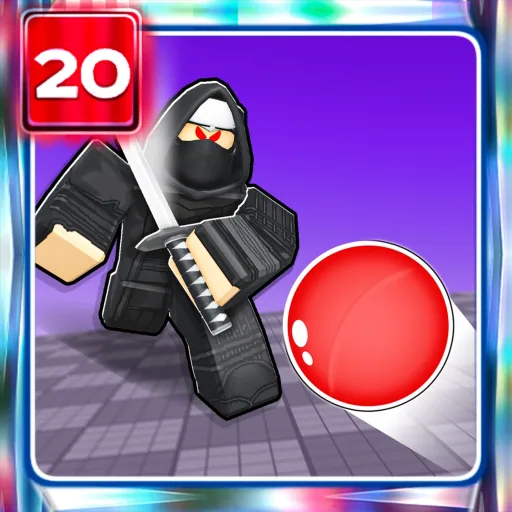
Blade Ball is a reaction game in which a homing ball accelerates toward players. Deflecting it at the right moment keeps a round alive and sends the threat to someone else.
Abilities change how players respond under pressure, but timing remains central. Fast rounds, weapon skins and leaderboards encourage repeated matches.
Official game page