FREE CHEATS FOR
Bongo Cat
Released March 5, 2025
Updated

 EAGLE CHEATS
How to use Eagle in Bongo Cat
With Bongo Cat running, press Insert to open the Eagle menu. The quick keys give direct access to Auto Tap, Input Counter and Collection Tracker. Use the menu for Points Multiplier, Click Speed and Hat Unlocks and the remaining listed features; close it with Insert to return to the app.
- F2 Auto Tap
Press F2 to turn Auto Tap on or off without opening the menu. - F3 Input Counter
Press F3 to turn Input Counter on or off without opening the menu. - F4 Collection Tracker
Press F4 to turn Collection Tracker on or off without opening the menu. - Insert Points Multiplier
Press Insert, choose Points Multiplier, adjust the value, and apply. - Insert Click Speed
Press Insert, choose Click Speed, adjust the value, and apply. - Insert Hat Unlocks
Press Insert, choose Hat Unlocks, adjust its value or option, and apply.
EXPLORE THE MENUFeatures
18 features
The free Bongo Cat trainer includes Auto Tap, Points Multiplier and Hat Unlocks. It also offers Input Counter, Collection Tracker and Idle Mode. Press Insert to open the menu on Windows PC.
- Auto Tap
- Points Multiplier
- Hat Unlocks
- Input Counter
- Collection Tracker
- Idle Mode
- Click Speed
- Progress Overlay
- Theme Controls
- Quick Reset
- Fast Progression
- Unlimited Upgrade Currency
- Instant Upgrade
- Auto Collect
- No Prestige Reset
- Unlock Milestones
- Set Game Speed
- Save Progress State
About the game
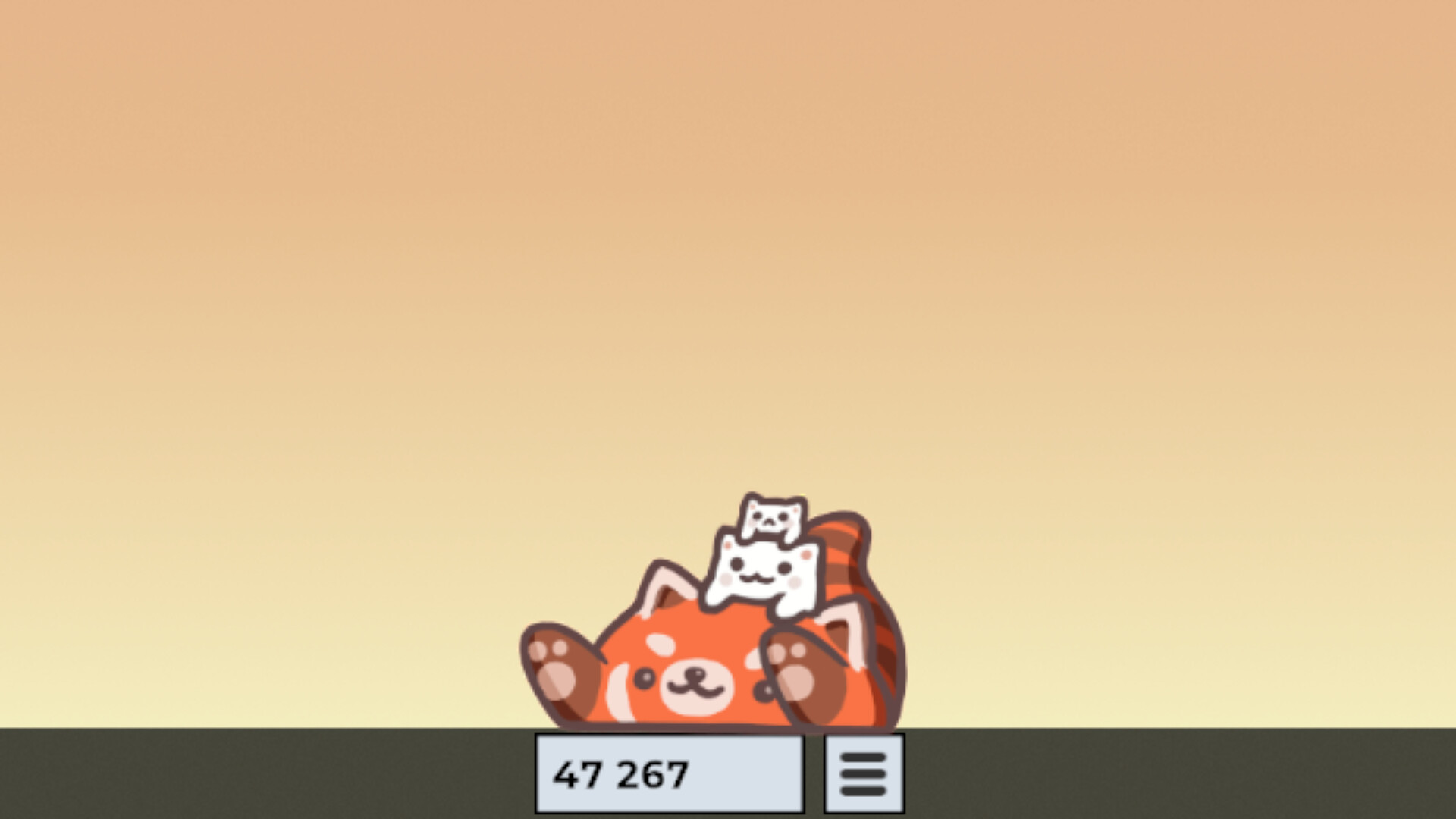
Bongo Cat is a playful desktop idle game that reacts as you type, click and use your computer. Each input earns points while a small cat drums along on the taskbar.
Collecting hats and trying different looks turns ordinary computer time into progress. Its simple loop is designed to sit alongside other activities rather than demand a long dedicated play session.
Official game page