FREE CHEATS FOR
Boob Simulator
Released September 23, 2026
Updated
 EAGLE CHEATS
How to use Eagle in Boob Simulator
With Boob Simulator running, press Insert to open the Eagle menu. The quick keys give direct access to Free Camera and Field of View. Use the menu for Camera Speed, Freeze Animation and Animation Speed and the remaining listed features; close it with Insert to return to the app.
- F2 Free Camera
Press F2 to turn Free Camera on or off without opening the menu. - F3 Field of View
Press F3 to turn Field of View on or off without opening the menu. - Insert Camera Speed
Press Insert, choose Camera Speed, adjust the value, and apply. - Insert Freeze Animation
Press Insert, find Freeze Animation in the feature list, and switch it on or off. - Insert Animation Speed
Press Insert, choose Animation Speed, adjust the value, and apply.
EXPLORE THE MENUFeatures
10 features
Camera, scene and customization controls for Boob Simulator.
- Free Camera
- Camera Speed
- Field of View
- Freeze Animation
- Animation Speed
- Unlock Scenes
- Unlock Outfits
- Lighting Controls
- Pose Controls
- Hide Interface
About the game
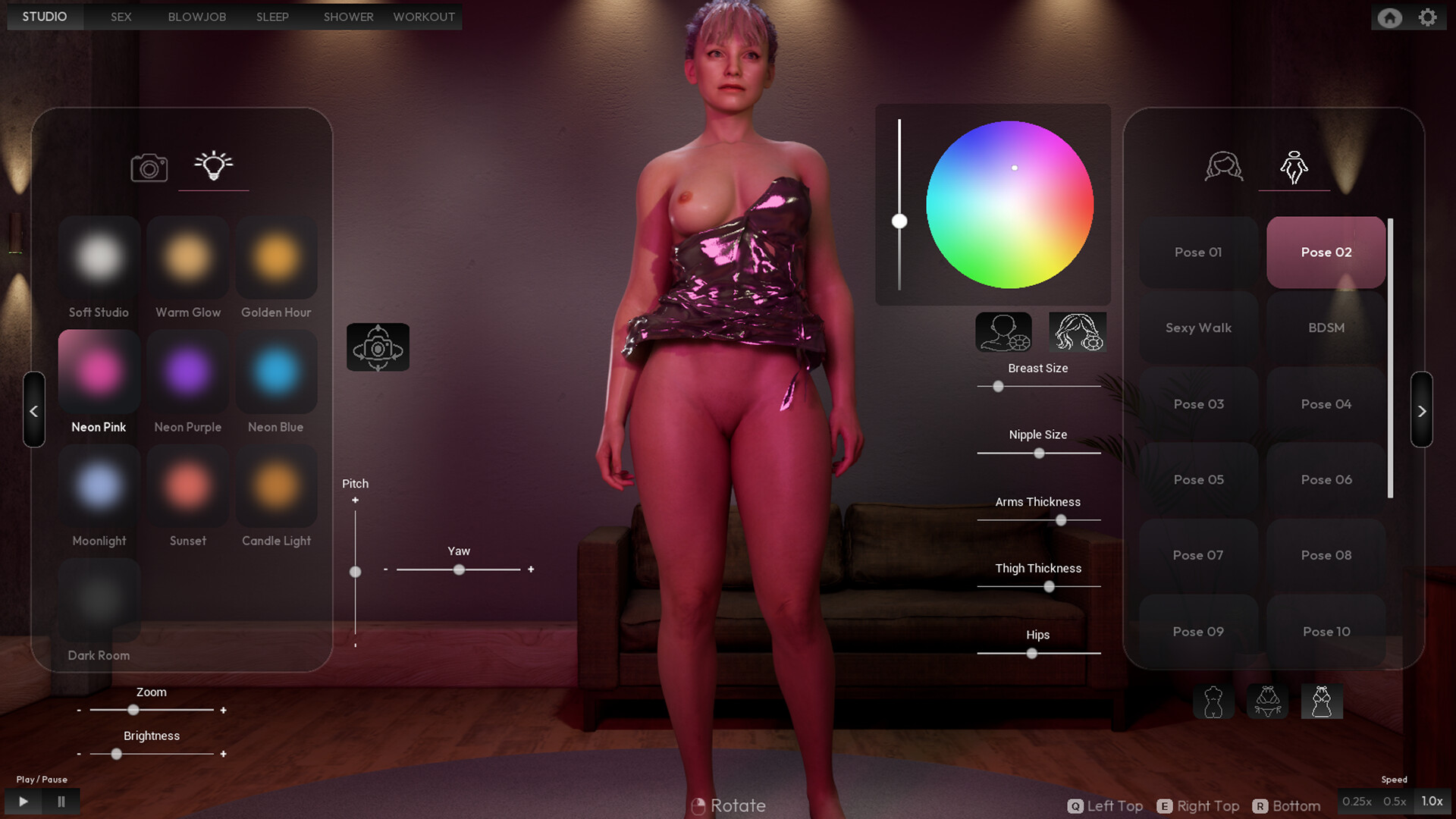
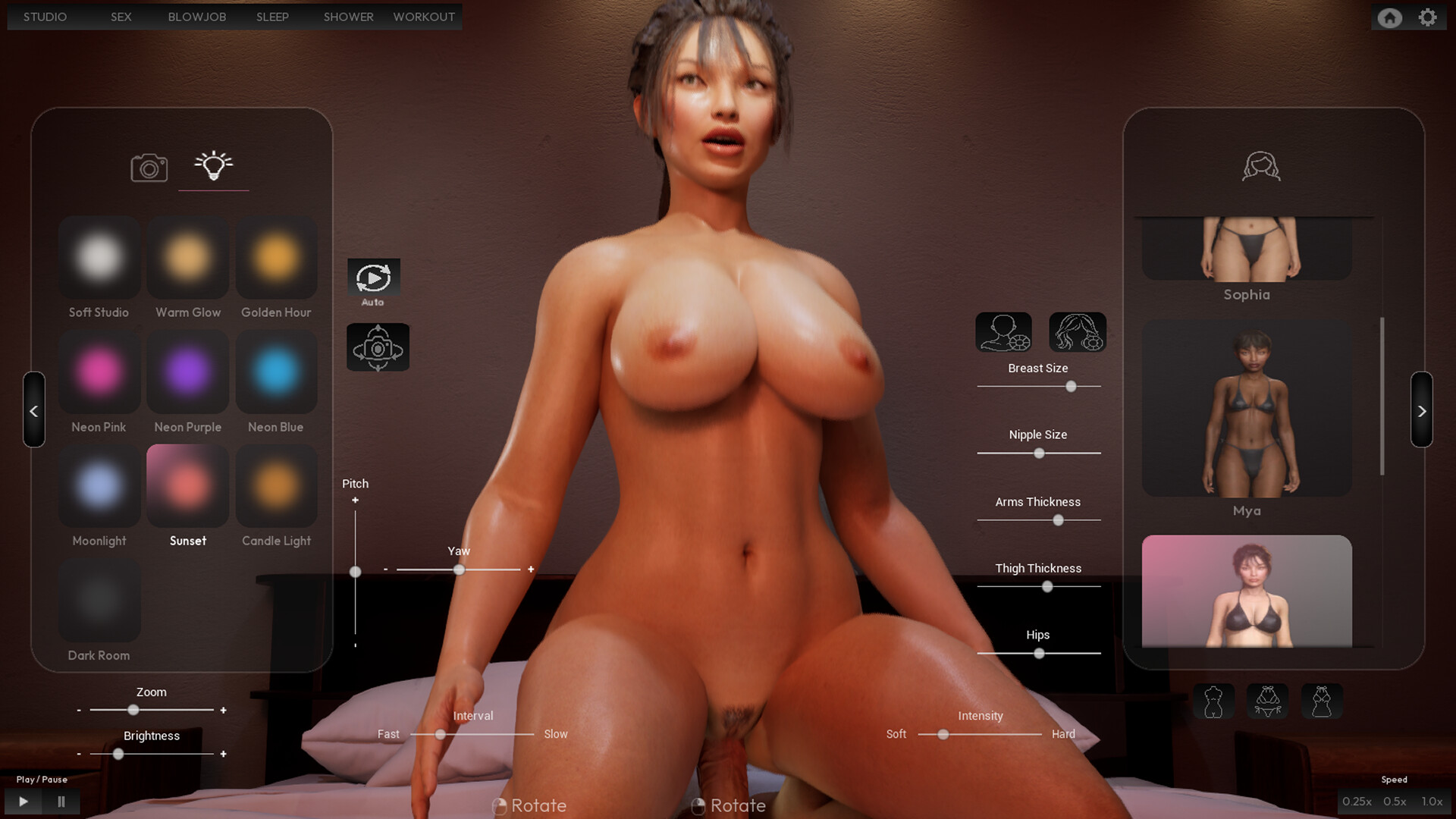
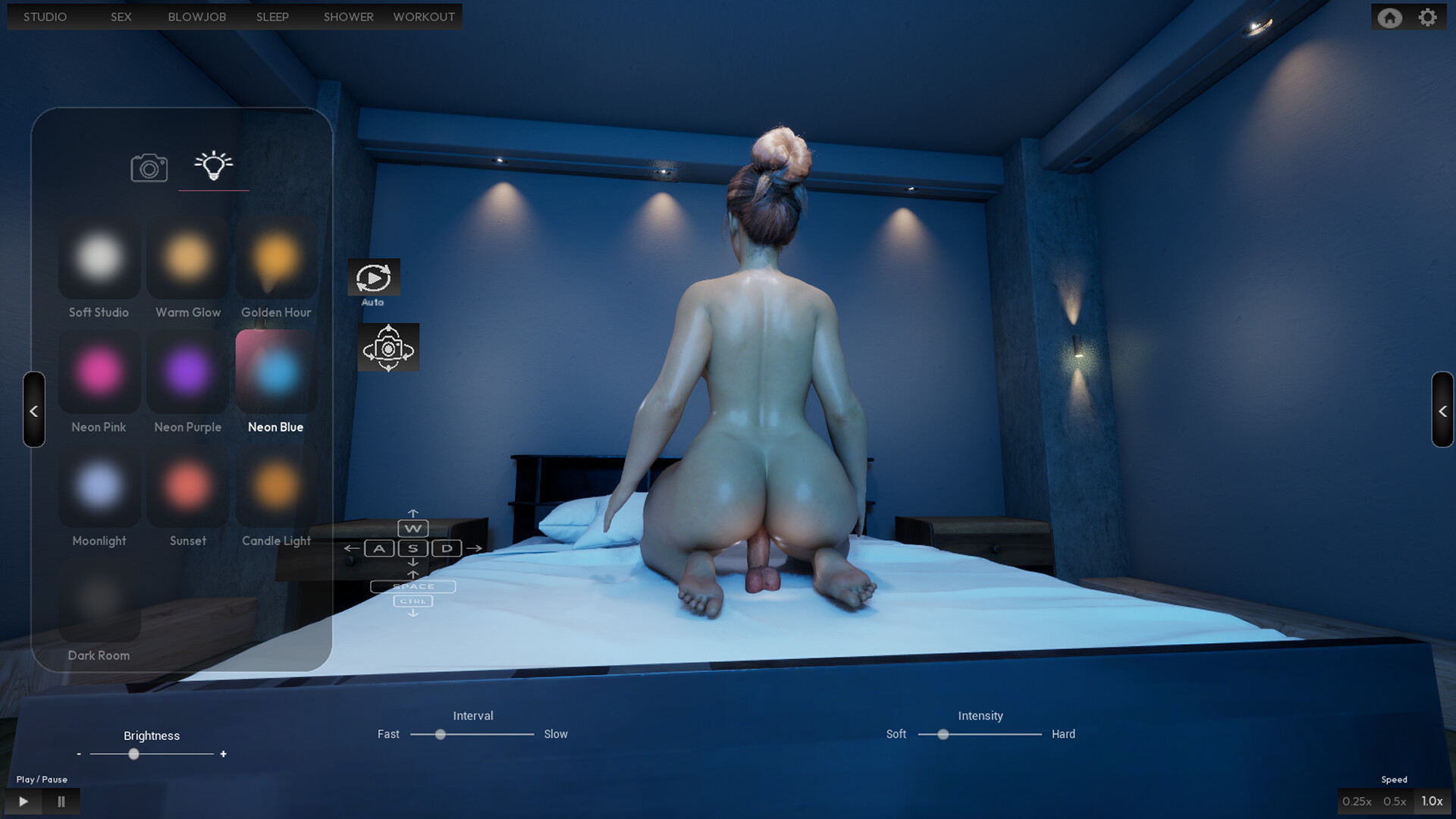
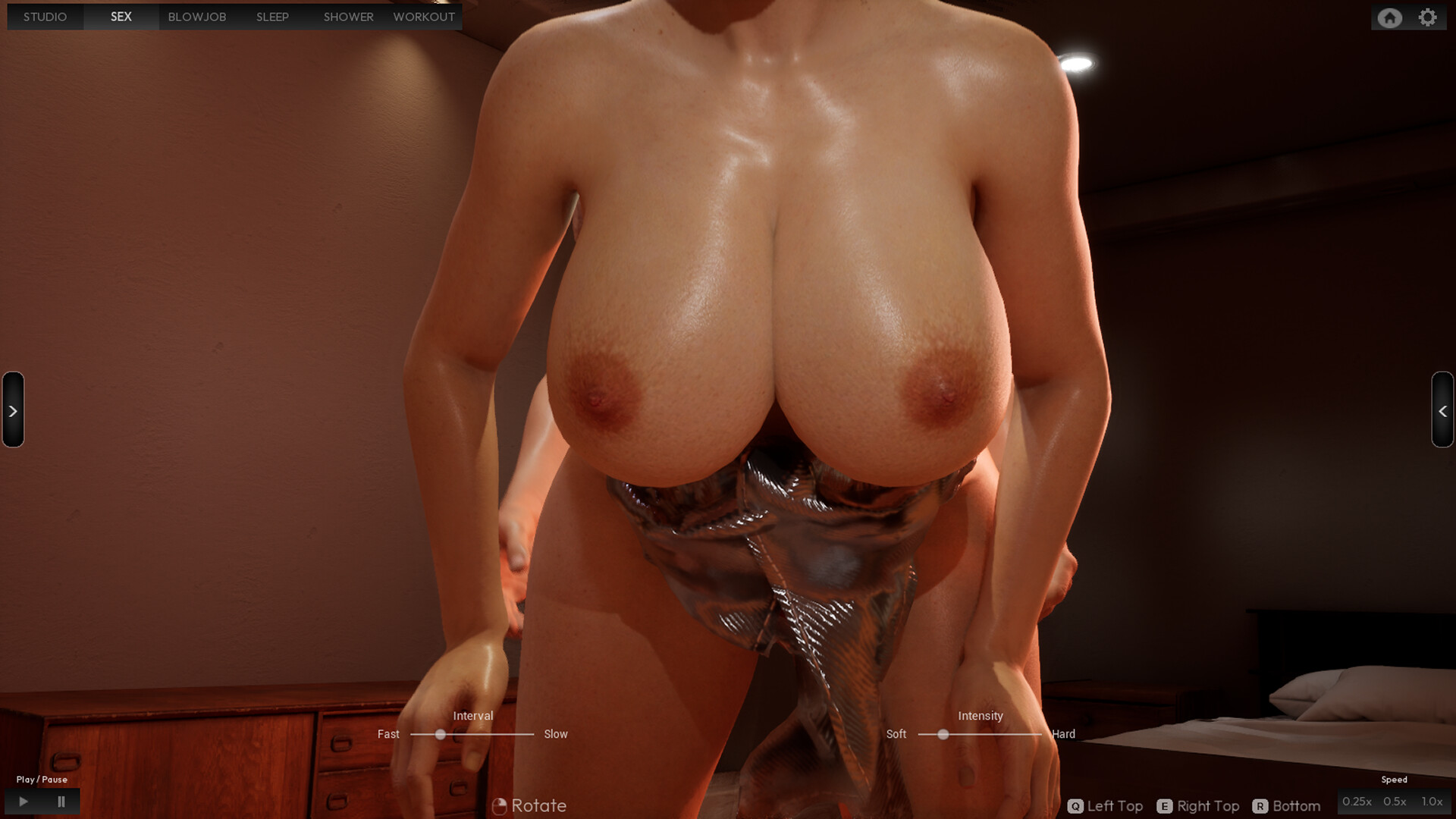
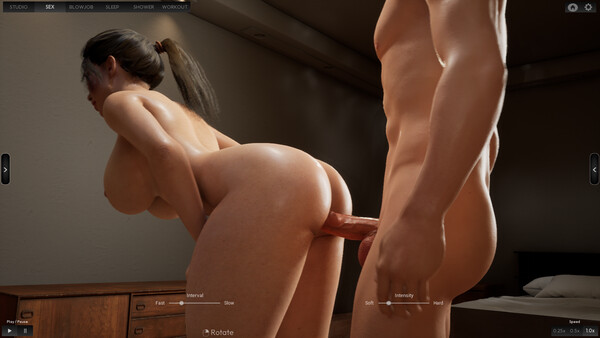
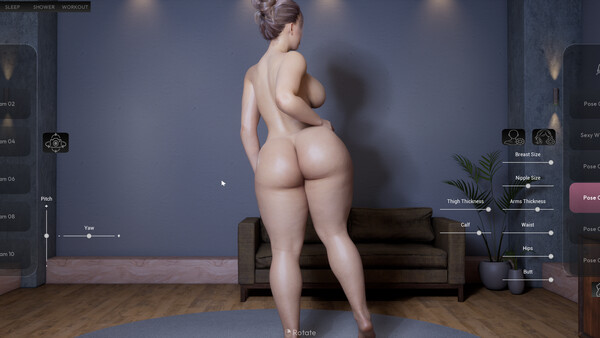
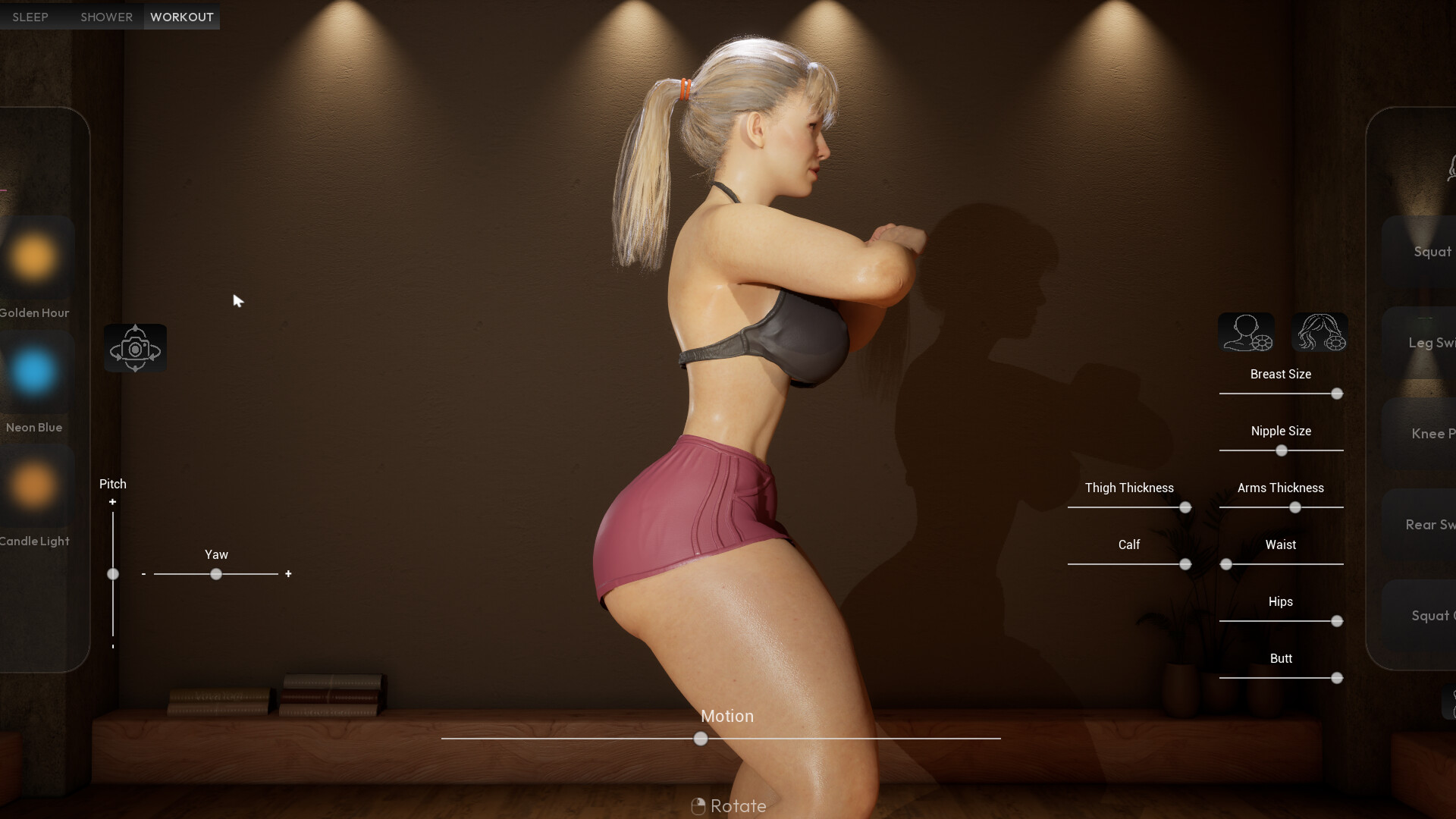
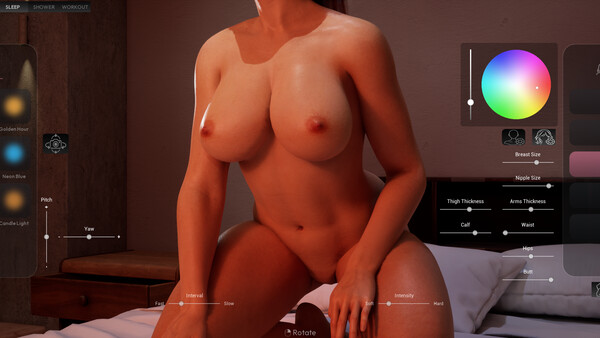
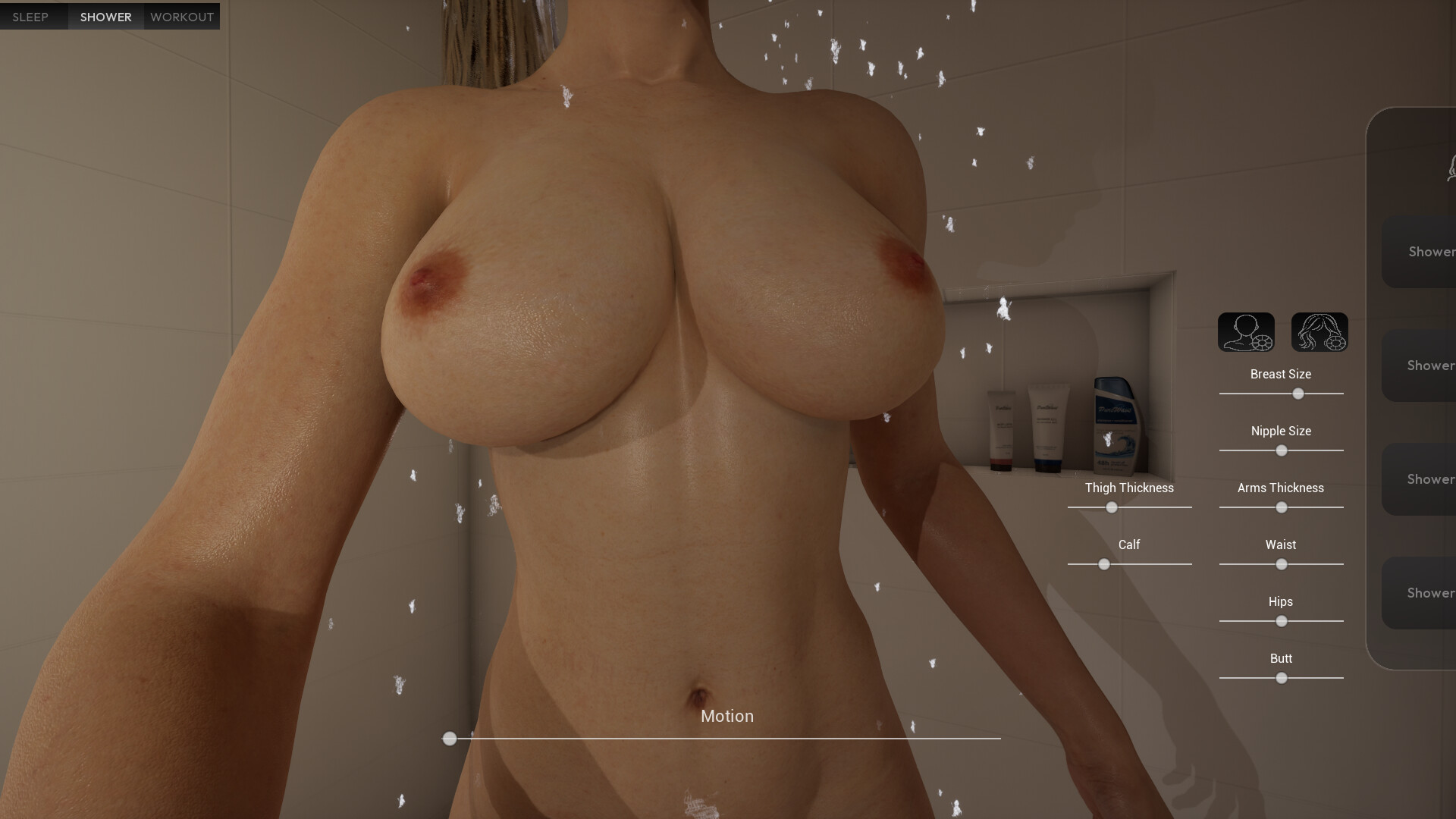
Boob Simulator is an adult visual sandbox built around character presentation and scene creation. Its different modes place detailed models in studio and everyday environments, with camera angles, poses and customization tools forming the core of the experience.
Rather than following a conventional campaign, the game gives players a set of scenes to explore and adjust. The visual controls are meant for composing a preferred view and moving freely through each environment.
Official game page