FREE CHEATS FOR
Code: Terraform
Released September 9, 2026
Updated

 EAGLE CHEATS
How to use Eagle in Code: Terraform
With Code: Terraform running, press Insert to open the Eagle menu. The quick keys give direct access to Unlimited Raw Materials and Instant Production. Use the menu for No Machine Downtime, Power Network Overlay and Throughput Monitor and the remaining listed features; close it with Insert to return to the app.
- F2 Unlimited Raw Materials
Press F2 to turn Unlimited Raw Materials on or off without opening the menu. - F3 Instant Production
Press F3 to activate Instant Production without opening the menu. - Insert No Machine Downtime
Press Insert, find No Machine Downtime in the feature list, and switch it on or off. - Insert Power Network Overlay
Press Insert, find Power Network Overlay in the feature list, and switch it on or off. - Insert Throughput Monitor
Press Insert, find Throughput Monitor in the feature list, and switch it on or off.
EXPLORE THE MENUFeatures
8 features
The free Code: Terraform trainer includes Unlimited Raw Materials, Instant Production and No Machine Downtime. It also offers Power Network Overlay, Throughput Monitor and Fast Construction. Press Insert to open the menu on Windows PC.
- Unlimited Raw Materials
- Instant Production
- No Machine Downtime
- Power Network Overlay
- Throughput Monitor
- Fast Construction
- Copy Building Layout
- Free Build Camera
About the game
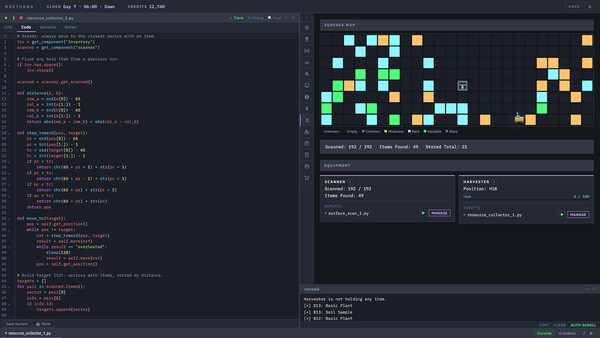
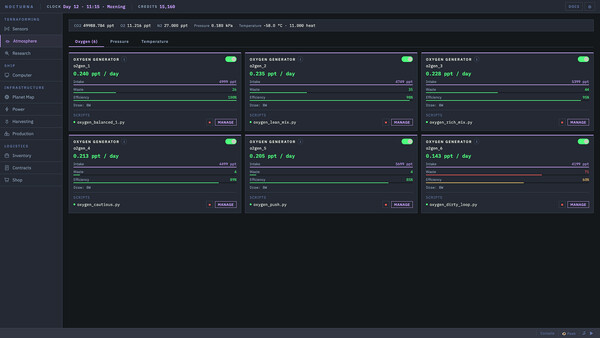
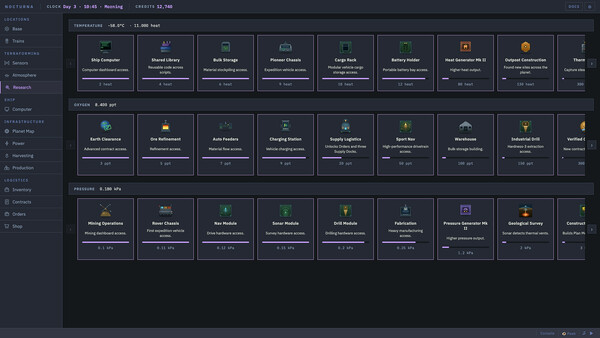
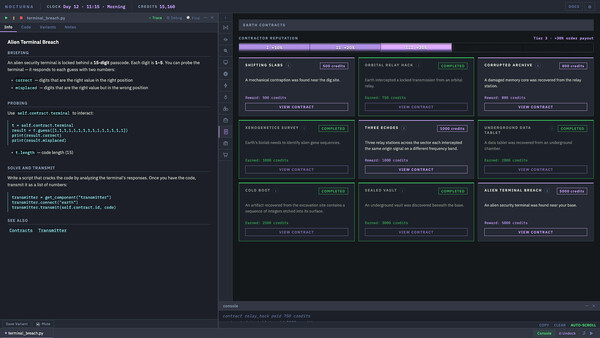
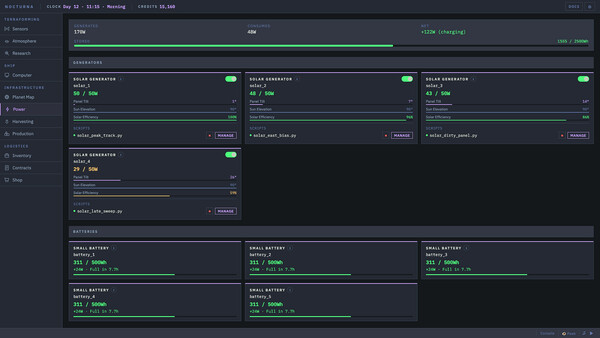
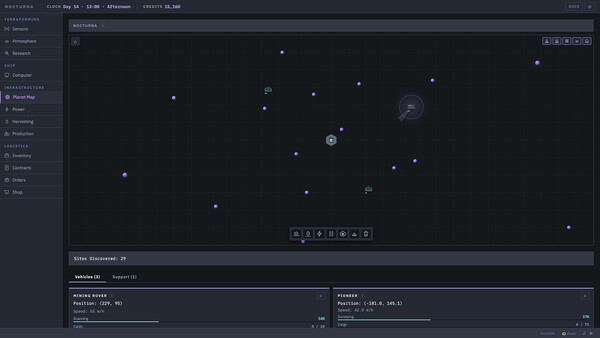
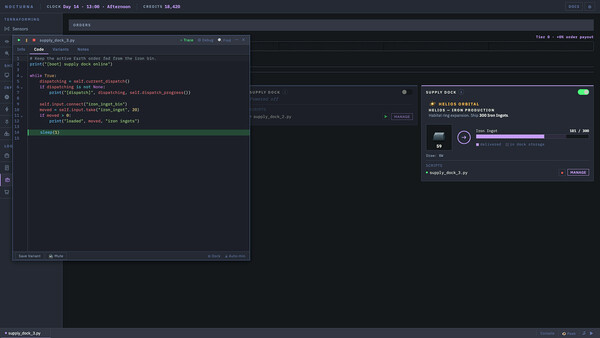
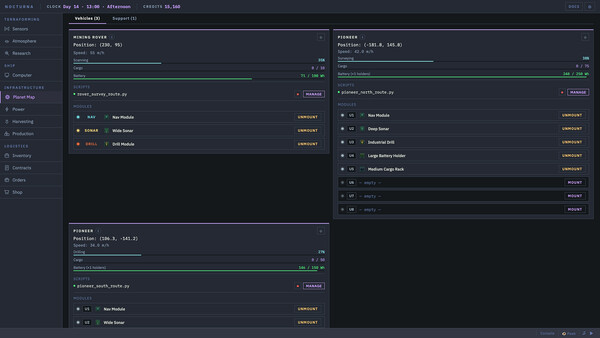
A deep automation and programming game on a frozen alien planet. Write real code to drive rovers, run power grids, fabricate parts, and fly drone fleets across the world. Your scripts run while you plan your next move. The more you terraform, the more the planet responds.
Official game page