FREE CHEATS FOR
Core Keeper
Released August 27, 2024
Updated
StatusUndetected

EAGLE CHEATSCore Keeper
 EAGLE CHEATS
How to use Eagle in Core Keeper
With Core Keeper running, press Insert to open the Eagle menu. The quick keys give direct access to Infinite Health, Infinite Stamina and No Hunger. Use the menu for No Thirst, No Item Durability Loss and Instant Crafting and the remaining listed features; close it with Insert to return to the app.
- F2 Infinite Health
Press F2 to turn Infinite Health on or off without opening the menu. - F3 Infinite Stamina
Press F3 to turn Infinite Stamina on or off without opening the menu. - F4 No Hunger
Press F4 to turn No Hunger on or off without opening the menu. - Insert No Thirst
Press Insert, find No Thirst in the feature list, and switch it on or off. - Insert No Item Durability Loss
Press Insert, find No Item Durability Loss in the feature list, and switch it on or off. - Insert Instant Crafting
Press Insert and choose Instant Crafting when you want to run this action.
EXPLORE THE MENUFeatures
13 features
The free Core Keeper trainer includes Infinite Health, Infinite Stamina and No Hunger. It also offers No Thirst, No Item Durability Loss and Instant Crafting. Press Insert to open the menu on Windows PC.
- Infinite Health
- Infinite Stamina
- No Hunger
- No Thirst
- No Item Durability Loss
- Instant Crafting
- Resource Highlight
- Save Position
- No Build Cost
- Unlimited Materials
- Fast Mining
- Ore Highlight
- No Tool Wear
About the game
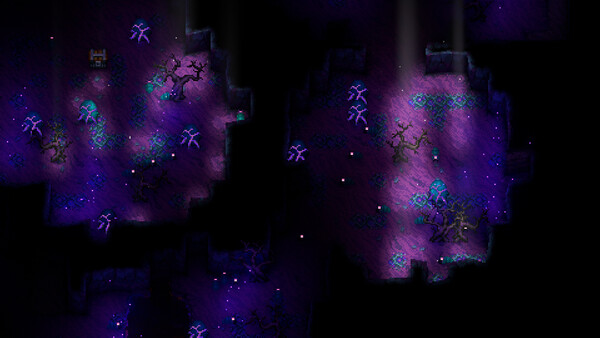
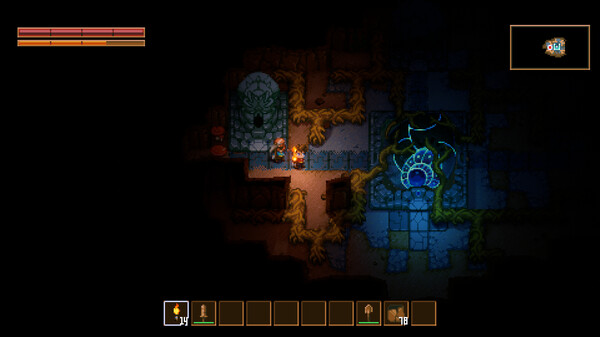
Explore a vast cavern of creatures, relics and resources in a mining sandbox adventure for 1-8 players. Mine, build, fight, craft and farm to unravel the mystery of the ancient Core.
Official game page













KEEP EXPLORING