FREE CHEATS FOR
Dawson Oaks Trailer Park
Released September 17, 2026
Updated

 EAGLE CHEATS
How to use Eagle in Dawson Oaks Trailer Park
With Dawson Oaks Trailer Park running, press Insert to open the Eagle menu. The quick keys give direct access to Role Reveal Overlay and Player Position Overlay. Use the menu for Task Highlight, Vote Timer Overlay and Meeting History and the remaining listed features; close it with Insert to return to the app.
- F2 Role Reveal Overlay
Press F2 to turn Role Reveal Overlay on or off without opening the menu. - F3 Player Position Overlay
Press F3 to turn Player Position Overlay on or off without opening the menu. - Insert Task Highlight
Press Insert, find Task Highlight in the feature list, and switch it on or off. - Insert Vote Timer Overlay
Press Insert, find Vote Timer Overlay in the feature list, and switch it on or off. - Insert Meeting History
Press Insert, find Meeting History in the feature list, and switch it on or off.
EXPLORE THE MENUFeatures
8 features
The free Dawson Oaks Trailer Park trainer includes Role Reveal Overlay, Player Position Overlay and Task Highlight. It also offers Vote Timer Overlay, Meeting History and Spectator Camera. Press Insert to open the menu on Windows PC.
- Role Reveal Overlay
- Player Position Overlay
- Task Highlight
- Vote Timer Overlay
- Meeting History
- Spectator Camera
- Custom Camera Distance
- Match Radar
About the game
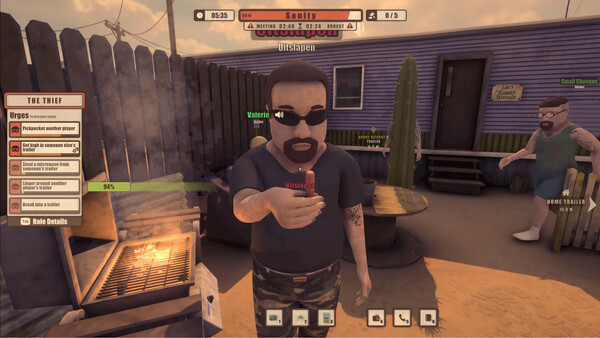
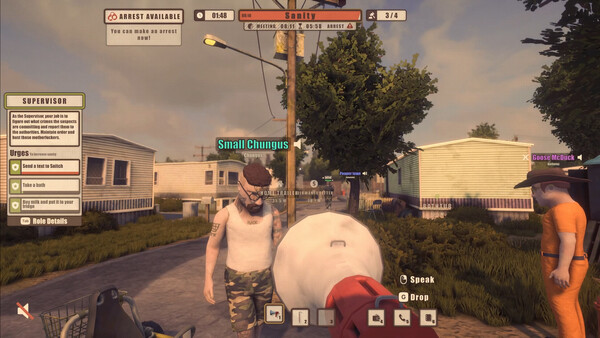
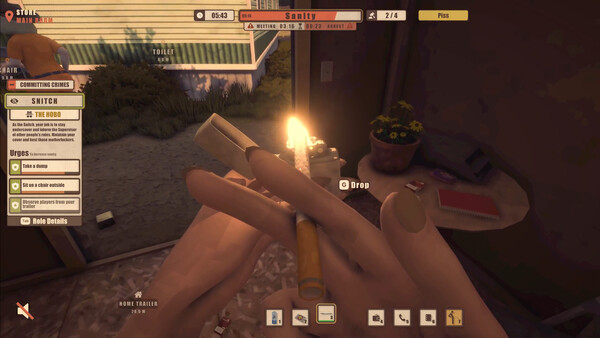
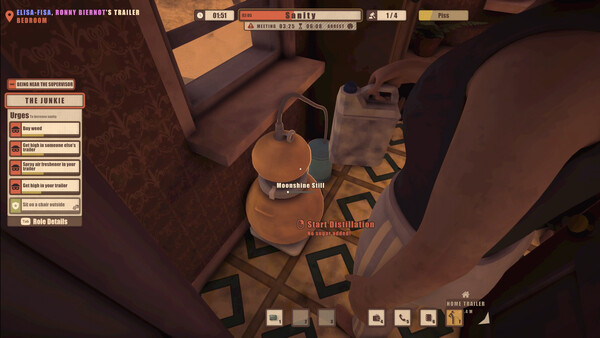
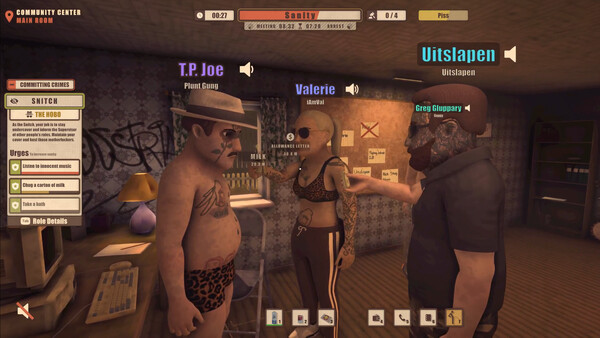
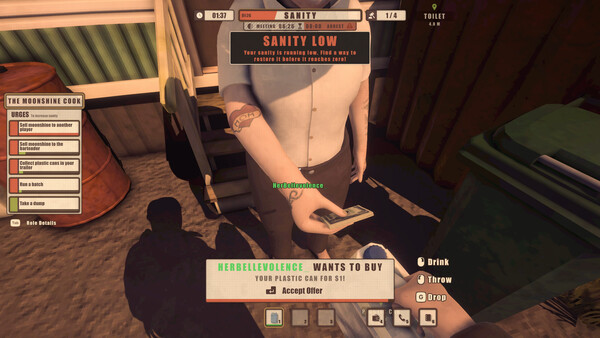
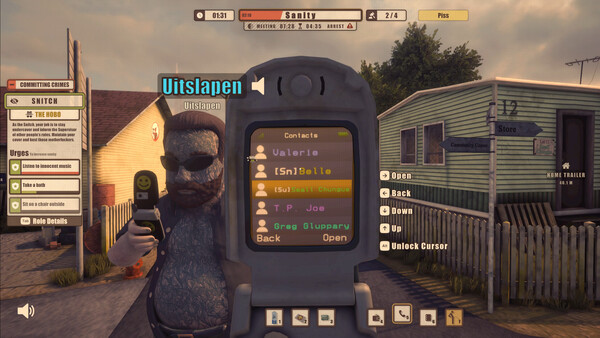
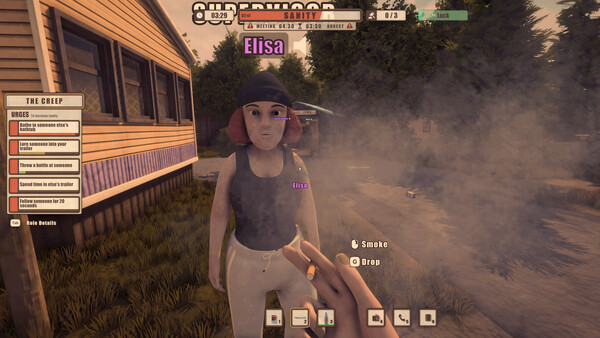
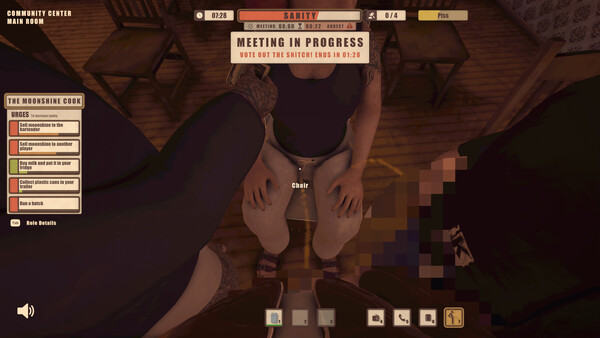
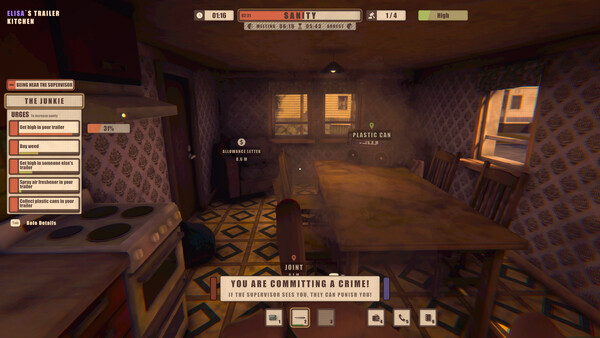
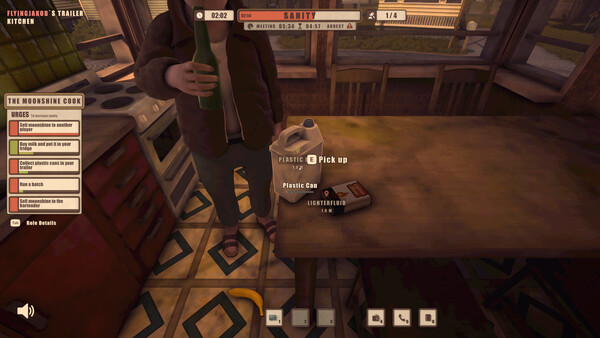
A proximity voice chat social deduction game where criminals must commit secret crimes while a Supervisor hunts them, and a hidden Snitch betrays them from within.
Official game page