FREE CHEATS FOR
Delta Force
Released December 4, 2024
Updated

 EAGLE CHEATS
How to use Eagle in Delta Force
With Delta Force running, press Insert to open the Eagle menu. The quick keys give direct access to Player ESP, Aimbot and Triggerbot. Use the menu for No Recoil, Infinite Health and Movement Speed and the remaining listed features; close it with Insert to return to the app.
- F2 Player ESP
Press F2 to turn Player ESP on or off without opening the menu. - F3 Aimbot
Press F3 to turn Aimbot on or off without opening the menu. - F4 Triggerbot
Press F4 to turn Triggerbot on or off without opening the menu. - Insert No Recoil
Press Insert, find No Recoil in the feature list, and switch it on or off. - Insert Infinite Health
Press Insert, find Infinite Health in the feature list, and switch it on or off. - Insert Movement Speed
Press Insert, choose Movement Speed, adjust the value, and apply.
EXPLORE THE MENUFeatures
17 features
The free Delta Force cheat menu includes Player ESP, Aimbot and Triggerbot. It also offers No Recoil, Loot ESP and Vehicle ESP. Press Insert to open the menu on Windows PC.
- Player ESP
- Aimbot
- Triggerbot
- No Recoil
- Loot ESP
- Vehicle ESP
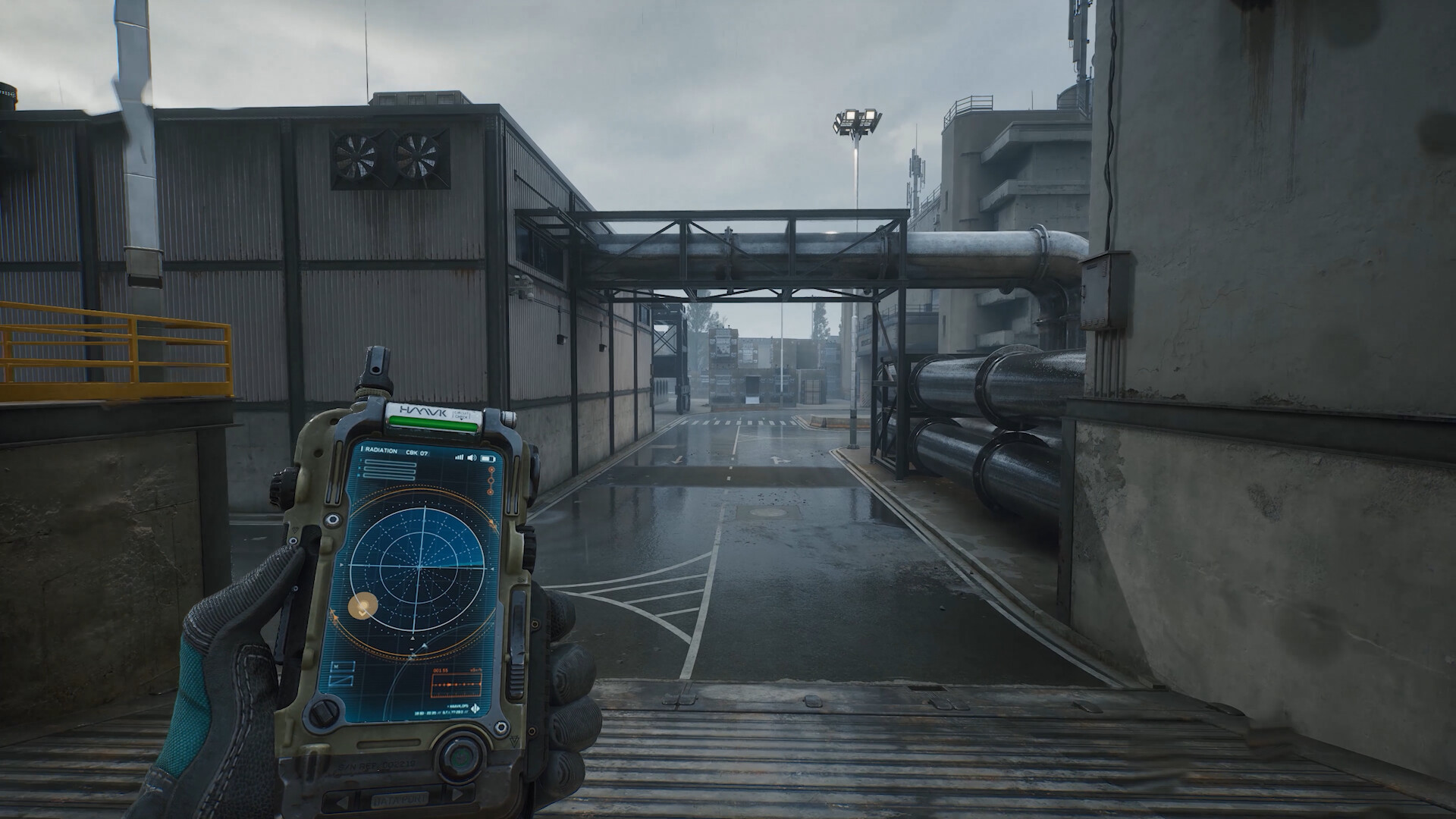
- Radar
- Distance Markers
- Aim FOV
- Extraction Timer
- Infinite Health
- Infinite Ammo
- No Reload
- No Weapon Sway
- Enemy ESP
- Ammo Counter Overlay
- Movement Speed
About the game
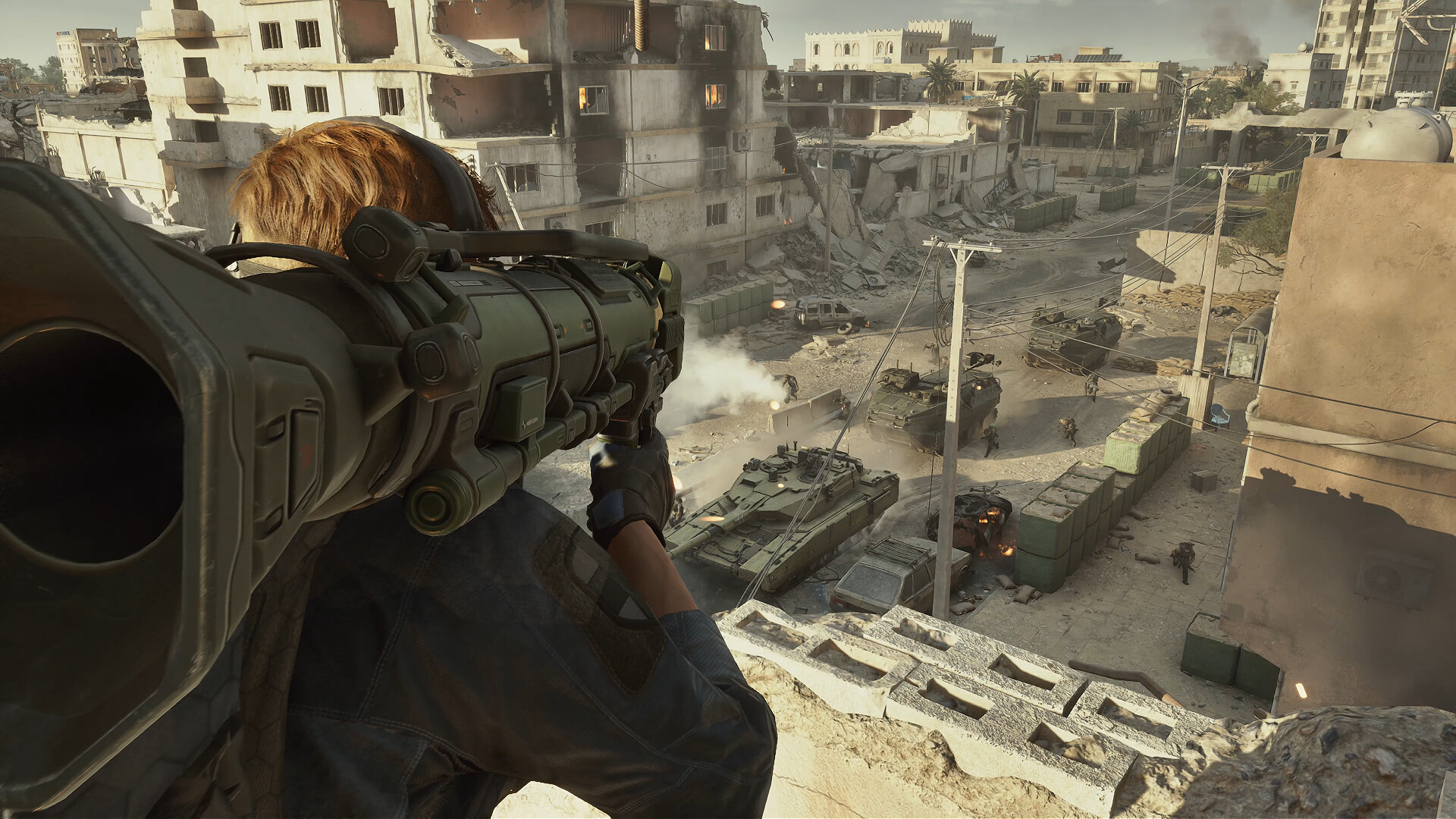
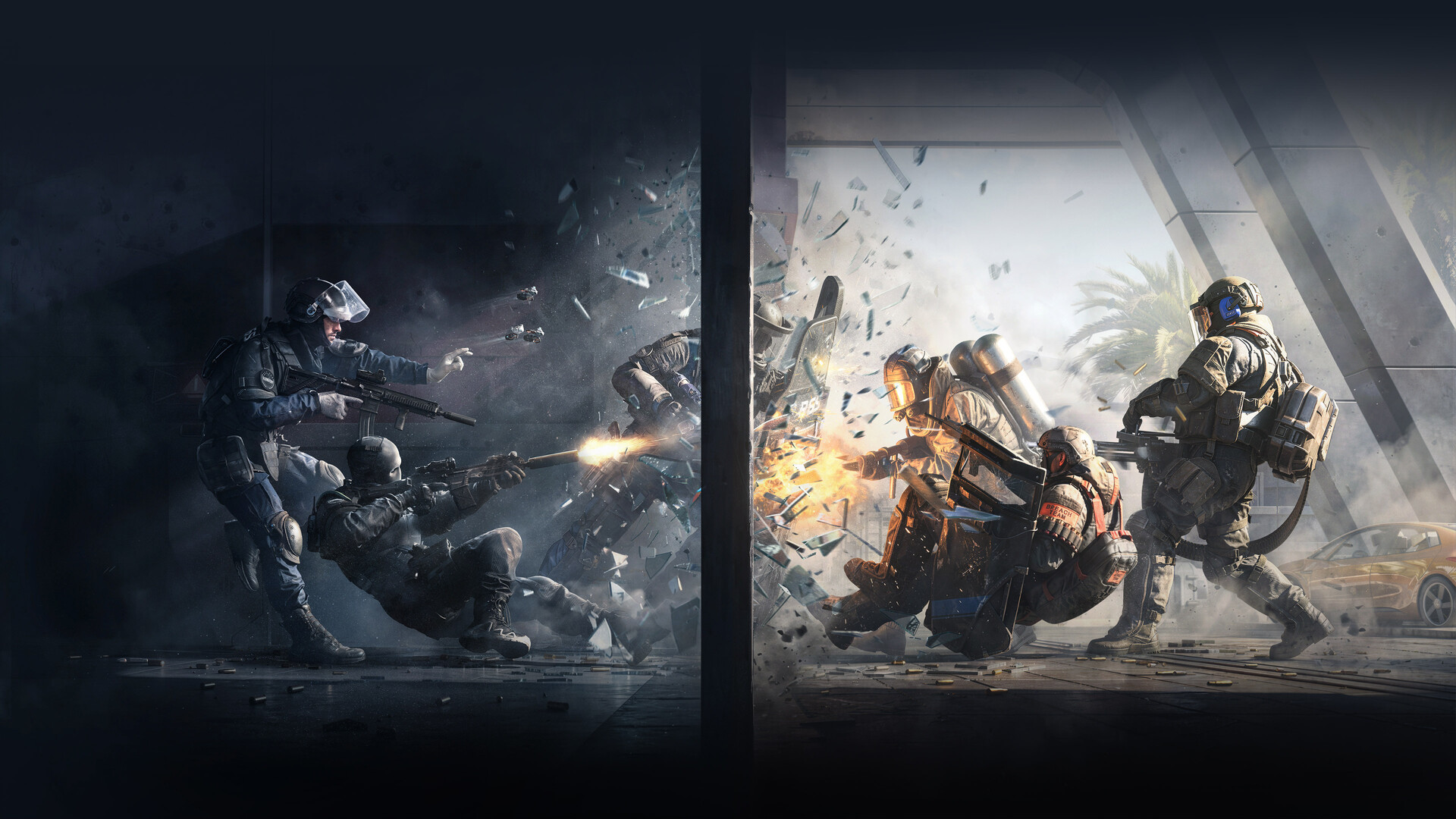
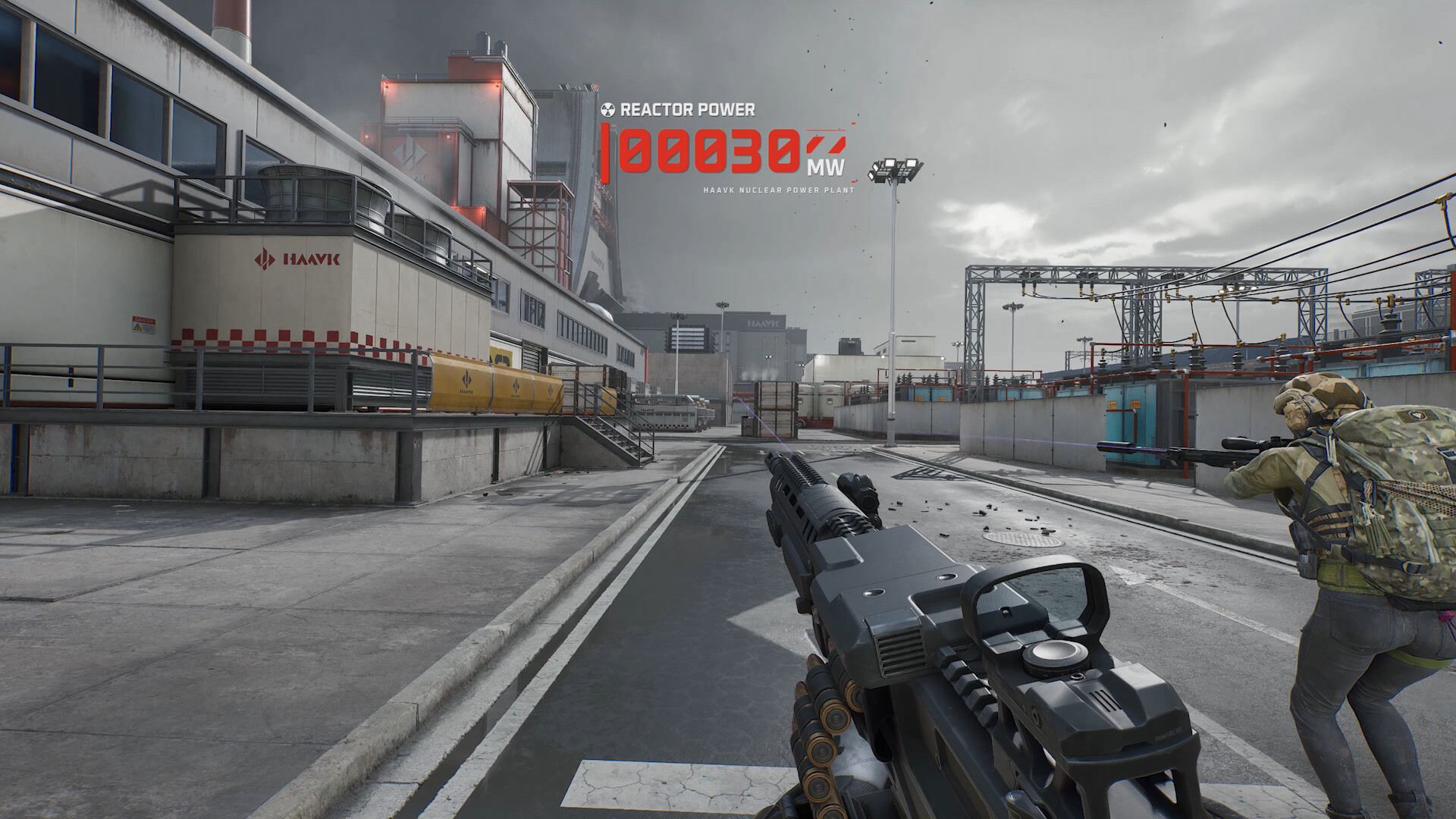
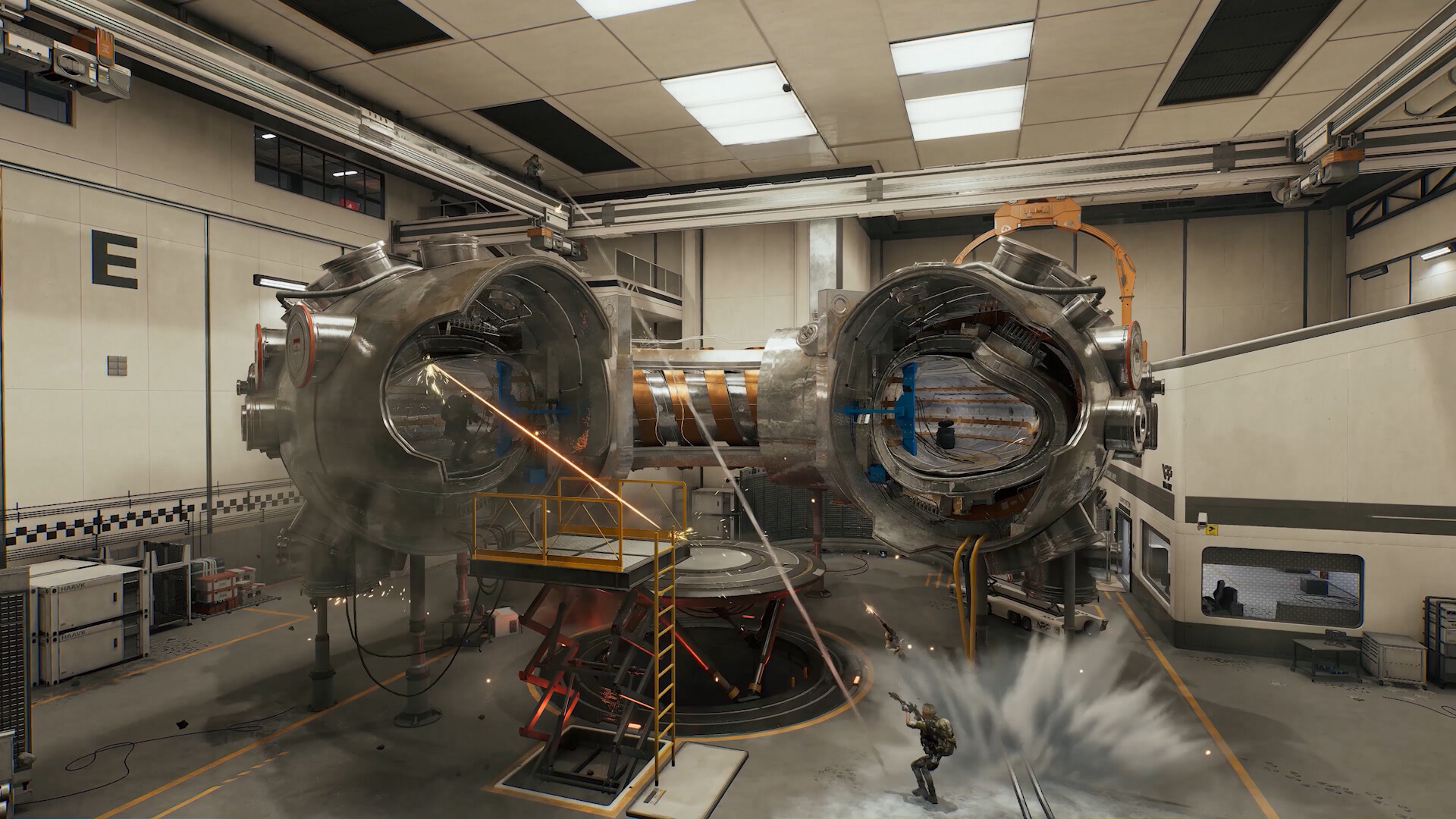
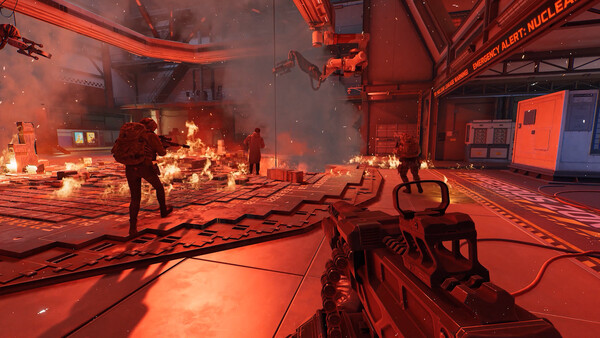
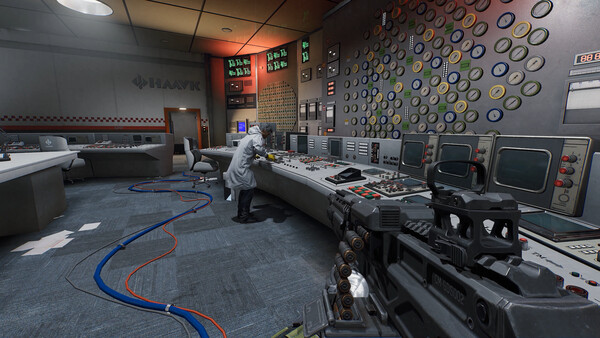
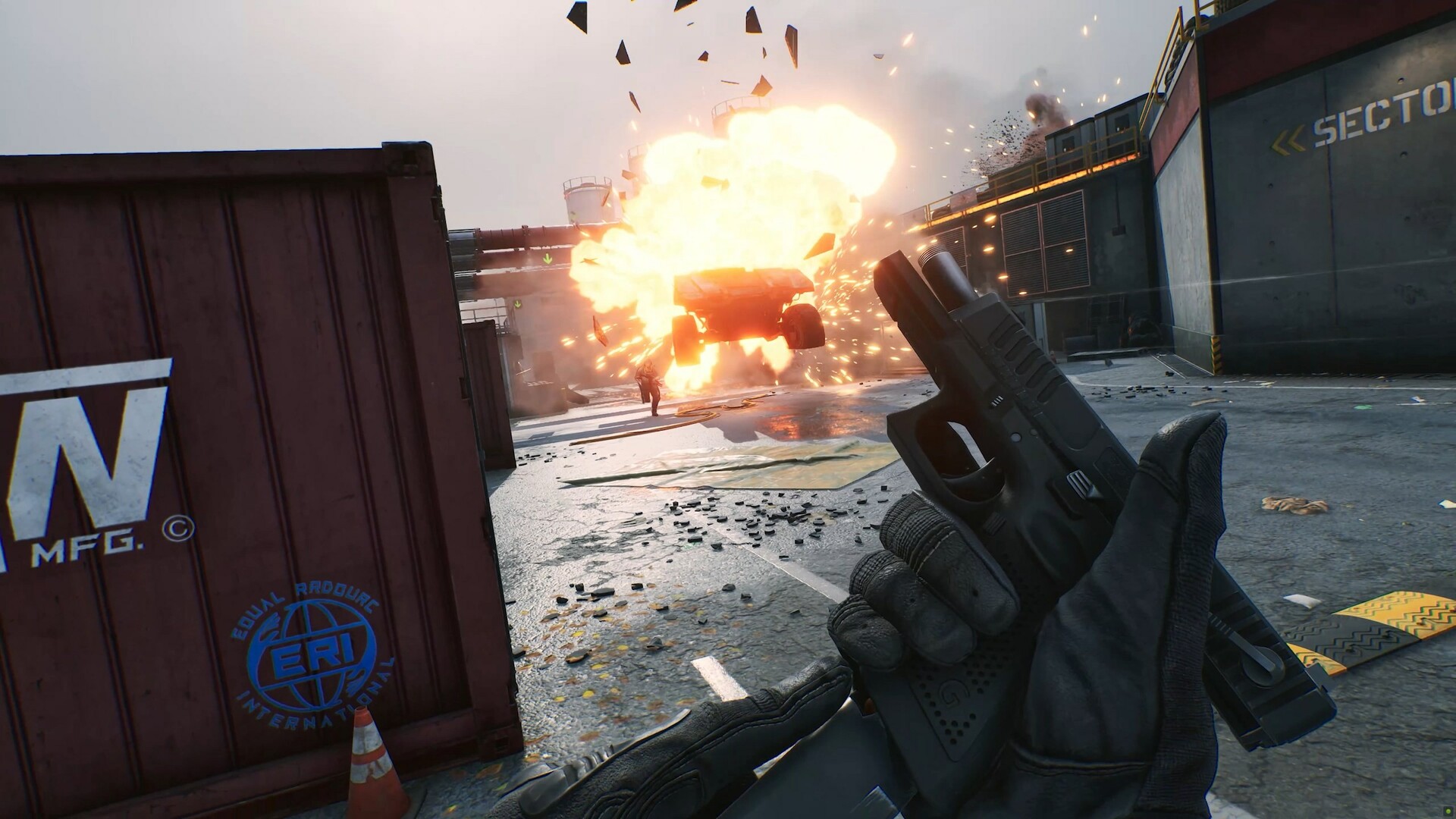
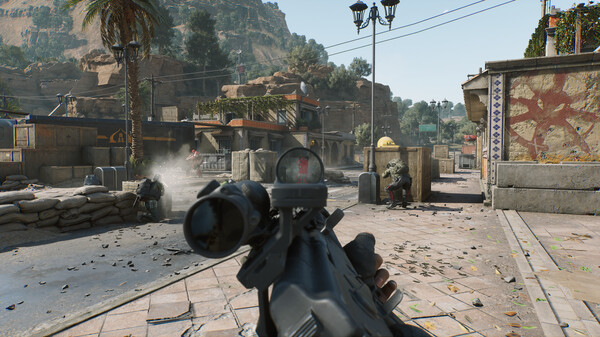
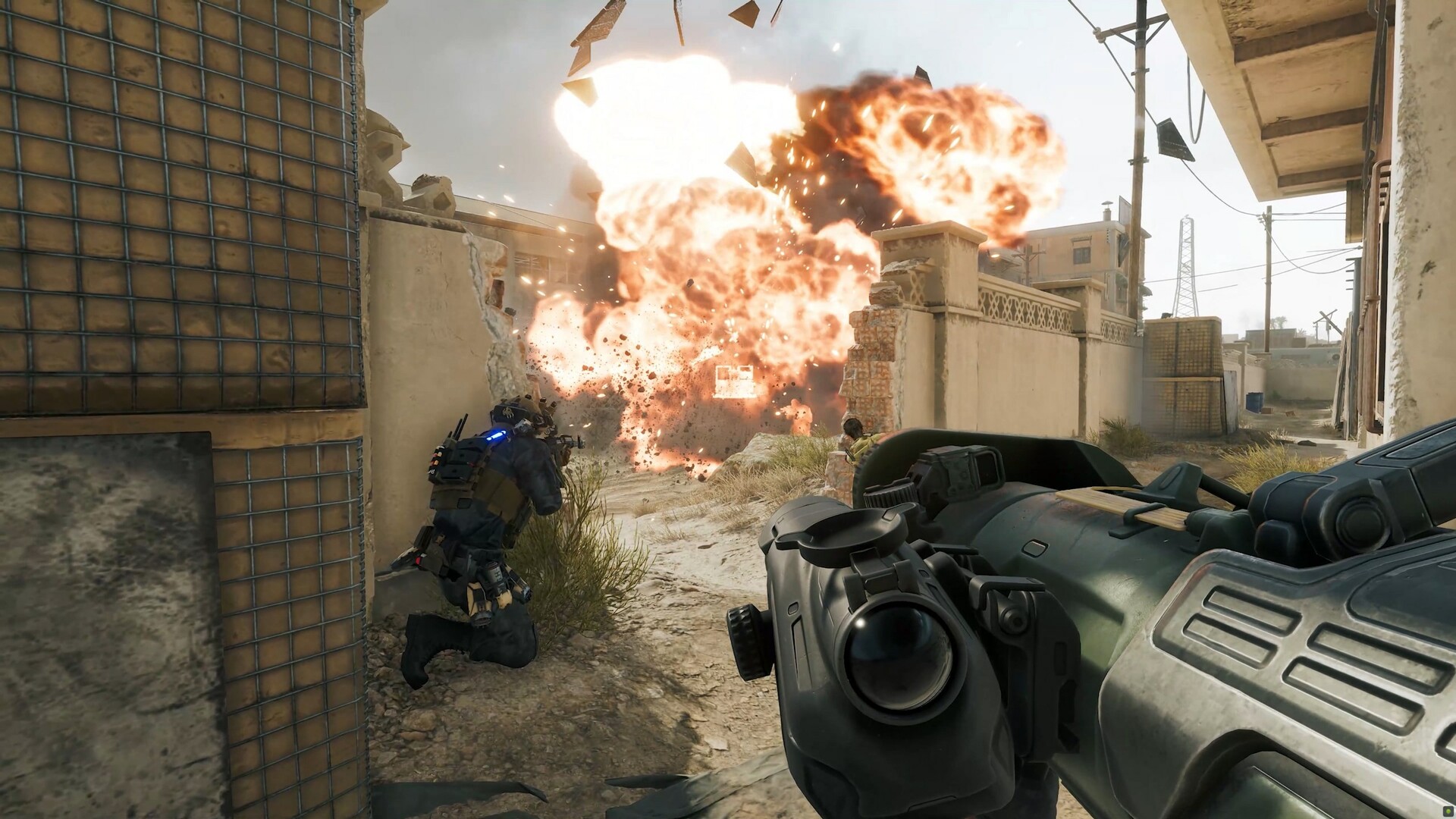
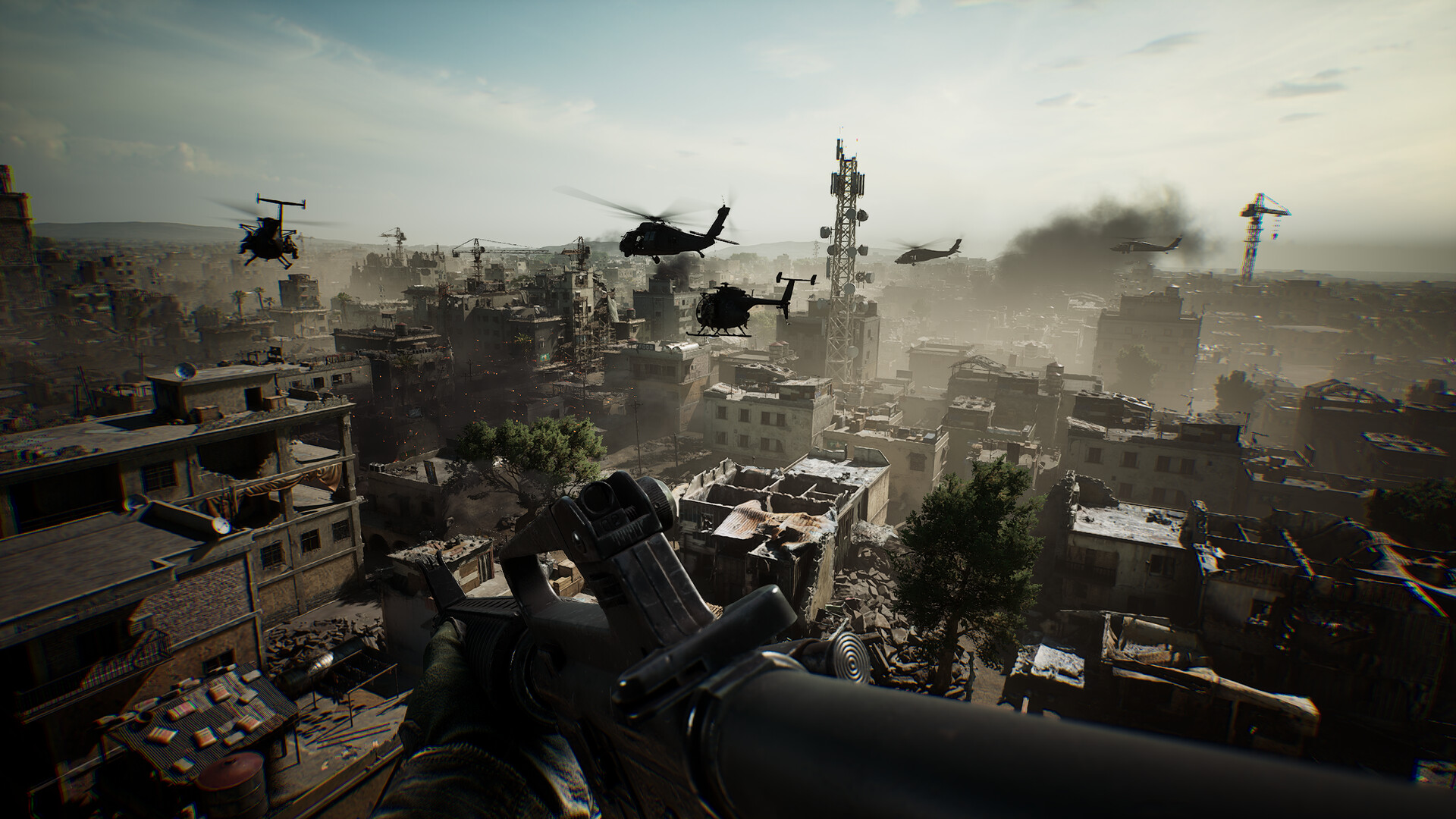
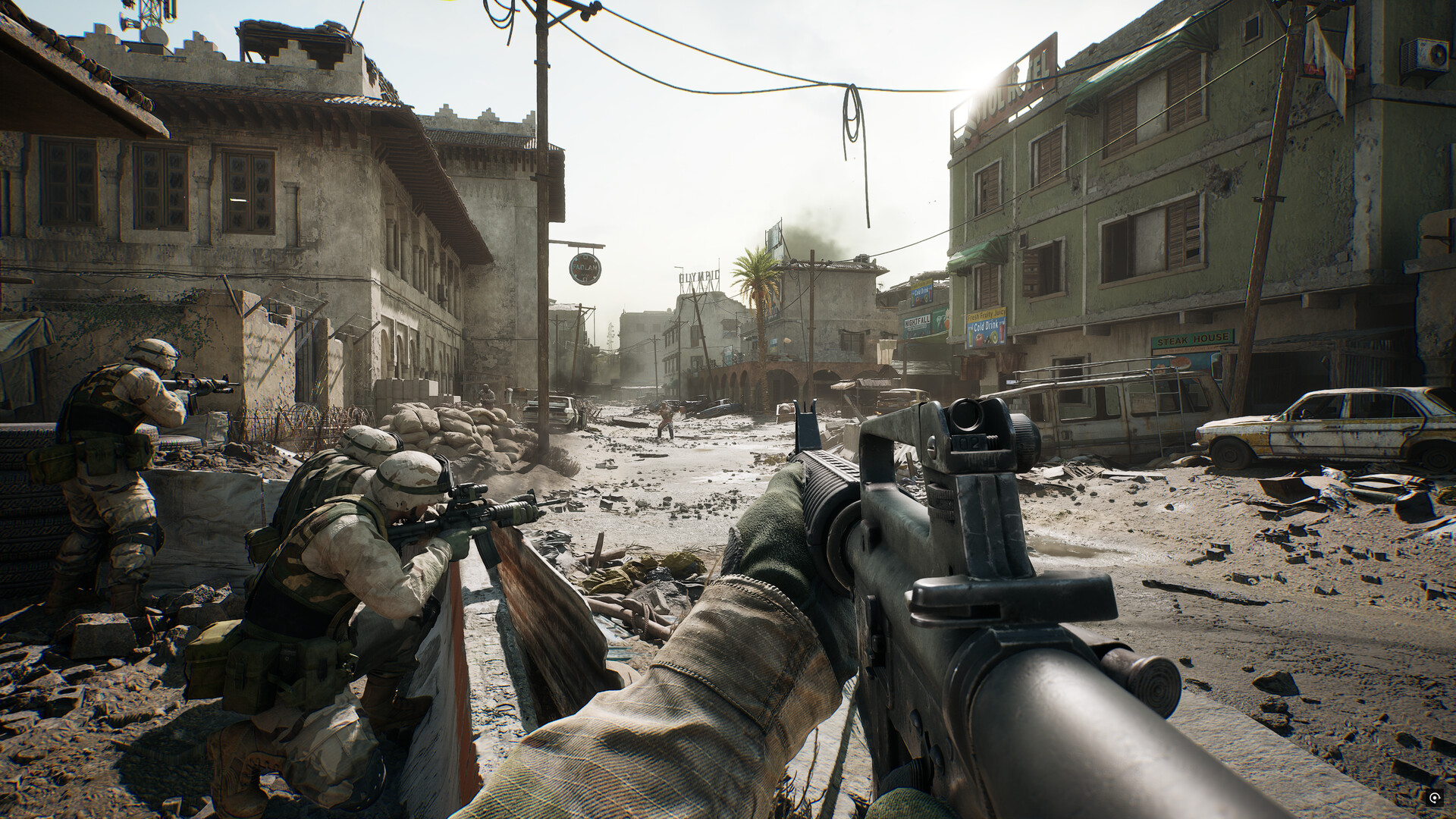
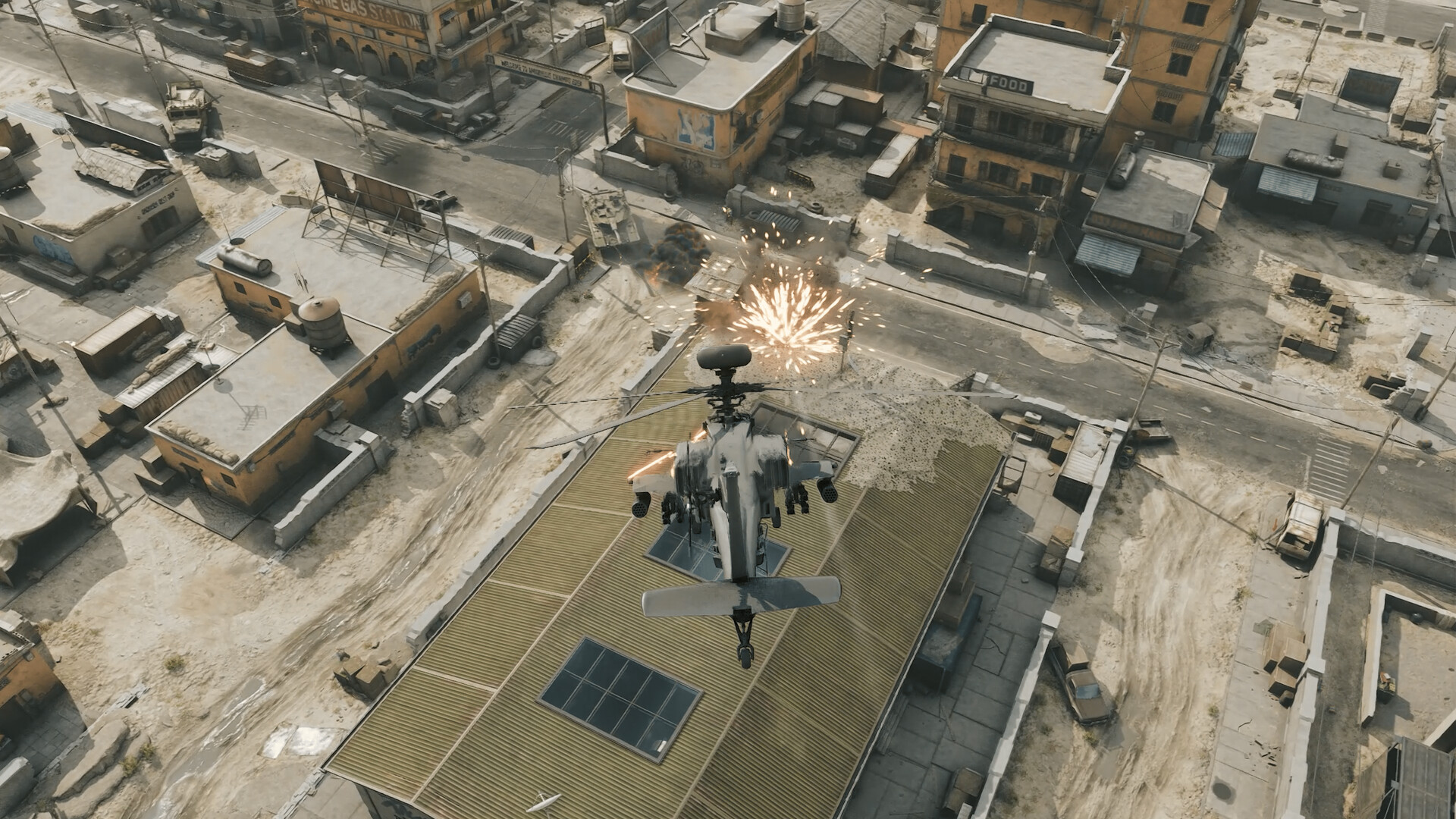
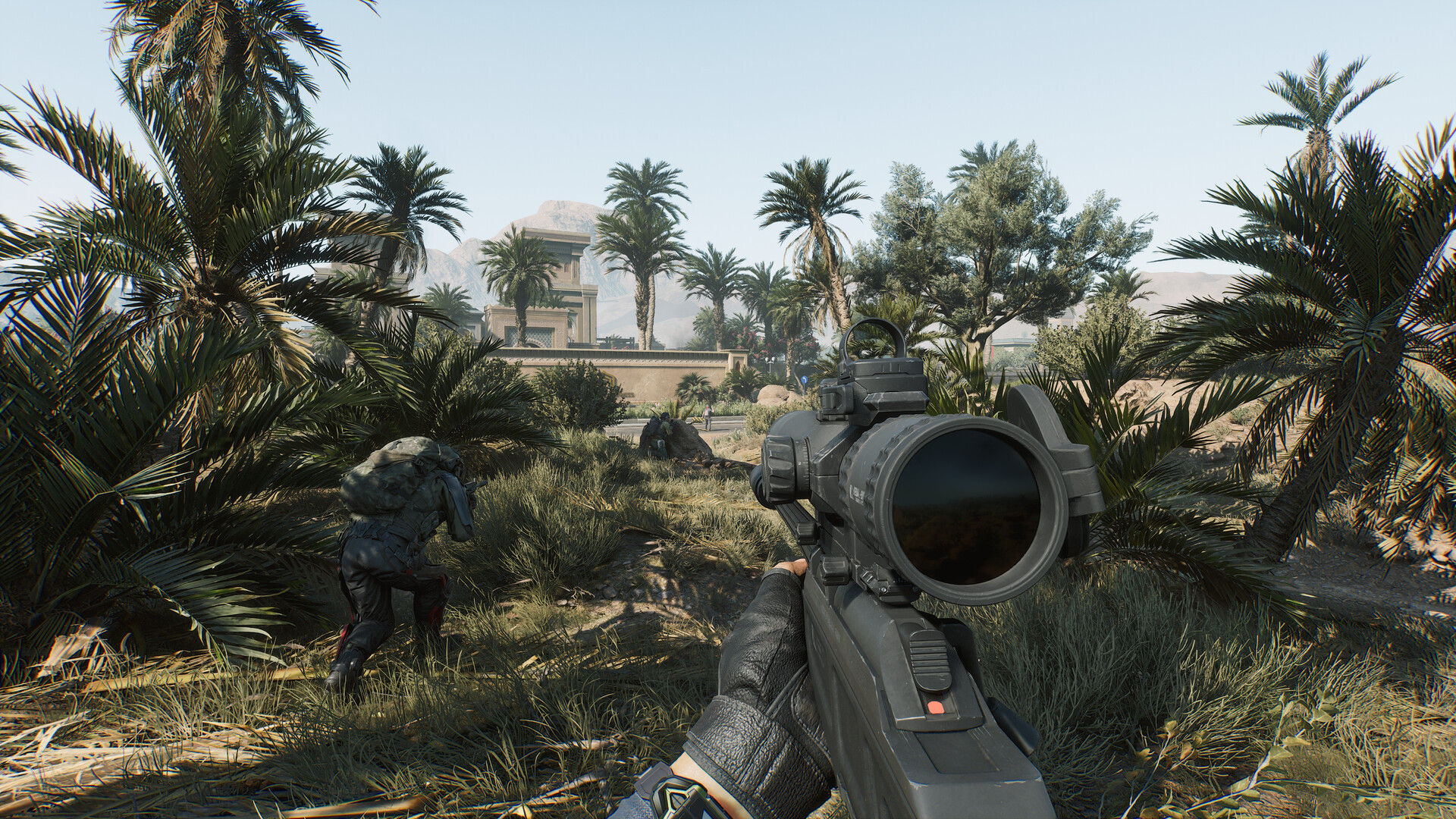
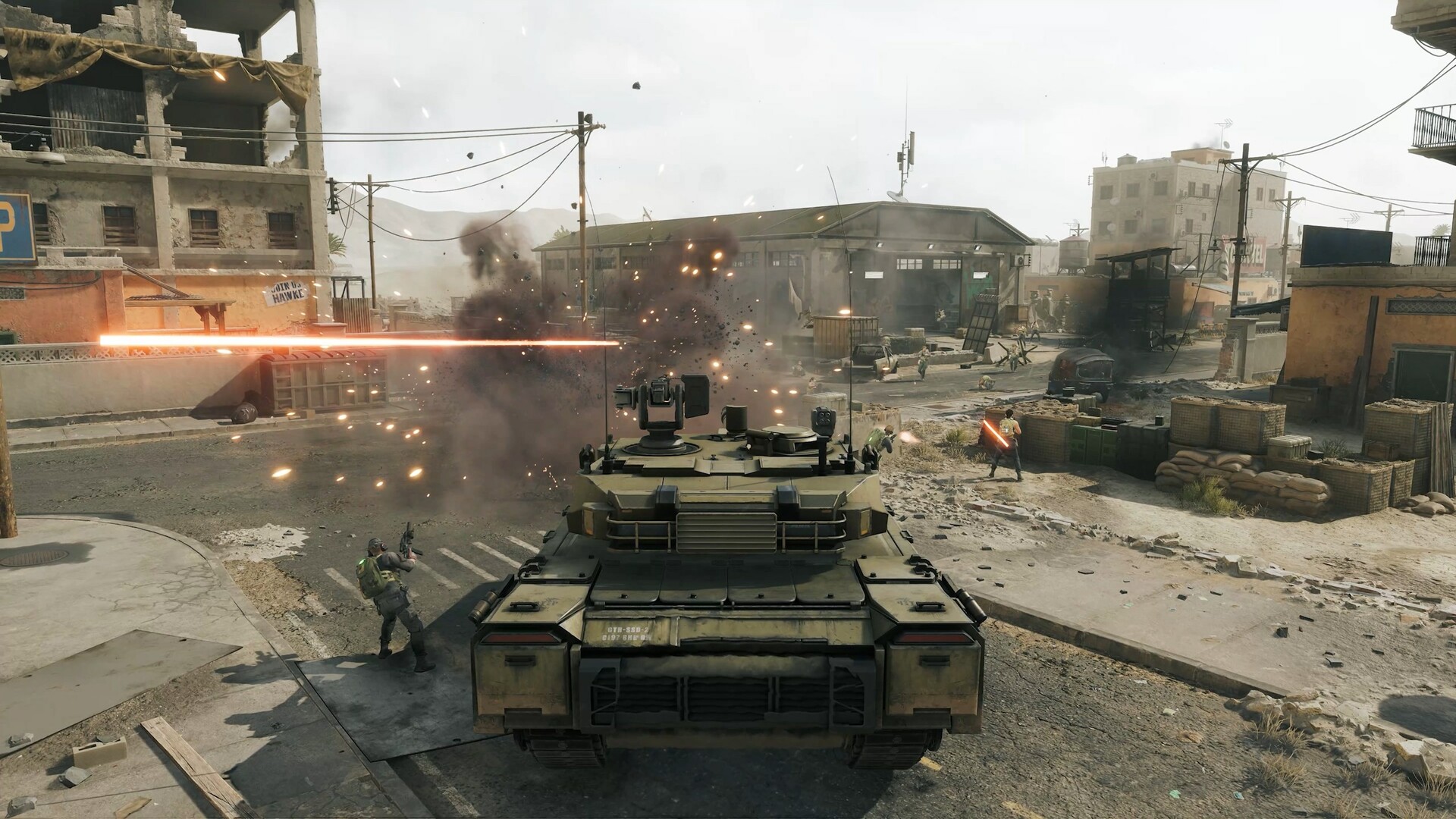
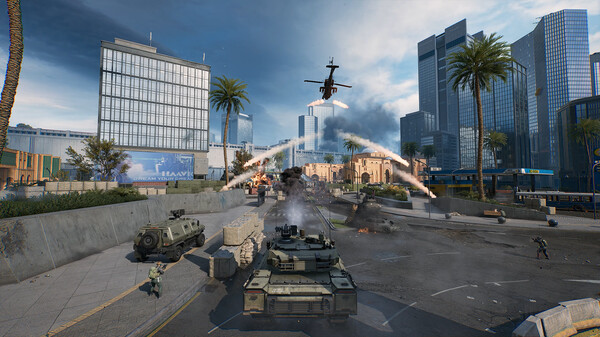
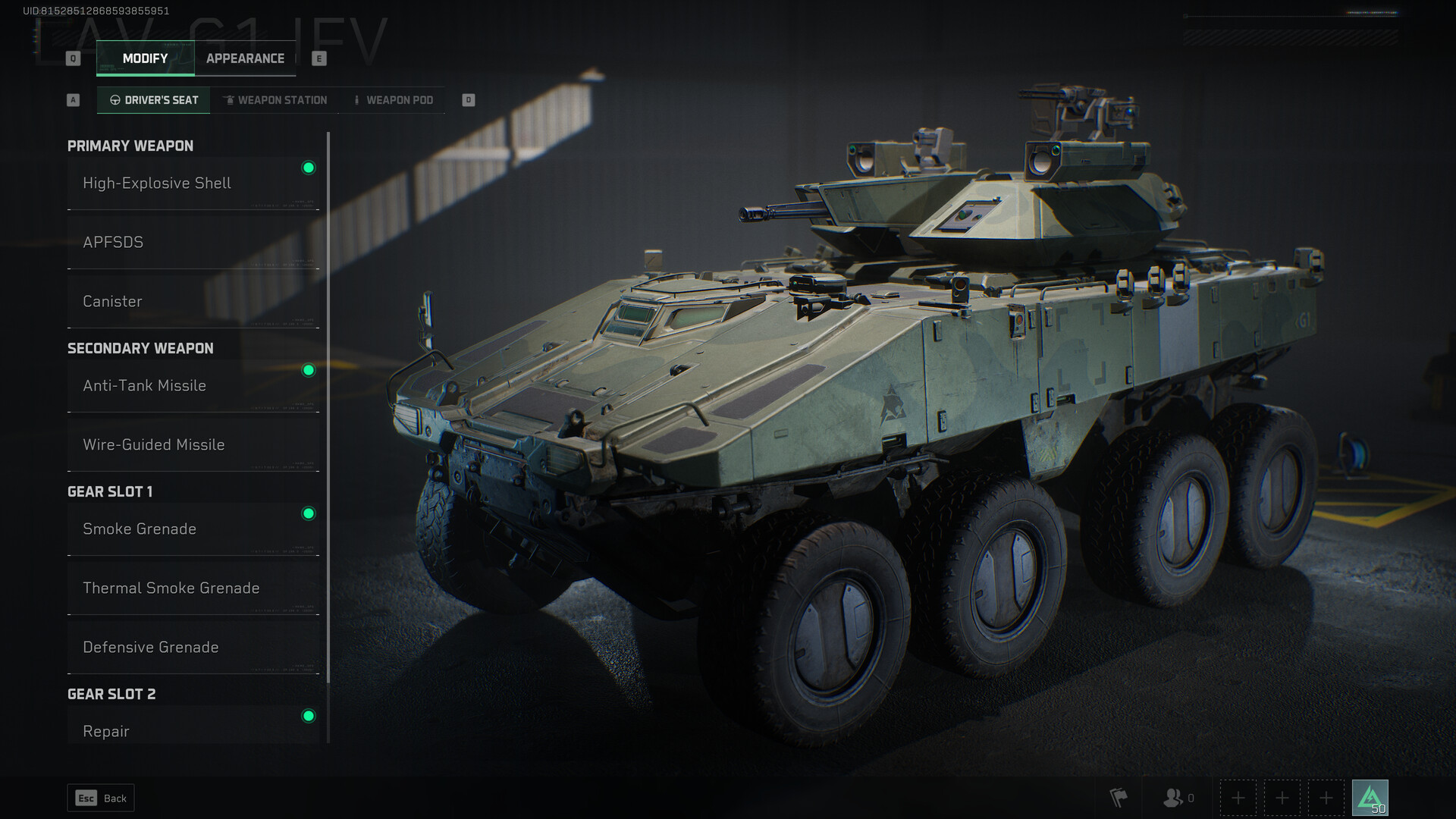
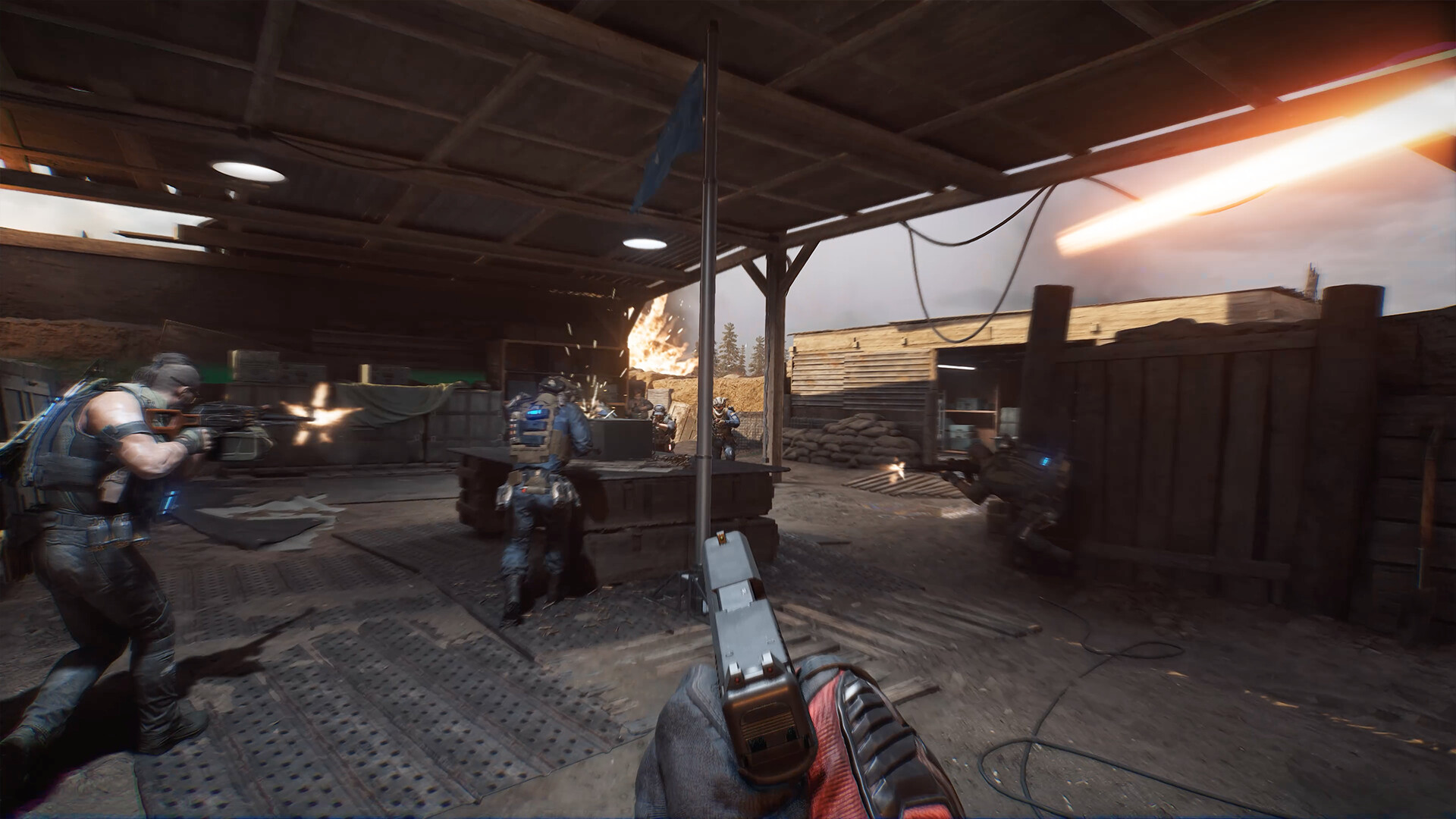
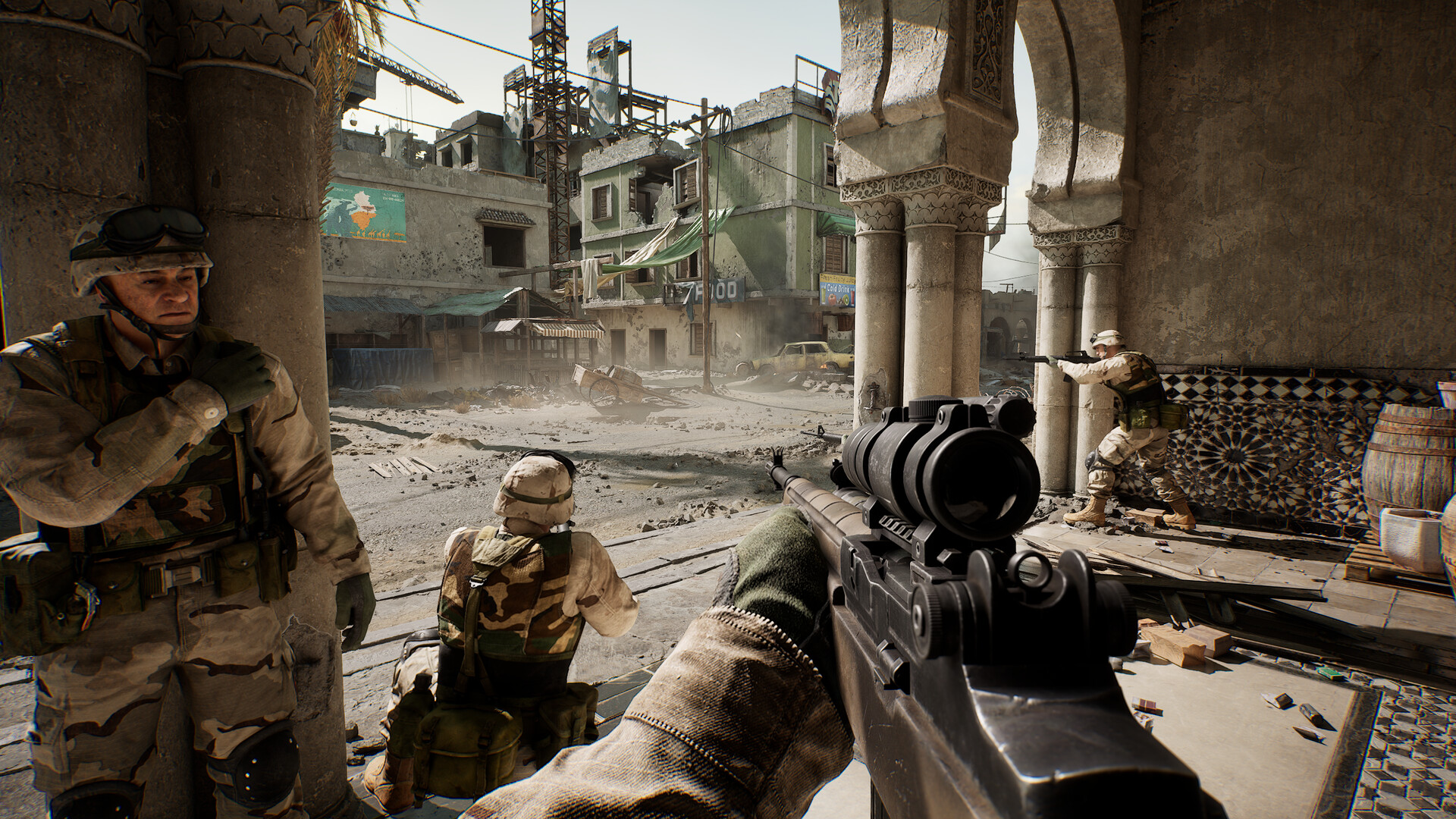
Delta Force is a free-to-play military shooter with operator abilities, large combined-arms battles and extraction missions. Teams choose loadouts and vehicles for engagements that range from infantry fights to wider battlefield maneuvers.
Its modes ask for different approaches: holding objectives in large-scale warfare or entering a dangerous zone to secure gear and leave alive. Weapon customization and squad coordination are key parts of both.
Official game page