FREE CHEATS FOR
Dispatch
Released October 22, 2025
Updated
 EAGLE CHEATS
How to use Eagle in Dispatch
With Dispatch running, press Insert to open the Eagle menu. The quick keys give direct access to Reveal Emergency Requirements and Hero Skill Overlay. Use the menu for Instant Hero Assignment, No Hero Fatigue and Fast Hero Recovery and the remaining listed features; close it with Insert to return to the app.
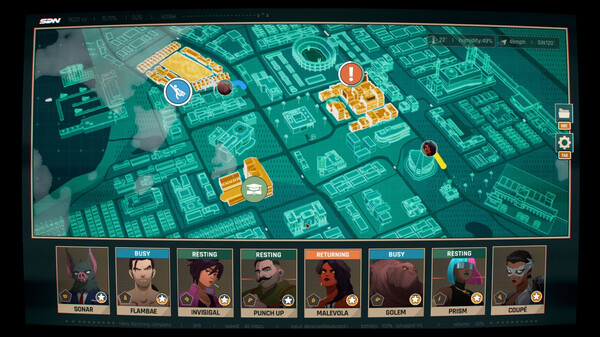
- F2 Reveal Emergency Requirements
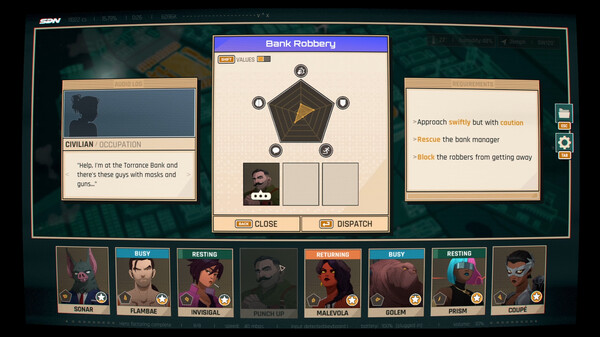
Press F2 to turn Reveal Emergency Requirements on or off without opening the menu. - F3 Hero Skill Overlay
Press F3 to turn Hero Skill Overlay on or off without opening the menu. - Insert Instant Hero Assignment
Press Insert and choose Instant Hero Assignment when you want to run this action. - Insert No Hero Fatigue
Press Insert, find No Hero Fatigue in the feature list, and switch it on or off. - Insert Fast Hero Recovery
Press Insert, find Fast Hero Recovery in the feature list, and switch it on or off.
EXPLORE THE MENUFeatures
10 features
The free Dispatch trainer includes Reveal Emergency Requirements, Hero Skill Overlay and Instant Hero Assignment. It also offers No Hero Fatigue, Fast Hero Recovery and Reveal Choice Outcomes. Press Insert to open the menu on Windows PC.
- Reveal Emergency Requirements
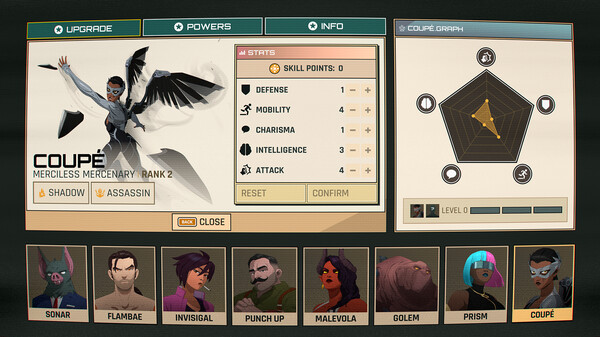
- Hero Skill Overlay
- Instant Hero Assignment
- No Hero Fatigue
- Fast Hero Recovery
- Reveal Choice Outcomes
- Max Team Relationship
- Unlock Story Routes
- Freeze Shift Clock
- Mission History
About the game
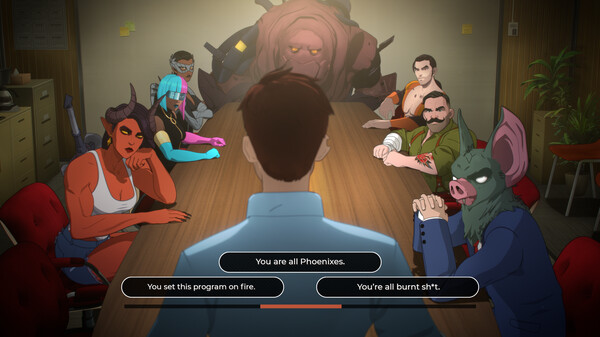
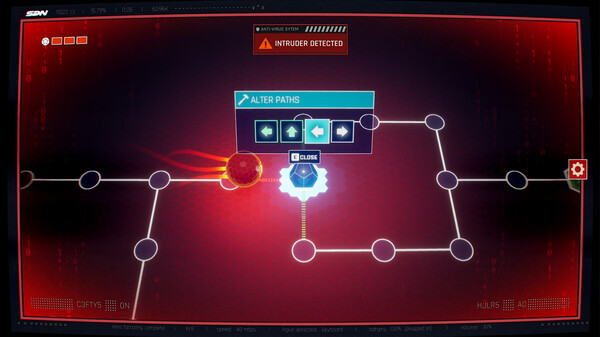
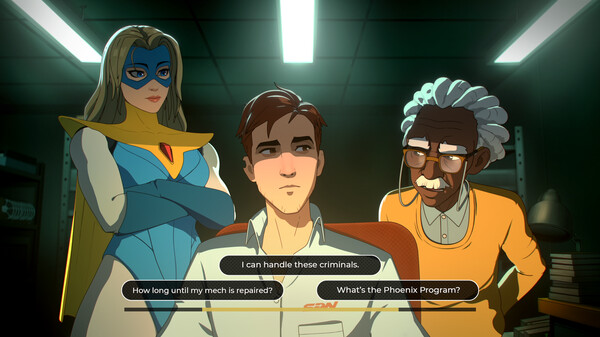
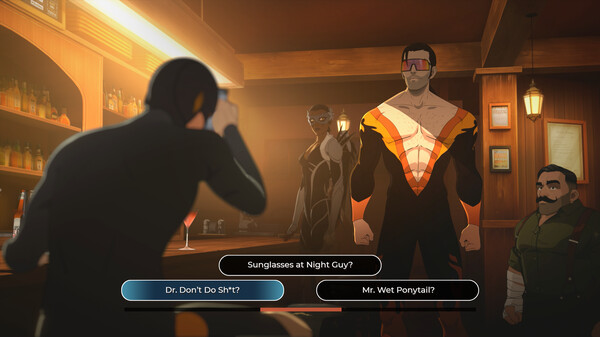
Dispatch is a superhero workplace comedy where choices matter. Manage a dysfunctional team of misfit heroes and strategize who to send to emergencies around the city, all while balancing office politics, personal relationships, and your own quest to become a hero. All episodes out now!.
Official game page