FREE CHEATS FOR
DOOM Eternal
Released March 19, 2020
Updated

 EAGLE CHEATS
How to use Eagle in DOOM Eternal
With DOOM Eternal running, press Insert to open the Eagle menu. The quick keys give direct access to God Mode, Infinite Health and Infinite Armor. Use the menu for Infinite Ammo, Unlimited Dash and Demon Weak Point Overlay and the remaining listed features; close it with Insert to return to the app.
- F2 God Mode
Press F2 to turn God Mode on or off without opening the menu. - F3 Infinite Health
Press F3 to turn Infinite Health on or off without opening the menu. - F4 Infinite Armor
Press F4 to turn Infinite Armor on or off without opening the menu. - Insert Infinite Ammo
Press Insert, find Infinite Ammo in the feature list, and switch it on or off. - Insert Unlimited Dash
Press Insert, find Unlimited Dash in the feature list, and switch it on or off. - Insert Demon Weak Point Overlay
Press Insert, find Demon Weak Point Overlay in the feature list, and switch it on or off.
EXPLORE THE MENUFeatures
21 features
The free DOOM Eternal trainer includes God Mode, Infinite Health and Infinite Armor. It also offers Infinite Dash, Infinite Flame Belch and Infinite Ammo. Press Insert to open the menu on Windows PC.
- God Mode
- Infinite Health
- Infinite Armor
- Infinite Ammo
- No Reload
- Unlimited Dash
- Equipment Charges
- Chainsaw Fuel
- Weapon Mastery
- Extra Lives
- Game Speed
- Collectible Markers
- Infinite Dash
- Infinite Flame Belch
- Infinite Chainsaw Fuel
- Infinite Crucible Charge
- Infinite BFG Ammo
- Extra Life Editor
- Sentinel Battery Editor
- Demon Weak Point Overlay
- Secret Area Highlight
About the game
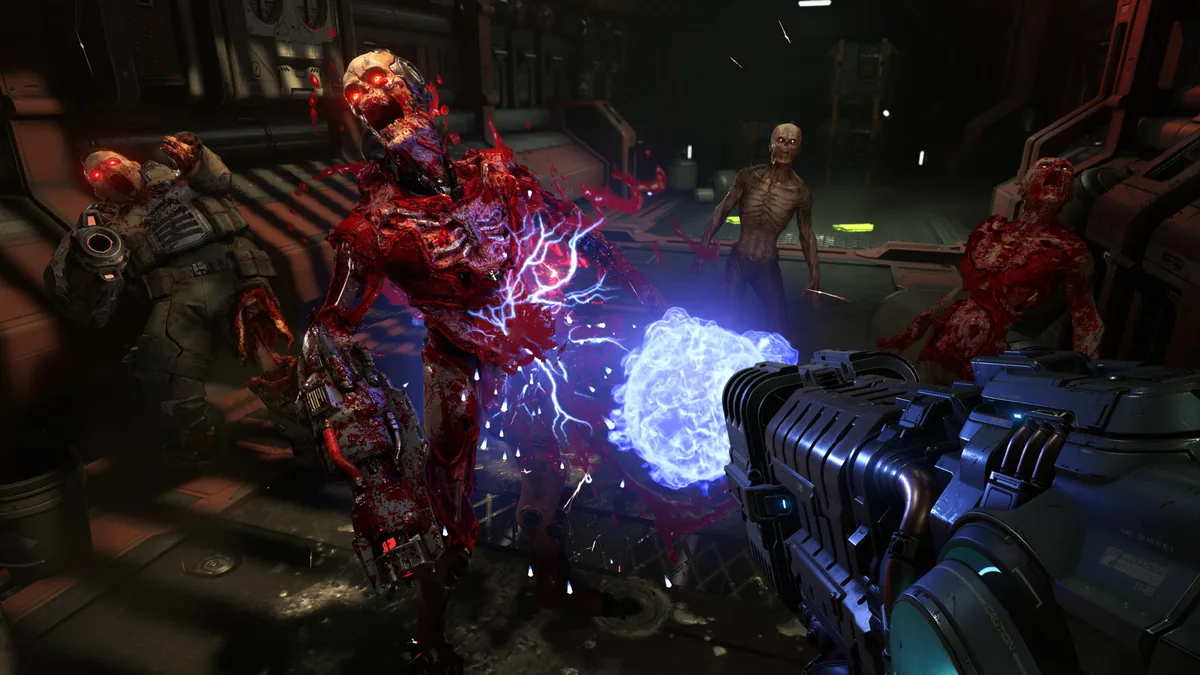
DOOM Eternal follows the Doom Slayer across an invaded Earth and other worlds as he hunts the forces behind the catastrophe. Its arenas demand fast decisions under pressure from different enemy types.
Every weapon has a role in the combat loop. Glory kills, the chainsaw and the flame belch replenish supplies, while platforming routes and hidden collectibles break up the larger fights.
Official game page