FREE CHEATS FOR
Drag'n Wash
Released September 10, 2026
Updated
 EAGLE CHEATS
How to use Eagle in Drag'n Wash
With Drag'n Wash running, press Insert to open the Eagle menu. The quick keys give direct access to Instant Washing, Infinite Supplies and Max Affinity. Use the menu for Unlock Dialogue, Camera Speed and Set Time of Day and the remaining listed features; close it with Insert to return to the app.
- F2 Instant Washing
Press F2 to activate Instant Washing without opening the menu. - F3 Infinite Supplies
Press F3 to turn Infinite Supplies on or off without opening the menu. - F4 Max Affinity
Press F4 to turn Max Affinity on or off without opening the menu. - Insert Unlock Dialogue
Press Insert, choose Unlock Dialogue, and apply the unlock. - Insert Camera Speed
Press Insert, choose Camera Speed, adjust the value, and apply. - Insert Set Time of Day
Press Insert, choose Set Time of Day, adjust its value or option, and apply.
EXPLORE THE MENUFeatures
13 features
The free Drag'n Wash mod menu includes Instant Washing, Infinite Supplies and Unlock Dialogue. It also offers Max Affinity, Unlock Scenes and Free Camera. Press Insert to open the menu on Windows PC.
- Instant Washing
- Infinite Supplies
- Unlock Dialogue
- Max Affinity
- Unlock Scenes
- Free Camera
- Camera Speed
- Animation Speed
- Set Time of Day
- Hide Interface
- Max Relationship
- Reveal Dialogue Outcomes
- No Relationship Decay
About the game
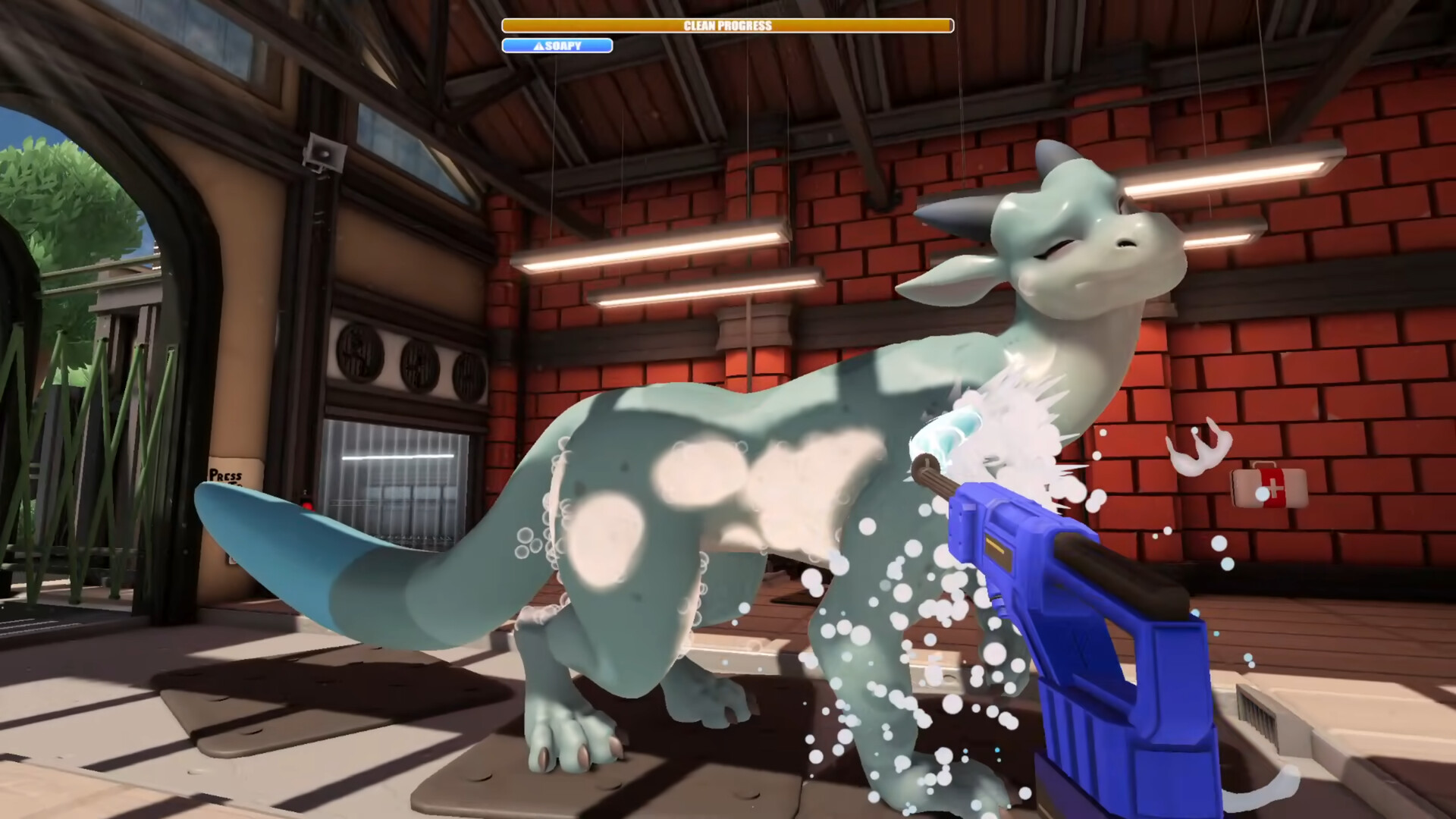
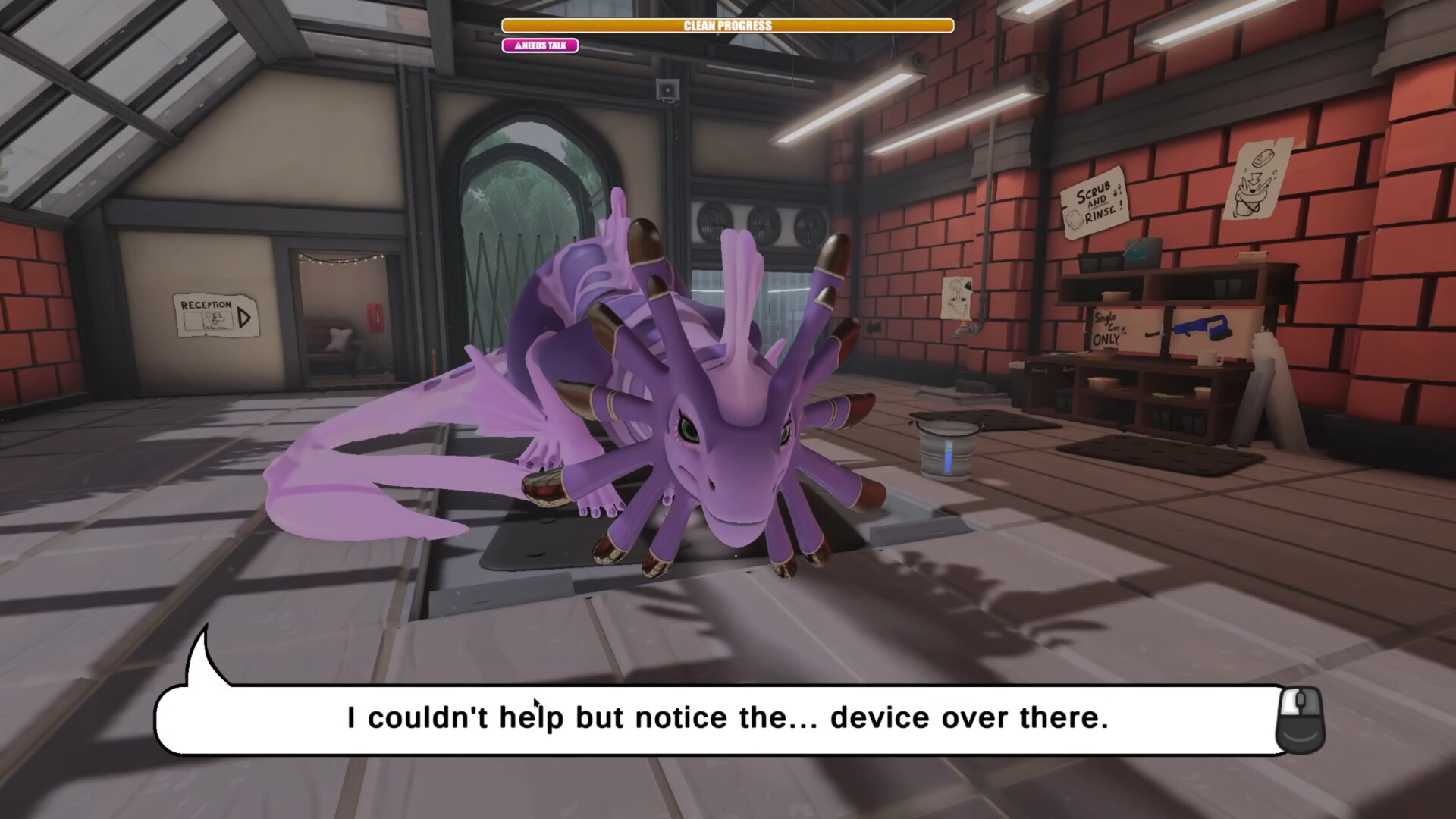
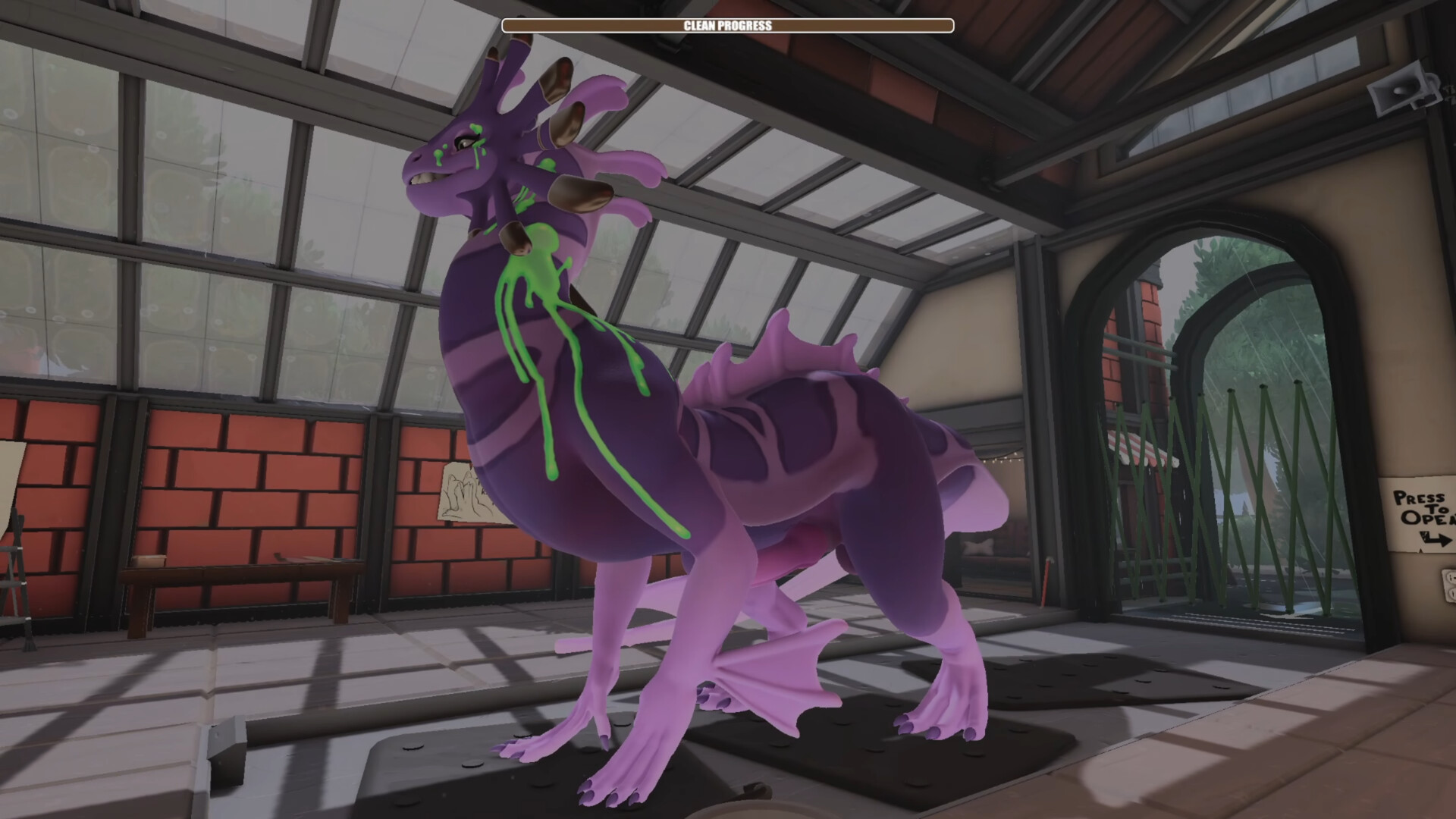
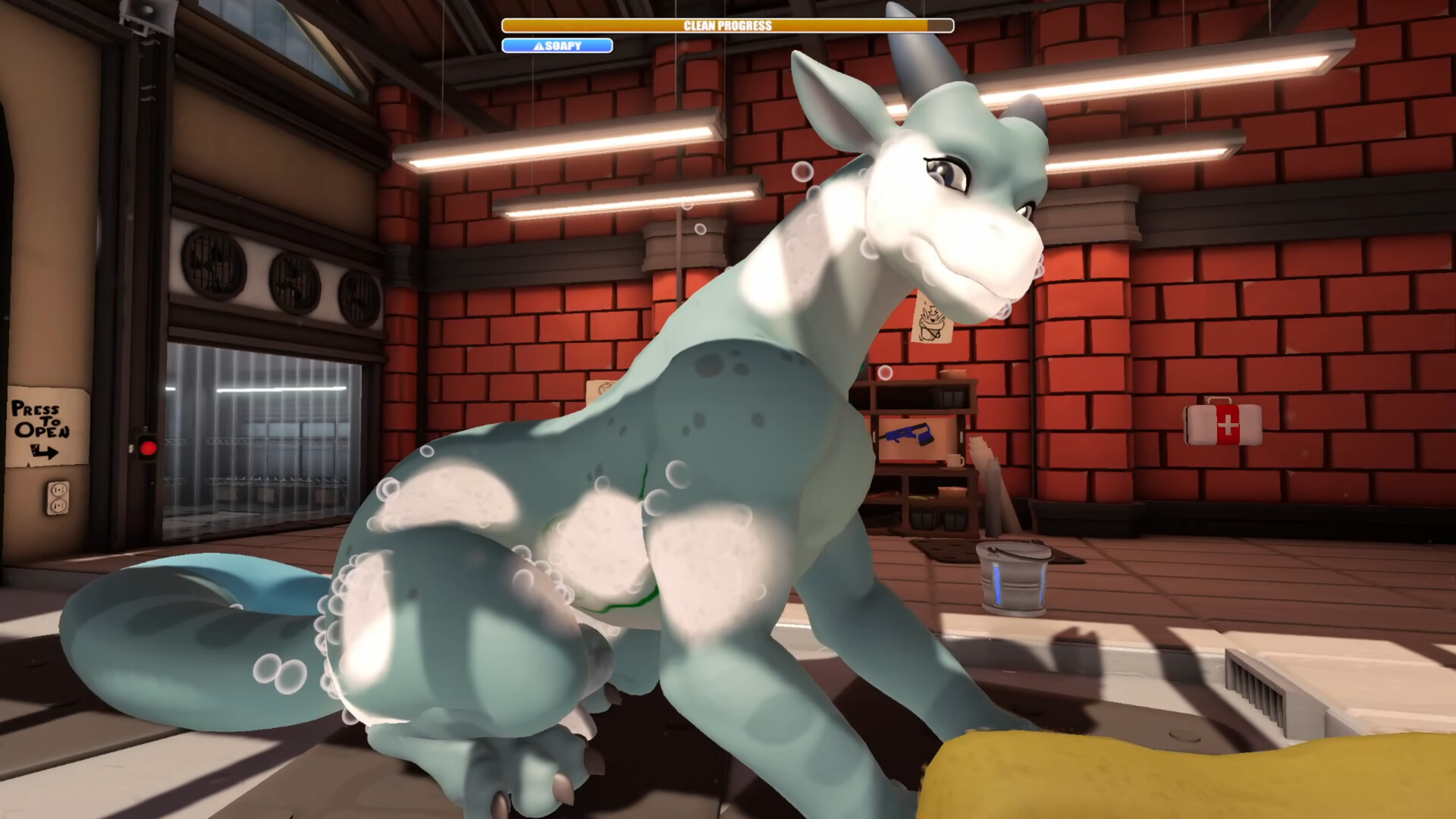
Drag'n Wash is a narrative 3D experience about caring for three male dragons. Washing them, talking with them and exploring their reactions develops each relationship. The unusual premise gives ordinary interaction a fantastical cast.
Conversation and hands-on tasks move the story forward. Different dragons bring their own personalities, so choosing how to spend time with them is part of learning the world.
Official game page