FREE CHEATS FOR
DRAGON BALL GEKISHIN SQUADRA
Released September 9, 2025
Updated

 EAGLE CHEATS
How to use Eagle in DRAGON BALL GEKISHIN SQUADRA
With DRAGON BALL GEKISHIN SQUADRA running, press Insert to open the Eagle menu. The quick keys give direct access to Hero ESP and Health Bars. Use the menu for Role Filter, Boss Health View and Skill Cooldown View and the remaining listed features; close it with Insert to return to the app.
- F2 Hero ESP
Press F2 to turn Hero ESP on or off without opening the menu. - F3 Health Bars
Press F3 to turn Health Bars on or off without opening the menu. - Insert Role Filter
Press Insert, choose Role Filter, adjust its value or option, and apply. - Insert Boss Health View
Press Insert, find Boss Health View in the feature list, and switch it on or off. - Insert Skill Cooldown View
Press Insert, find Skill Cooldown View in the feature list, and switch it on or off.
EXPLORE THE MENUFeatures
11 features
The GEKISHIN SQUADRA menu focuses on team fights: hero positions, health, roles and skill timing stay visible alongside boss and objective markers. Open the Windows PC menu with Insert.
- Hero ESP
- Role Filter
- Health Bars
- Boss Health View
- Objective Markers
- Skill Cooldown View
- Ability Range Overlay
- Team Position View
- Map Radar
- Target Highlight
- Upgrade Tracker
About the game
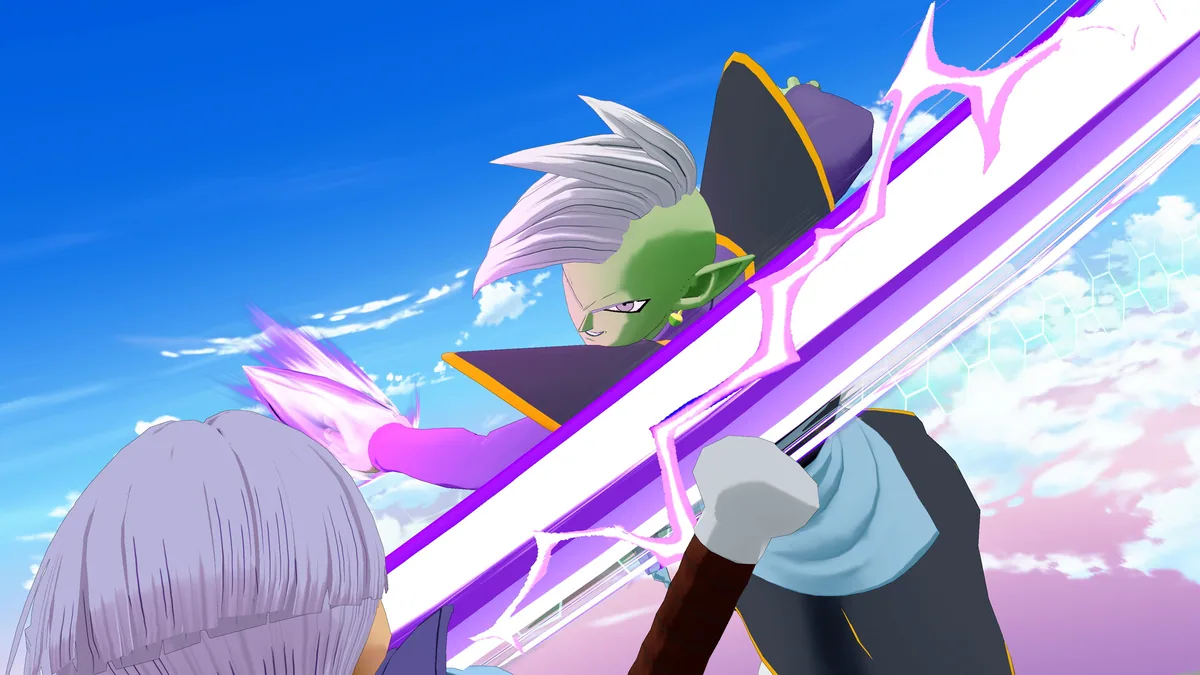
DRAGON BALL GEKISHIN SQUADRA is a free-to-play, four-versus-four team battle game. Players select Dragon Ball heroes with Damage, Tank or Technical roles, then coordinate attacks against opponents, bosses and map objectives.
Heroes grow stronger during each round as skills and abilities unlock. A balanced team needs to protect its damage dealers, contest objectives and choose when to commit powerful attacks.
Official game page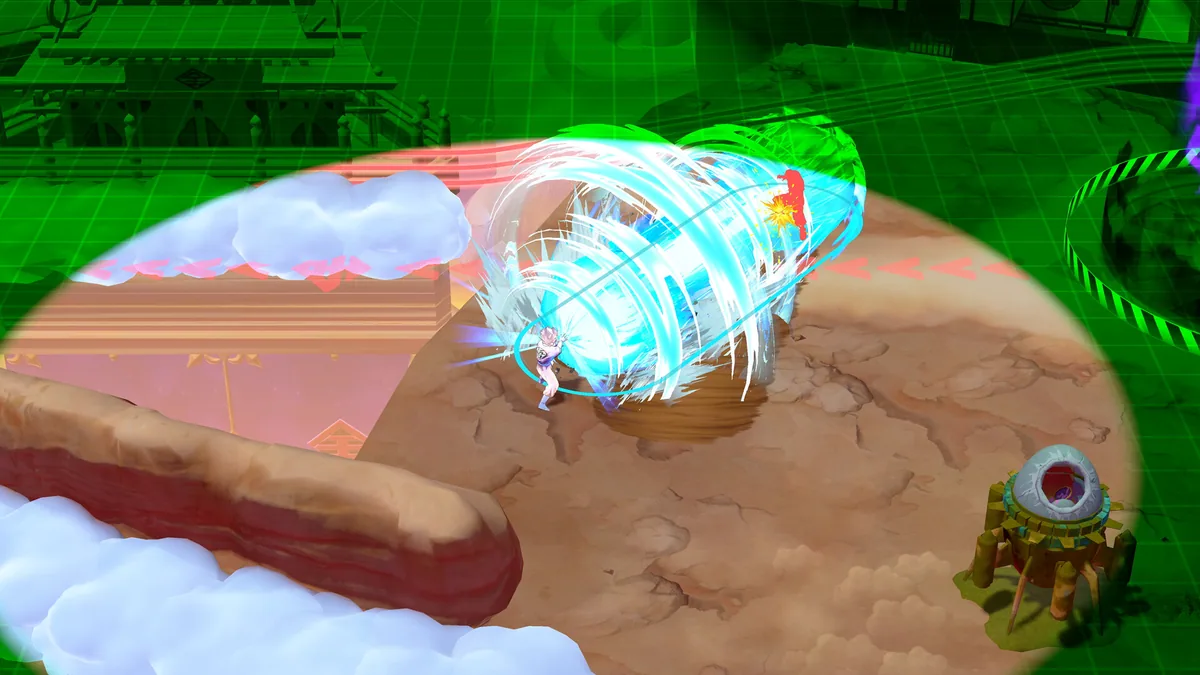


DRAGON BALL GEKISHIN SQUADRA cheat menu features
Role filters identify Damage, Tank and Technical heroes during a four-versus-four fight. Boss health and objective markers keep attention on the match goal; cooldown and upgrade views show when each hero can contribute another ability.