FREE CHEATS FOR
DREGS
Released October 15, 2026
Updated
StatusUndetected

EAGLE CHEATSDREGS
 EAGLE CHEATS
How to use Eagle in DREGS
With DREGS running, press Insert to open the Eagle menu. The quick keys give direct access to Fungus Markers and Corpse Markers. Use the menu for Pest Locator, Ship Map and Incinerator Route and the remaining listed features; close it with Insert to return to the app.
- F2 Fungus Markers
Press F2 to turn Fungus Markers on or off without opening the menu. - F3 Corpse Markers
Press F3 to turn Corpse Markers on or off without opening the menu. - Insert Pest Locator
Press Insert, find Pest Locator in the feature list, and switch it on or off. - Insert Ship Map
Press Insert, find Ship Map in the feature list, and switch it on or off. - Insert Incinerator Route
Press Insert, find Incinerator Route in the feature list, and switch it on or off.
EXPLORE THE MENUFeatures
9 features
The Eagle DREGS menu includes fungus markers, corpse markers and pest locator for co-op spaceship cleanup. Press Insert to open the menu on Windows PC.
- Fungus Markers
- Corpse Markers
- Pest Locator
- Incinerator Route
- Flamethrower Fuel View
- Ship Map
- Teammate Markers
- Payout Tracker
- Equipment Status
About the game
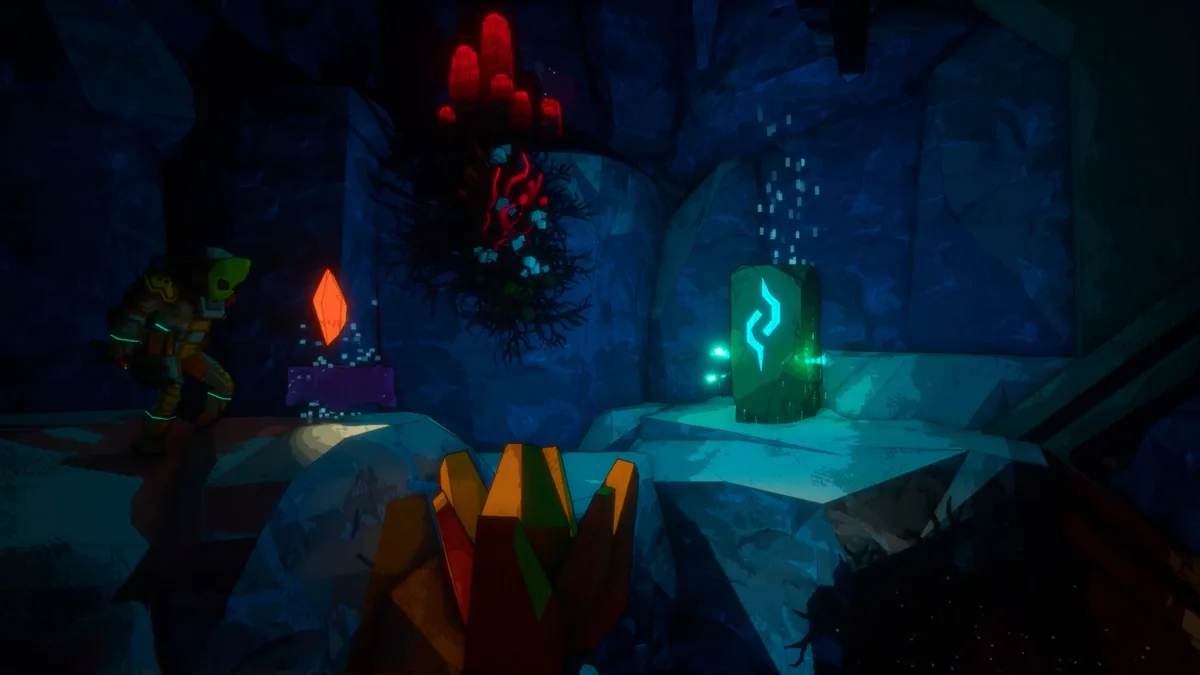
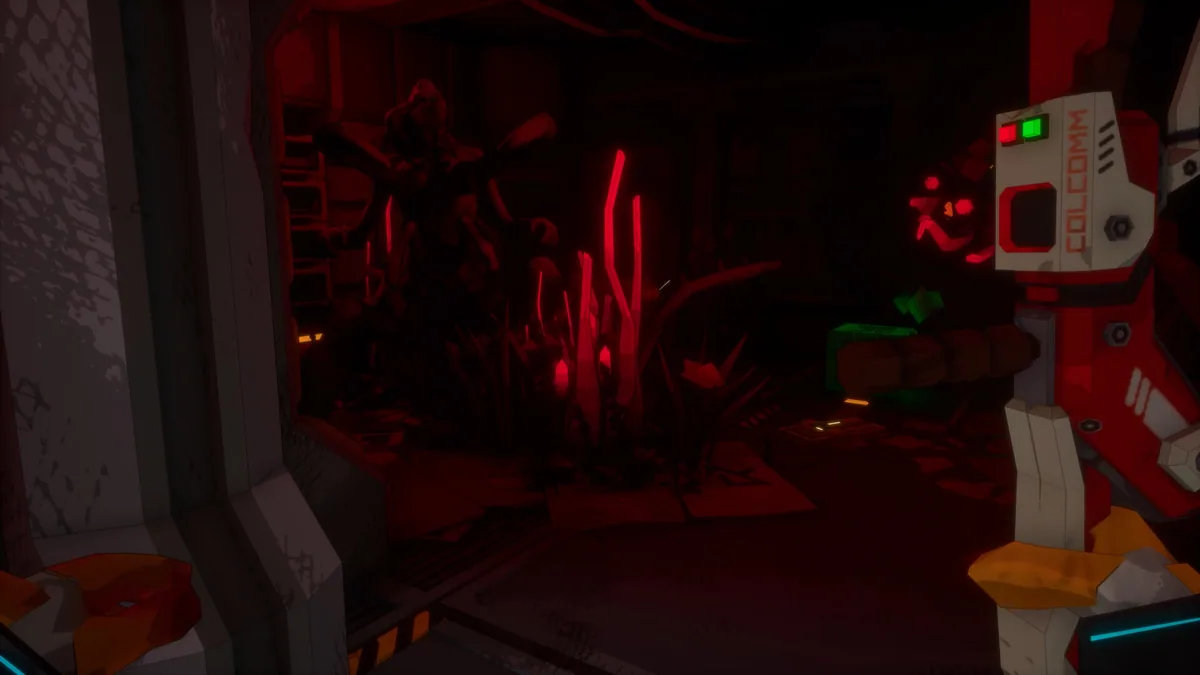
DREGS sends a co-op crew into damaged spaceships to clean up alien growth, pests and corpses. A flamethrower and an incinerator turn each job into a messy salvage operation.
There is no mission timer, so the team can divide cleanup work before collecting its payout.
Official game page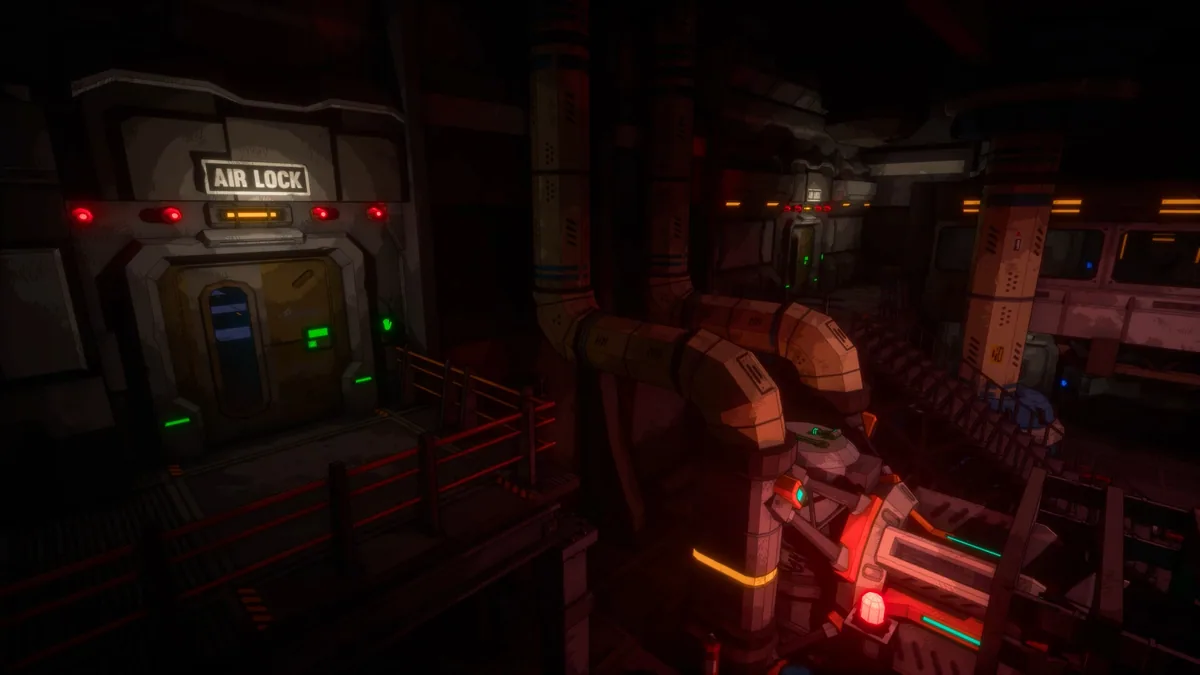
KEEP EXPLORING



