FREE CHEATS FOR
Driving Rogue
Released September 17, 2026
Updated
StatusUndetected

EAGLE CHEATSDriving Rogue
 EAGLE CHEATS
How to use Eagle in Driving Rogue
With Driving Rogue running, press Insert to open the Eagle menu. The quick keys give direct access to Traffic Overlay and Clear Traffic. Use the menu for Fast Transport and the remaining listed features; close it with Insert to return to the app.
- F2 Traffic Overlay
Press F2 to turn Traffic Overlay on or off without opening the menu. - F3 Clear Traffic
Press F3 to turn Clear Traffic on or off without opening the menu. - Insert Fast Transport
Press Insert, find Fast Transport in the feature list, and switch it on or off.
EXPLORE THE MENUFeatures
3 features
The free Driving Rogue trainer includes Traffic Overlay, Clear Traffic and Fast Transport. Press Insert to open the menu on Windows PC.
- Traffic Overlay
- Clear Traffic
- Fast Transport
About the game
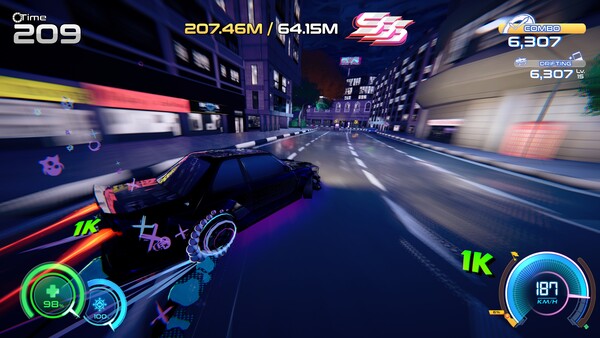
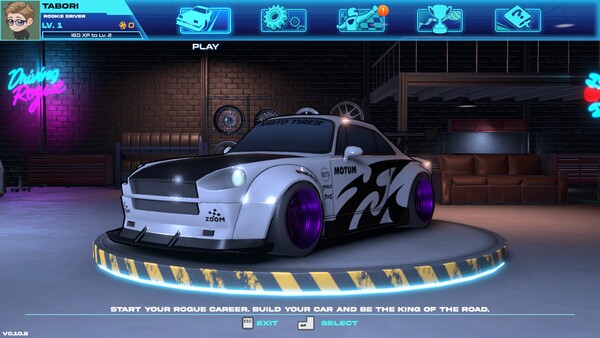
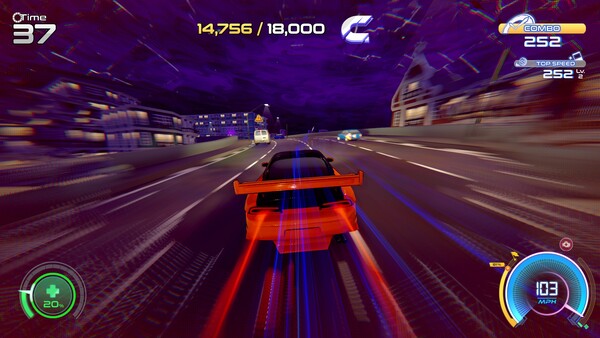
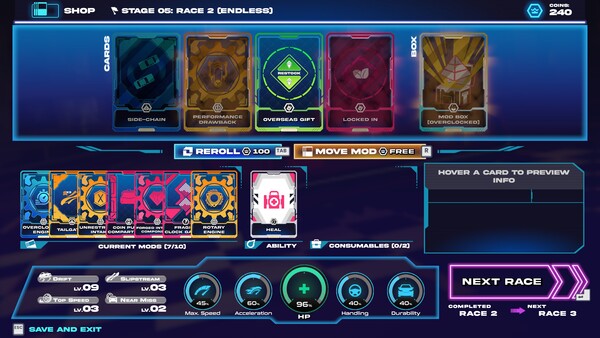
Own the streets, one reckless run at a time. Drift through traffic, chase impossible gaps, and push your luck to keep the combo alive. Turn your ride into a high-speed monster, tear up the road solo or with friends in co-op, and make your name on the Redline rankings.
Official game page

KEEP EXPLORING