FREE CHEATS FOR
Dub Together
Released September 1, 2026
Updated

 EAGLE CHEATS
How to use Eagle in Dub Together
With Dub Together running, press Insert to open the Eagle menu. The quick keys give direct access to Unlimited Recording Time and Instant Clip Export. Use the menu for Unlock Voice Effects, Clip Editor Presets and Hide Interface and the remaining listed features; close it with Insert to return to the app.
- F2 Unlimited Recording Time
Press F2 to turn Unlimited Recording Time on or off without opening the menu. - F3 Instant Clip Export
Press F3 to activate Instant Clip Export without opening the menu. - Insert Unlock Voice Effects
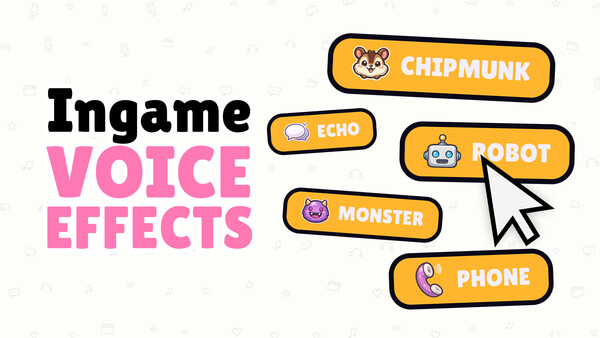
Press Insert, choose Unlock Voice Effects, and apply the unlock. - Insert Clip Editor Presets
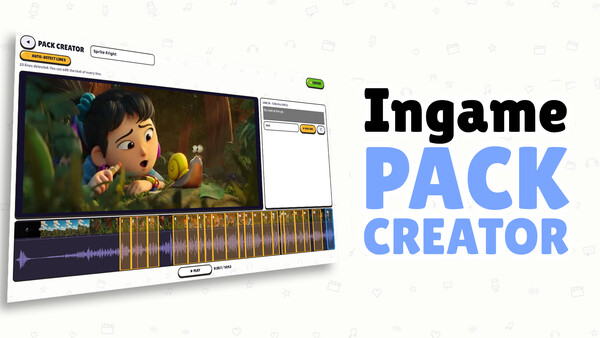
Press Insert, choose Clip Editor Presets, adjust its value or option, and apply. - Insert Hide Interface
Press Insert, find Hide Interface in the feature list, and switch it on or off.
EXPLORE THE MENUFeatures
8 features
The free Dub Together trainer includes Unlock Voice Effects, Clip Editor Presets and Unlimited Recording Time. It also offers Instant Clip Export, Hide Interface and Replay Scene. Press Insert to open the menu on Windows PC.
- Unlock Voice Effects
- Clip Editor Presets
- Unlimited Recording Time
- Instant Clip Export
- Hide Interface
- Replay Scene
- Vote History
- Free Camera
About the game
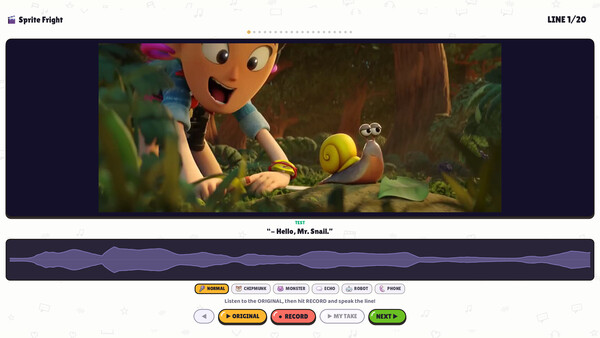
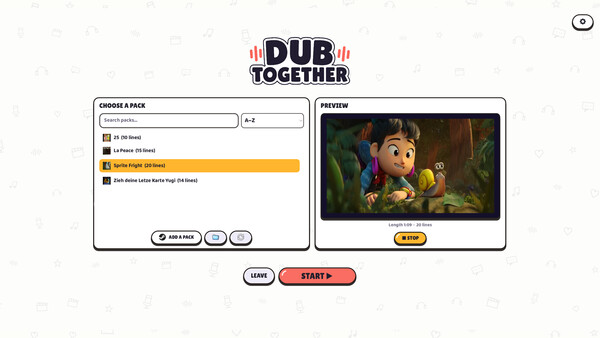
Up to six players redub video clips and give them a whole new meaning. You record the scene, then watch every result together and vote. With voice effects, a built-in clip editor and live voting from your Twitch chat.
Official game page