FREE CHEATS FOR
EarthX 2
Released October 15, 2026
Updated

 EAGLE CHEATS
How to use Eagle in EarthX 2
With EarthX 2 running, press Insert to open the Eagle menu. The quick keys give direct access to Company Funds, Rocket Build Materials and Launch Readiness. Use the menu for Fuel Stock, Mission Timer and Reusable Booster Status and the remaining listed features; close it with Insert to return to the app.
- F2 Company Funds
Press F2 to turn Company Funds on or off without opening the menu. - F3 Rocket Build Materials
Press F3 to turn Rocket Build Materials on or off without opening the menu. - F4 Launch Readiness
Press F4 to turn Launch Readiness on or off without opening the menu. - Insert Fuel Stock
Press Insert, find Fuel Stock in the feature list, and switch it on or off. - Insert Mission Timer
Press Insert, find Mission Timer in the feature list, and switch it on or off. - Insert Reusable Booster Status
Press Insert, find Reusable Booster Status in the feature list, and switch it on or off.
EXPLORE THE MENUFeatures
14 features
Manage rocket missions, orbital networks and off-world supply chains.
- Company Funds
- Rocket Build Materials
- Launch Readiness
- Fuel Stock
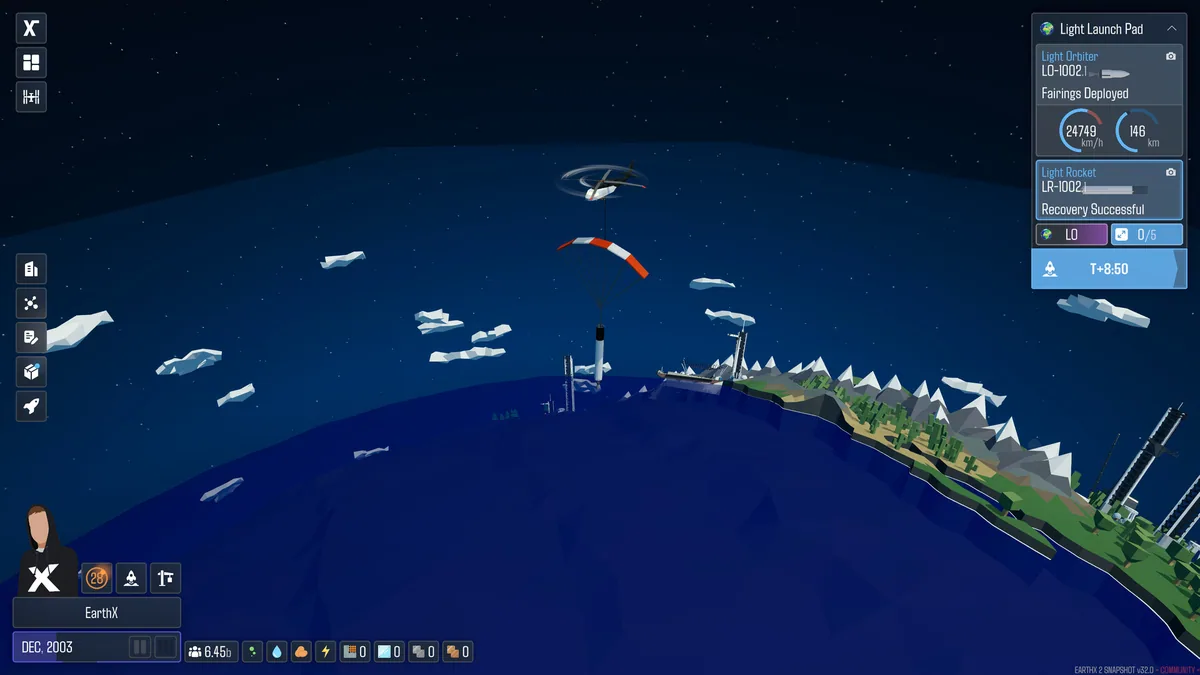
- Reusable Booster Status
- Mission Timer
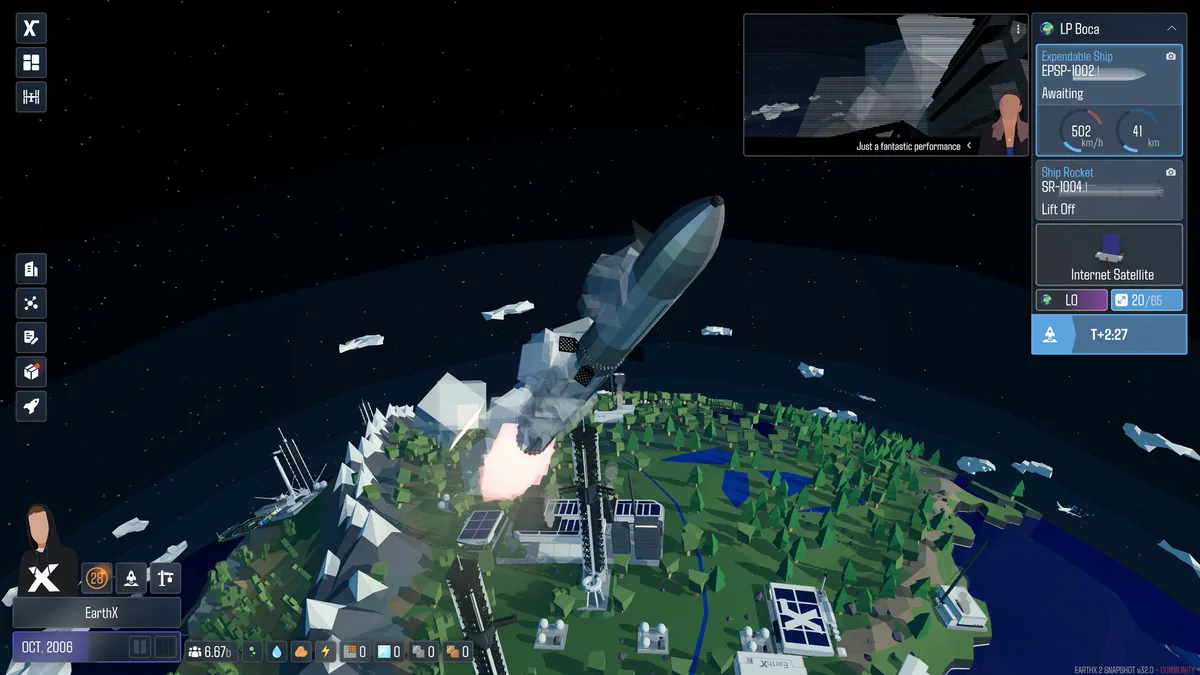
- Satellite Network View
- Factory Output
- Fleet Schedule
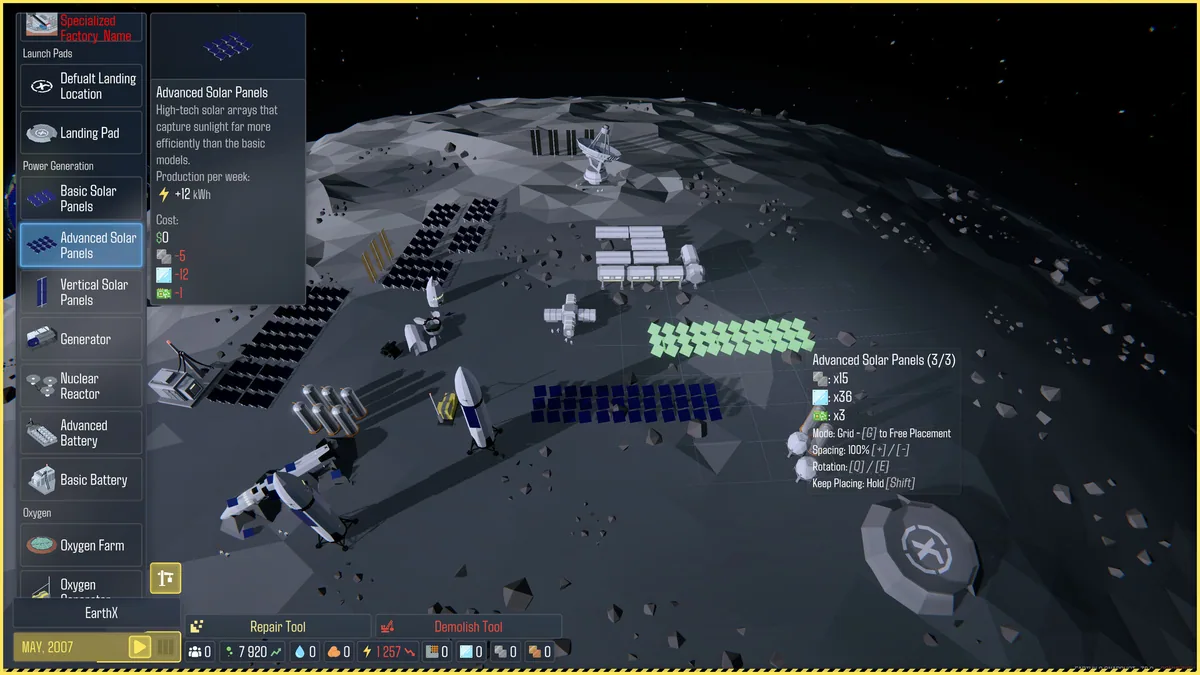
- Moon Cargo
- Mars Cargo
- Colony Supply
- Terraforming Progress
- Research Queue
About the game
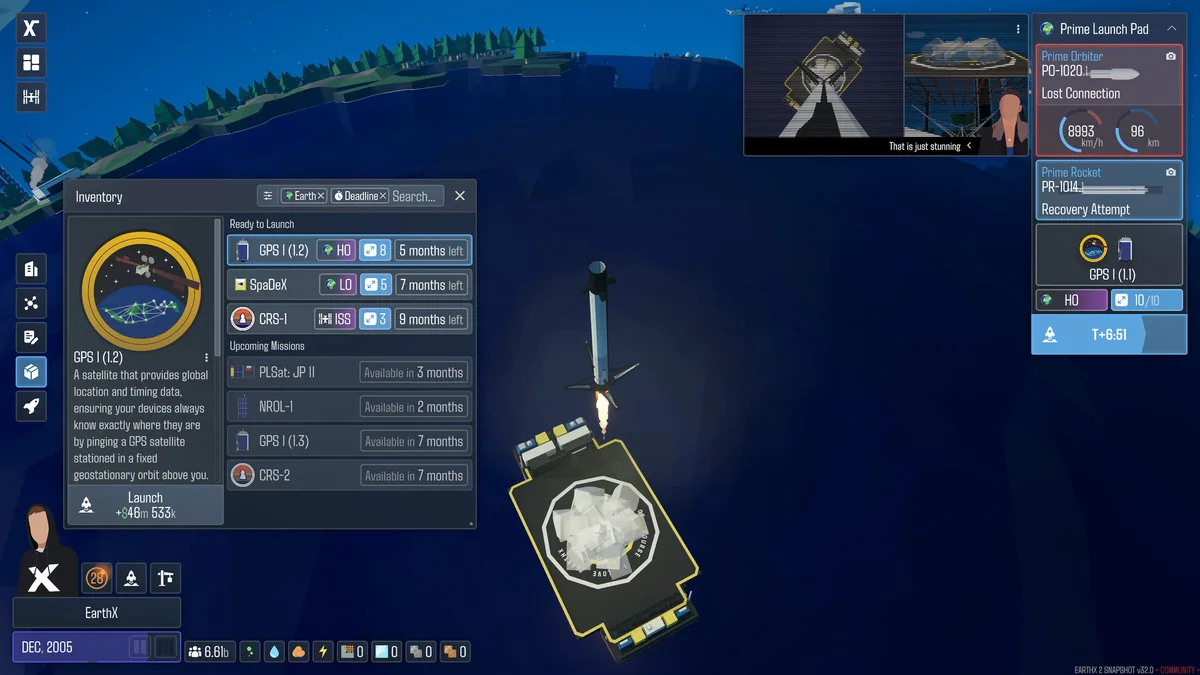
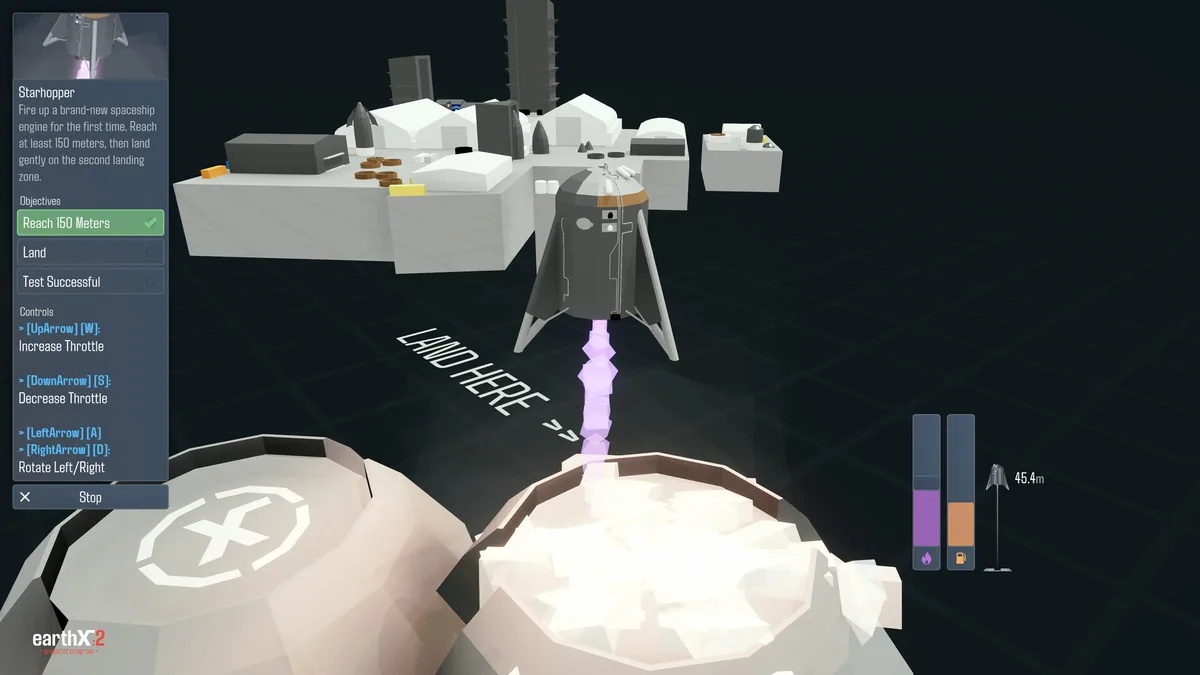
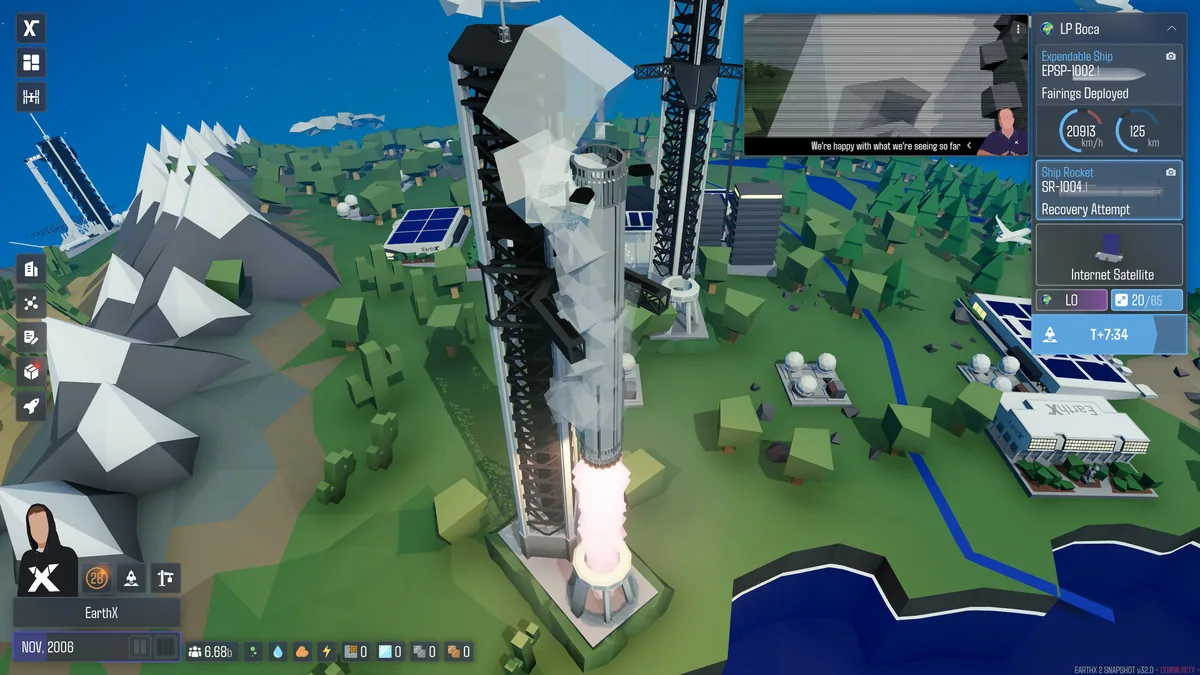
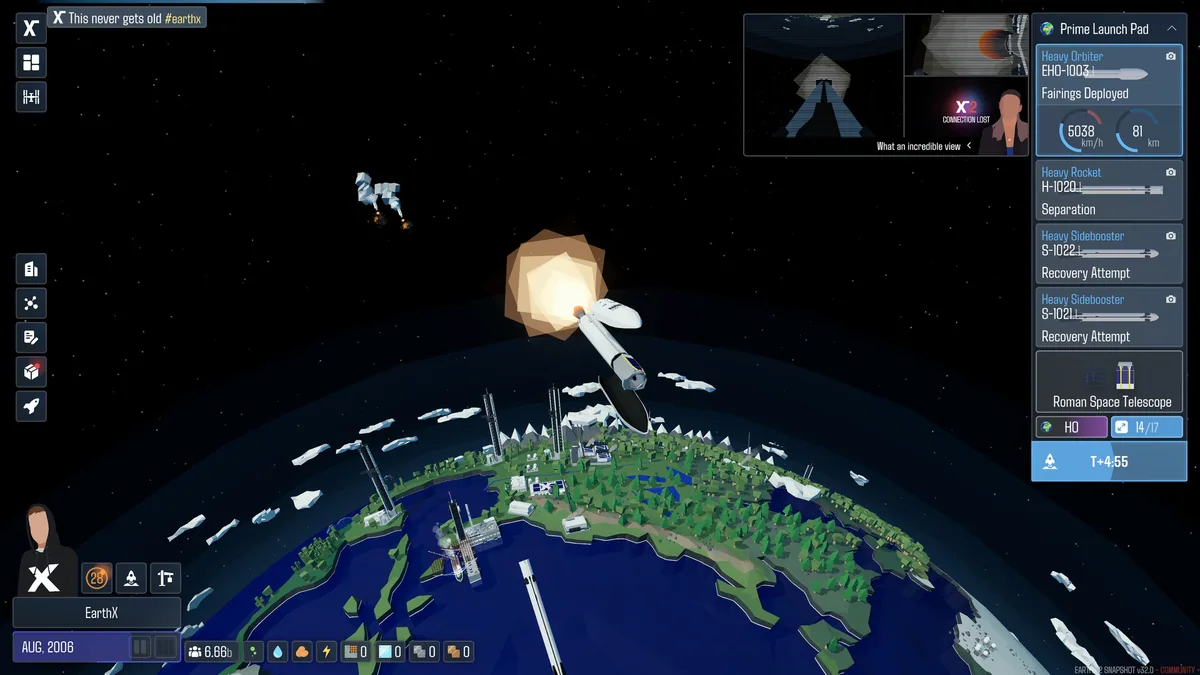
EarthX 2 is a space-company simulator about rockets, factories and a growing network beyond Earth. Reusable launches turn engineering decisions into a business that must fund the next mission.
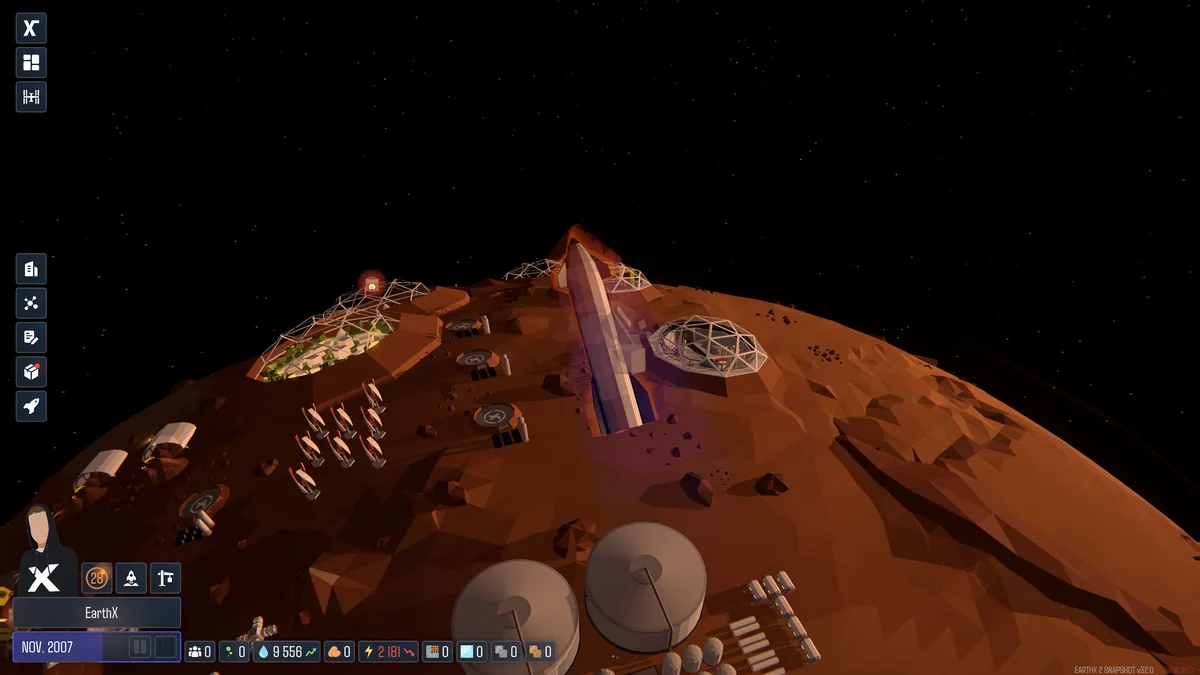
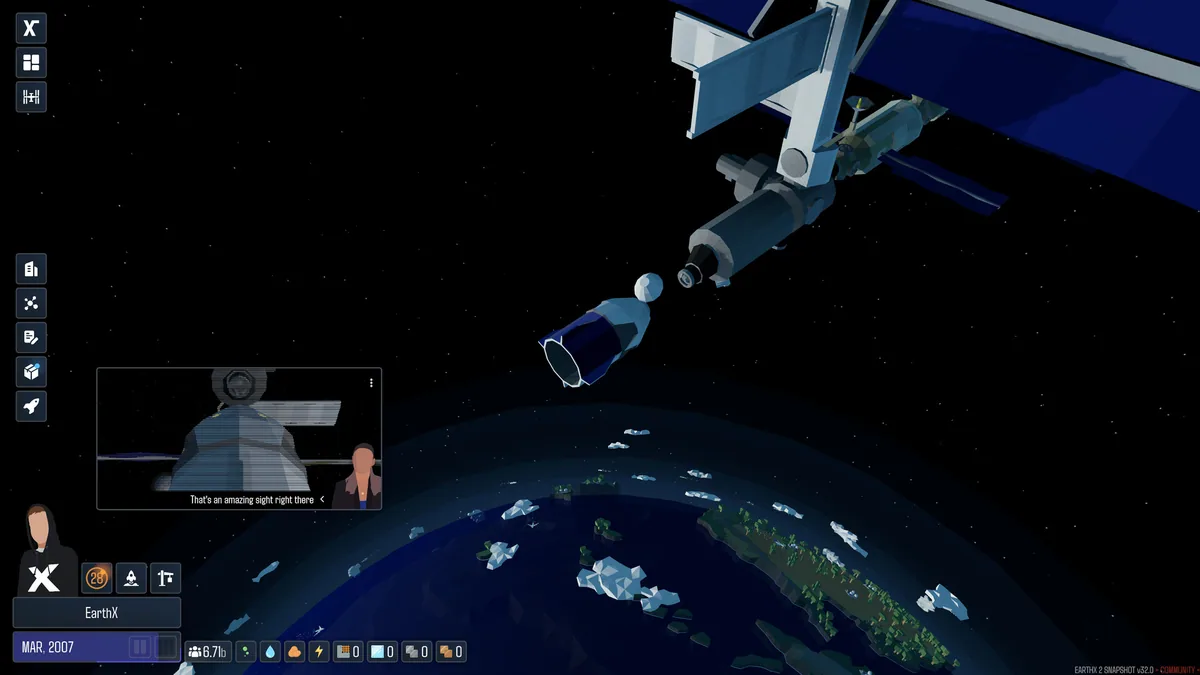
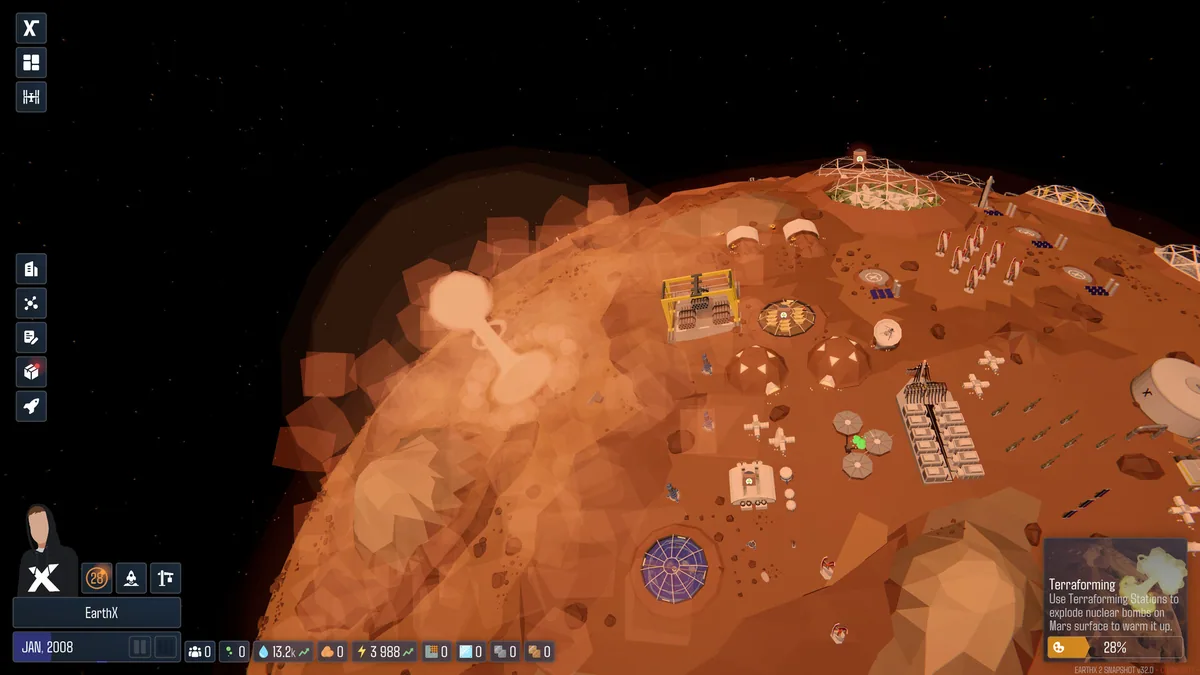
Satellite internet, lunar and Martian supply chains and long-term terraforming create goals across several scales. Production and launch timing connect every part of the company.
Official game page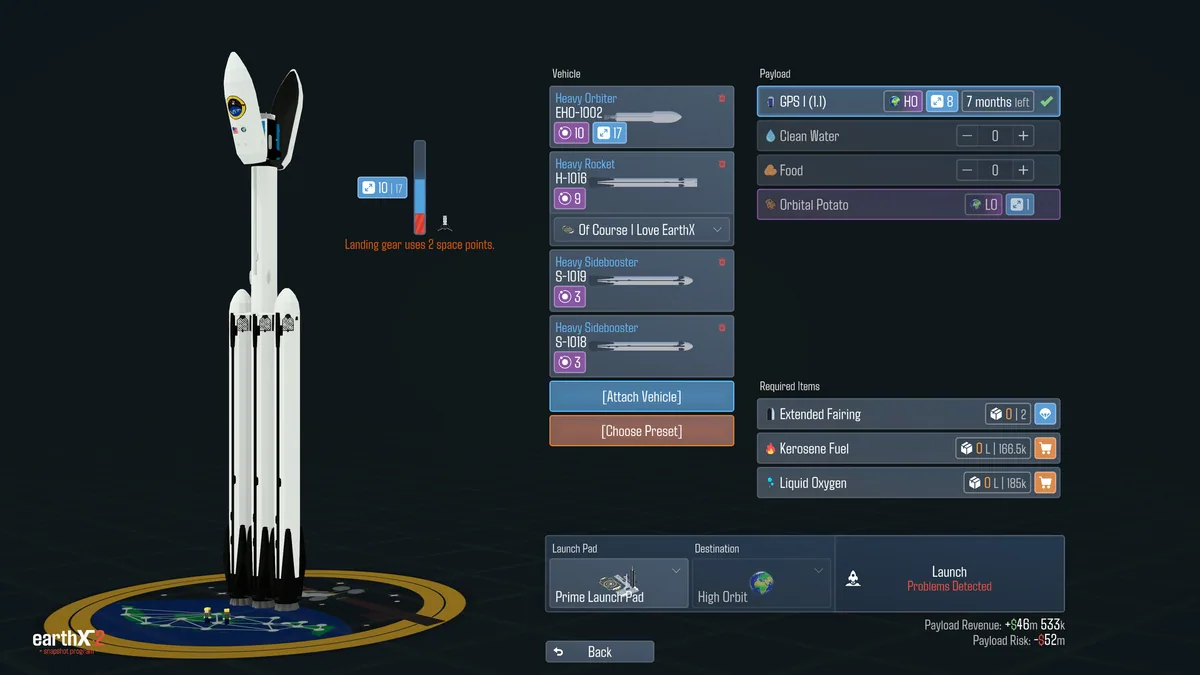
EarthX 2 trainer features
Satellite internet, lunar and Martian supply chains and long-term terraforming create goals across several scales. Production and launch timing connect every part of the company.