FREE CHEATS FOR
Eropsychosis: The Project Elysiara
Released September 29, 2026
Updated
 EAGLE CHEATS
How to use Eagle in Eropsychosis: The Project Elysiara
With Eropsychosis: The Project Elysiara running, press Insert to open the Eagle menu. The quick keys give direct access to Free Camera and Freeze Animation. Use the menu for Movement Speed, Set Time of Day and Unlock Areas and the remaining listed features; close it with Insert to return to the app.
- F2 Free Camera
Press F2 to turn Free Camera on or off without opening the menu. - F3 Freeze Animation
Press F3 to turn Freeze Animation on or off without opening the menu. - Insert Movement Speed
Press Insert, choose Movement Speed, adjust the value, and apply. - Insert Set Time of Day
Press Insert, choose Set Time of Day, adjust its value or option, and apply. - Insert Unlock Areas
Press Insert, choose Unlock Areas, and apply the unlock.
EXPLORE THE MENUFeatures
10 features
Exploration and scene controls for The Project Elysiara.
- Free Camera
- Movement Speed
- Unlock Areas
- Unlock Records
- Unlock Scenes
- Set Time of Day
- Freeze Animation
- Animation Speed
- Teleport to Room
- Hide Interface
About the game
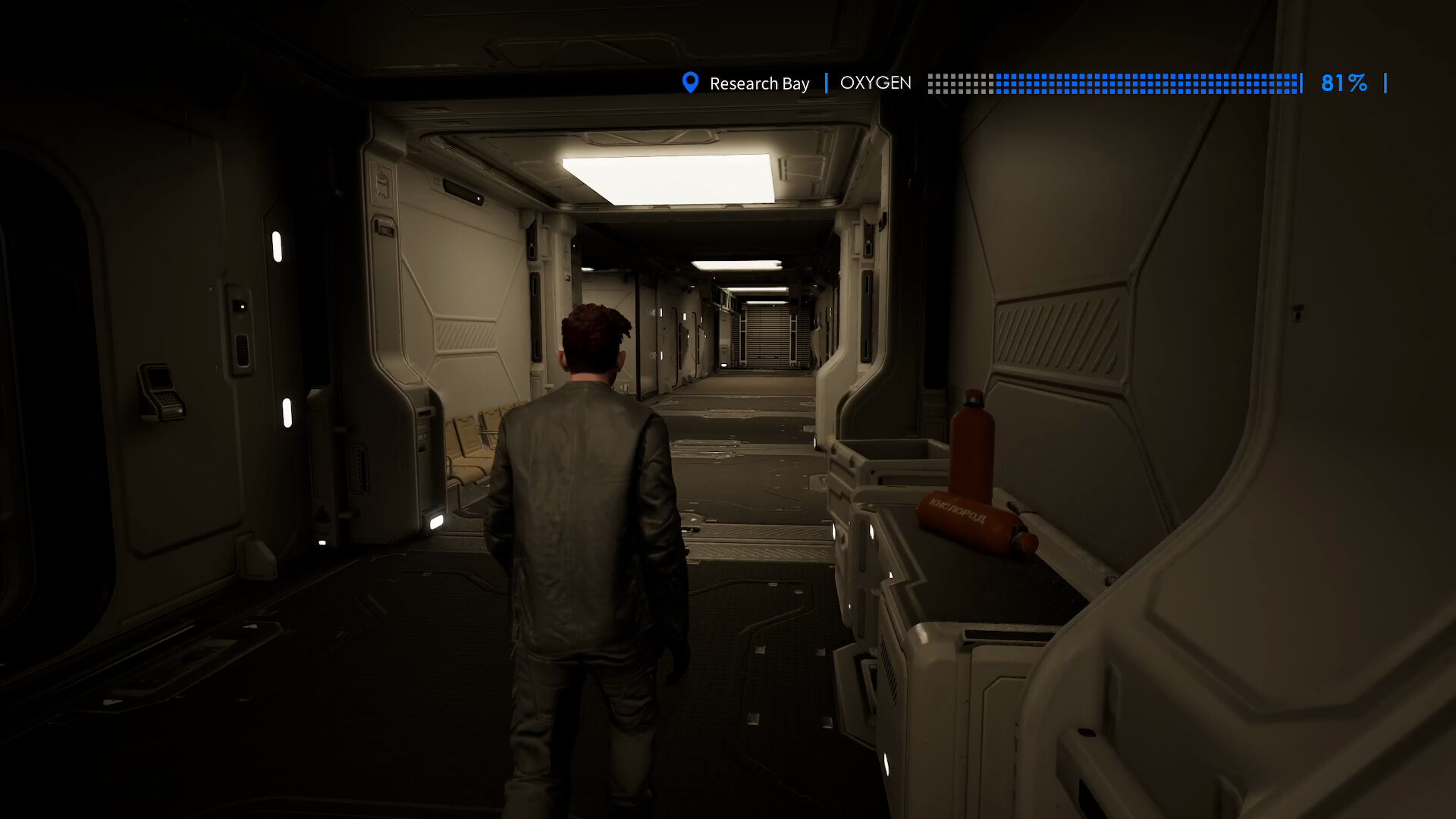
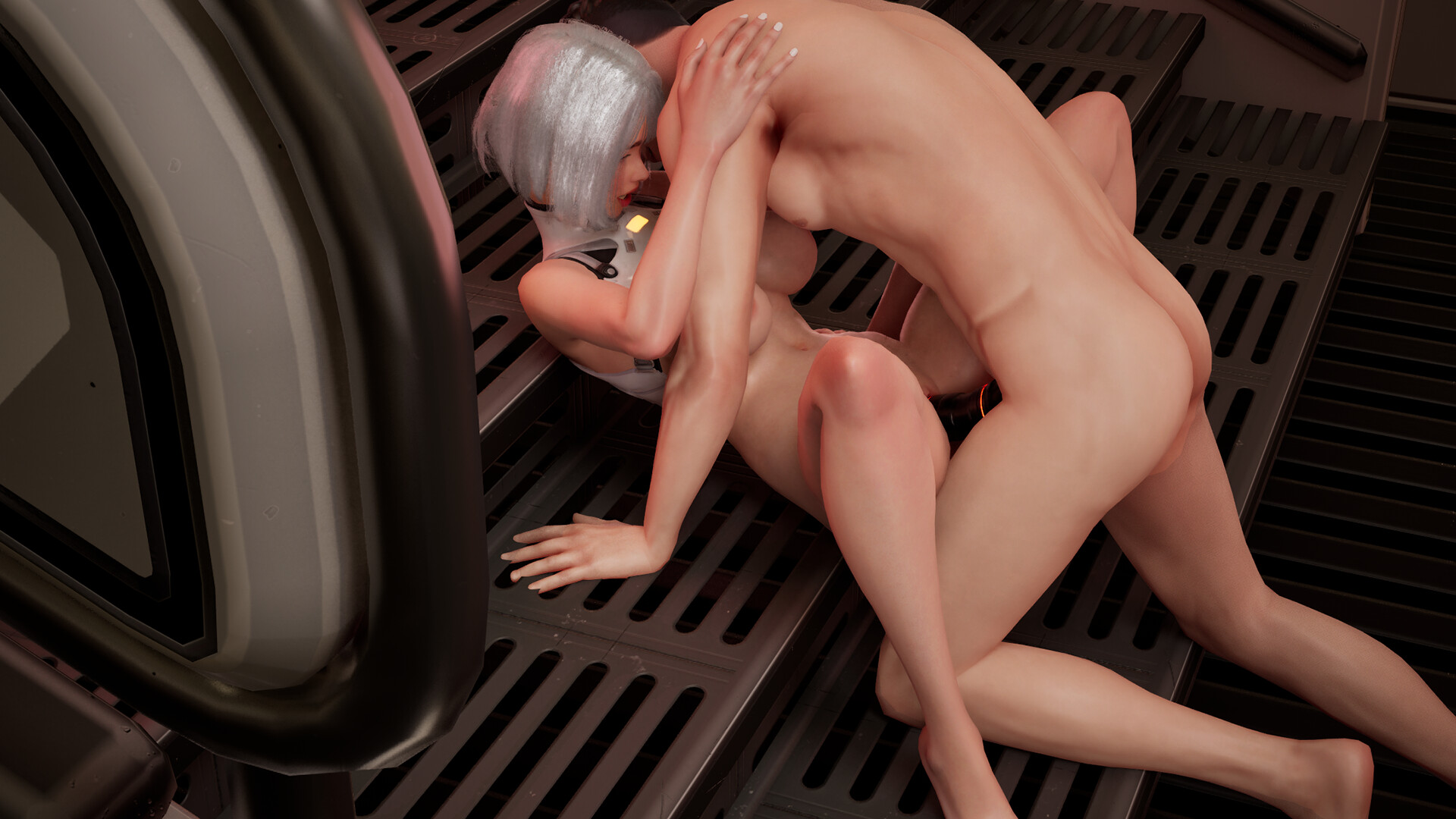
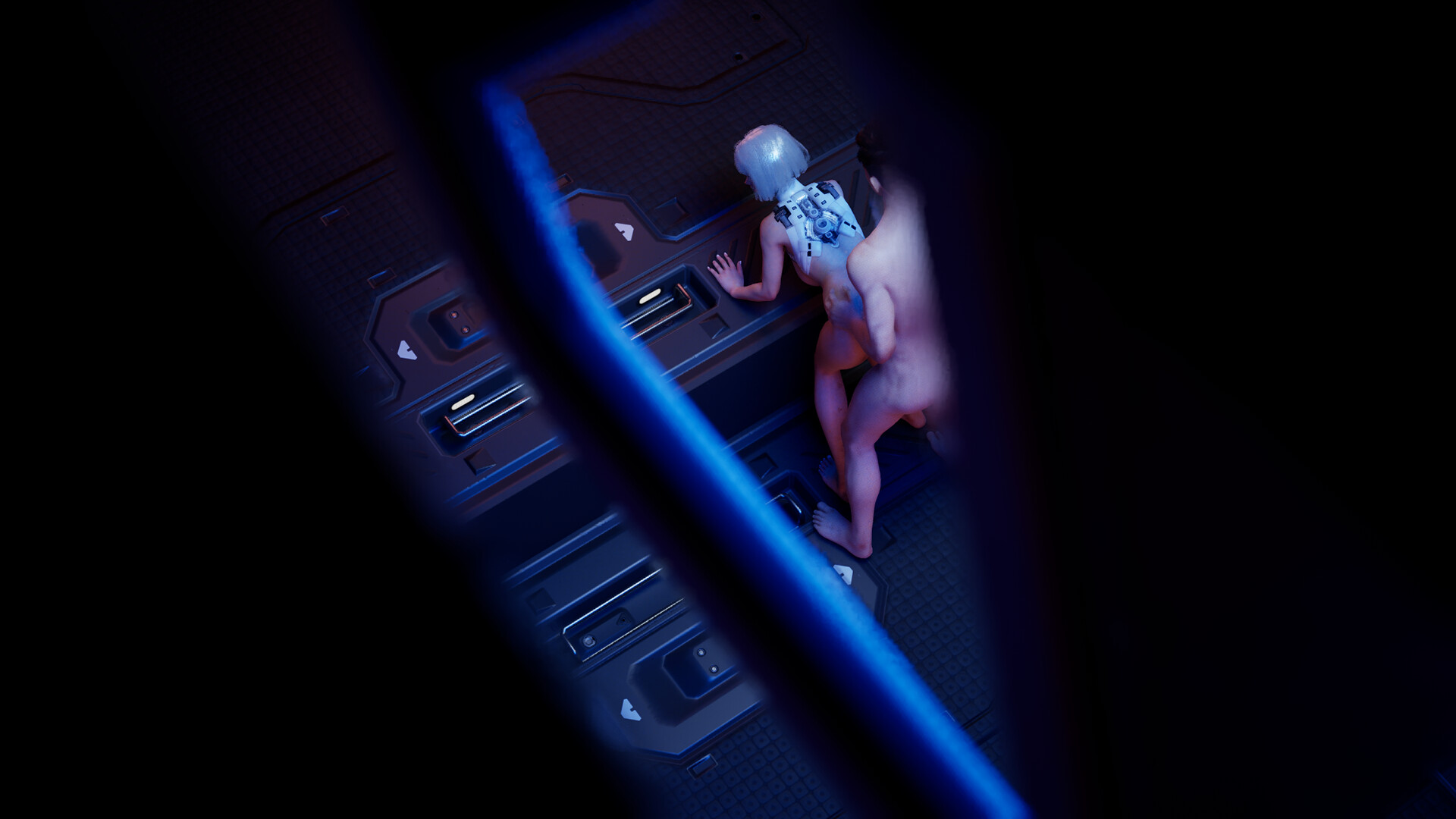
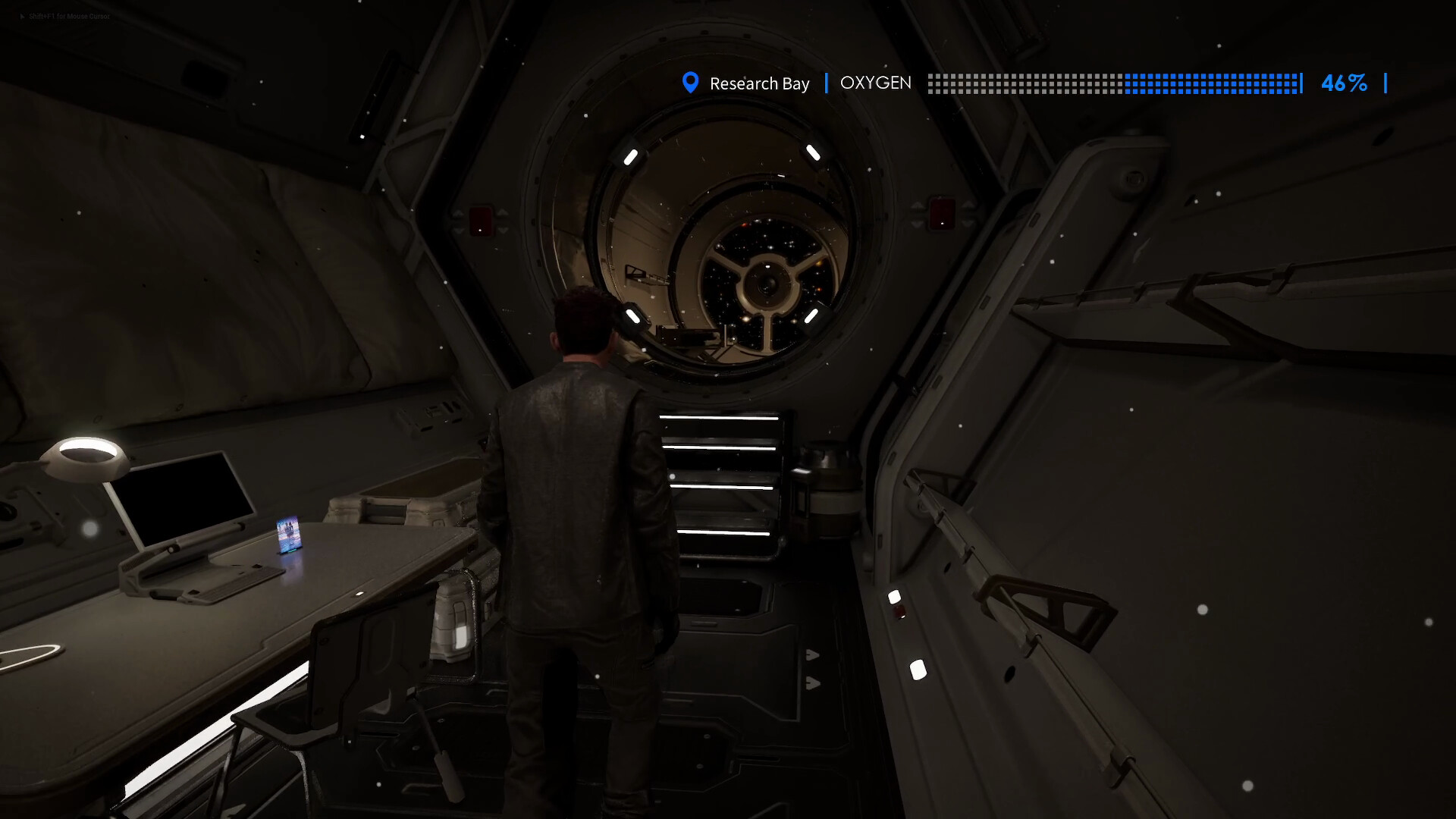
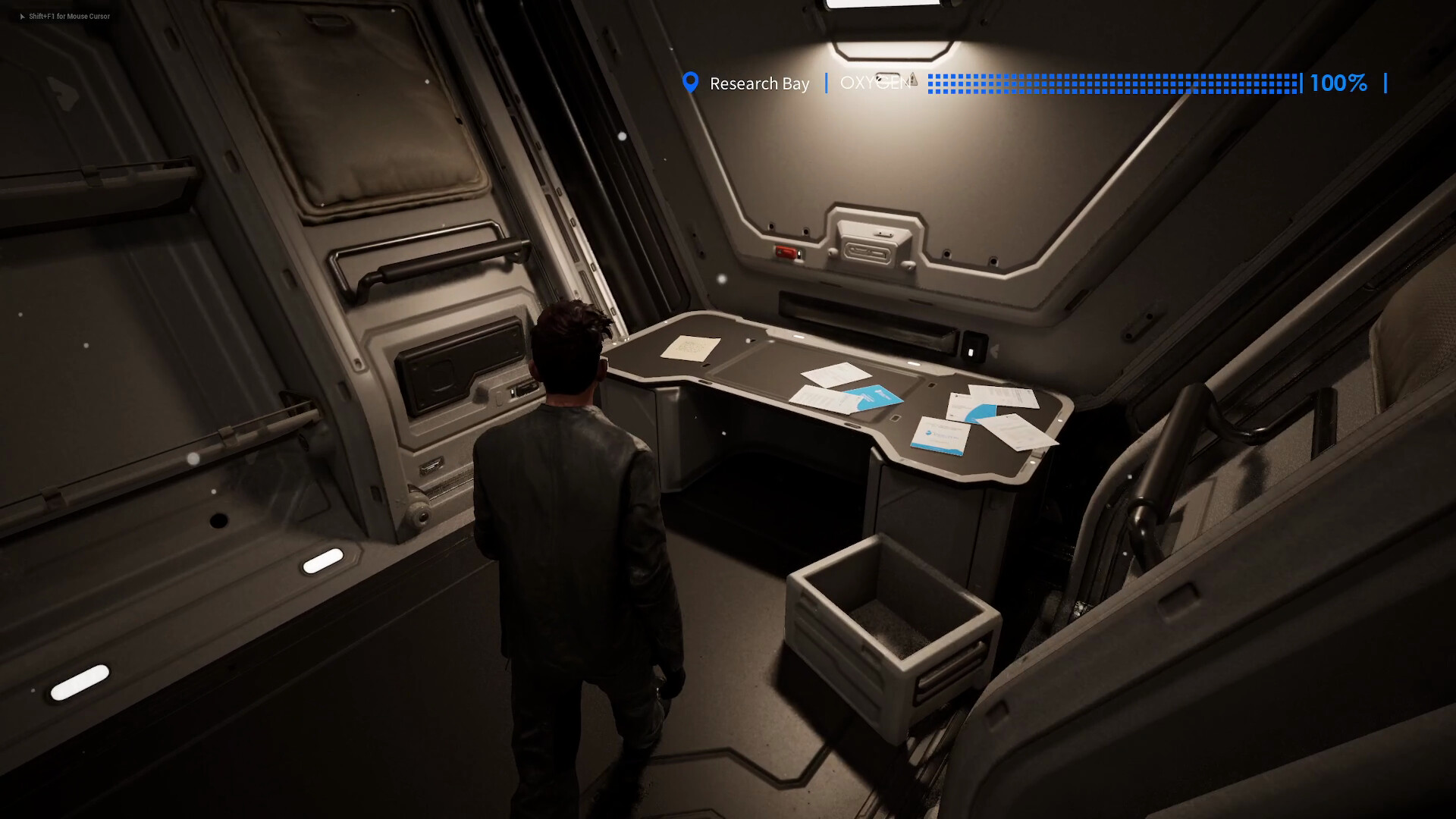
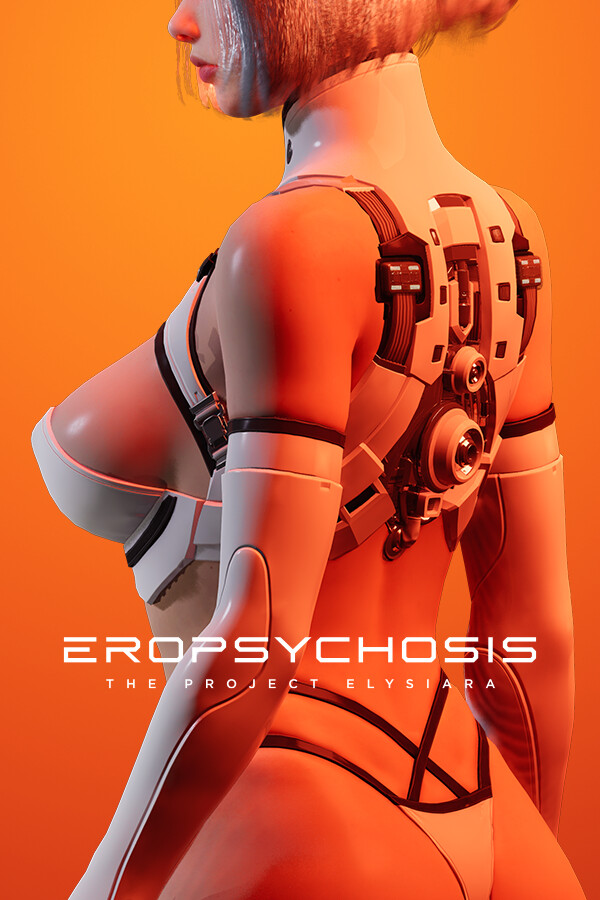
Eropsychosis: The Project Elysiara is an adult science-fiction exploration game set aboard a lonely ship. The android Lucy tries to make sense of human desire while searching for scattered records that may help keep the vessel functioning. Its story places intimacy within a wider mystery about the voyage.
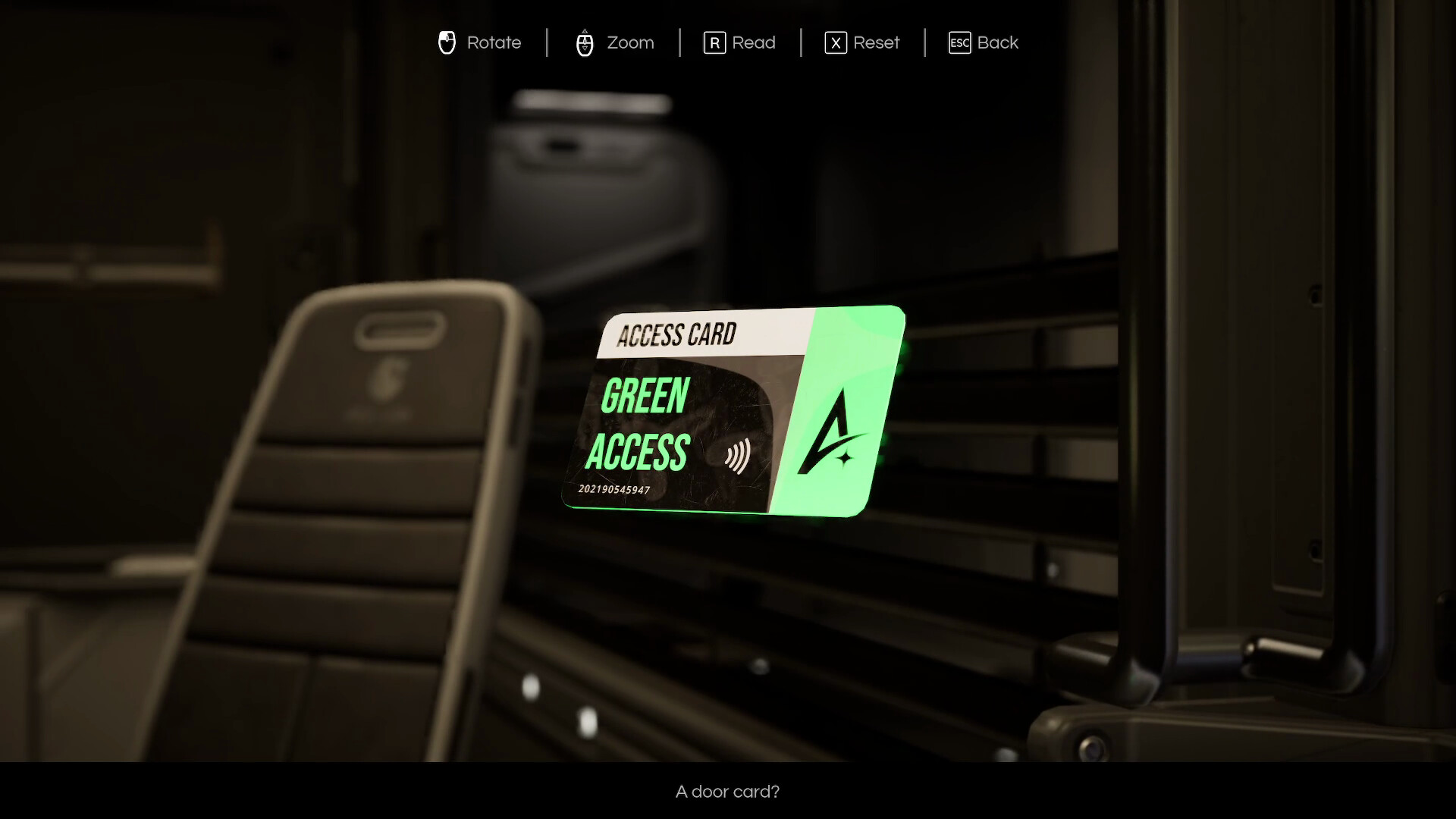
Moving through the ship reveals new spaces and fragments of information. The focus is on exploring the setting, unlocking scenes and understanding what happened to the crew and their mission.
Official game page