FREE CHEATS FOR
eXoSpace Combat Engineer
Released September 22, 2026
Updated

 EAGLE CHEATS
How to use Eagle in eXoSpace Combat Engineer
With eXoSpace Combat Engineer running, press Insert to open the Eagle menu. The quick keys give direct access to Infinite Hull Health and No Module Damage. Use the menu for Unlimited Build Parts, Infinite Weapon Ammo and Ship Speed and the remaining listed features; close it with Insert to return to the app.
- F2 Infinite Hull Health
Press F2 to turn Infinite Hull Health on or off without opening the menu. - F3 No Module Damage
Press F3 to turn No Module Damage on or off without opening the menu. - Insert Unlimited Build Parts
Press Insert, find Unlimited Build Parts in the feature list, and switch it on or off. - Insert Infinite Weapon Ammo
Press Insert, find Infinite Weapon Ammo in the feature list, and switch it on or off. - Insert Ship Speed
Press Insert, choose Ship Speed, adjust the value, and apply.
EXPLORE THE MENUFeatures
10 features
The free eXoSpace Combat Engineer trainer includes Infinite Hull Health, No Module Damage and Unlimited Build Parts. It also offers No Build Cost, Instant Ship Assembly and Infinite Weapon Ammo. Press Insert to open the menu on Windows PC.
- Infinite Hull Health
- No Module Damage
- Unlimited Build Parts
- No Build Cost
- Instant Ship Assembly
- Infinite Weapon Ammo
- No Weapon Cooldown
- Ship Speed
- Free Build Camera
- Save Ship Blueprint
About the game
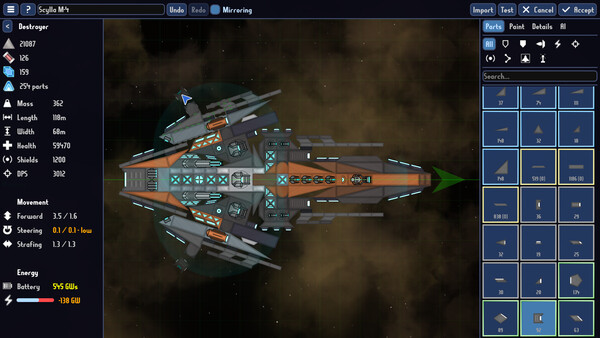
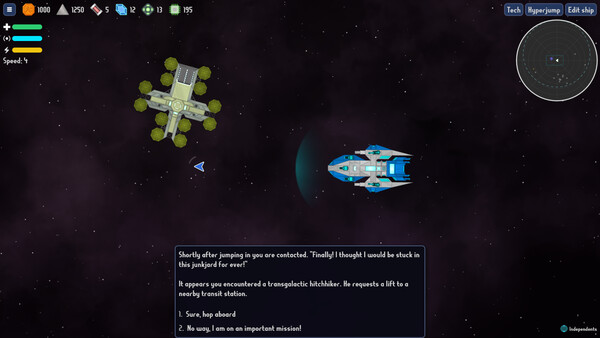
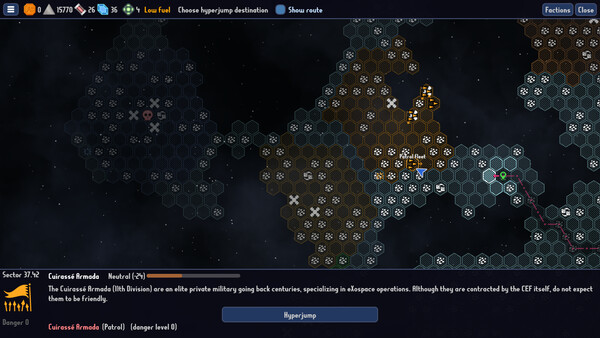
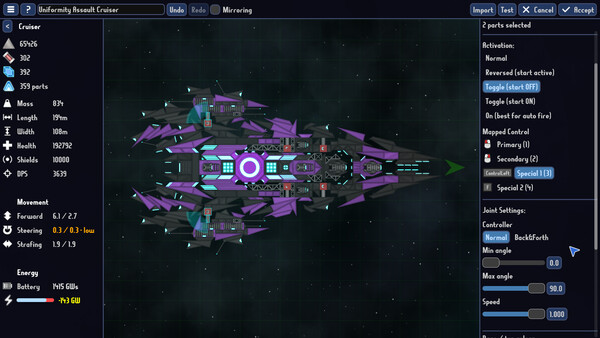
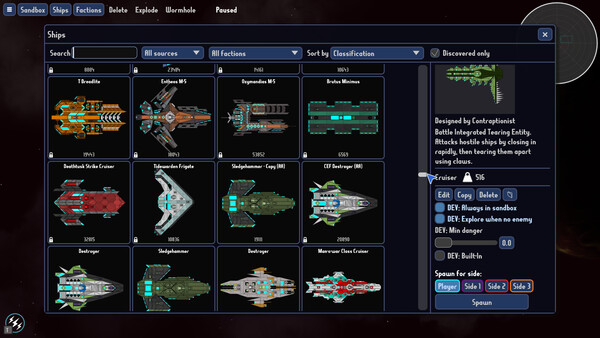
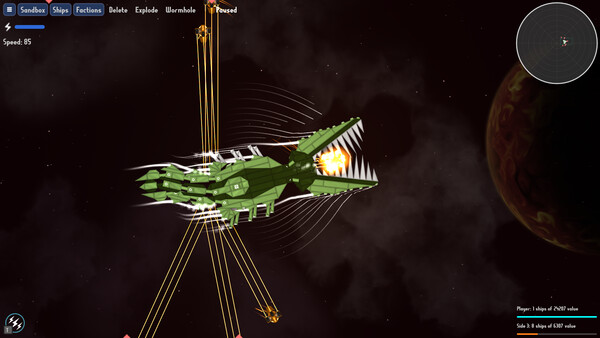
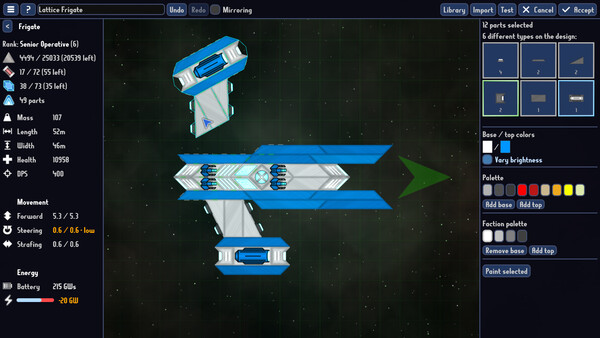
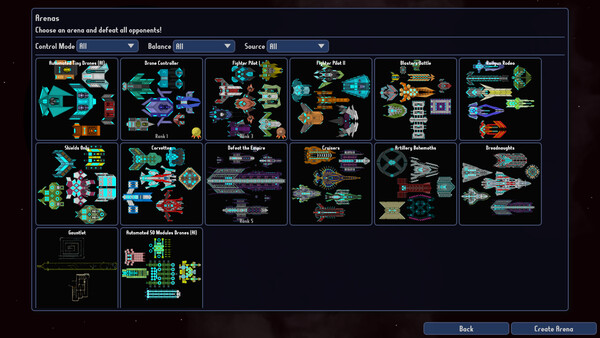
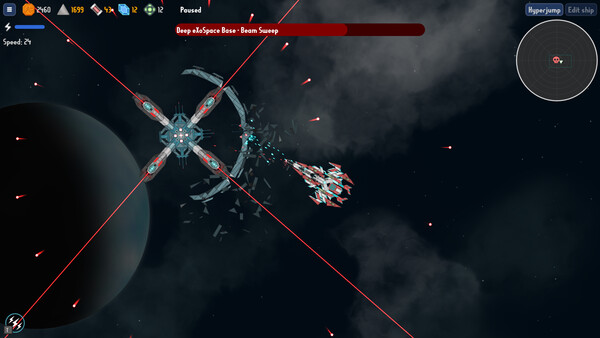
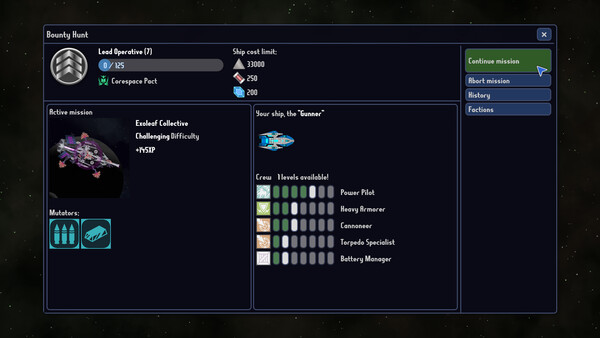
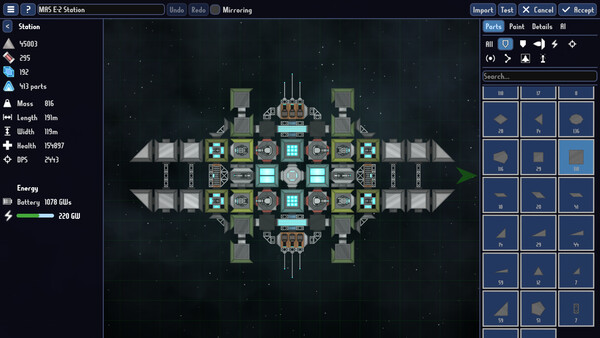
Snap, rotate and launch your own warship in minutes, then pilot it into bullet-hell boss fights to hunt the galaxy's supervillains. Master intuitive engineering, evolve from drone to dreadnought, and use the fully gridless designer to build anything you can imagine!.
Official game page