FREE CHEATS FOR
Fallen Tear: The Ascension
Released September 23, 2026
Updated

 EAGLE CHEATS
How to use Eagle in Fallen Tear: The Ascension
With Fallen Tear: The Ascension running, press Insert to open the Eagle menu. The quick keys give direct access to Infinite Health and Unlimited Jumps. Use the menu for Dash Cooldown, No Fall Damage and Reveal Map and the remaining listed features; close it with Insert to return to the app.
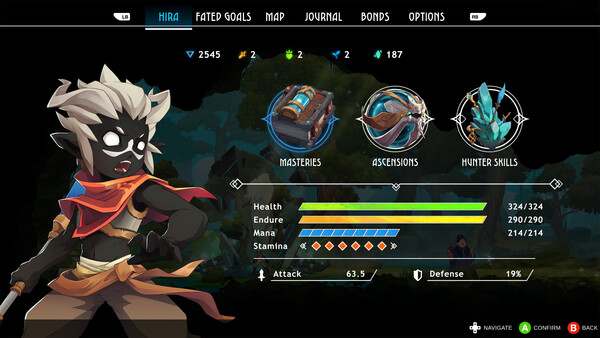
- F2 Infinite Health
Press F2 to turn Infinite Health on or off without opening the menu. - F3 Unlimited Jumps
Press F3 to turn Unlimited Jumps on or off without opening the menu. - Insert Dash Cooldown
Press Insert, find Dash Cooldown in the feature list, and switch it on or off. - Insert No Fall Damage
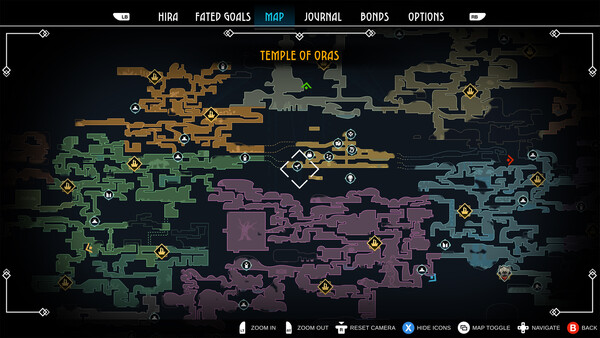
Press Insert, find No Fall Damage in the feature list, and switch it on or off. - Insert Reveal Map
Press Insert, find Reveal Map in the feature list, and switch it on or off.
EXPLORE THE MENUFeatures
8 features
The free Fallen Tear: The Ascension trainer includes Infinite Health, Unlimited Jumps and Dash Cooldown. It also offers No Fall Damage, Movement Speed and Reveal Map. Press Insert to open the menu on Windows PC.
- Infinite Health
- Unlimited Jumps
- Dash Cooldown
- No Fall Damage
- Movement Speed
- Reveal Map
- Save Position
- Set Game Speed
About the game
A story-driven Metroidvania where the allies you choose to bond with change how you fight and explore. Journey through the high-fantasy world of Raoah, uncover lost civilizations, and forge bonds that shape your path through a land on the brink of collapse.
Official game page