FREE CHEATS FOR
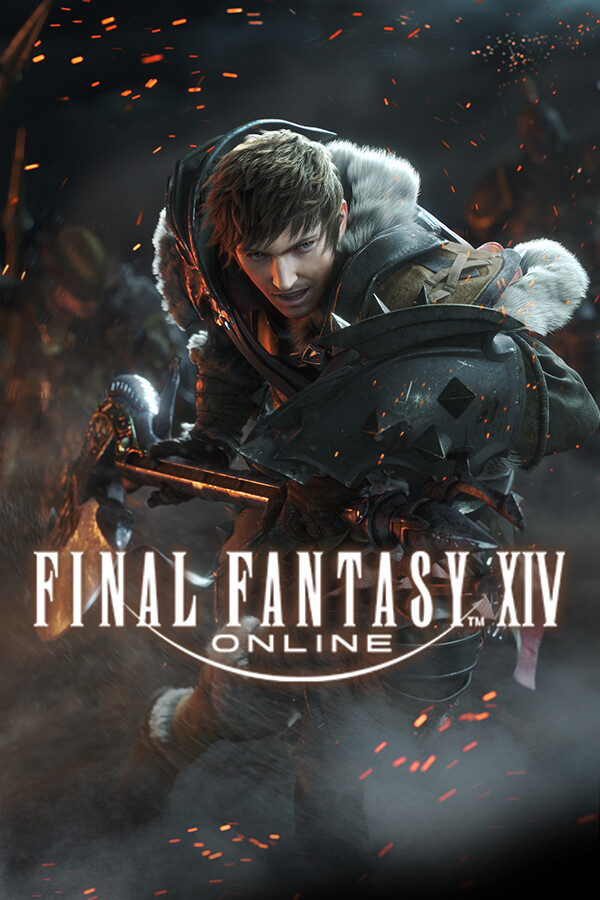
FINAL FANTASY XIV Online
Released August 27, 2013
Updated
 EAGLE CHEATS
How to use Eagle in FINAL FANTASY XIV Online
With FINAL FANTASY XIV Online running, press Insert to open the Eagle menu. The quick keys give direct access to Player ESP, NPC ESP and Gathering Node ESP. Use the menu for Object ESP, Target Health Bars and Movement Speed and the remaining listed features; close it with Insert to return to the app.
- F2 Player ESP
Press F2 to turn Player ESP on or off without opening the menu. - F3 NPC ESP
Press F3 to turn NPC ESP on or off without opening the menu. - F4 Gathering Node ESP
Press F4 to turn Gathering Node ESP on or off without opening the menu. - Insert Object ESP
Press Insert, find Object ESP in the feature list, and switch it on or off. - Insert Target Health Bars
Press Insert, find Target Health Bars in the feature list, and switch it on or off. - Insert Movement Speed
Press Insert, choose Movement Speed, adjust the value, and apply.
EXPLORE THE MENUFeatures
21 features
The free FINAL FANTASY XIV Online cheat menu includes Player ESP, NPC ESP and Gathering Node ESP. It also offers Object ESP, Target Health Bars and Distance Labels. Press Insert to open the menu on Windows PC.
- Player ESP
- NPC ESP
- Gathering Node ESP
- Object ESP
- Target Health Bars
- Distance Labels
- Encounter Timeline
- Cast Bar Overlay
- Cooldown Tracker
- Party Status
- Target Priority
- Quest Marker Overlay
- Treasure Radar
- Movement Speed
- Camera Controls
- No Fall Damage
- Map Waypoints
- Hotkey Profiles
- Instant Crafting
- No Build Cost
- Unlimited Materials
About the game
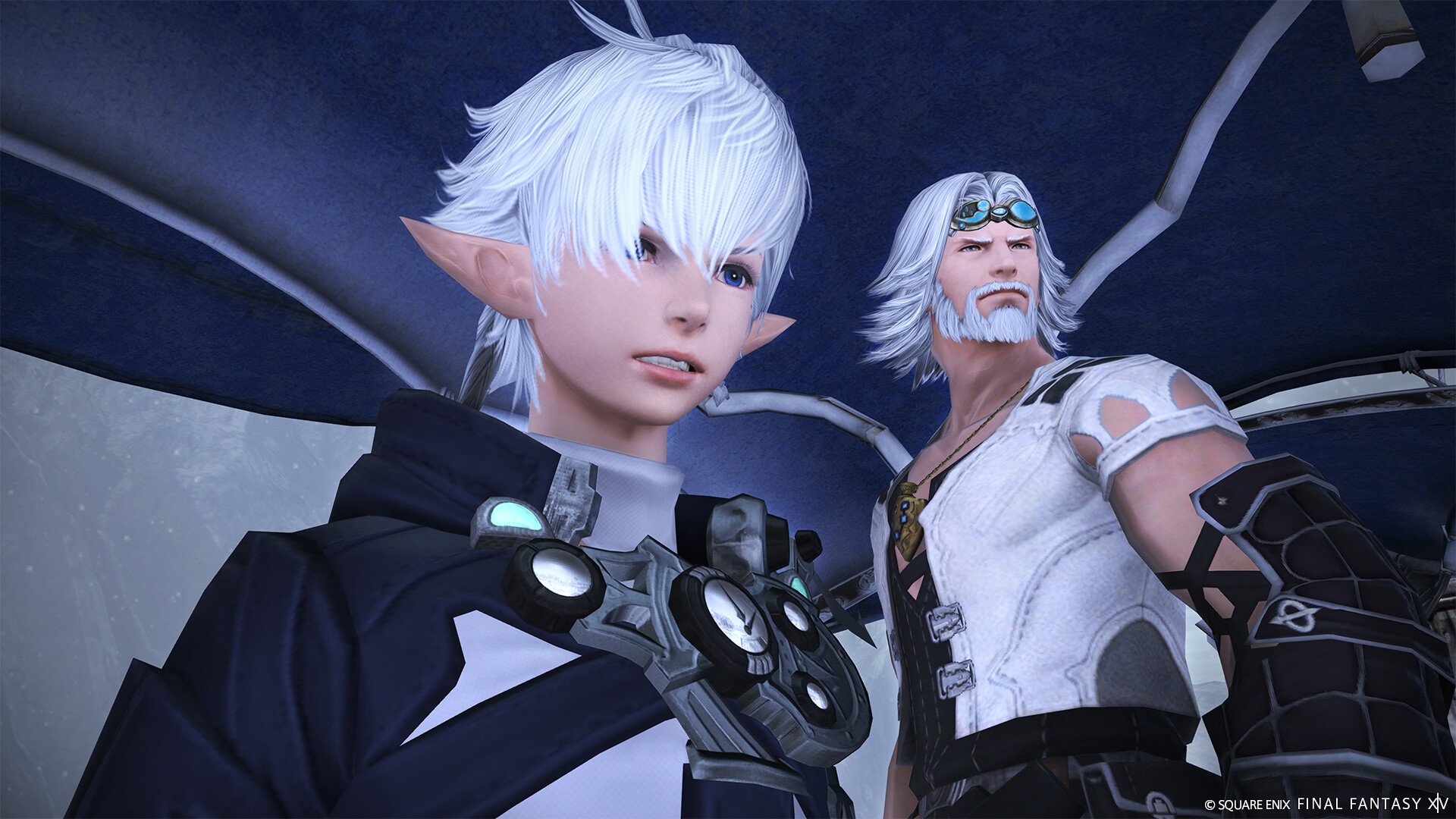
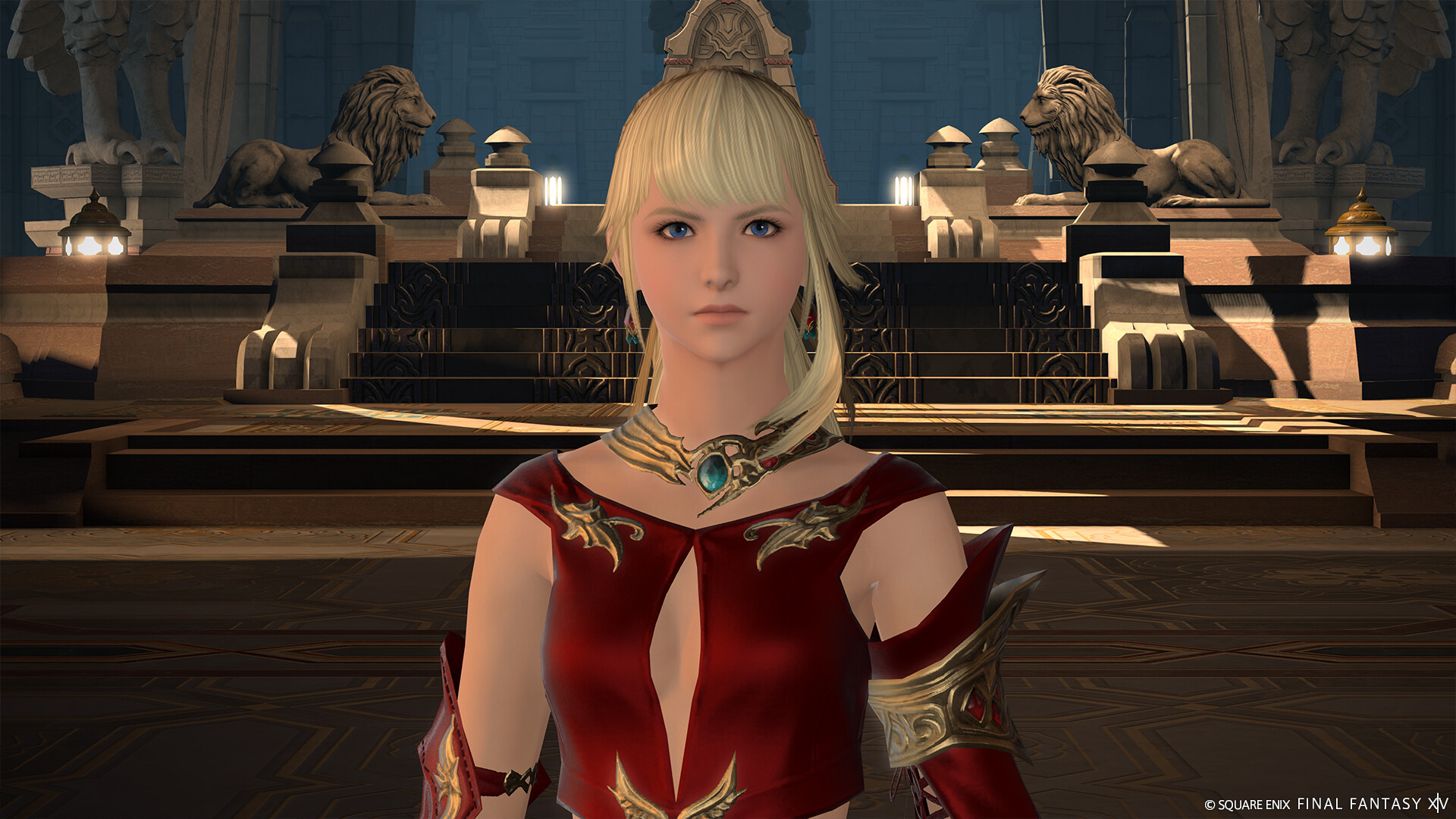
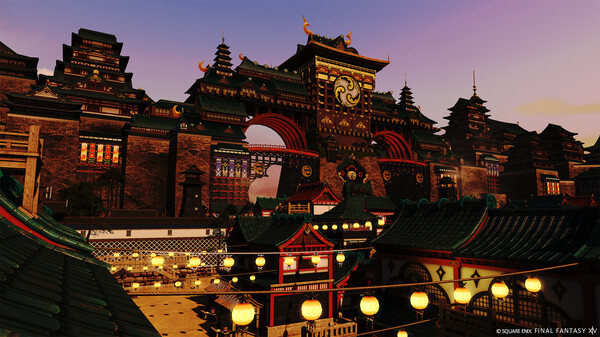
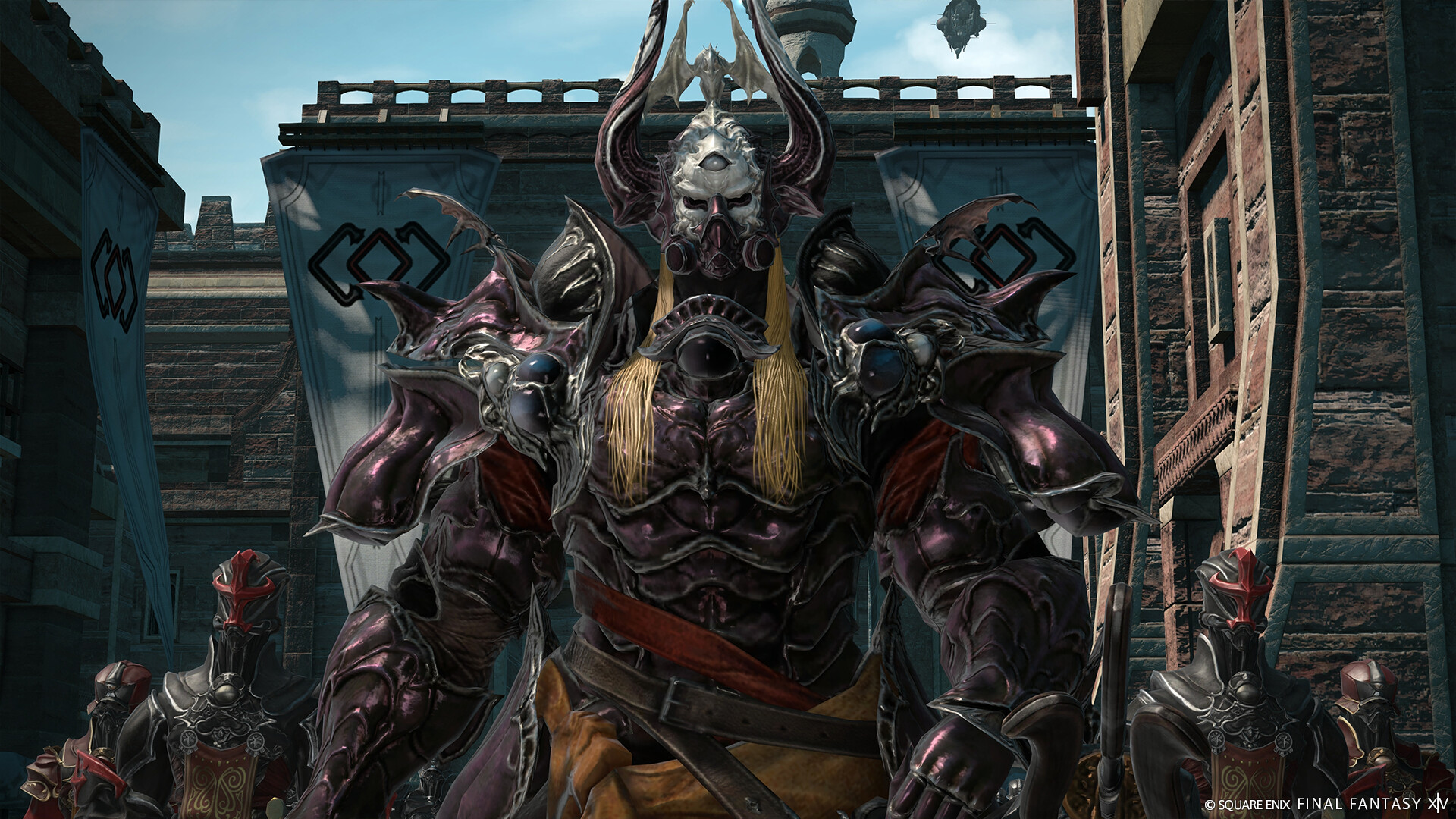
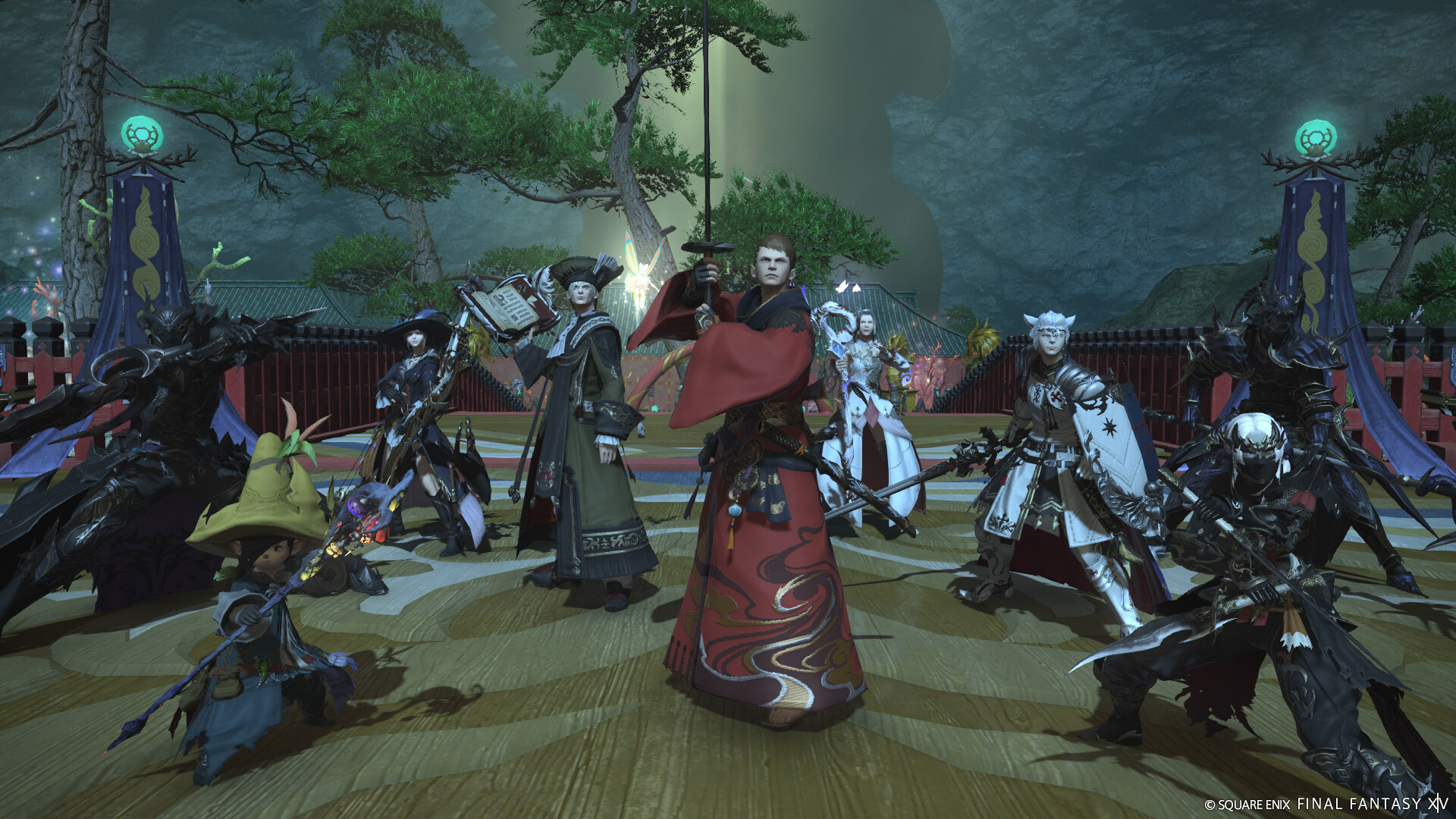
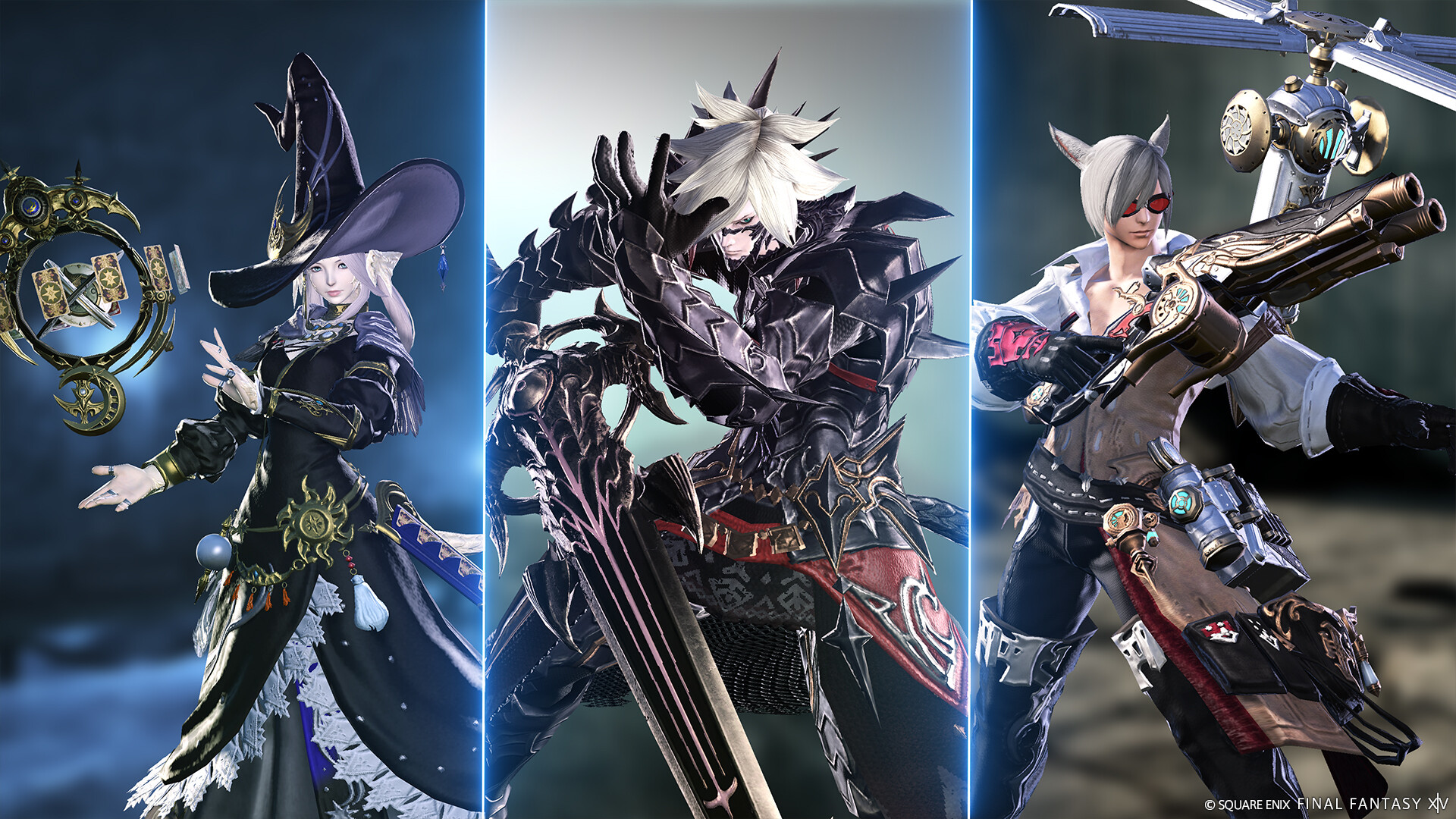
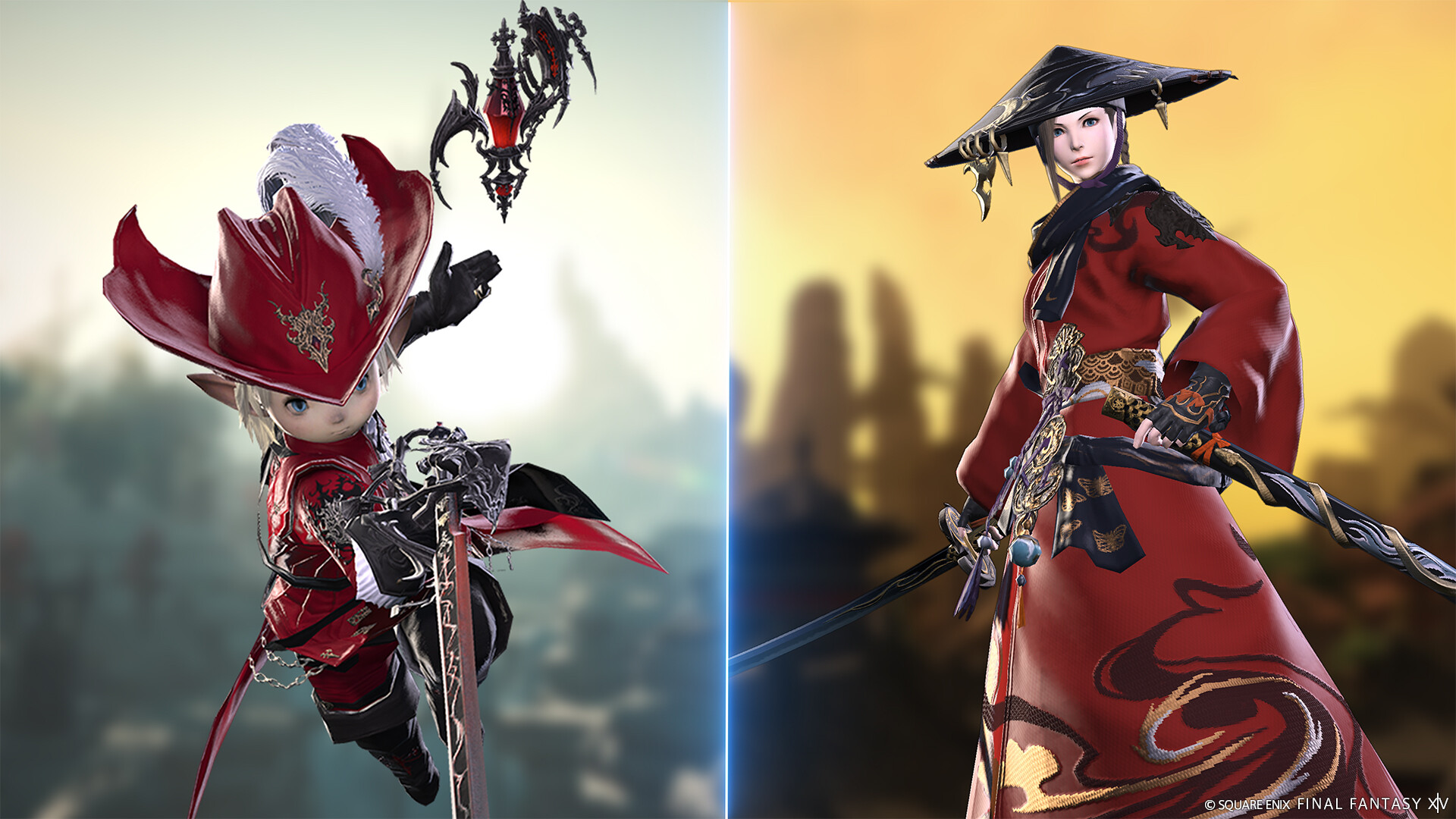
FINAL FANTASY XIV Online is an MMORPG set in Eorzea and the wider world of Hydaelyn. Its main scenario follows the Warrior of Light through political conflicts, ancient mysteries and battles that grow in scale across the expansions. A single character can learn every combat job, switching between tank, healer and damage roles rather than starting a new character for each style. Crafting and gathering classes have their own progression and activities.
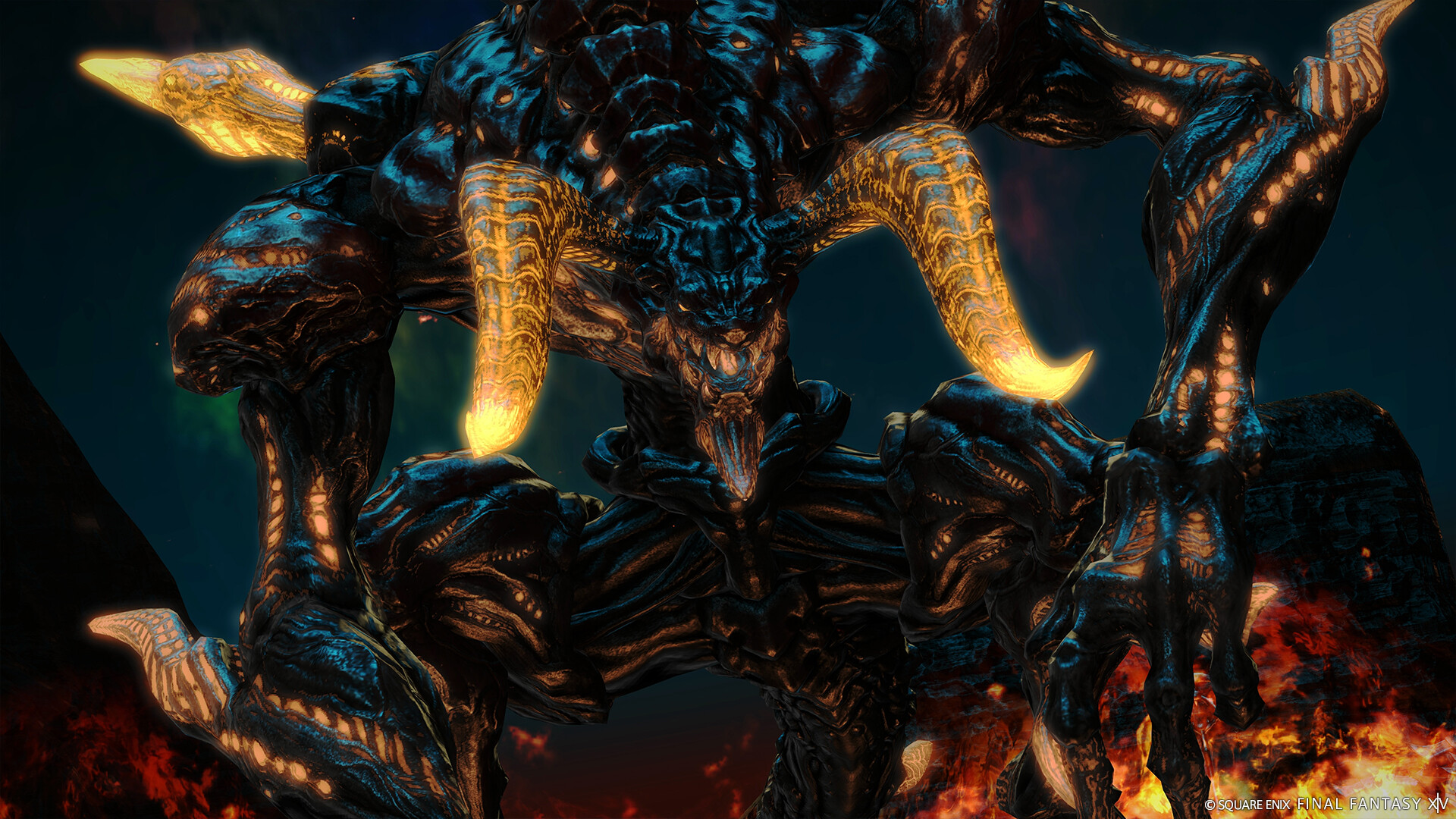
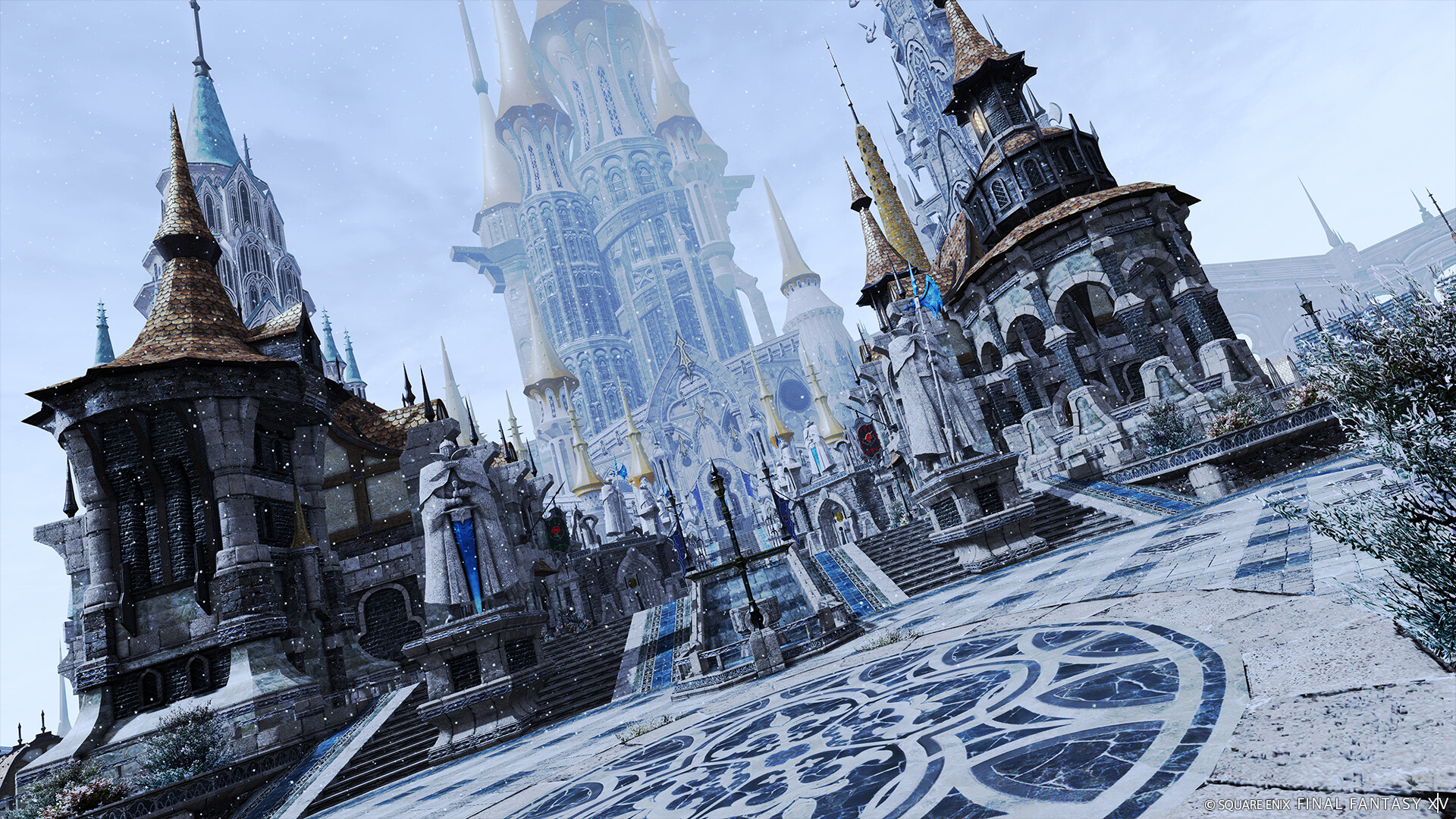
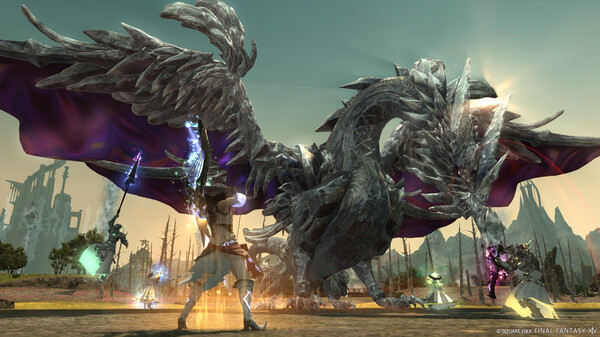
The world mixes story quests with dungeons, trials, raids, open-world exploration and social spaces. Duty Finder makes group activities accessible, while Free Companies and player housing give the community places to gather. Combat is built around job actions, party coordination and reading boss mechanics. Between encounters, players can collect mounts, customize glamour, take part in seasonal events or simply spend time in the cities and landscapes of Eorzea.
Official game page