FREE CHEATS FOR
Forever Ago
Released October 8, 2026
Updated

EAGLE CHEATSForever Ago
 EAGLE CHEATS
How to use Eagle in Forever Ago
With Forever Ago running, press Insert to open the Eagle menu. The quick keys give direct access to Free Camera and Reveal Map. Use the menu for Movement Speed, Unlock Locations and Save Location and the remaining listed features; close it with Insert to return to the app.
- F2 Free Camera
Press F2 to turn Free Camera on or off without opening the menu. - F3 Reveal Map
Press F3 to turn Reveal Map on or off without opening the menu. - Insert Movement Speed
Press Insert, choose Movement Speed, adjust the value, and apply. - Insert Unlock Locations
Press Insert, choose Unlock Locations, and apply the unlock. - Insert Save Location
Press Insert, choose Save Location, adjust its value or option, and apply.
EXPLORE THE MENUFeatures
8 features
Journey and exploration controls for Alfred's road trip.
- Free Camera
- Movement Speed
- Reveal Map
- Unlock Locations
- Save Location
- Teleport to Saved Location
- Skip Dialogue
- Set Game Speed
About the game
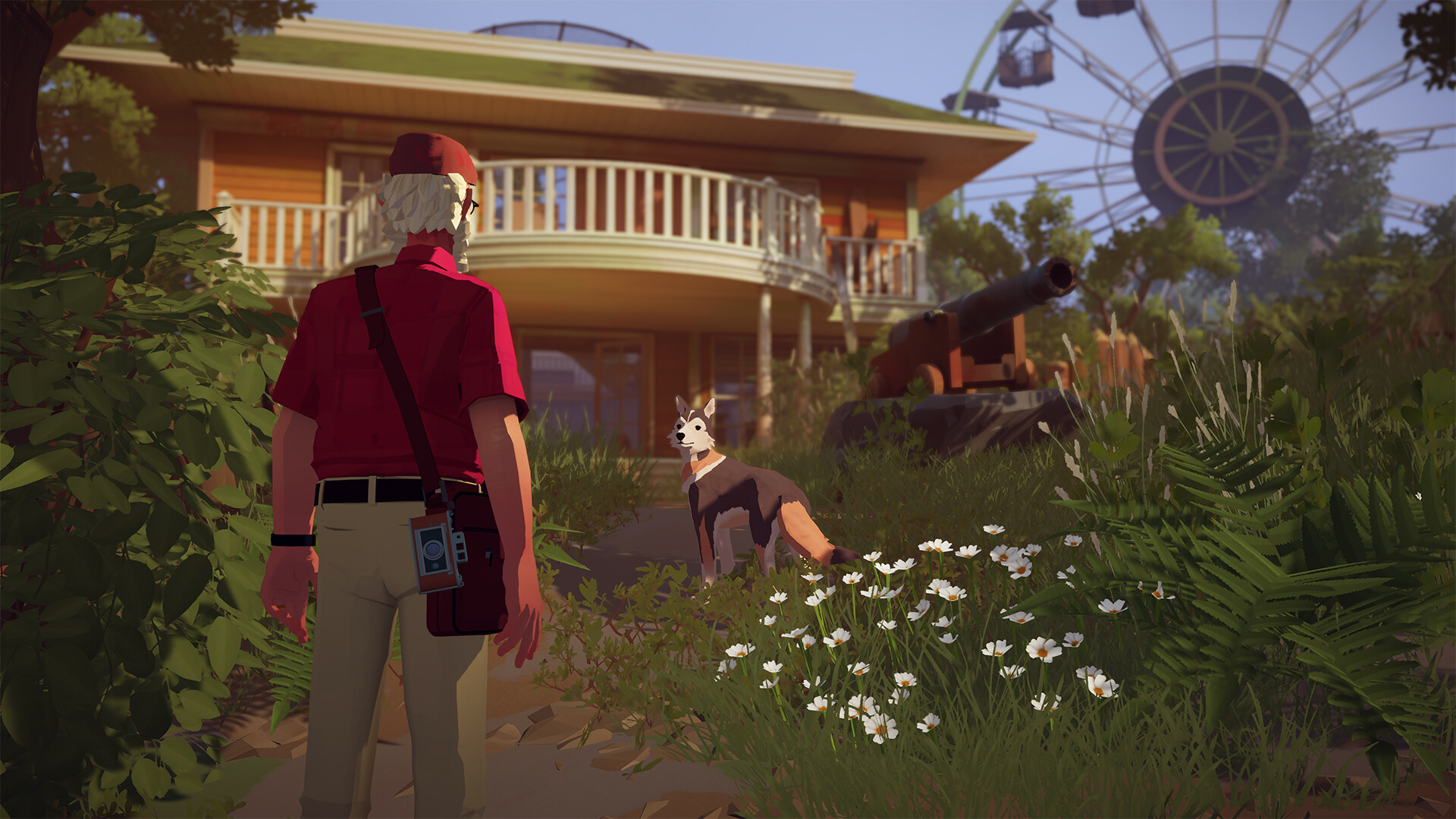
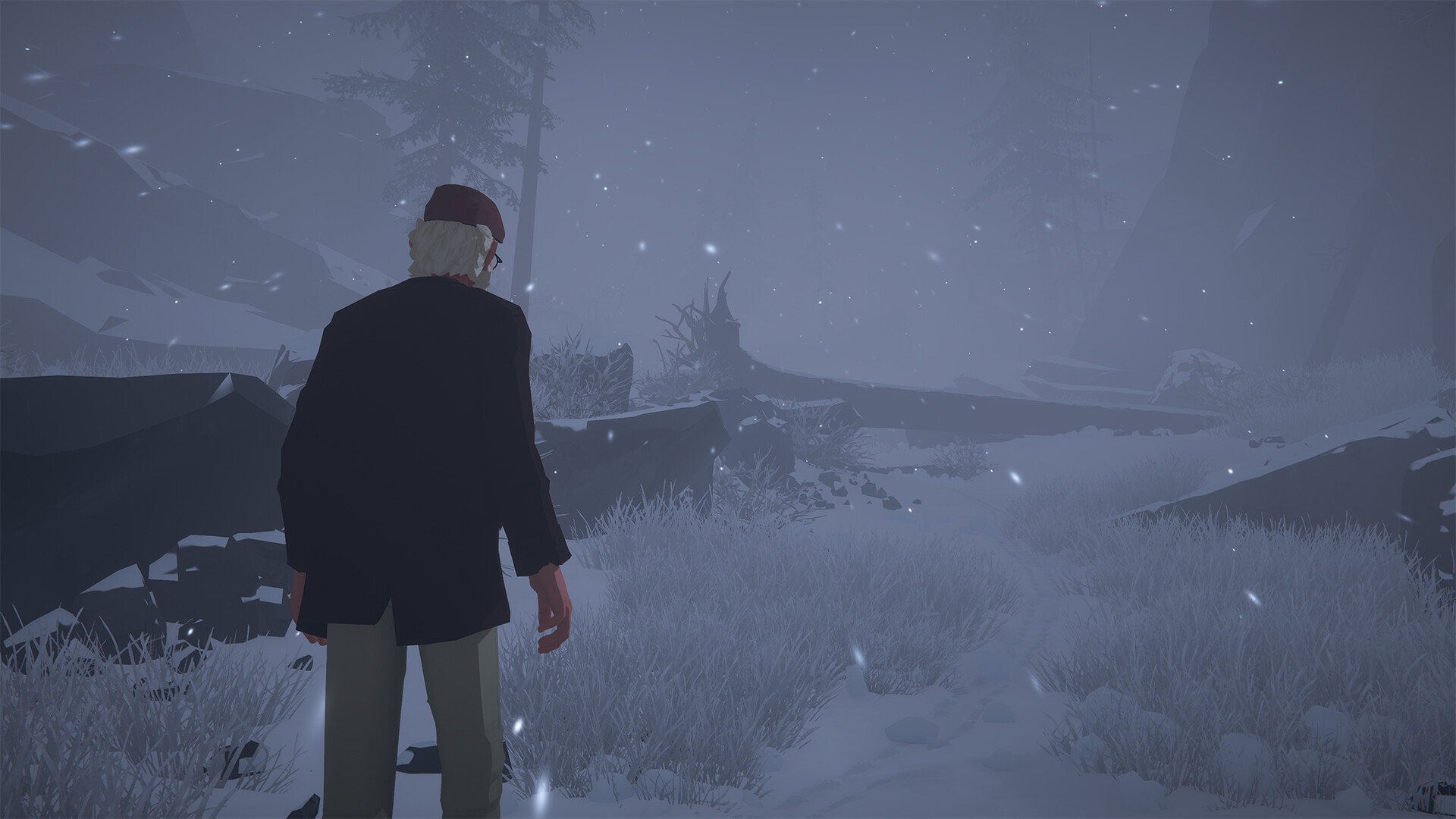
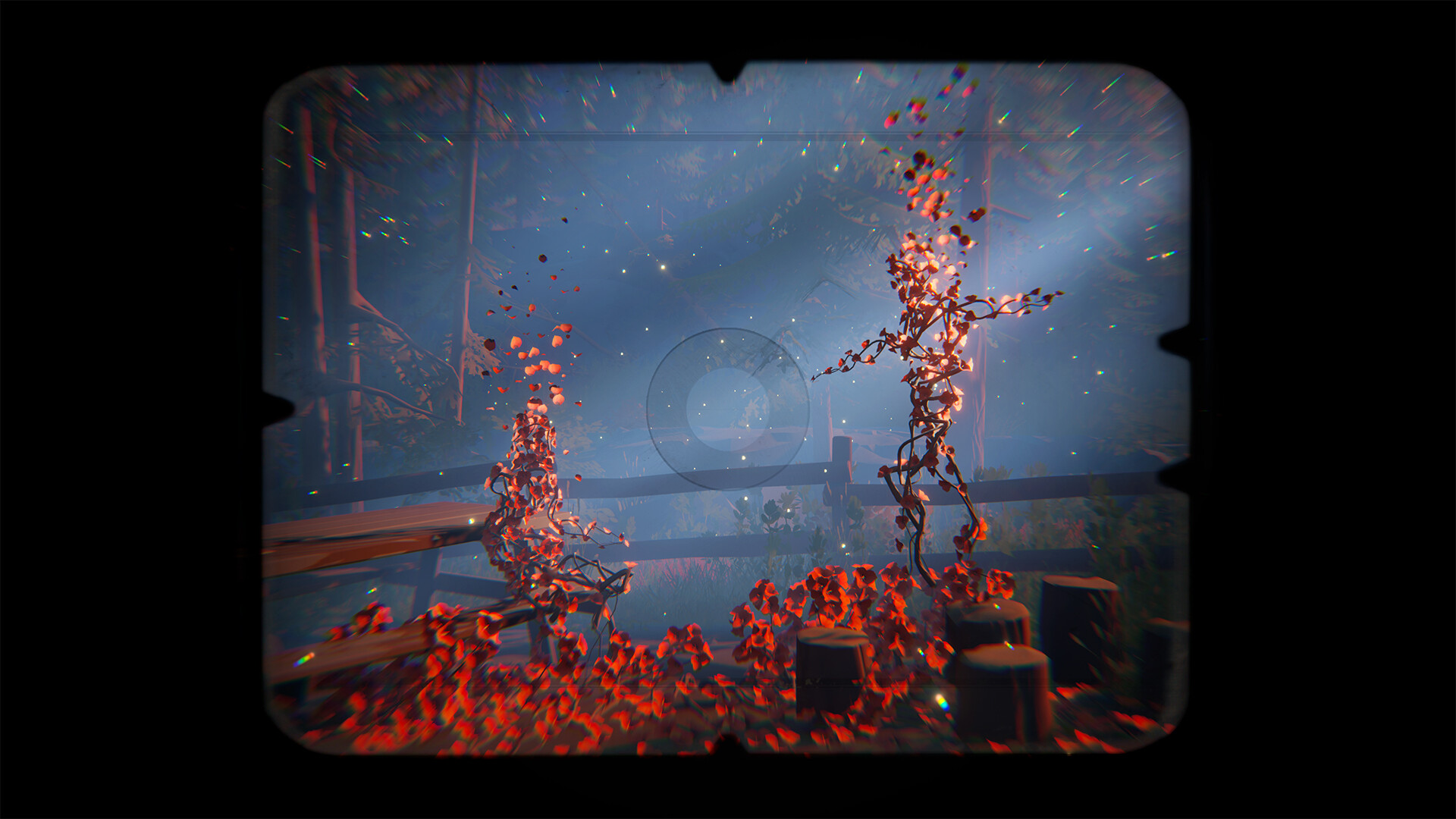
Forever Ago follows Alfred on a journey north after a personal tragedy. This single-player road trip is about the people he meets, the places he stops and the memories he carries along the way. Travel and quiet exploration give the story room to unfold at its own pace.
Official game page





KEEP EXPLORING