FREE CHEATS FOR
Haunted Heist
Released October 12, 2026
Updated

 EAGLE CHEATS
How to use Eagle in Haunted Heist
With Haunted Heist running, press Insert to open the Eagle menu. The quick keys give direct access to Player ESP, Gem Markers and Gem Count. Use the menu for Team Filter, Heister Inventory and Mansion Map Reveal and the remaining listed features; close it with Insert to return to the app.
- F2 Player ESP
Press F2 to turn Player ESP on or off without opening the menu. - F3 Gem Markers
Press F3 to turn Gem Markers on or off without opening the menu. - F4 Gem Count
Press F4 to turn Gem Count on or off without opening the menu. - Insert Team Filter
Press Insert, choose Team Filter, adjust its value or option, and apply. - Insert Heister Inventory
Press Insert, find Heister Inventory in the feature list, and switch it on or off. - Insert Mansion Map Reveal
Press Insert, find Mansion Map Reveal in the feature list, and switch it on or off.
EXPLORE THE MENUFeatures
13 features
Track gems, exits and opposing players in the mansion's changing layout.
- Player ESP
- Team Filter
- Gem Markers
- Gem Count
- Exit Markers
- Mansion Map Reveal
- Trickster Ability Cooldowns
- Heister Inventory
- Sound Cue View
- Visibility Check
- Objective Timer
- Round Status
- Spectator Indicator
About the game
Haunted Heist pits gem-hunting Heisters against supernatural Tricksters inside a shifting mansion. A round can turn when a team finds a valuable room or a Trickster blocks the route out.
The asymmetric PvP format asks each side to manage visibility, objectives and its own abilities. Procedural layouts keep escape routes and hiding places from staying familiar.
Official game page
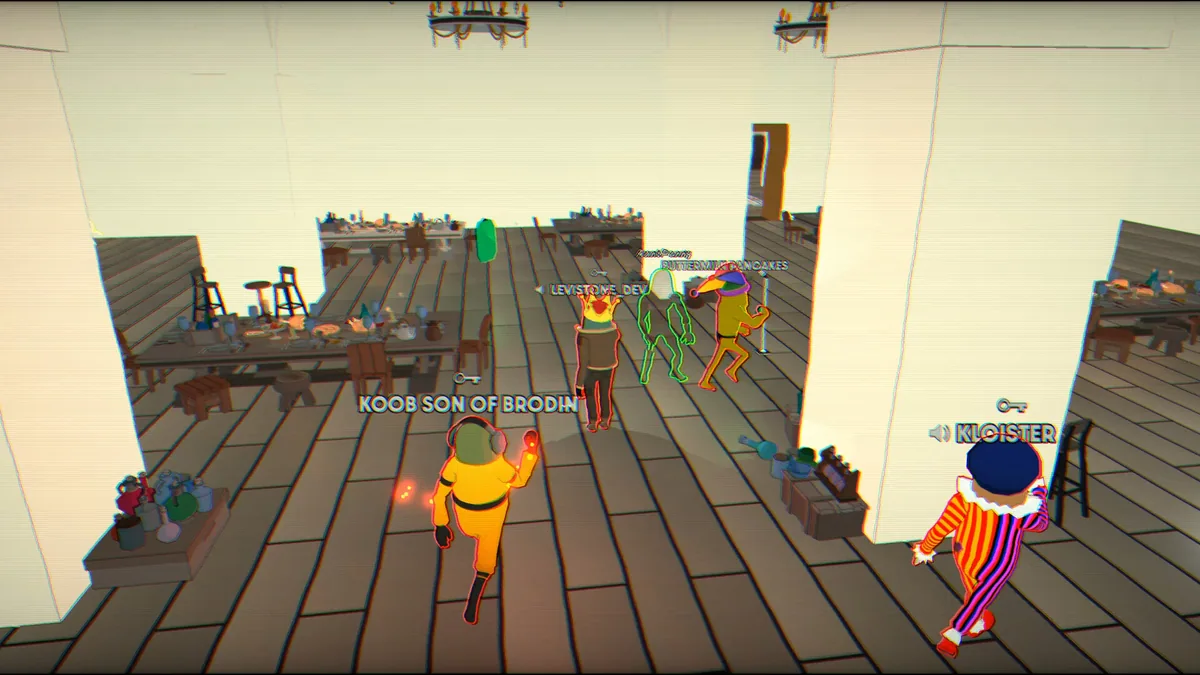

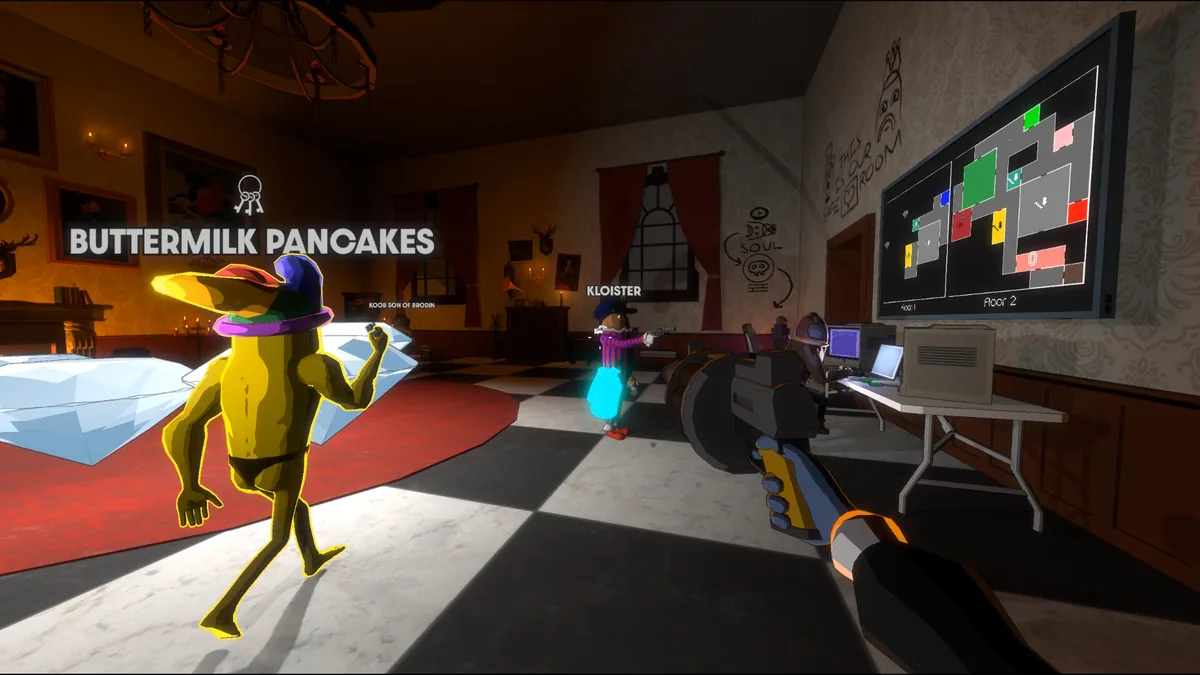


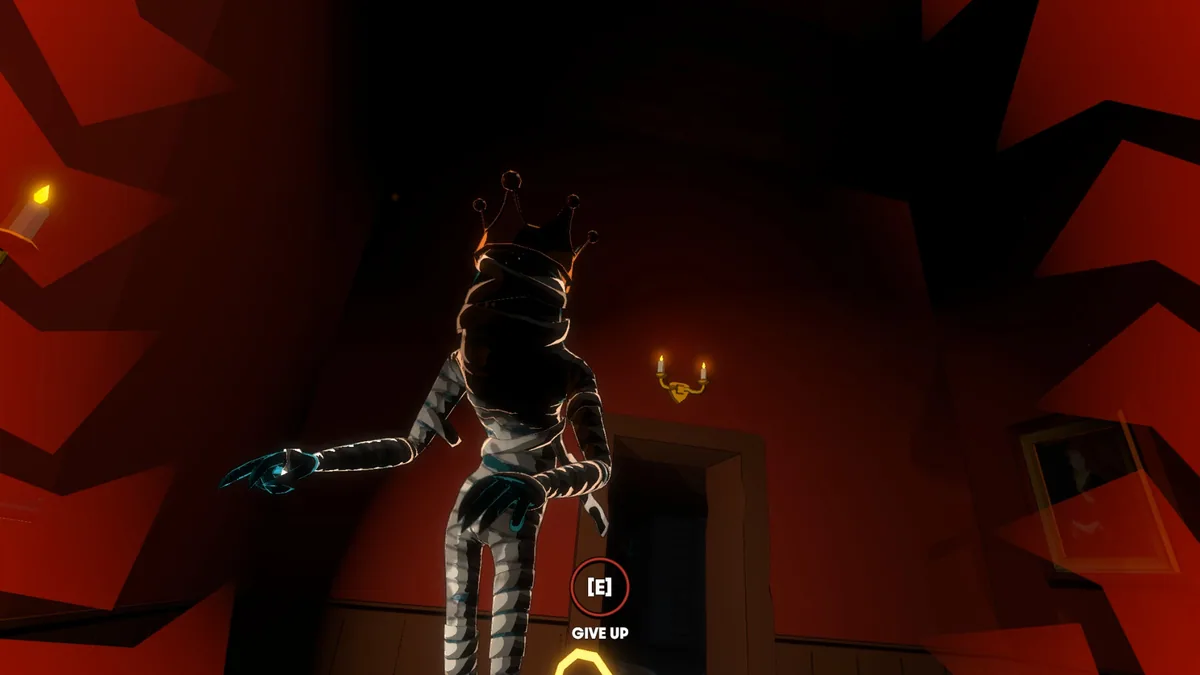
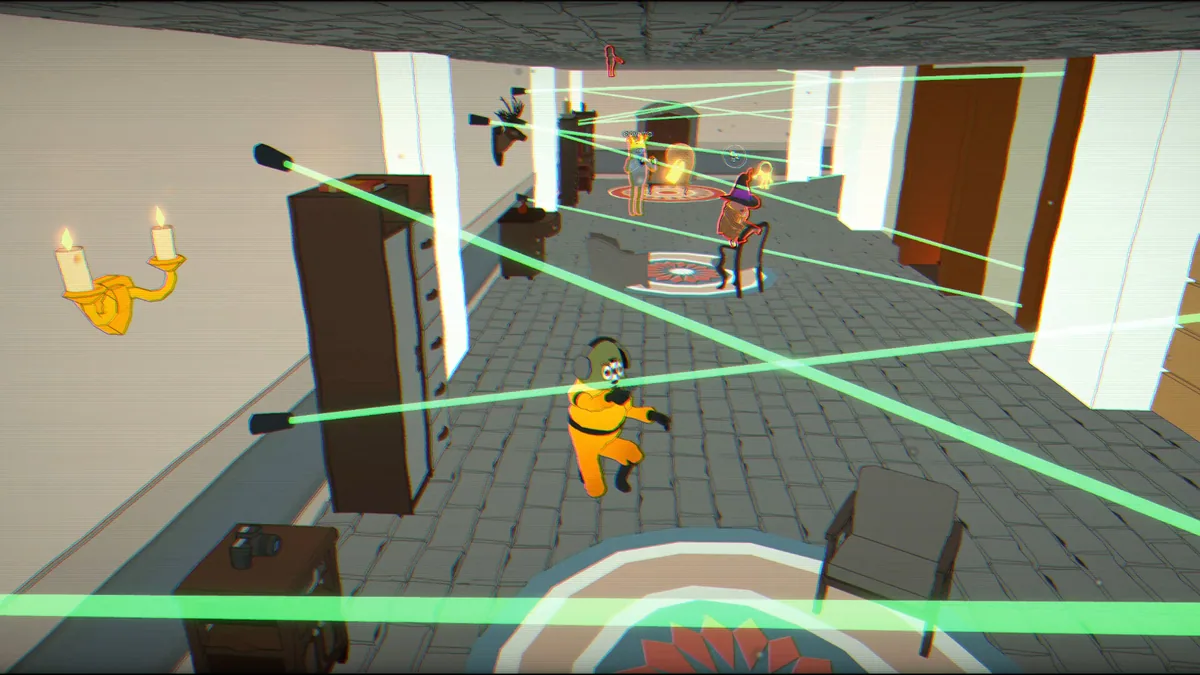


Haunted Heist cheat menu features
The asymmetric PvP format asks each side to manage visibility, objectives and its own abilities. Procedural layouts keep escape routes and hiding places from staying familiar.