FREE CHEATS FOR
Hozy
Released March 30, 2026
Updated

 EAGLE CHEATS
How to use Eagle in Hozy
With Hozy running, press Insert to open the Eagle menu. The quick keys give direct access to Unlimited Repair Parts and Instant Repair. Use the menu for No Tool Wear, Reveal Damage and Highlight Missing Components and the remaining listed features; close it with Insert to return to the app.
- F2 Unlimited Repair Parts
Press F2 to turn Unlimited Repair Parts on or off without opening the menu. - F3 Instant Repair
Press F3 to activate Instant Repair without opening the menu. - Insert No Tool Wear
Press Insert, find No Tool Wear in the feature list, and switch it on or off. - Insert Reveal Damage
Press Insert, find Reveal Damage in the feature list, and switch it on or off. - Insert Highlight Missing Components
Press Insert, find Highlight Missing Components in the feature list, and switch it on or off.
EXPLORE THE MENUFeatures
10 features
The free Hozy trainer includes Unlimited Repair Parts, Instant Repair and No Tool Wear. It also offers Highlight Missing Components, Reveal Damage and Unlimited Job Funds. Press Insert to open the menu on Windows PC.
- Unlimited Repair Parts
- Instant Repair
- No Tool Wear
- Highlight Missing Components
- Reveal Damage
- Unlimited Job Funds
- Freeze Job Clock
- Free Camera
- No Repair Mistakes
- Highlight Missing Parts
About the game
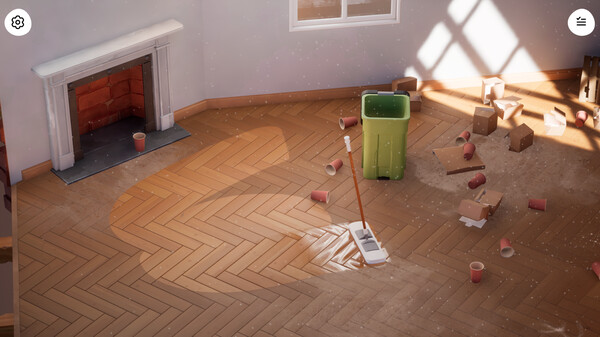
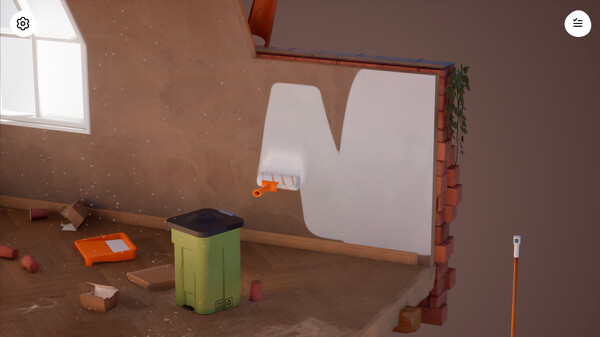
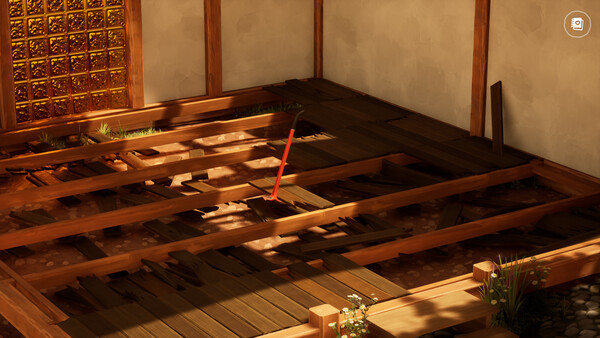
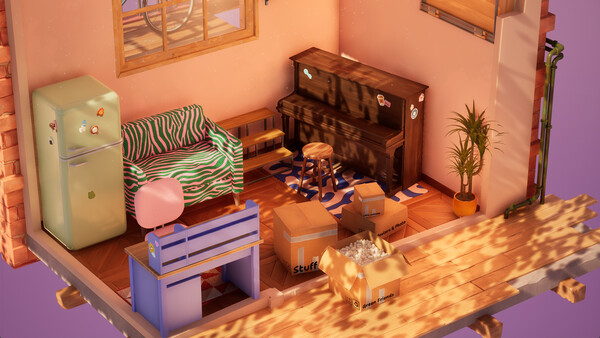
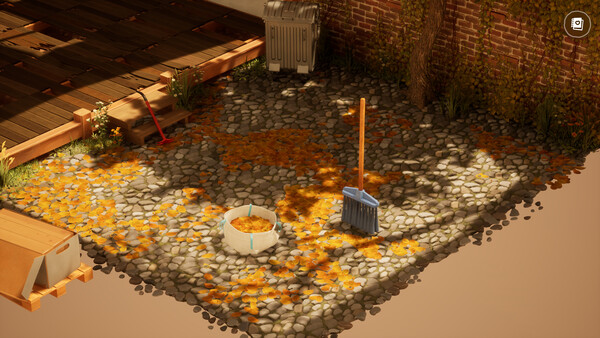
Restore a forgotten neighbourhood through your favourite hobby, one cozy room at a time. In Hozy, clean, paint, and decorate abandoned homes with satisfying mechanics and intuitive controls. Enjoy the little details as you interact with tools, items and furniture to bring each space back to life.
Official game page