FREE CHEATS FOR
Jump Space
Released September 19, 2025
Updated

 EAGLE CHEATS
How to use Eagle in Jump Space
With Jump Space running, press Insert to open the Eagle menu. The quick keys give direct access to No Vehicle Damage, Infinite Fuel and Free Camera. Use the menu for Flight Speed, No Ship Damage and Set Weather and the remaining listed features; close it with Insert to return to the app.
- F2 No Vehicle Damage
Press F2 to turn No Vehicle Damage on or off without opening the menu. - F3 Infinite Fuel
Press F3 to turn Infinite Fuel on or off without opening the menu. - F4 Free Camera
Press F4 to turn Free Camera on or off without opening the menu. - Insert Flight Speed
Press Insert, choose Flight Speed, adjust the value, and apply. - Insert No Ship Damage
Press Insert, find No Ship Damage in the feature list, and switch it on or off. - Insert Set Weather
Press Insert, choose Set Weather, adjust its value or option, and apply.
EXPLORE THE MENUFeatures
14 features
The free Jump Space trainer includes No Vehicle Damage, Infinite Fuel and Flight Speed. It also offers Set Weather, Save Flight Position and Free Camera. Press Insert to open the menu on Windows PC.
- No Vehicle Damage
- Infinite Fuel
- Flight Speed
- Set Weather
- Save Flight Position
- Free Camera
- Camera Speed
- Freeze Mission Timer
- No Ship Damage
- Infinite Ship Fuel
- Set Wind
- Infinite Jumps
- No Dash Cooldown
- Movement Speed
About the game
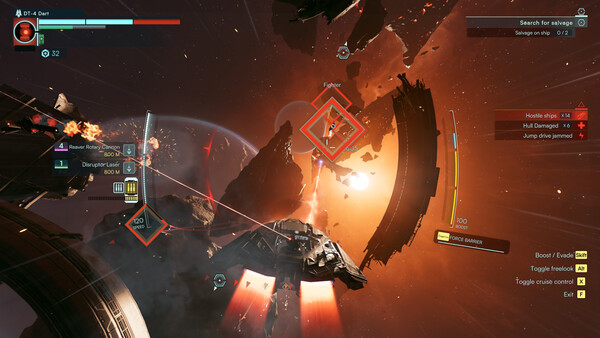
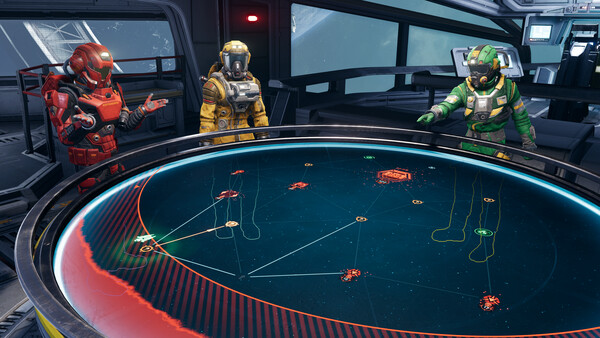
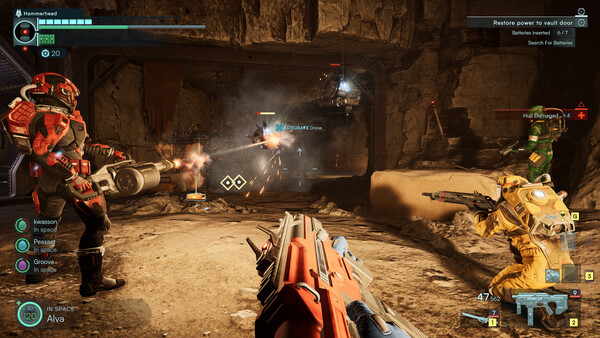
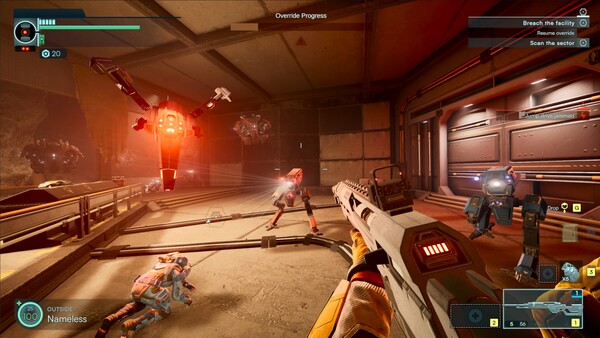
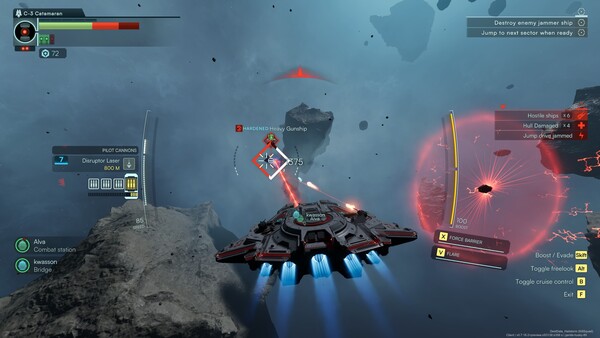
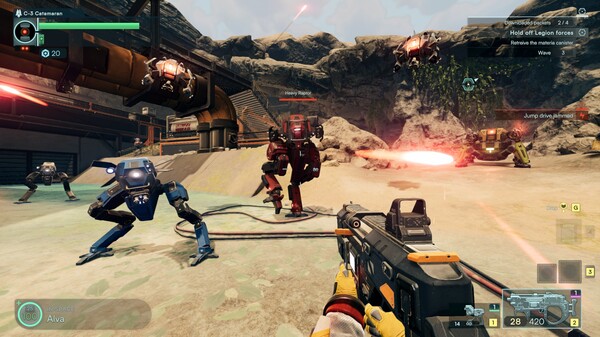
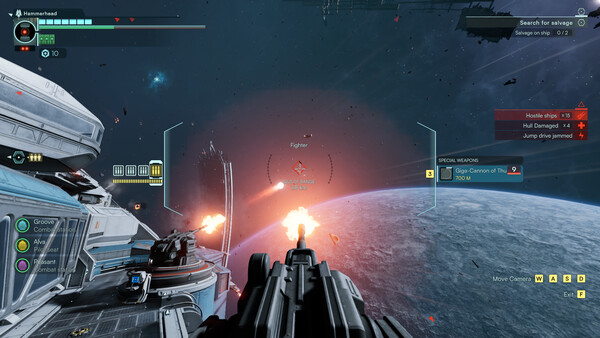
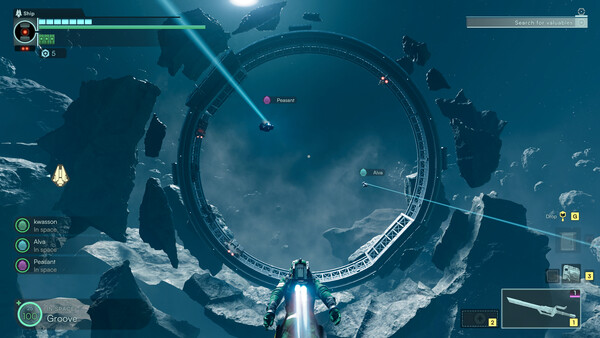
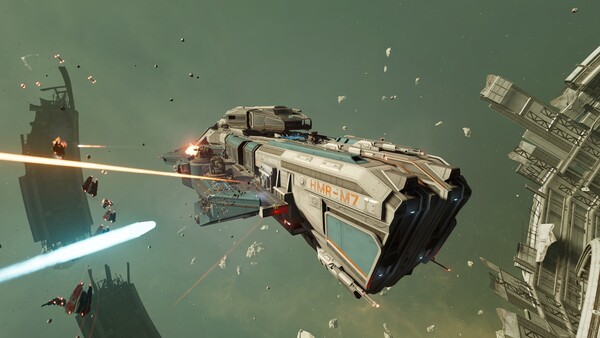
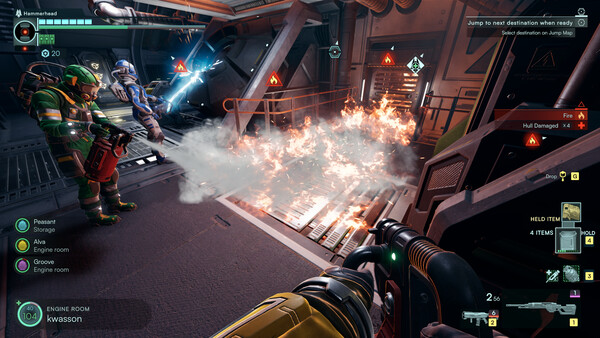
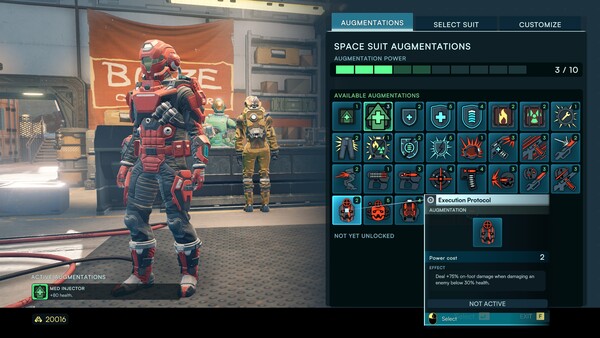
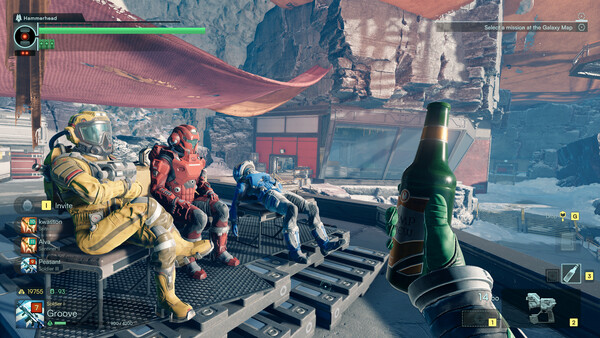
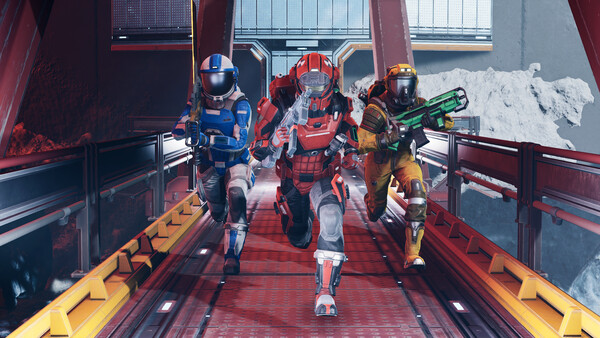
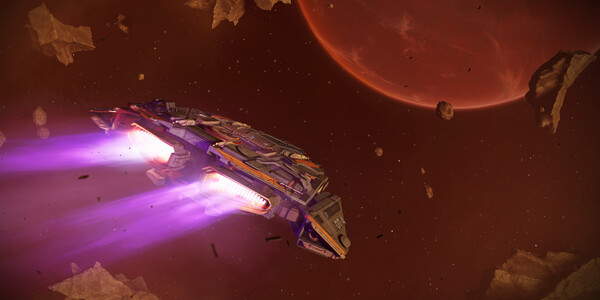
Jump Space (formerly Jump Ship) is a mission based co-op PvE for 1-4 players, where you are the crew of a spaceship. Transition seamlessly from crewing the ship to on-foot exploration and space walks. Explore, upgrade, and survive intense encounters in deep space together.
Official game page