FREE CHEATS FOR
Kingdom Rush - Tower Defense
Released January 6, 2014
Updated

 EAGLE CHEATS
How to use Eagle in Kingdom Rush - Tower Defense
With Kingdom Rush - Tower Defense running, press Insert to open the Eagle menu. The quick keys give direct access to Unlimited Resources and Instant Recruitment. Use the menu for Fast Research, Set Game Speed and Reveal Map and the remaining listed features; close it with Insert to return to the app.
- F2 Unlimited Resources
Press F2 to turn Unlimited Resources on or off without opening the menu. - F3 Instant Recruitment
Press F3 to activate Instant Recruitment without opening the menu. - Insert Fast Research
Press Insert, find Fast Research in the feature list, and switch it on or off. - Insert Set Game Speed
Press Insert, choose Set Game Speed, adjust the value, and apply. - Insert Reveal Map
Press Insert, find Reveal Map in the feature list, and switch it on or off.
EXPLORE THE MENUFeatures
11 features
The free Kingdom Rush - Tower Defense trainer includes Unlimited Resources, Instant Recruitment and Fast Research. It also offers Instant Construction, Max Unit Morale and Reveal Map. Press Insert to open the menu on Windows PC.
- Unlimited Resources
- Instant Recruitment
- Fast Research
- Instant Construction
- Max Unit Morale
- Reveal Map
- No Unit Upkeep
- Set Game Speed
- Tower Range Overlay
- Instant Tower Upgrade
- Freeze Wave Timer
About the game
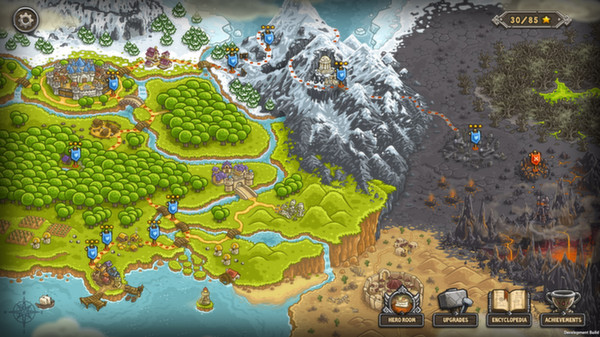
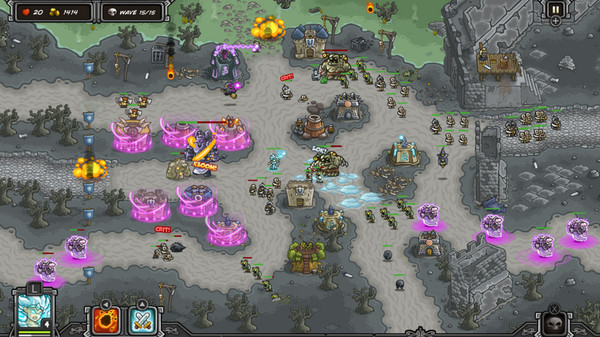
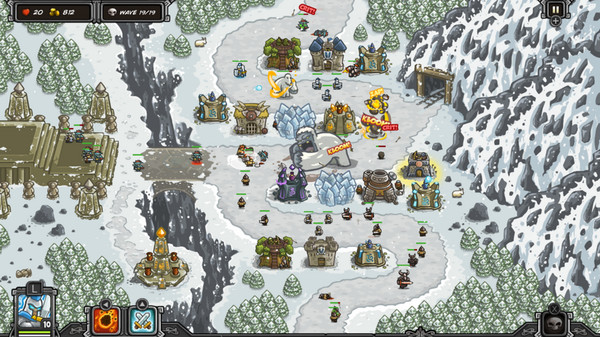
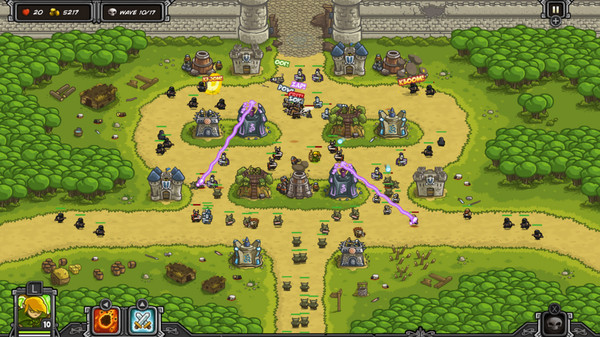
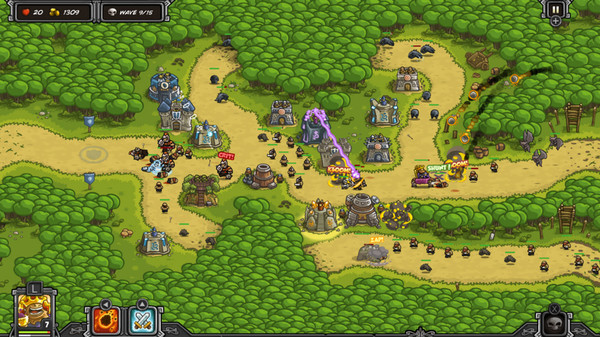
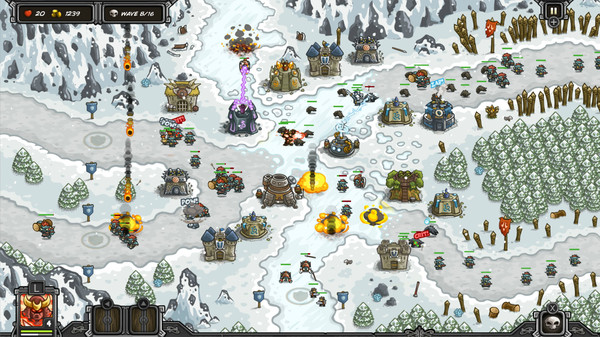
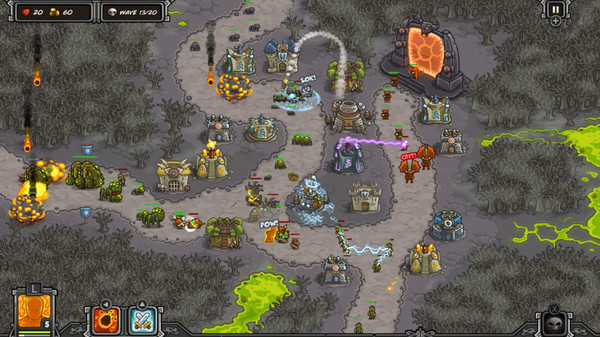
Get ready for an epic journey to defend your kingdom against hordes of orcs, trolls, evil wizards and other nasty fiends using a vast arsenal of towers and spells at your command!Fight on forests, mountains and wastelands, customizing your defensive strategy with different tower upgrades and specializations!.
Official game page