FREE CHEATS FOR
Korean GIRLS: Naughty at Home
Released September 18, 2026
Updated

 EAGLE CHEATS
How to use Eagle in Korean GIRLS: Naughty at Home
With Korean GIRLS: Naughty at Home running, press Insert to open the Eagle menu. The quick keys give direct access to Skip Seen Dialogue and Free Camera. Use the menu for Unlock Scenes, Animation Speed and Unlock Gallery and the remaining listed features; close it with Insert to return to the app.
- F2 Skip Seen Dialogue
Press F2 to activate Skip Seen Dialogue without opening the menu. - F3 Free Camera
Press F3 to turn Free Camera on or off without opening the menu. - Insert Unlock Scenes
Press Insert, choose Unlock Scenes, and apply the unlock. - Insert Animation Speed
Press Insert, choose Animation Speed, adjust the value, and apply. - Insert Unlock Gallery
Press Insert, choose Unlock Gallery, and apply the unlock.
EXPLORE THE MENUFeatures
8 features
The free Korean GIRLS: Naughty at Home mod menu includes Unlock Scenes, Unlock Gallery and Skip Seen Dialogue. It also offers Animation Speed, Free Camera and Camera Zoom. Press Insert to open the menu on Windows PC.
- Unlock Scenes
- Unlock Gallery
- Skip Seen Dialogue
- Animation Speed
- Free Camera
- Camera Zoom
- Hide Interface
- Save Scene Preset
About the game
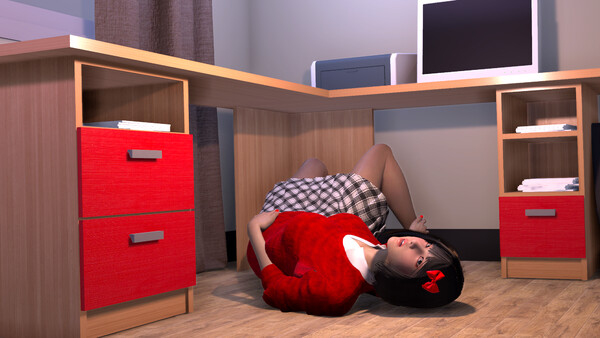
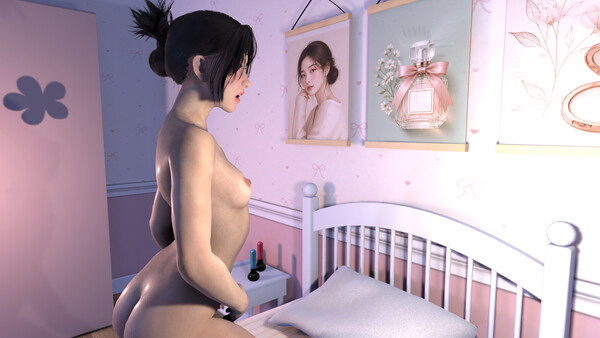
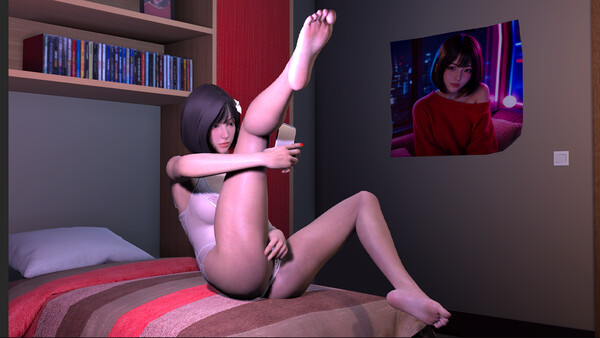
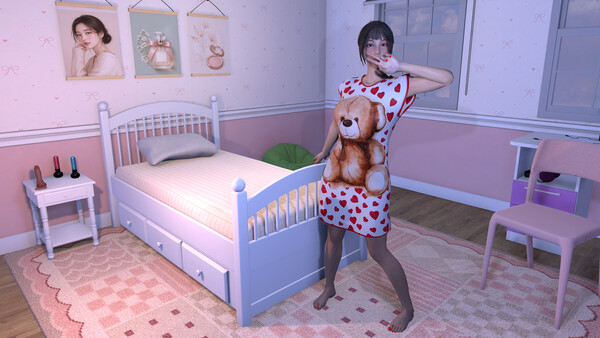
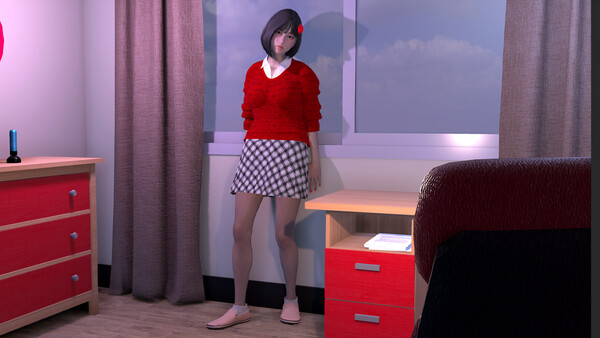
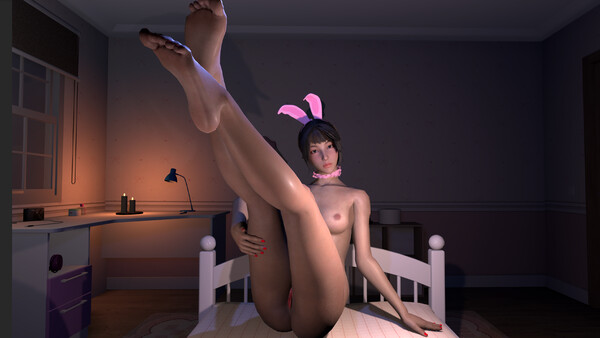
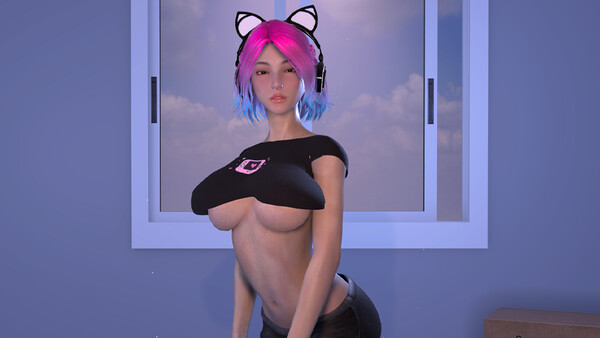
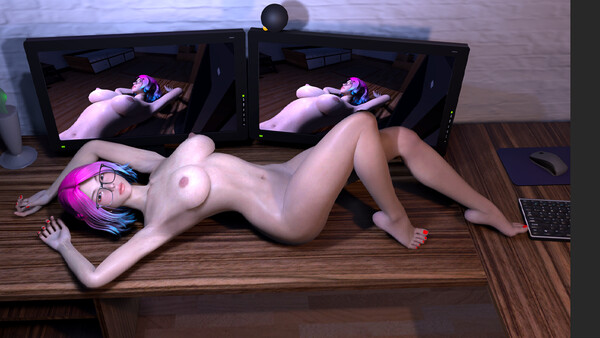
Korean GIRLS: Naughty at Home is a VR & non-VR sex experience. Revisit your five ex-girlfriends by day and after dark, from a shy girl with a hidden side to a yandere who wants you all to herself. Bring your homemade fantasies to life in an adult sandbox with realistic physics and massive cumshots.
Official game page