FREE CHEATS FOR
KuloNiku: Bowl Up!
Released April 7, 2026
Updated

 EAGLE CHEATS
How to use Eagle in KuloNiku: Bowl Up!
With KuloNiku: Bowl Up! running, press Insert to open the Eagle menu. The quick keys give direct access to Order Queue and Cooking Timer. Use the menu for Ingredient Amount, Service Speed and Currency Editor and the remaining listed features; close it with Insert to return to the app.
- F2 Order Queue
Press F2 to turn Order Queue on or off without opening the menu. - F3 Cooking Timer
Press F3 to turn Cooking Timer on or off without opening the menu. - Insert Ingredient Amount
Press Insert, choose Ingredient Amount, adjust the value, and apply. - Insert Service Speed
Press Insert, choose Service Speed, adjust the value, and apply. - Insert Currency Editor
Press Insert, choose Currency Editor, adjust its value or option, and apply.
EXPLORE THE MENUFeatures
8 features
Use Order Queue to manage customer requests and Cooking Timer to control meal preparation. These features let you adjust the pace and efficiency of your restaurant operations. Press Insert to open the Eagle menu on Windows PC. The trainer is free for Windows PC.
- Order Queue
- Cooking Timer
- Ingredient Amount
- Customer Patience
- Currency Editor
- Service Speed
- Recipe View
- Game Speed
About the game
In KuloNiku: Bowl Up!, you inherit your grandma's struggling meatball restaurant and strive to restore its former glory. As the chef, you prepare meals for quirky townsfolk, upgrade your shop, and compete in cooking battles against rivals like Souper Starz. The game blends simulation and action, allowing you to customize recipes, manage customer interactions, and engage in strategic duels. Your choices impact relationships, business success, and the overall atmosphere of the town.
The core loop involves taking orders, managing ingredients, and balancing customer satisfaction with efficient cooking. Each meal crafted can turn customers into friends, rivals, or story companions, shaping your restaurant's fate. With endless mode and mini-games, the game offers varied challenges and creative freedom in meal preparation.
Official game page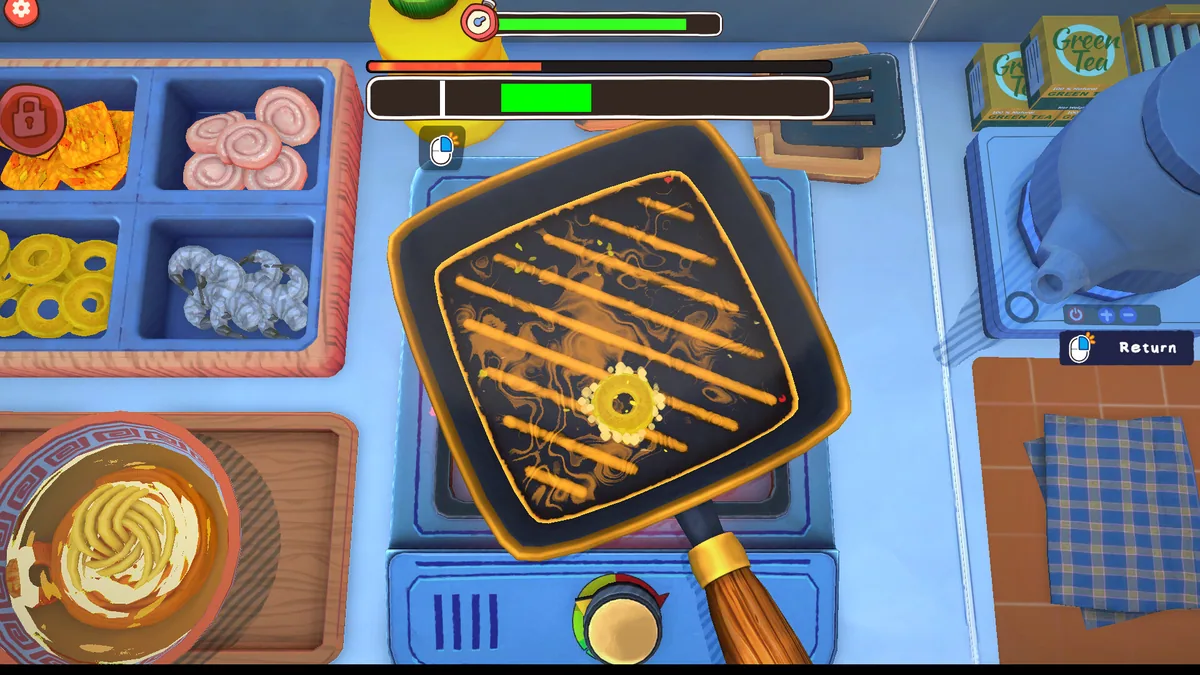

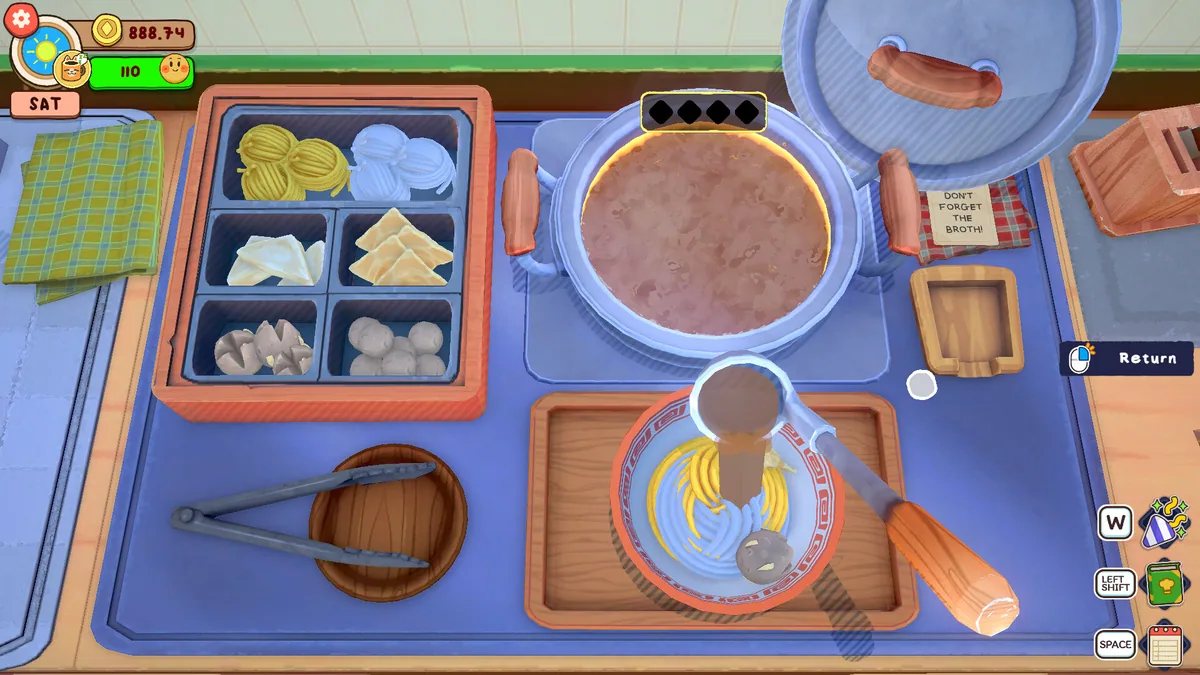
Using the KuloNiku: Bowl Up! trainer
Use Order Queue to prioritize customer requests and Cooking Timer to manage meal preparation timing. These controls help balance efficiency and customer satisfaction during busy service periods.