FREE CHEATS FOR
Left 4 Dead 2
Released November 16, 2009
Updated

 EAGLE CHEATS
How to use Eagle in Left 4 Dead 2
With Left 4 Dead 2 running, press Insert to open the Eagle menu. The quick keys give direct access to Infinite Health, Infinite Ammo and No Reload. Use the menu for No Recoil, Teammate Health Overlay and Movement Speed and the remaining listed features; close it with Insert to return to the app.
- F2 Infinite Health
Press F2 to turn Infinite Health on or off without opening the menu. - F3 Infinite Ammo
Press F3 to turn Infinite Ammo on or off without opening the menu. - F4 No Reload
Press F4 to turn No Reload on or off without opening the menu. - Insert No Recoil
Press Insert, find No Recoil in the feature list, and switch it on or off. - Insert Teammate Health Overlay
Press Insert, find Teammate Health Overlay in the feature list, and switch it on or off. - Insert Movement Speed
Press Insert, choose Movement Speed, adjust the value, and apply.
EXPLORE THE MENUFeatures
18 features
The free Left 4 Dead 2 mod menu includes Infinite Health, Infinite Ammo and No Reload. It also offers Special Infected ESP, Horde Direction Overlay and No Recoil. Press Insert to open the menu on Windows PC.
- Infinite Health
- Infinite Ammo
- No Reload
- No Recoil
- Infected ESP
- Special Infected ESP
- One Hit Kills
- Infinite Supplies
- Movement Speed
- Teleport to Teammate
- Horde Control
- Horde Direction Overlay
- Infinite Grenades
- No Friendly Fire
- Teammate Health Overlay
- Rescue Closet Markers
- Safe Room Direction
- Instant Revive
About the game
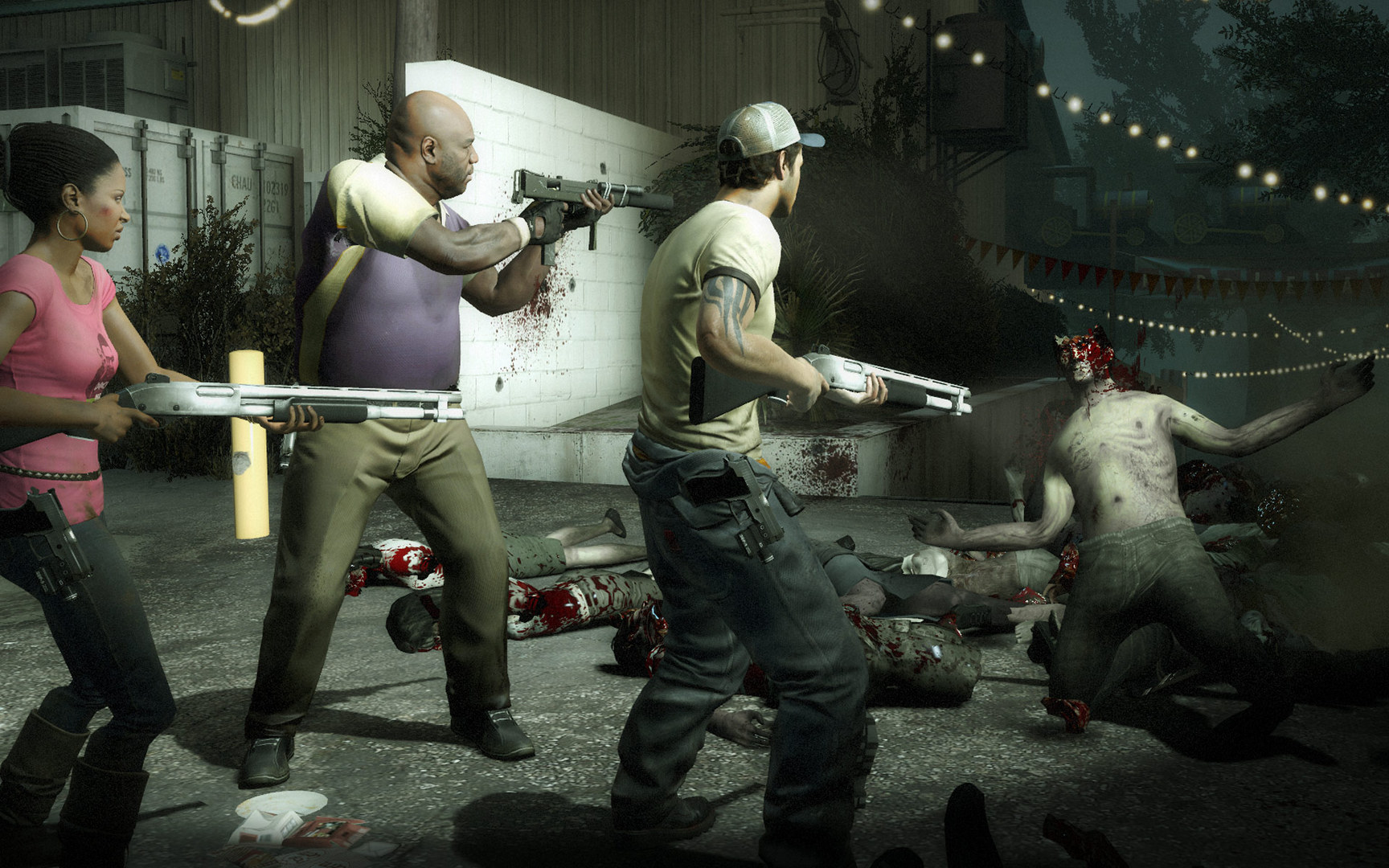
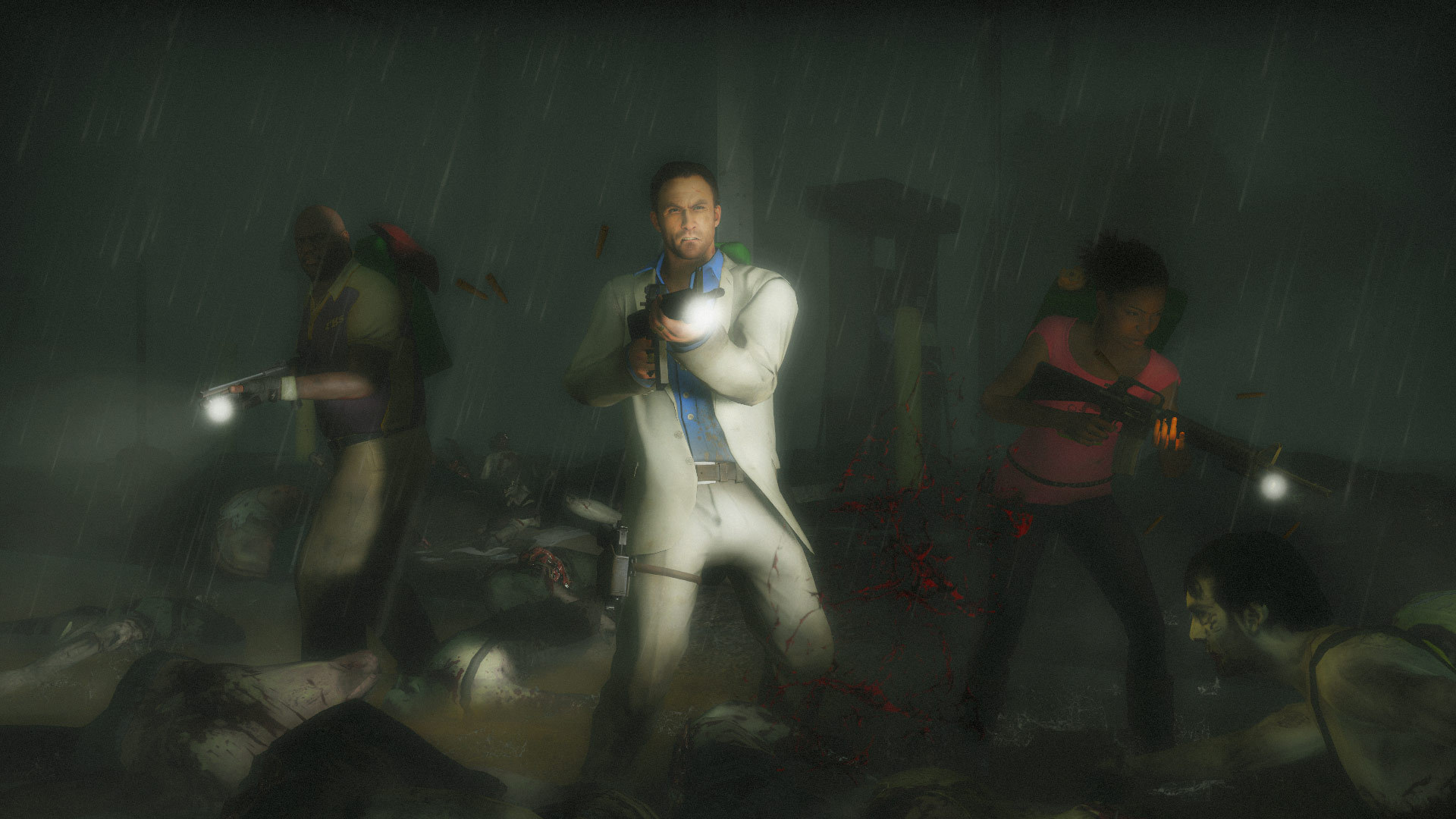
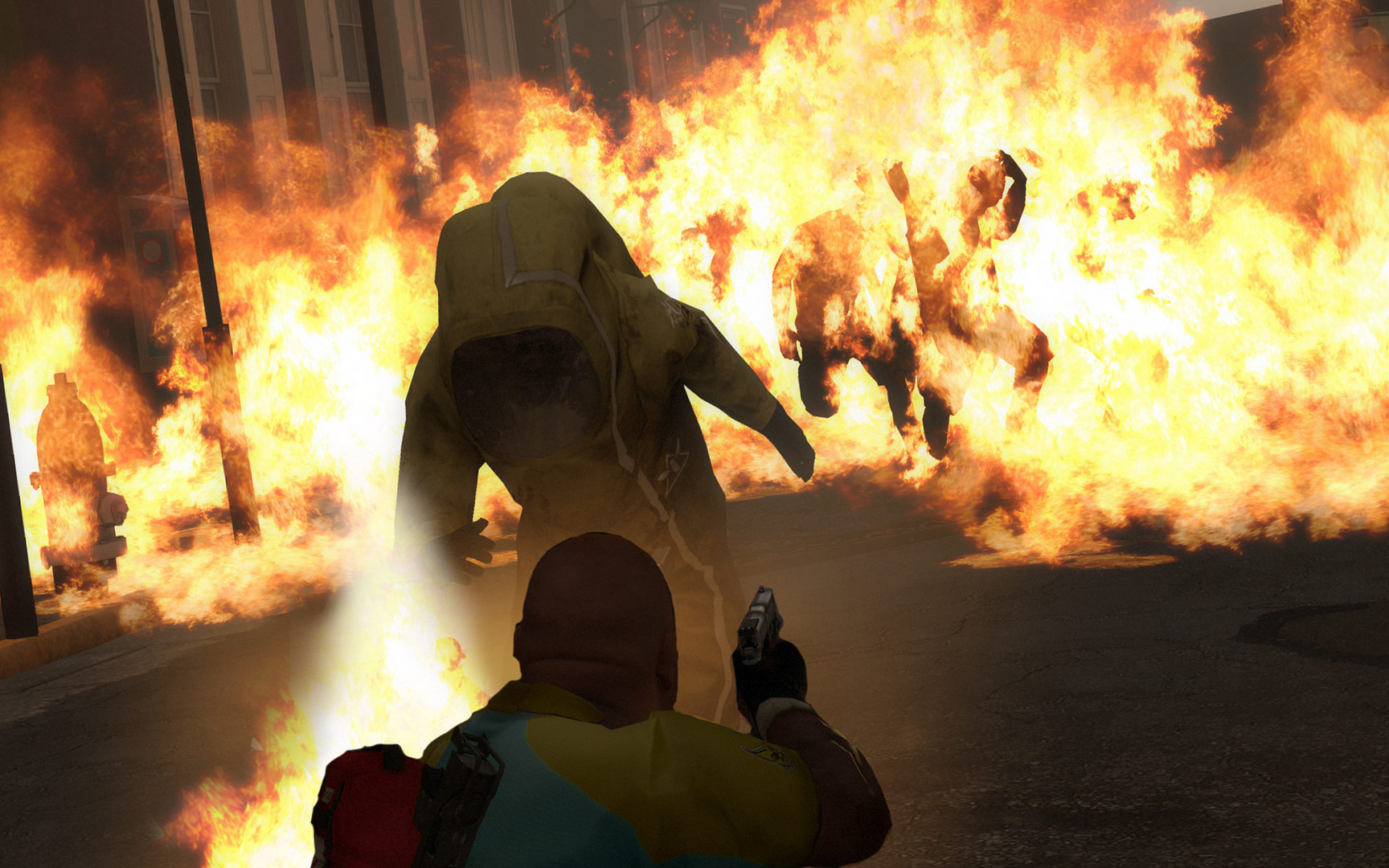
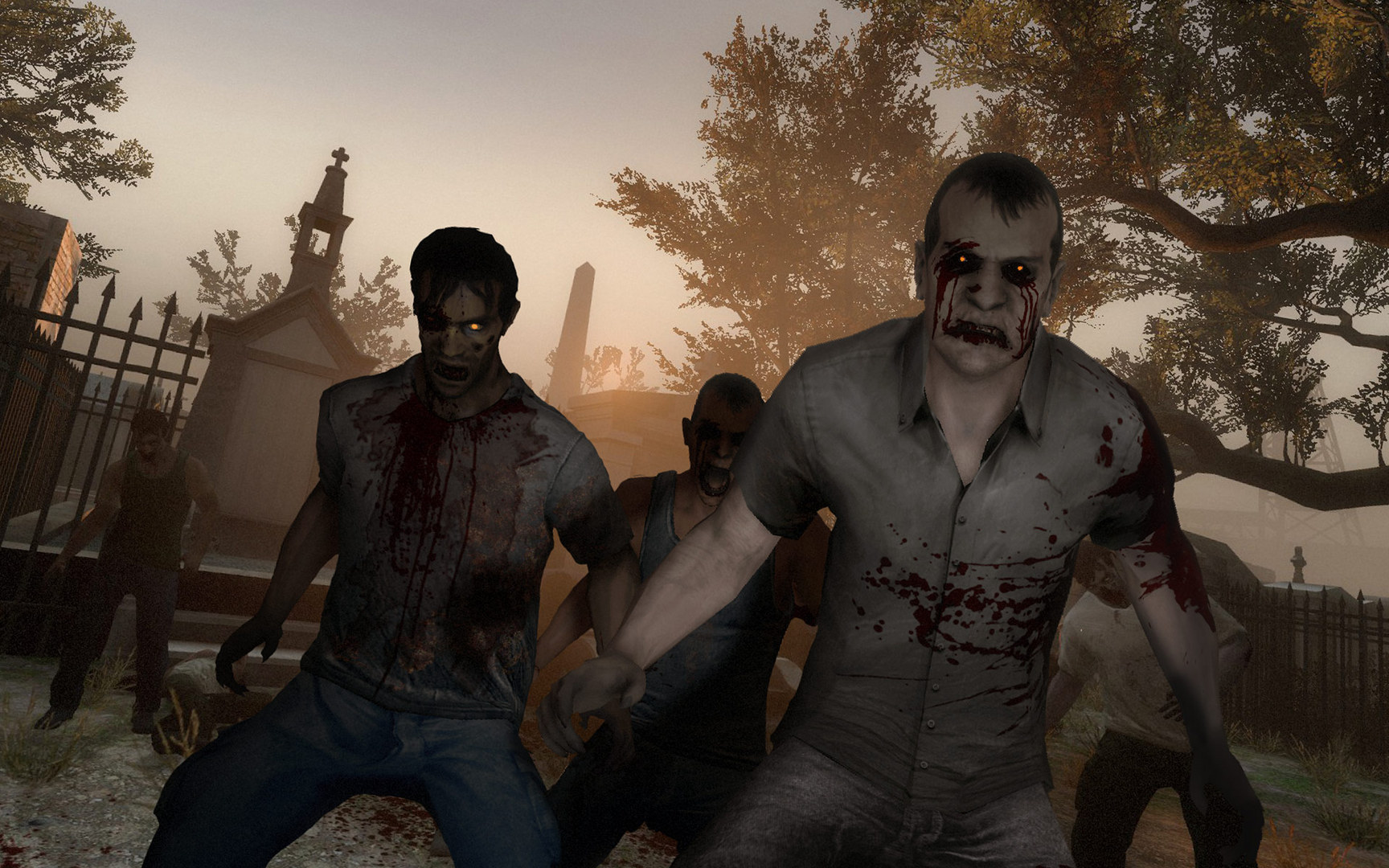
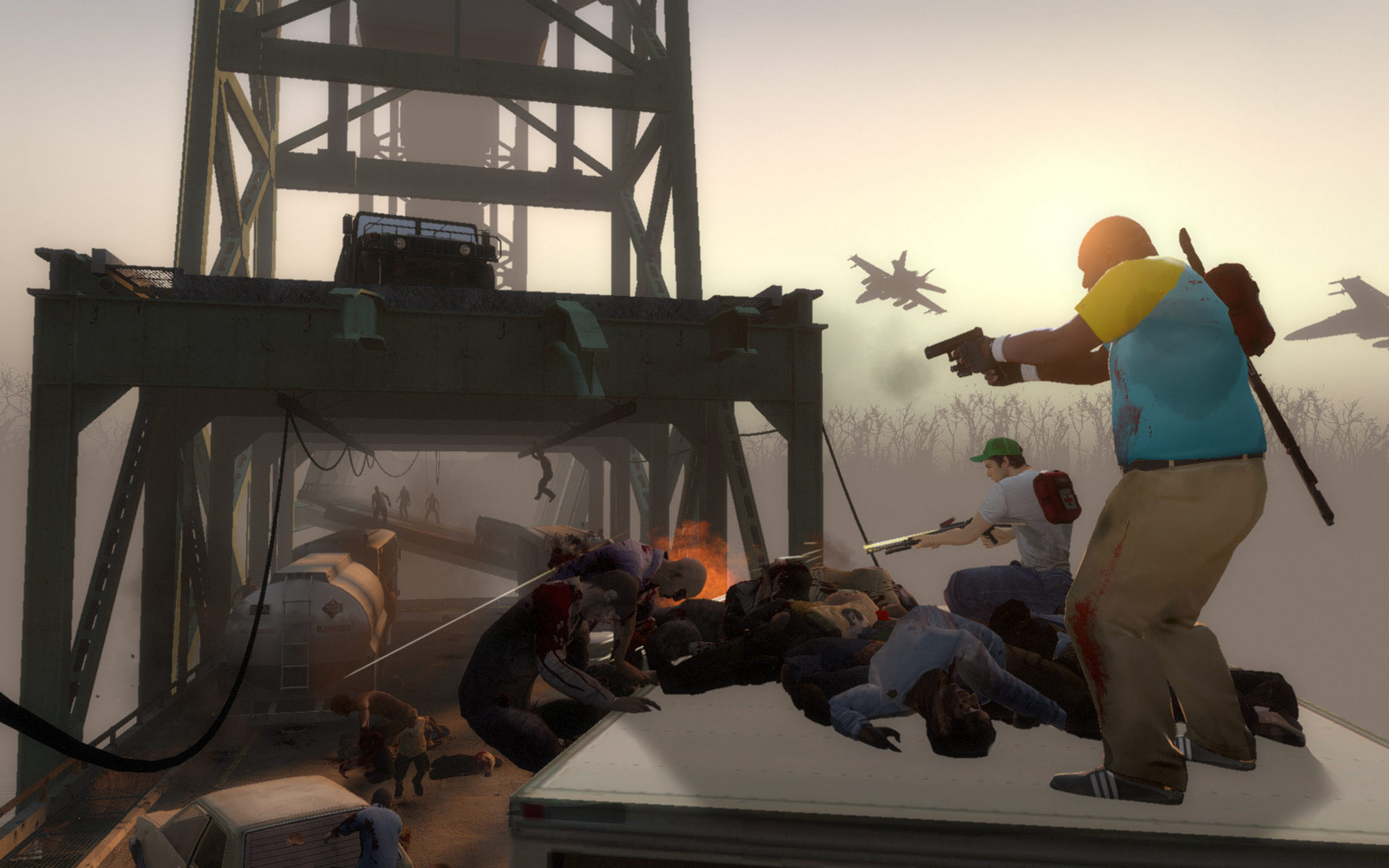
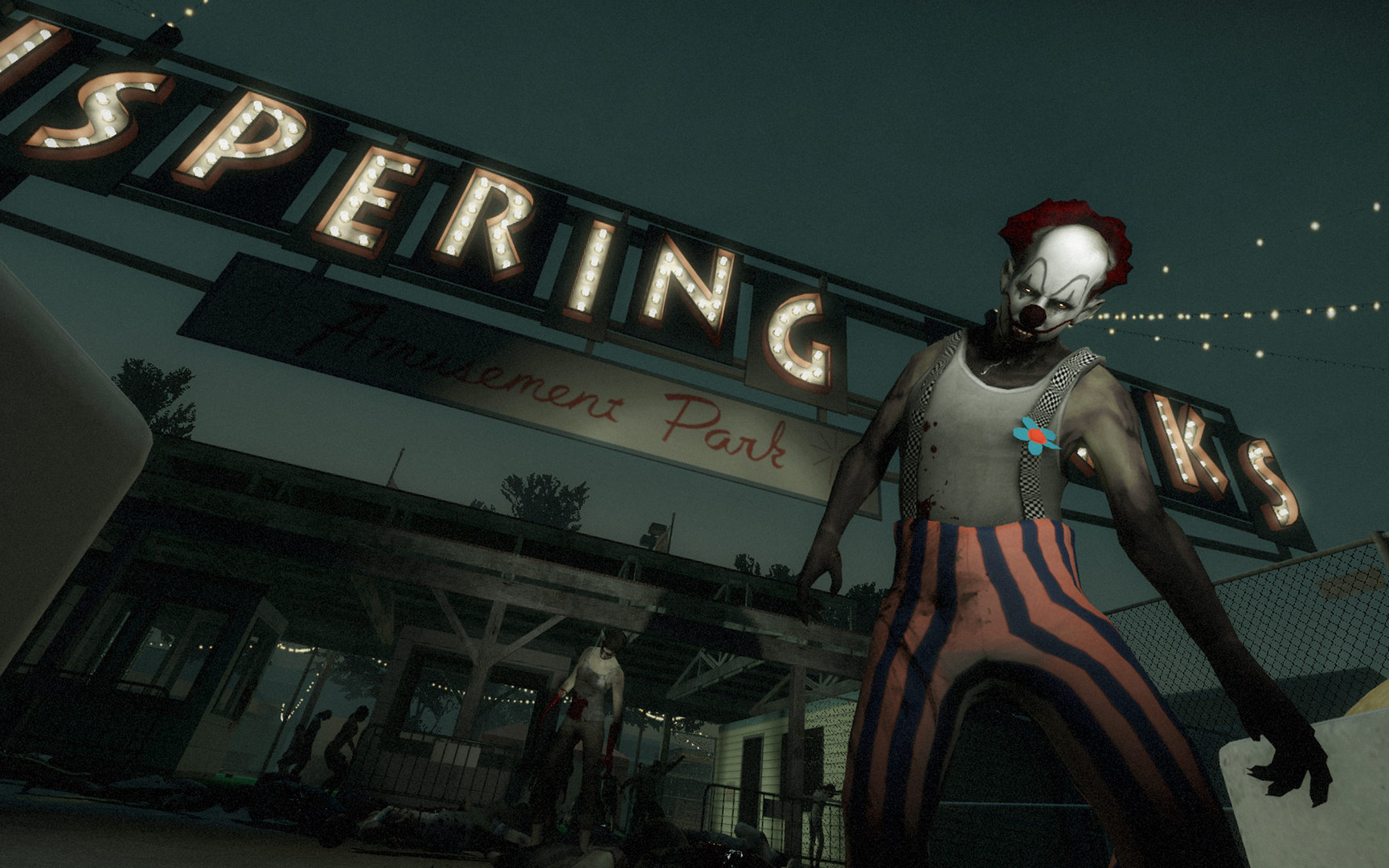
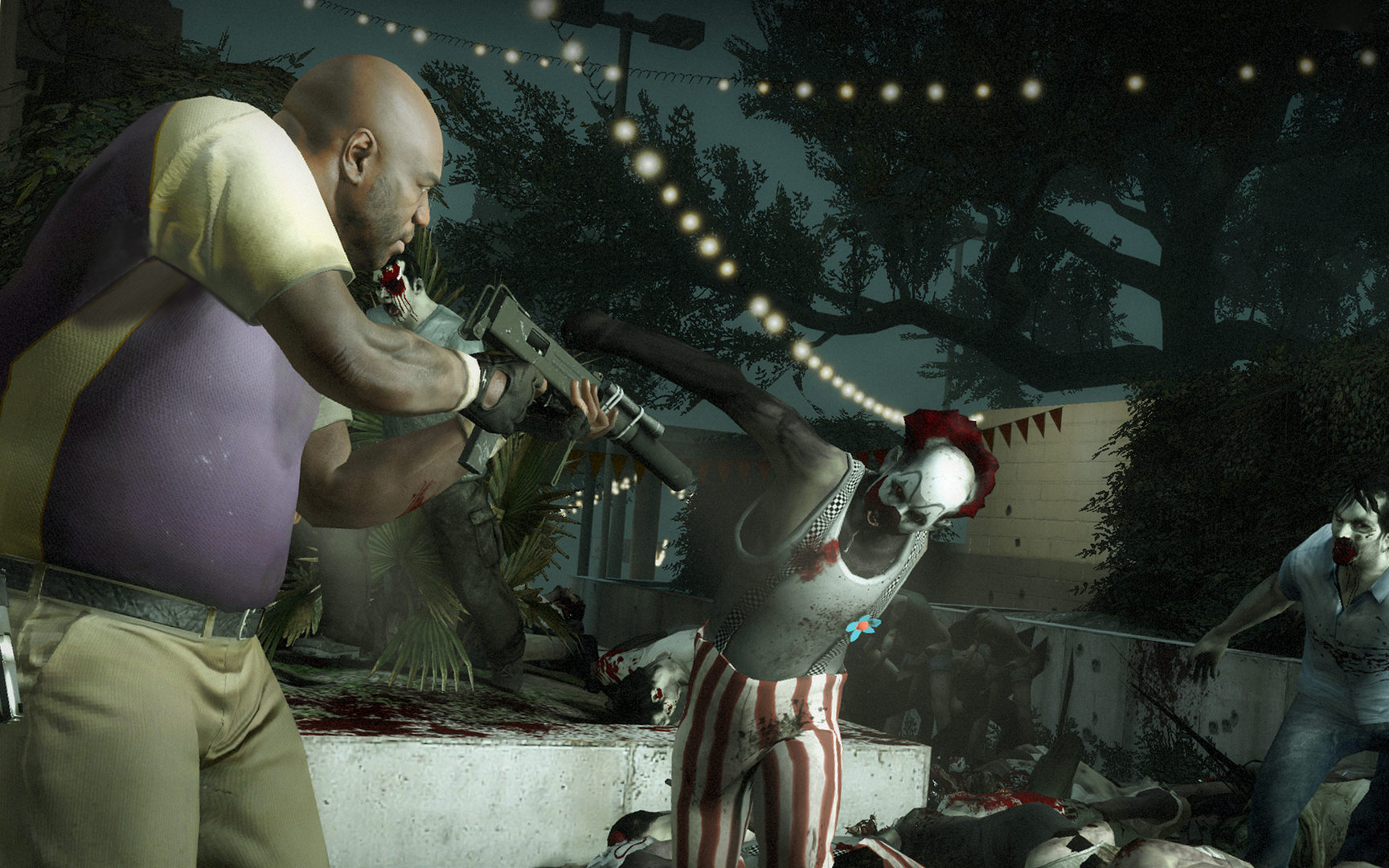
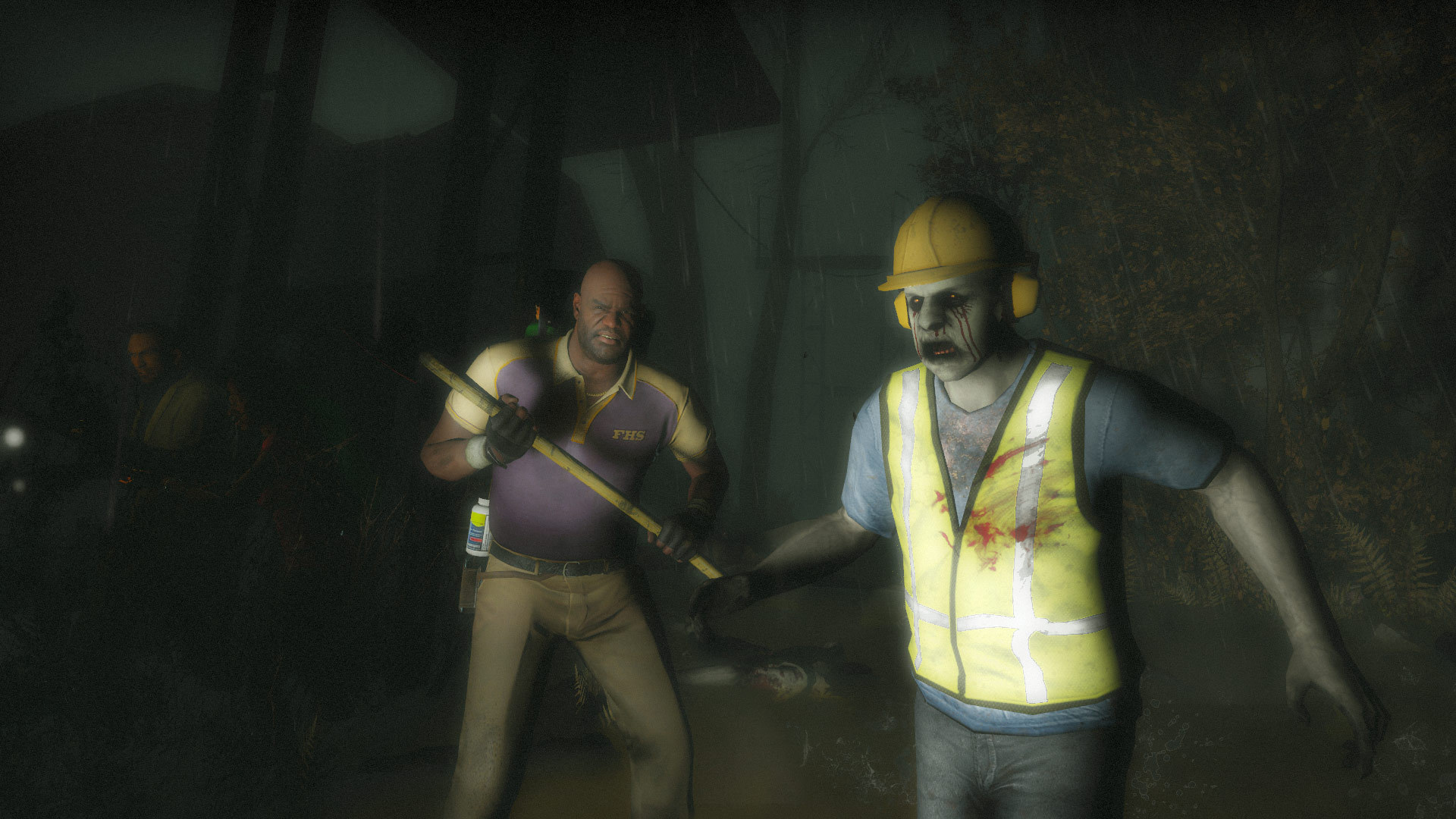
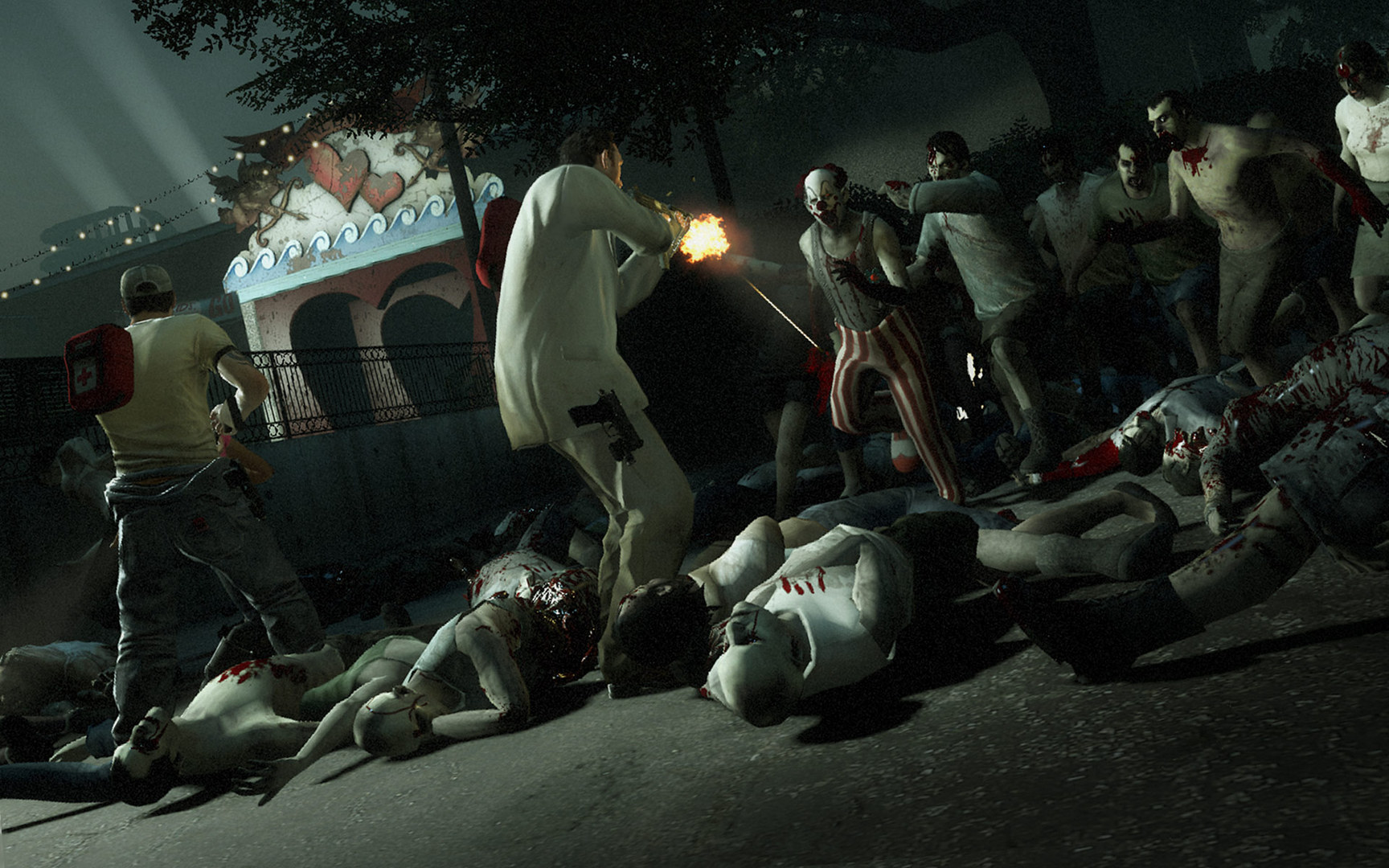
Left 4 Dead 2 sends four survivors through the American South during a zombie outbreak. Campaign routes cross cities, swamps and graveyards on the way from Savannah toward New Orleans. The group must keep moving while common infected and special threats disrupt every plan.
Cooperation is the central survival tool. Sharing supplies, covering a teammate and adapting to the changing horde can matter more than one player's accuracy, especially when a run turns against the team.
Official game page