FREE CHEATS FOR
Look Outside
Released March 21, 2025
Updated

 EAGLE CHEATS
How to use Eagle in Look Outside
With Look Outside running, press Insert to open the Eagle menu. The quick keys give direct access to Infinite Health, Food Supplies and Inventory Search. Use the menu for Room Map, Enemy Health View and Game Speed and the remaining listed features; close it with Insert to return to the app.
- F2 Infinite Health
Press F2 to turn Infinite Health on or off without opening the menu. - F3 Food Supplies
Press F3 to turn Food Supplies on or off without opening the menu. - F4 Inventory Search
Press F4 to turn Inventory Search on or off without opening the menu. - Insert Room Map
Press Insert, find Room Map in the feature list, and switch it on or off. - Insert Enemy Health View
Press Insert, find Enemy Health View in the feature list, and switch it on or off. - Insert Game Speed
Press Insert, choose Game Speed, adjust the value, and apply.
EXPLORE THE MENUFeatures
19 features
The free Look Outside trainer includes Infinite Health, Food Supplies and Inventory Search. It also offers Room Map, Enemy Health View and Party Status. Press Insert to open the menu on Windows PC.
- Infinite Health
- Food Supplies
- Inventory Search
- Room Map
- Enemy Health View
- Party Status
- Quest Clues
- Day Timer
- Game Speed
- Infinite Stamina
- Night Vision
- Threat ESP
- Item Highlight
- No Fear
- Save Position
- Free Camera
- Instant Crafting
- No Build Cost
- Unlimited Materials
About the game
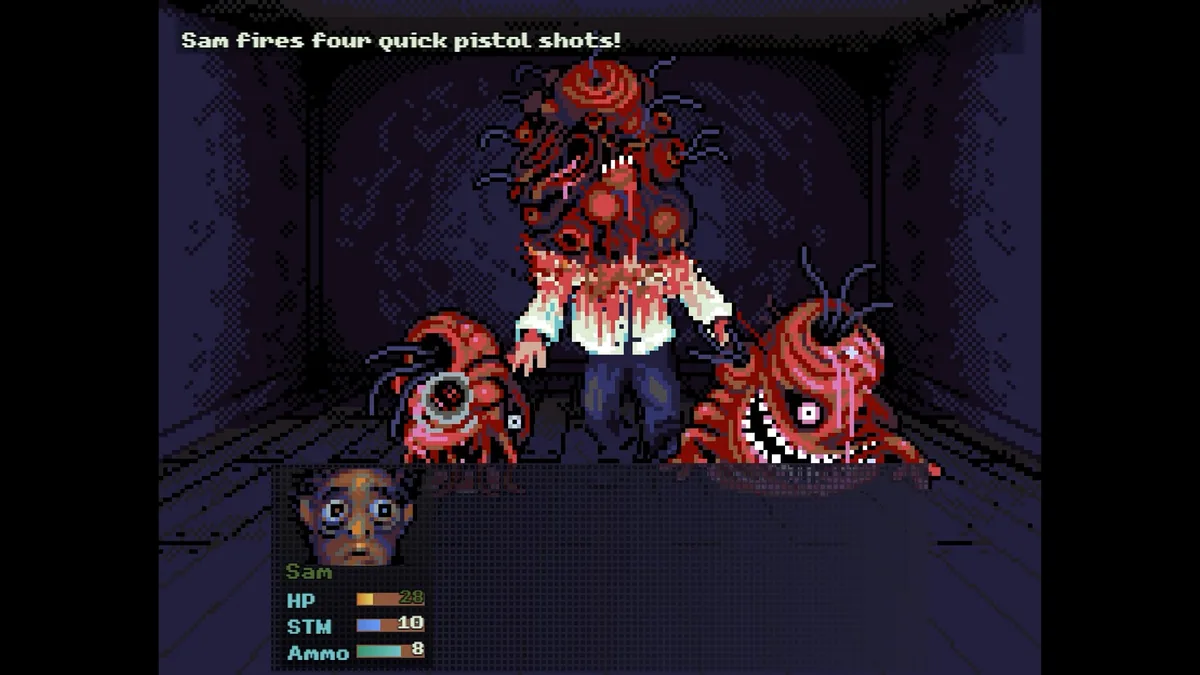
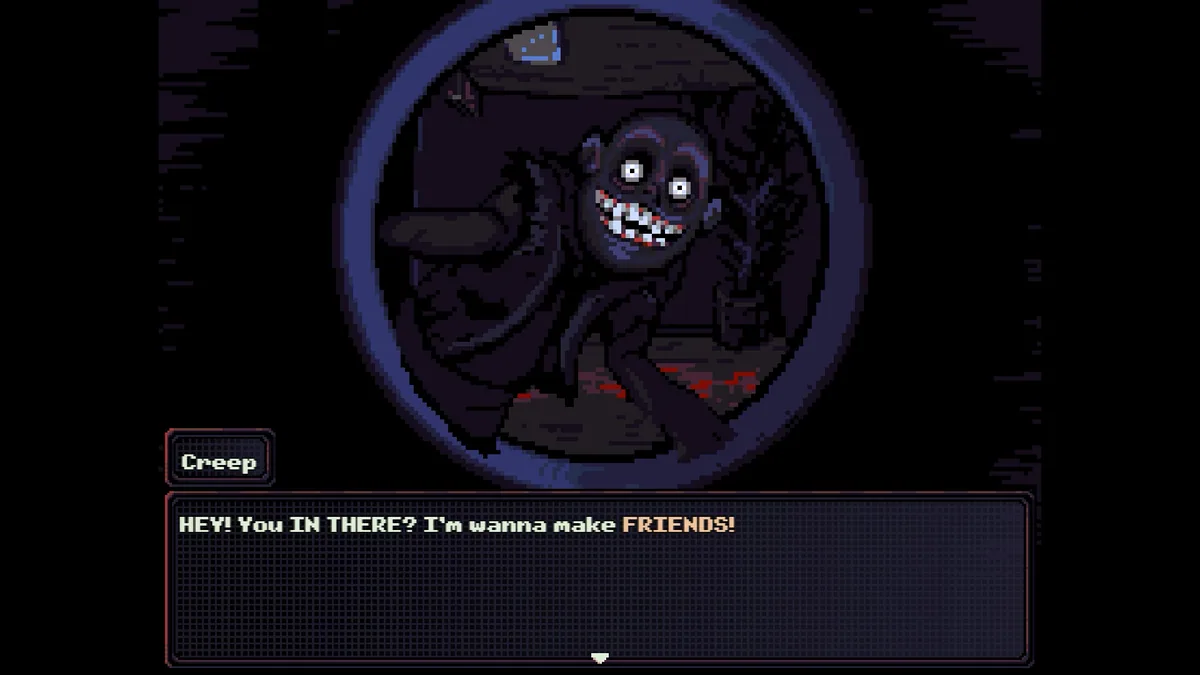
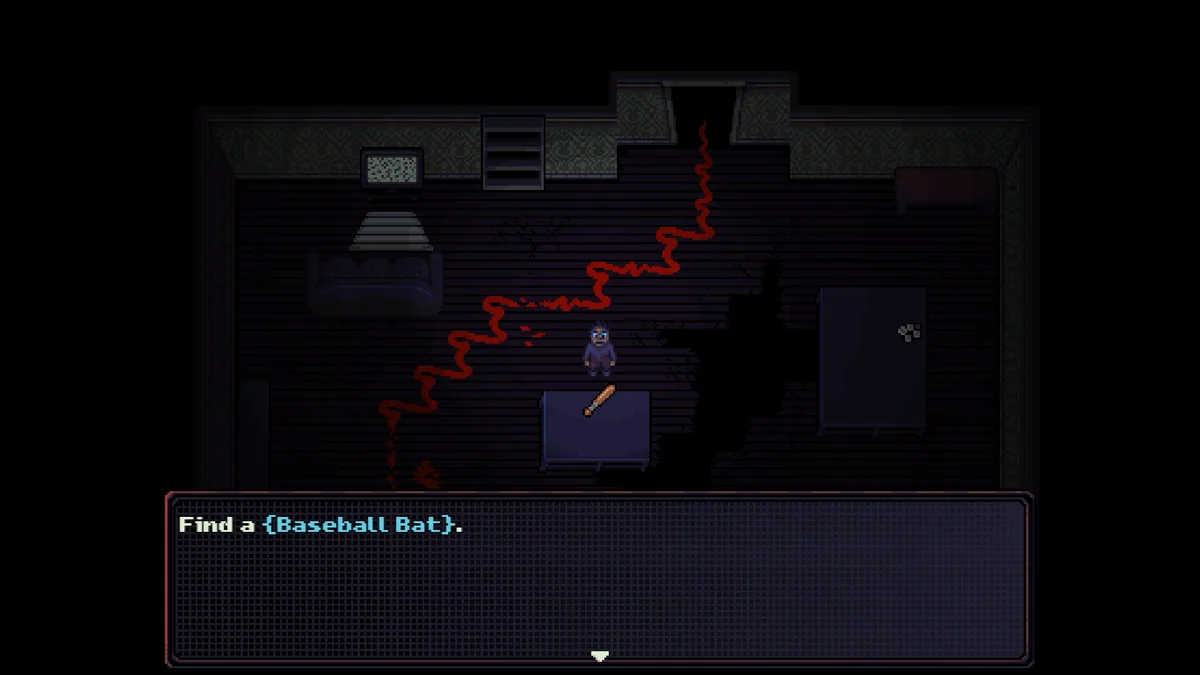
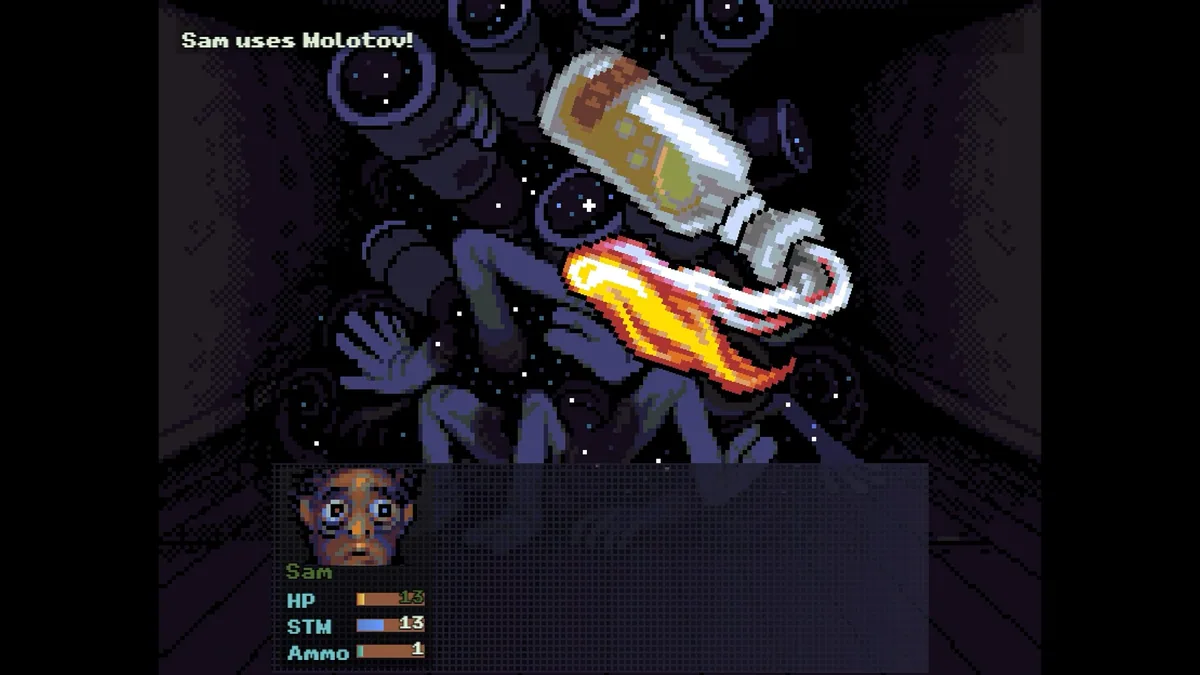
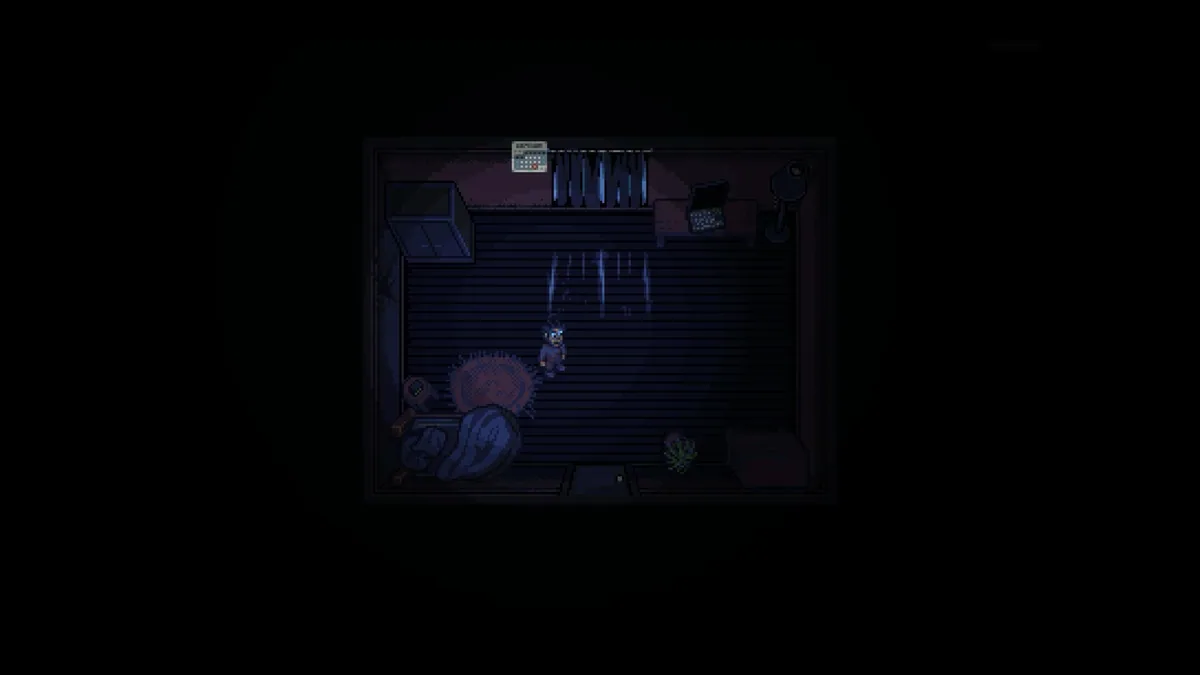
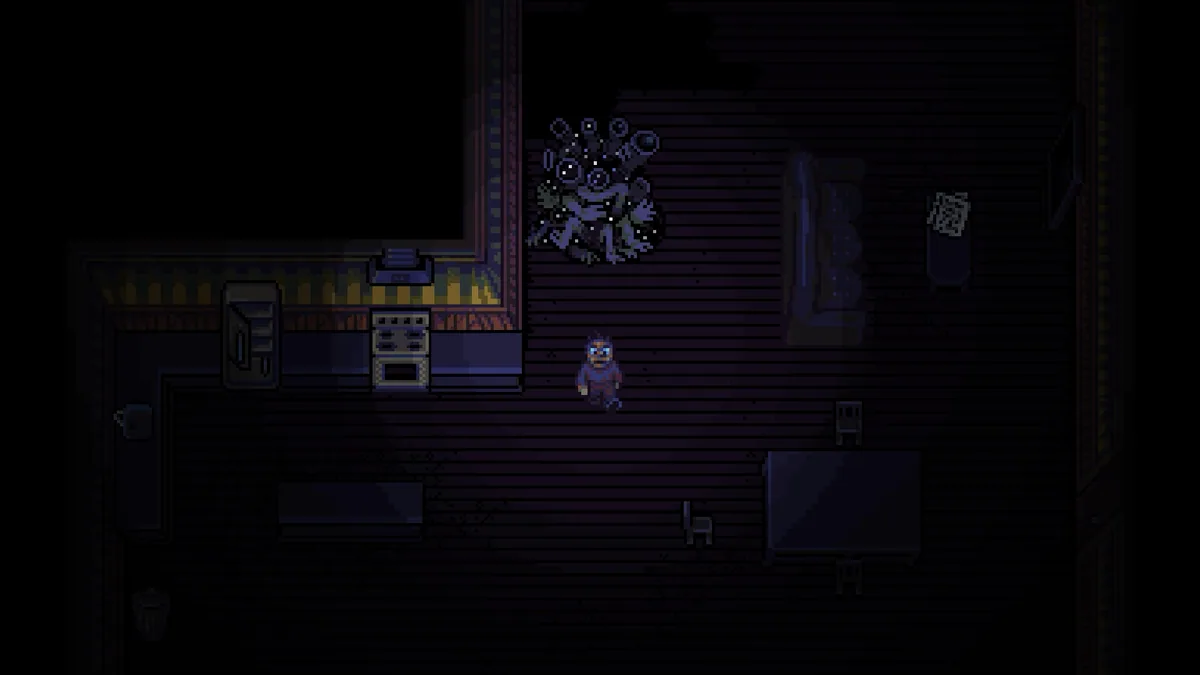
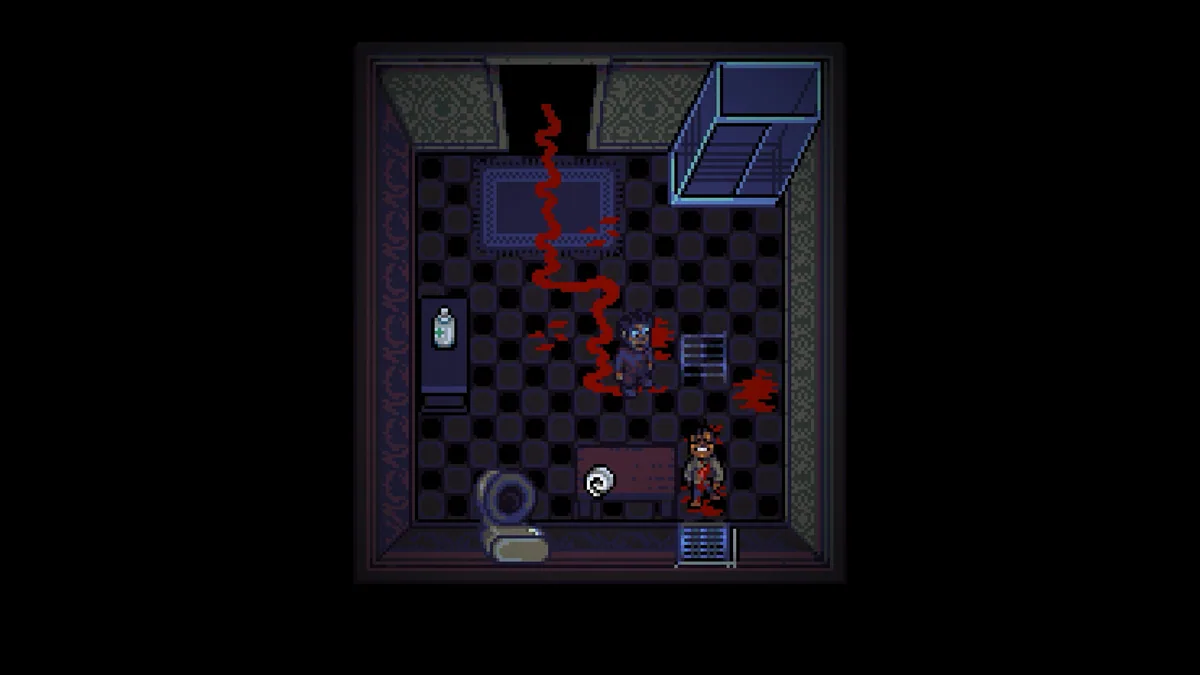
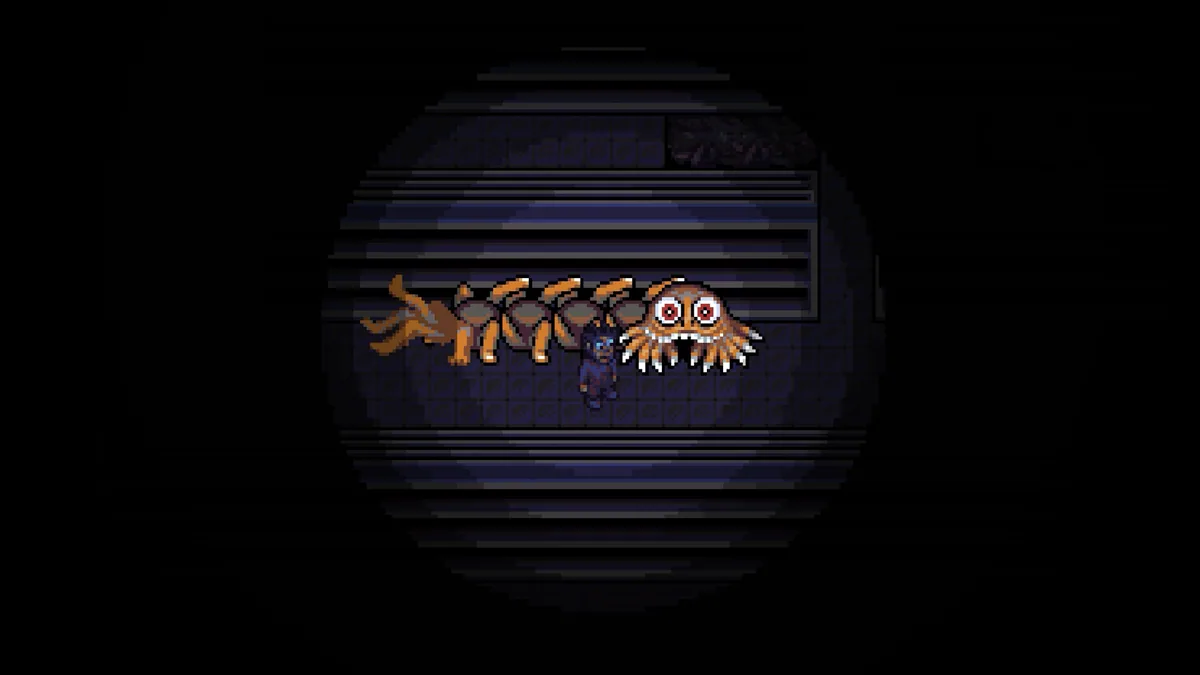
Look Outside is a survival horror RPG confined to an apartment building after a strange event transforms anyone who looks outdoors. Residents search for supplies, avoid danger and discover what has happened to their neighbors.
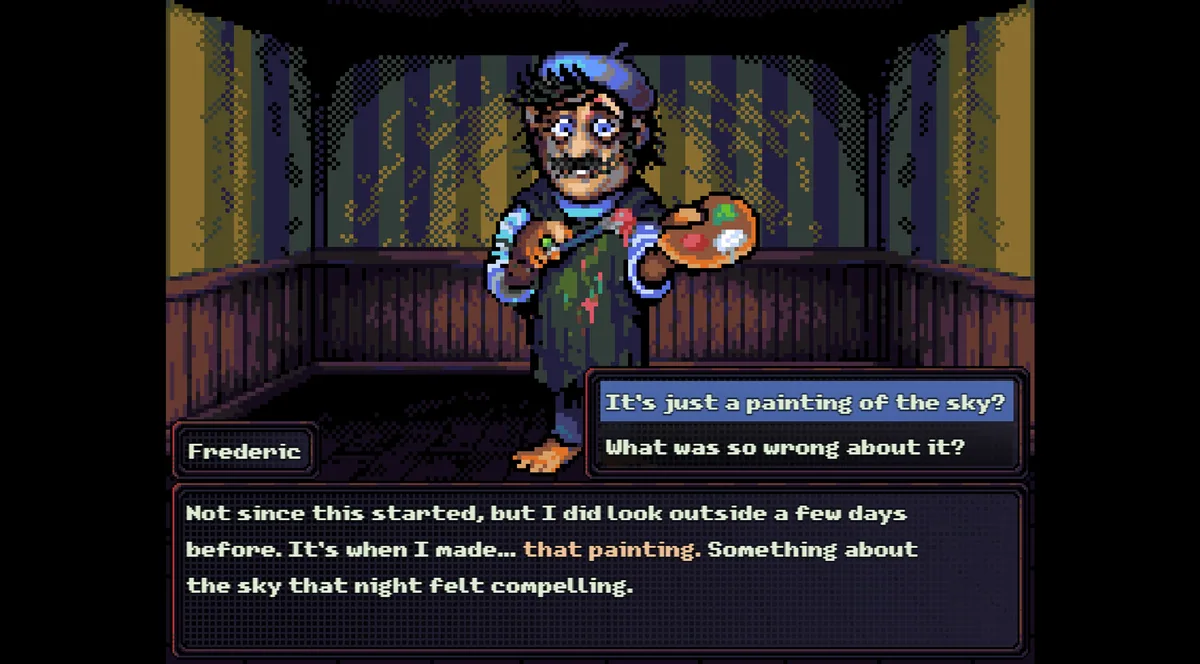
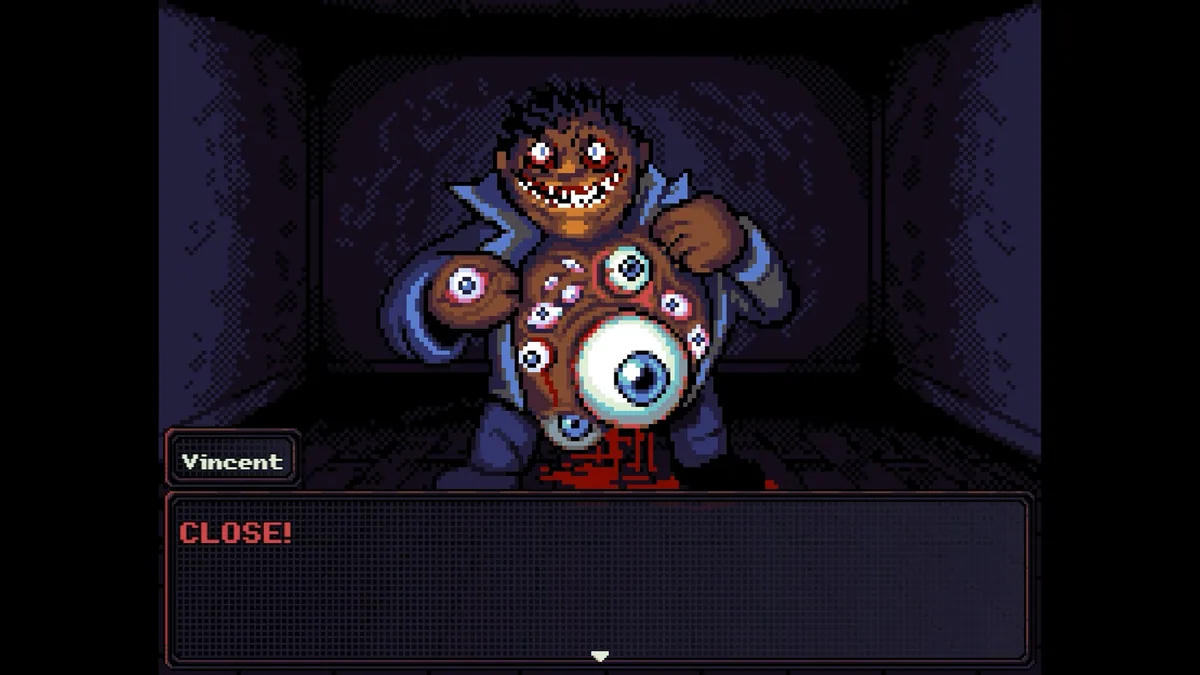
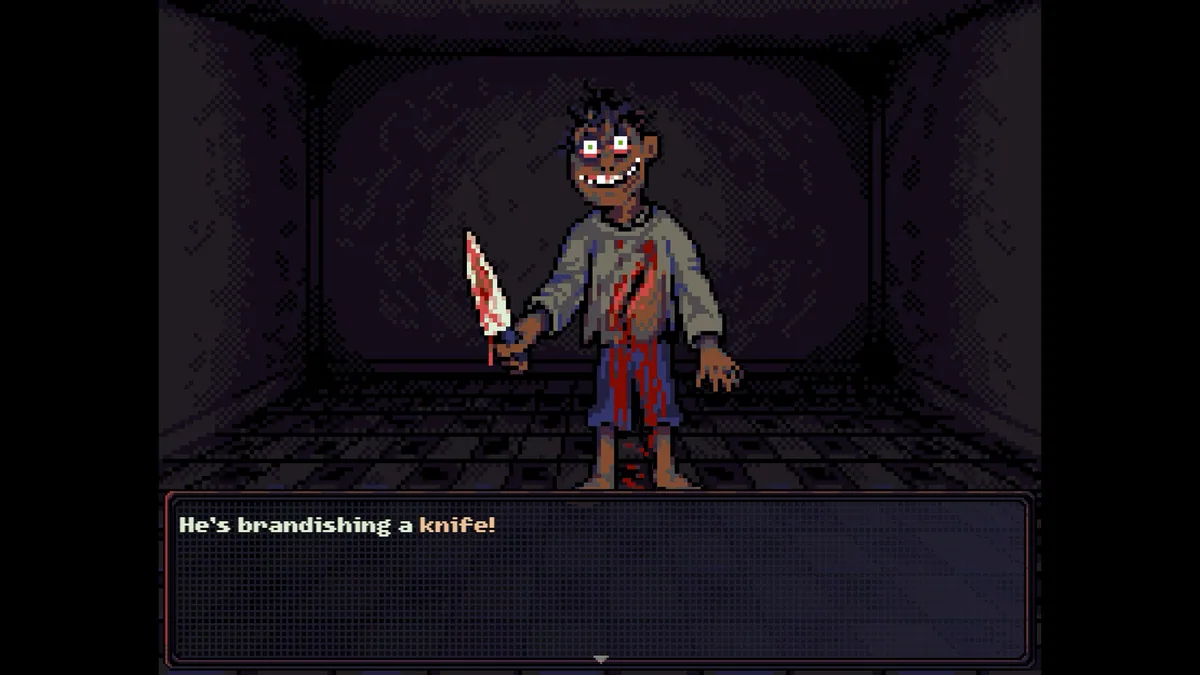
Every trip through the building consumes time and resources. Conversations, unsettling encounters and turn-based battles create choices about whom to trust and how to prepare for another day.
Official game page