FREE CHEATS FOR
MalO On Camera Deluxxx
Released October 8, 2026
Updated

EAGLE CHEATSMalO On Camera Deluxxx
 EAGLE CHEATS
How to use Eagle in MalO On Camera Deluxxx
With MalO On Camera Deluxxx running, press Insert to open the Eagle menu. The quick keys give direct access to Reveal Choices and Skip Dialogue. Use the menu for Unlock Scenes, Set Game Speed and Unlock Gallery and the remaining listed features; close it with Insert to return to the app.
- F2 Reveal Choices
Press F2 to turn Reveal Choices on or off without opening the menu. - F3 Skip Dialogue
Press F3 to activate Skip Dialogue without opening the menu. - Insert Unlock Scenes
Press Insert, choose Unlock Scenes, and apply the unlock. - Insert Set Game Speed
Press Insert, choose Set Game Speed, adjust the value, and apply. - Insert Unlock Gallery
Press Insert, choose Unlock Gallery, and apply the unlock.
EXPLORE THE MENUFeatures
8 features
Scene and progression controls for the MalO encounter.
- Unlock Scenes
- Reveal Choices
- Skip Dialogue
- Unlock Gallery
- Camera Control
- Hide Interface
- Save Anywhere
- Set Game Speed
About the game
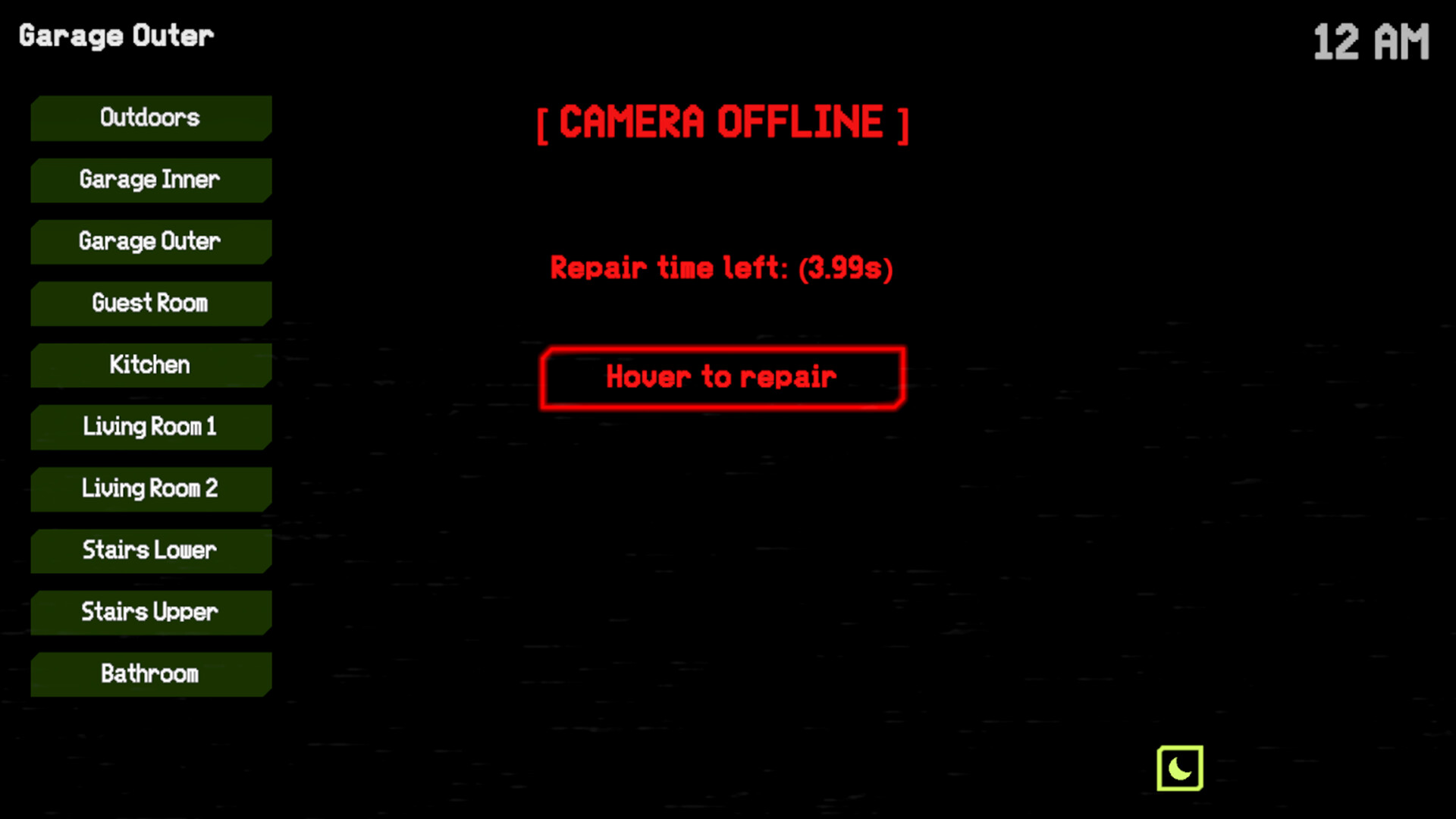
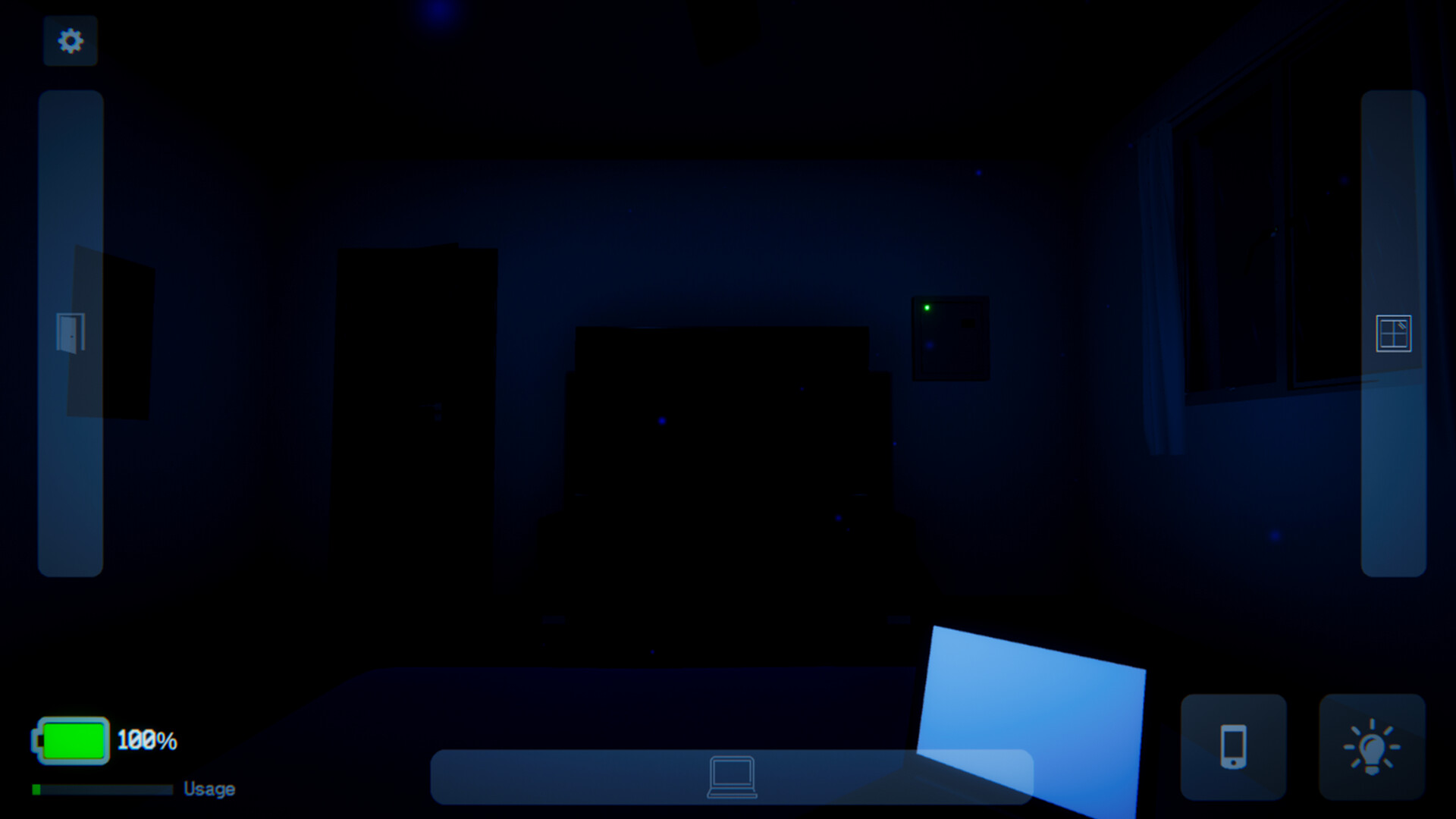
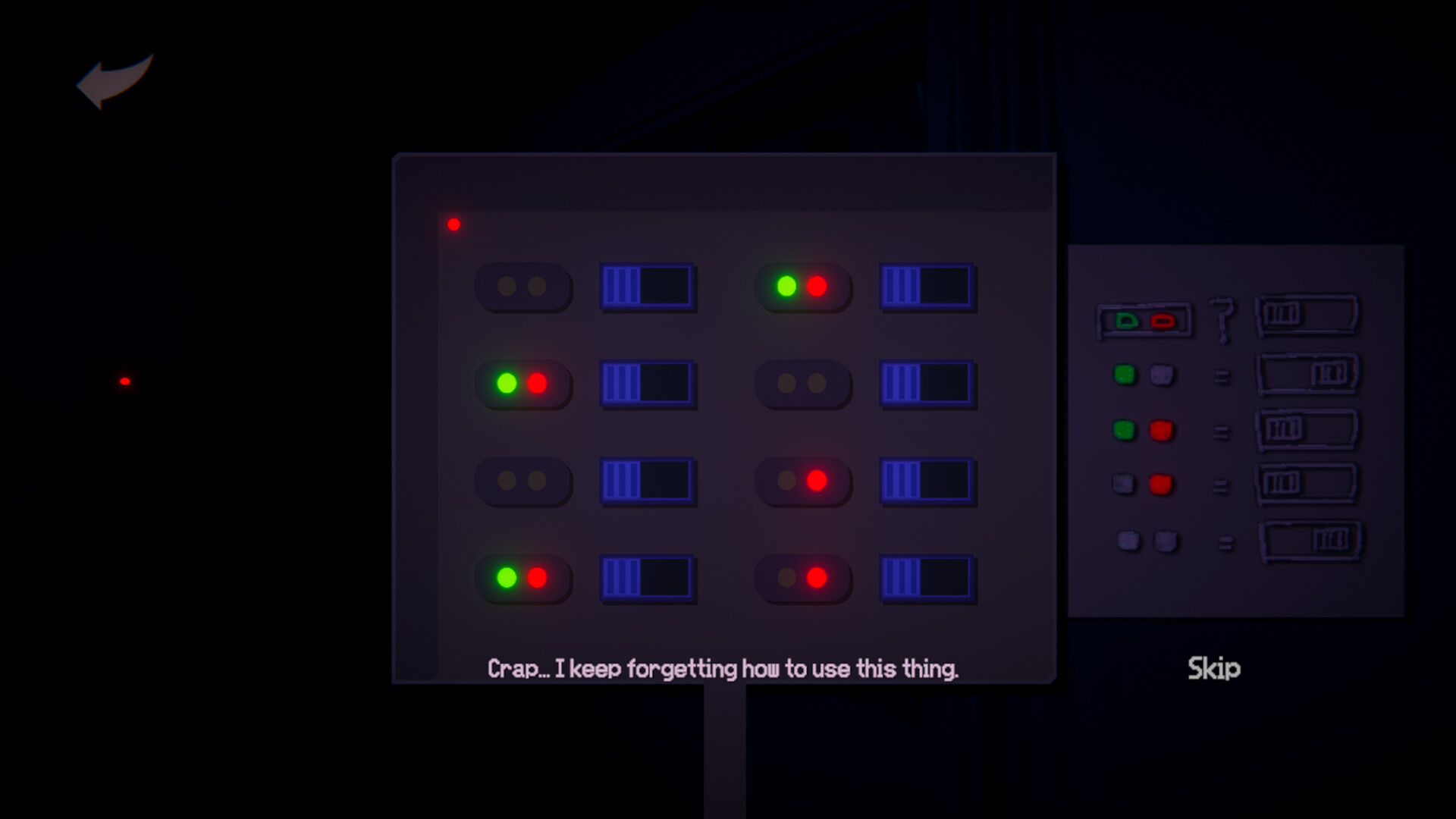
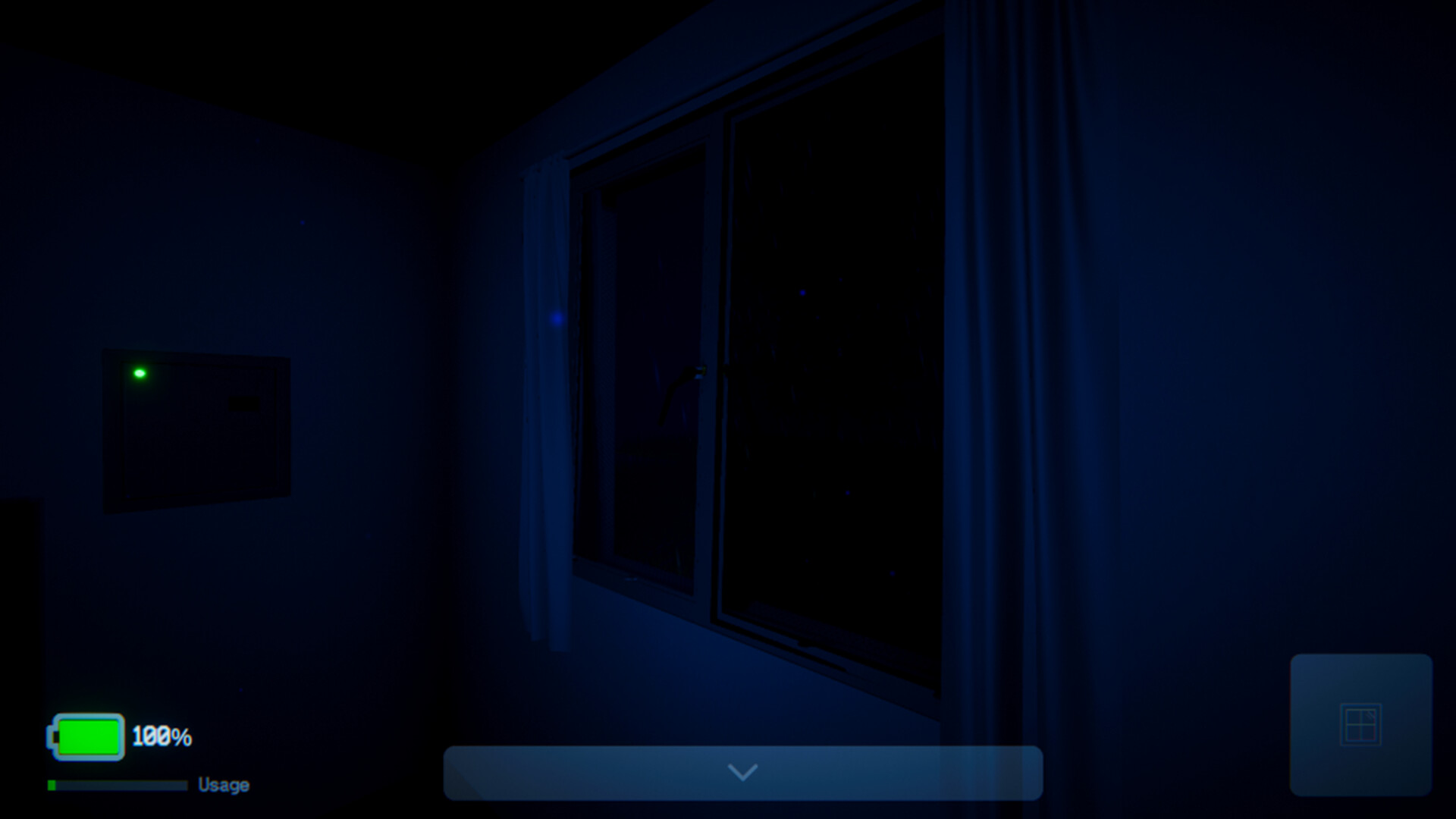
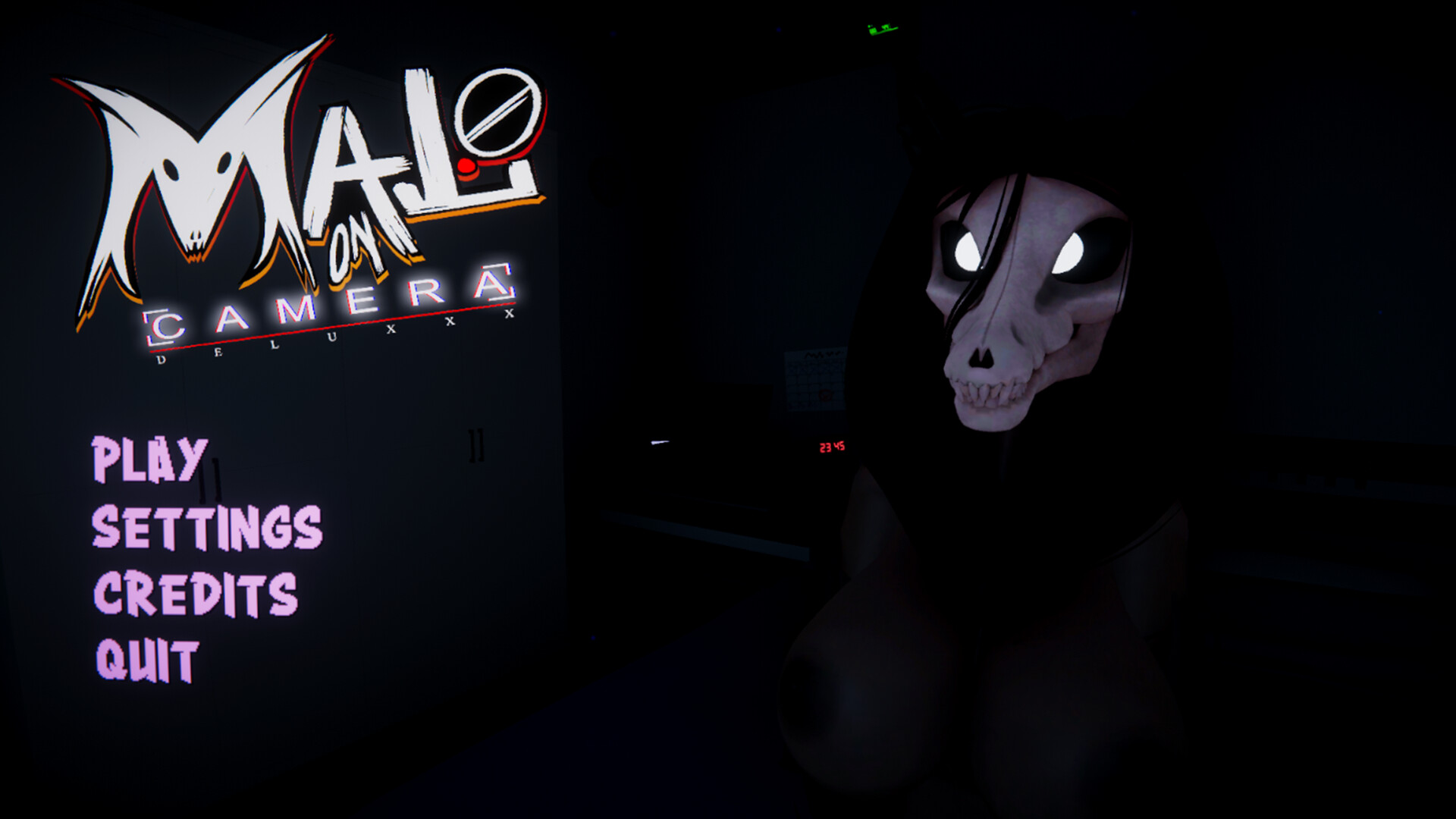
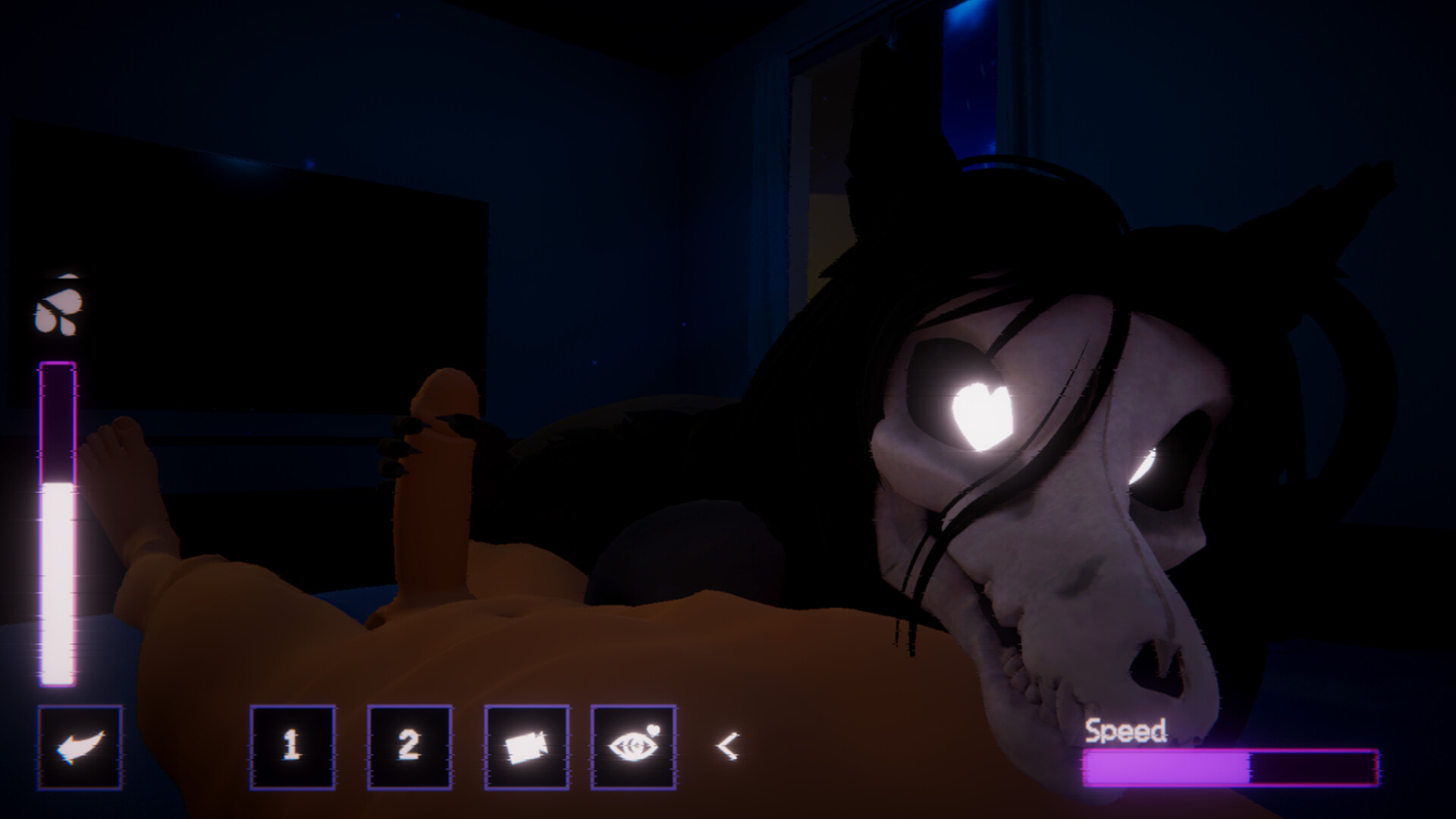
MalO On Camera Deluxxx is a character-driven encounter with a persistent supernatural visitor inspired by SCP-1471-A. The player watches for signs of her arrival and follows a sequence of choices and scenes. Its structure focuses on observation, character interaction and unlocking what happens next.
Official game page


KEEP EXPLORING