FREE CHEATS FOR
Minecraft Bedrock Edition
Released July 29, 2015
Updated
 EAGLE CHEATS
How to use Eagle in Minecraft Bedrock Edition
With Minecraft Bedrock Edition running, press Insert to open the Eagle menu. The quick keys give direct access to Kill Aura, Aim Assist and Bow Aimbot. Use the menu for Triggerbot, Auto Armor and Auto Sprint and the remaining listed features; close it with Insert to return to the app.
- F2 Kill Aura
Press F2 to turn Kill Aura on or off without opening the menu. - F3 Aim Assist
Press F3 to turn Aim Assist on or off without opening the menu. - F4 Bow Aimbot
Press F4 to turn Bow Aimbot on or off without opening the menu. - Insert Triggerbot
Press Insert, find Triggerbot in the feature list, and switch it on or off. - Insert Auto Armor
Press Insert, find Auto Armor in the feature list, and switch it on or off. - Insert Auto Sprint
Press Insert, find Auto Sprint in the feature list, and switch it on or off.
EXPLORE THE MENUFeatures
42 features
The free Minecraft Bedrock Edition cheat client includes Kill Aura, Aim Assist and Bow Aimbot. It also offers Triggerbot, Auto Armor and Auto Totem. Press Insert to open the menu on Windows PC.
- Kill Aura
- Aim Assist
- Bow Aimbot
- Triggerbot
- Auto Armor
- Auto Totem
- Critical Hits
- Reach
- Hitbox Expansion
- Anti Knockback
- Auto Clicker
- Auto Sprint
- Flight
- Speed
- Step
- High Jump
- Air Jump
- No Fall
- No Slow
- Scaffold
- Tower
- Blink
- Player ESP
- Mob ESP
- Storage ESP
- Tracers
- Nametags
- X-Ray
- Fullbright
- Freecam
- Free Look
- Zoom
- Waypoints
- Auto Eat
- Auto Tool
- Inventory Cleaner
- Speed Mine
- Vein Miner
- Nuker
- Chest Stealer
- Radar
- Config Profiles
About the game
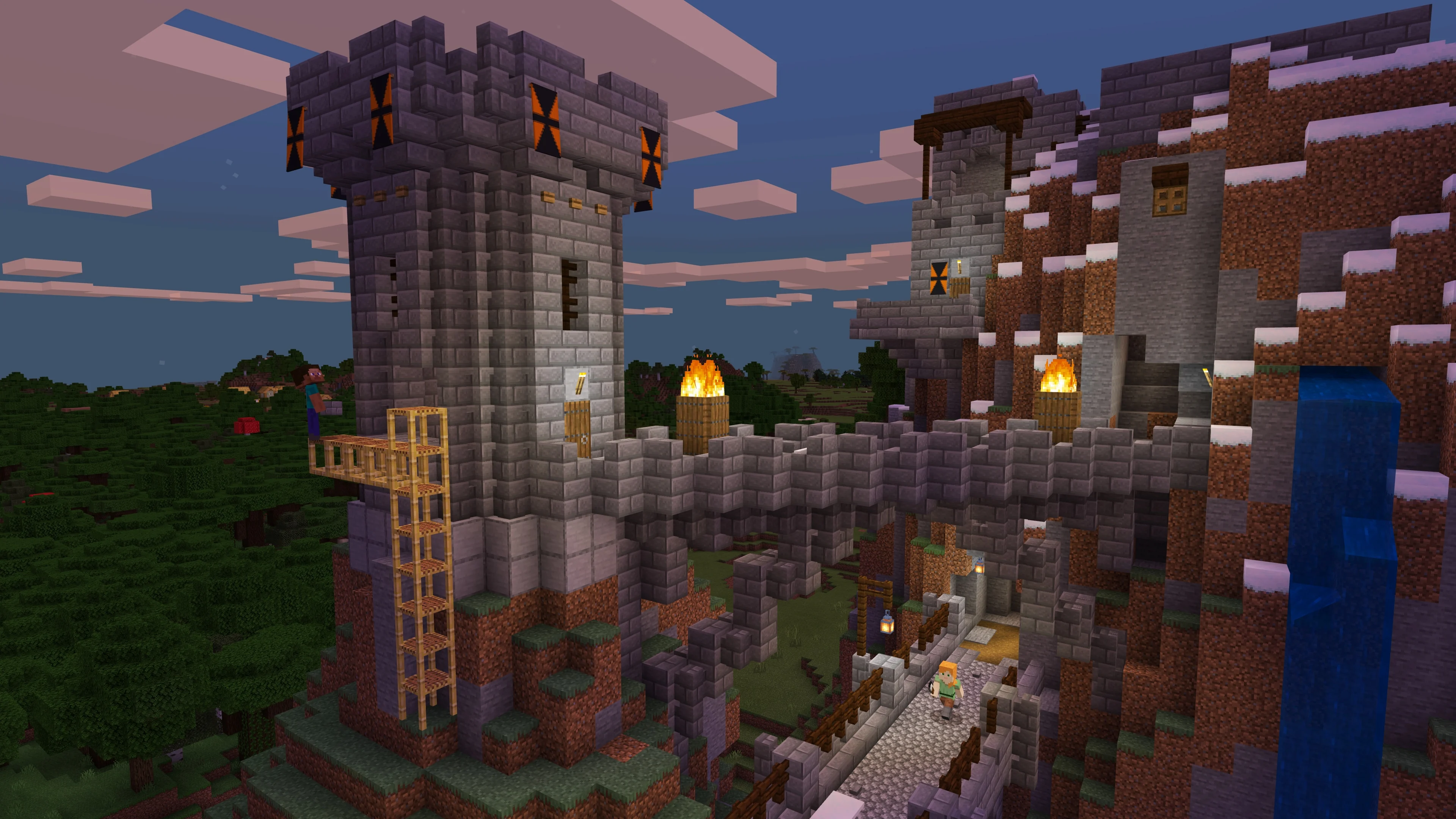
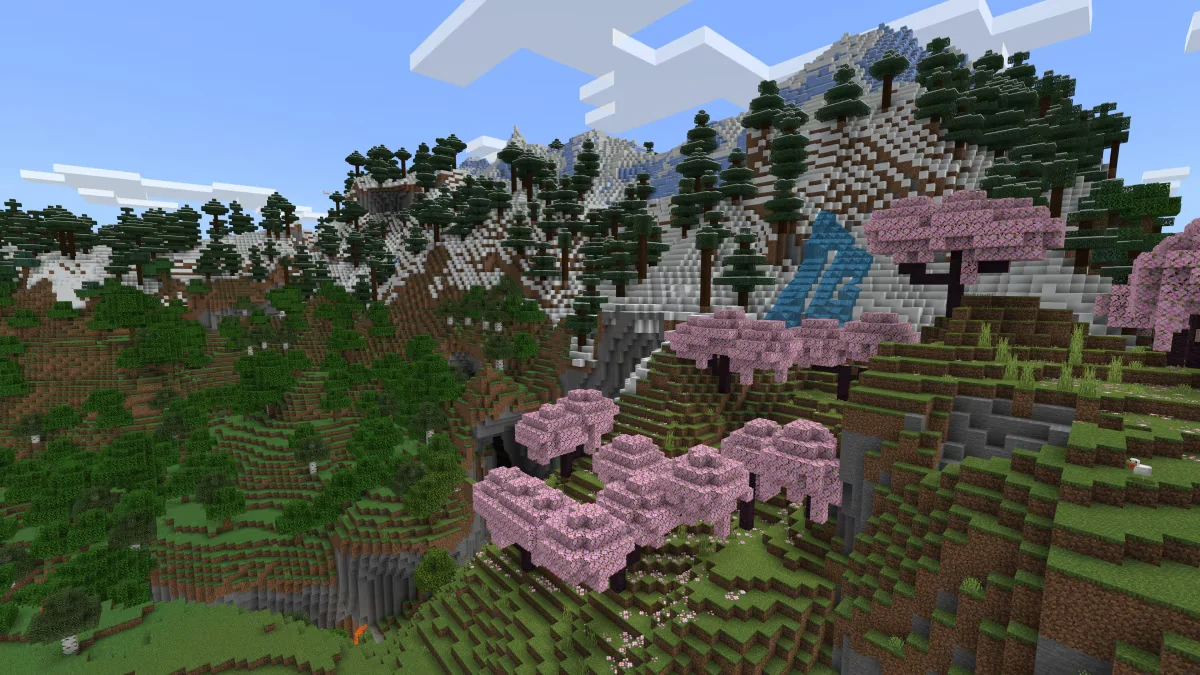
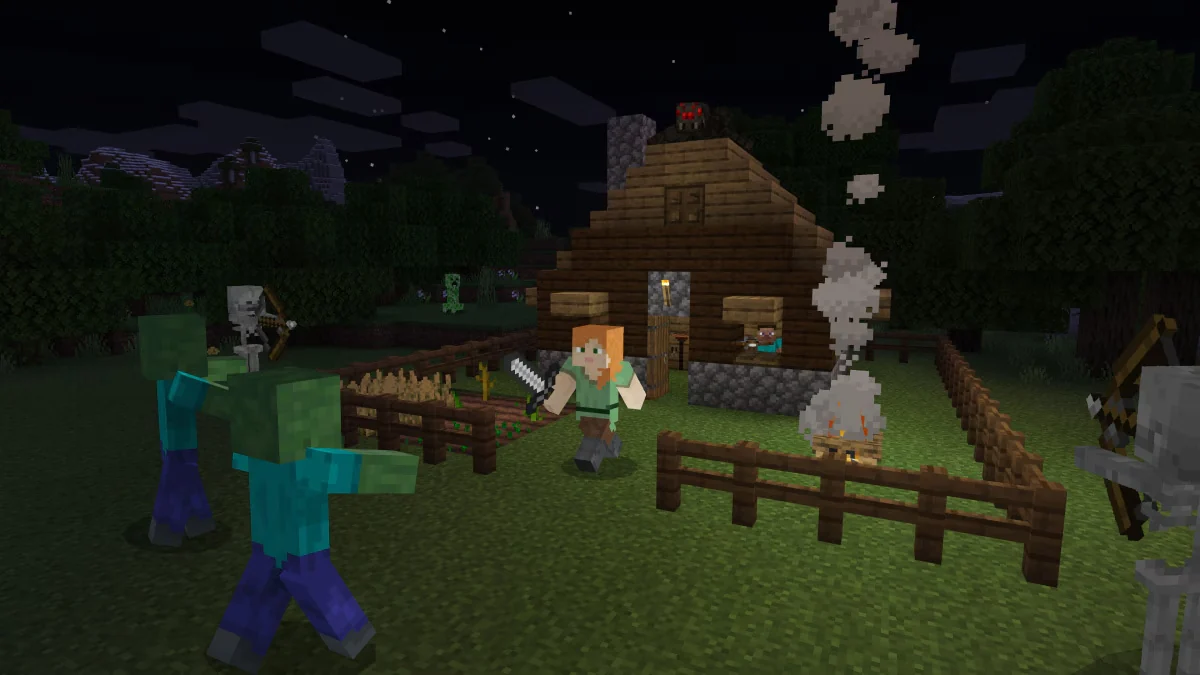
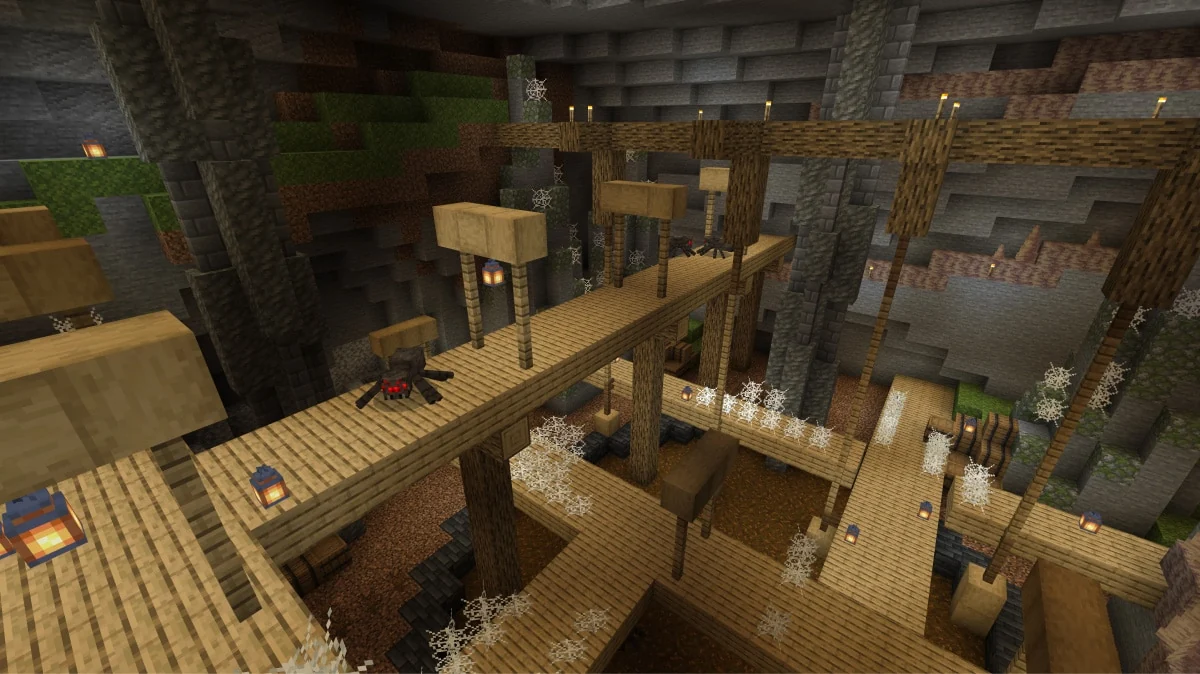
Minecraft Bedrock Edition on Windows PC brings the same core idea of exploration, survival and building to a version designed for cross-platform play. You can start with a few tools, collect resources, craft equipment and expand a shelter into a large project, or switch to Creative mode and build without survival constraints. Biomes, caves, creatures and structures give each generated world places to investigate.
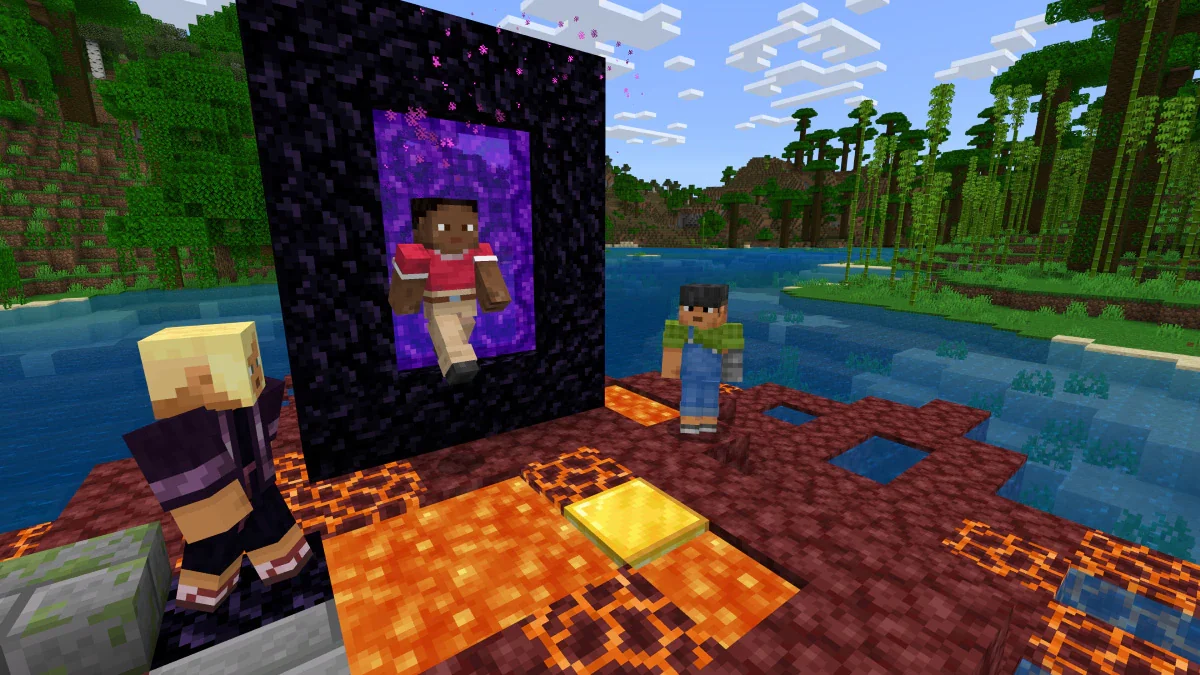
Bedrock supports playing with friends on other supported devices, as well as shared worlds through servers and Realms. Its Marketplace and Add-Ons offer additional ways to change how a world looks or plays. On compatible Windows hardware, visual options include ray tracing. Although it shares Minecraft's familiar blocks and goals with Java Edition, its cross-play ecosystem and content options give the PC version a distinct place for groups that use different devices.
Official game page