FREE CHEATS FOR
Muse Dash
Released June 19, 2019
Updated

EAGLE CHEATSMuse Dash
 EAGLE CHEATS
How to use Eagle in Muse Dash
With Muse Dash running, press Insert to open the Eagle menu. The quick keys give direct access to Perfect Timing and No Misses. Use the menu for Practice Speed, Loop Song Section and Unlock Songs and the remaining listed features; close it with Insert to return to the app.
- F2 Perfect Timing
Press F2 to turn Perfect Timing on or off without opening the menu. - F3 No Misses
Press F3 to turn No Misses on or off without opening the menu. - Insert Practice Speed
Press Insert, choose Practice Speed, adjust the value, and apply. - Insert Loop Song Section
Press Insert, find Loop Song Section in the feature list, and switch it on or off. - Insert Unlock Songs
Press Insert, choose Unlock Songs, and apply the unlock.
EXPLORE THE MENUFeatures
11 features
The free Muse Dash trainer includes Perfect Timing, No Misses and Practice Speed. It also offers Loop Song Section, Unlock Songs and Unlock Stages. Press Insert to open the menu on Windows PC.
- Perfect Timing
- No Misses
- Practice Speed
- Loop Song Section
- Unlock Songs
- Unlock Stages
- Score Multiplier
- Hide Interface
- Infinite Jumps
- No Dash Cooldown
- Movement Speed
About the game
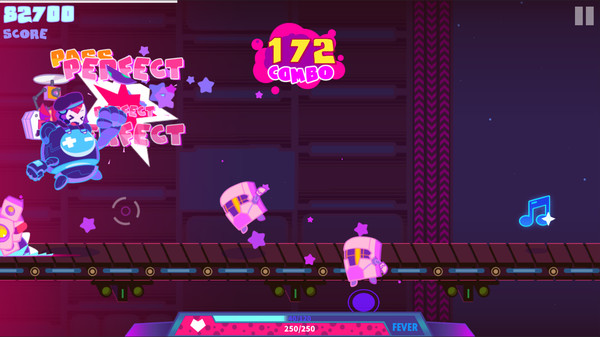
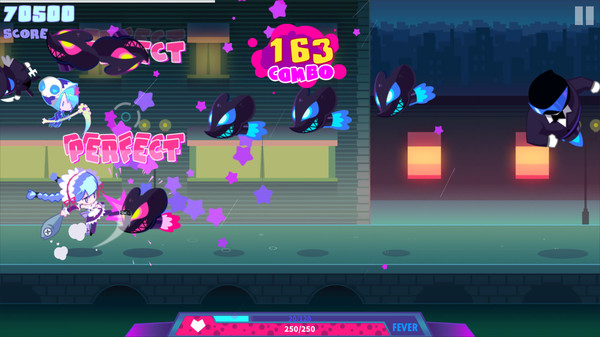
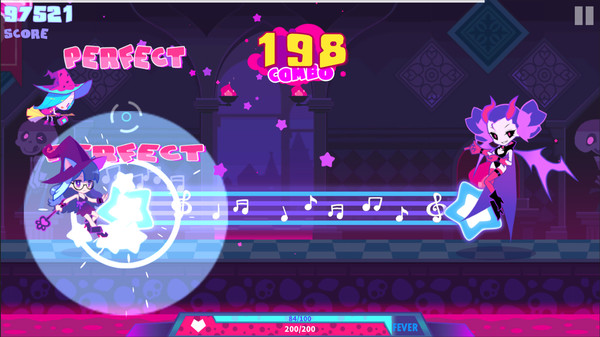
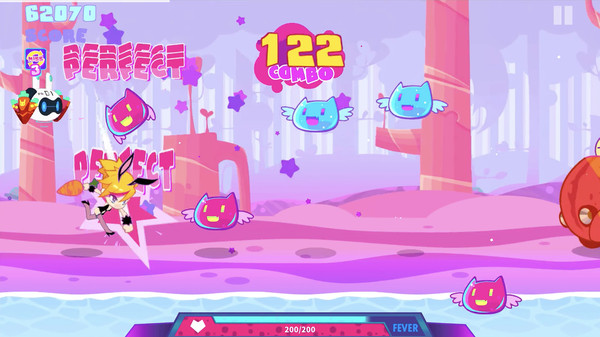
Paradise of parkour & rhythm game ★★★ — Muse Dash!!.
Learning the timing of a track is as important as finishing it. Practice and repeated attempts turn difficult sections into a sequence the player can read and anticipate.
Official game page



KEEP EXPLORING