FREE CHEATS FOR
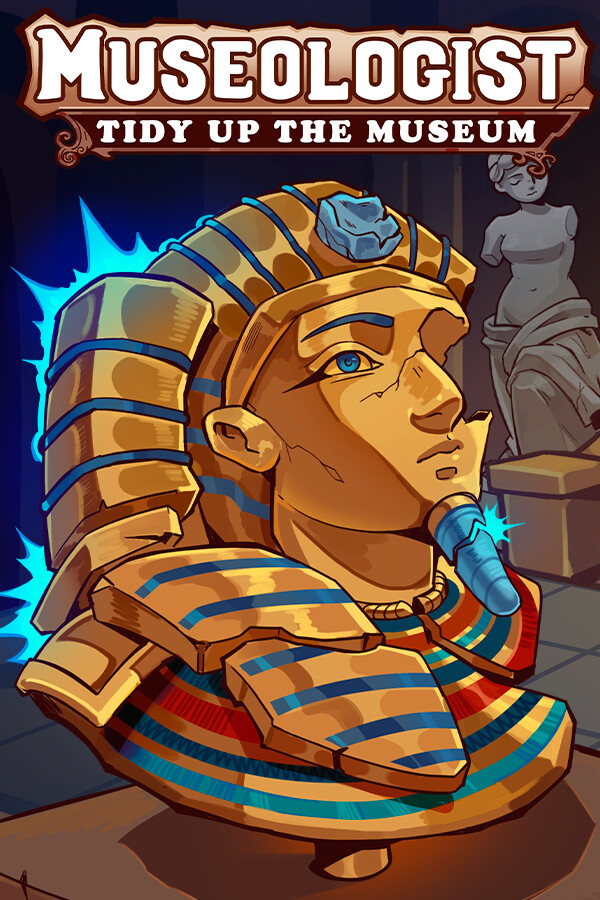
Museologist: Tidy Up the Museum!
Released September 25, 2026
Updated
 EAGLE CHEATS
How to use Eagle in Museologist: Tidy Up the Museum!
With Museologist: Tidy Up the Museum! running, press Insert to open the Eagle menu. The quick keys give direct access to Highlight Unsorted Objects and Auto Sort Objects. Use the menu for Snap to Correct Position, Undo Last Placement and Show Remaining Objects and the remaining listed features; close it with Insert to return to the app.
- F2 Highlight Unsorted Objects
Press F2 to turn Highlight Unsorted Objects on or off without opening the menu. - F3 Auto Sort Objects
Press F3 to turn Auto Sort Objects on or off without opening the menu. - Insert Snap to Correct Position
Press Insert, find Snap to Correct Position in the feature list, and switch it on or off. - Insert Undo Last Placement
Press Insert, find Undo Last Placement in the feature list, and switch it on or off. - Insert Show Remaining Objects
Press Insert, find Show Remaining Objects in the feature list, and switch it on or off.
EXPLORE THE MENUFeatures
11 features
The free Museologist: Tidy Up the Museum! mod menu includes Highlight Unsorted Objects, Auto Sort Objects and Snap to Correct Position. It also offers Undo Last Placement, Show Remaining Objects and Free Camera. Press Insert to open the menu on Windows PC.
- Highlight Unsorted Objects
- Auto Sort Objects
- Snap to Correct Position
- Undo Last Placement
- Show Remaining Objects
- Free Camera
- Camera Zoom
- Fast Placement
- Instant Repair
- No Repair Mistakes
- Highlight Missing Parts
About the game
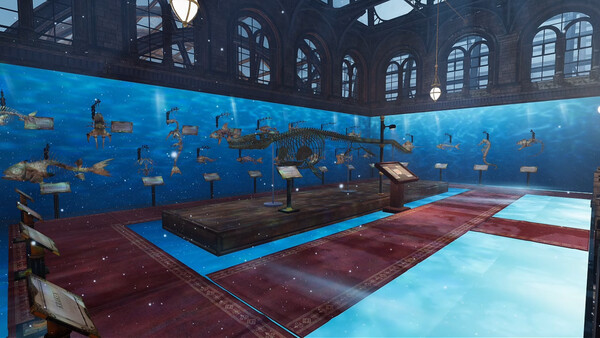
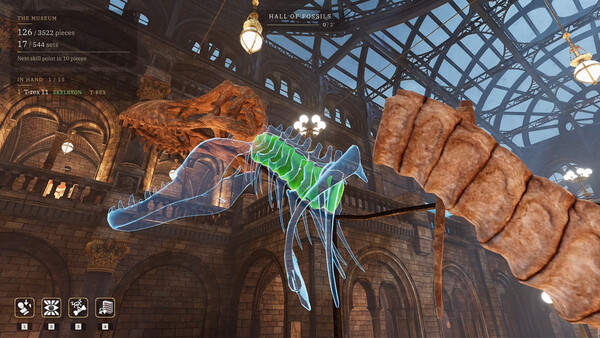
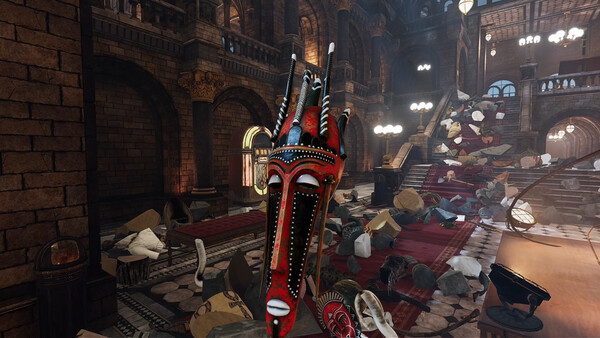
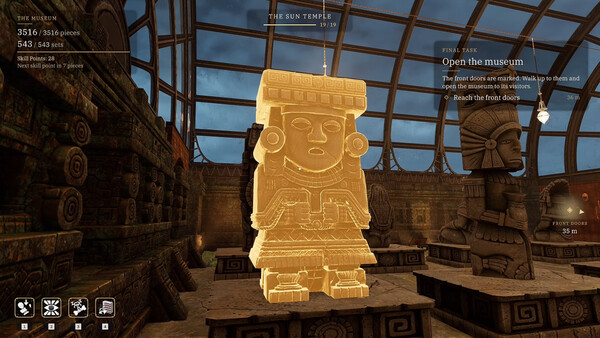
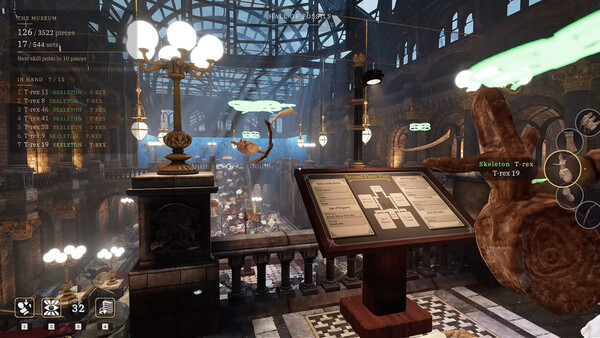
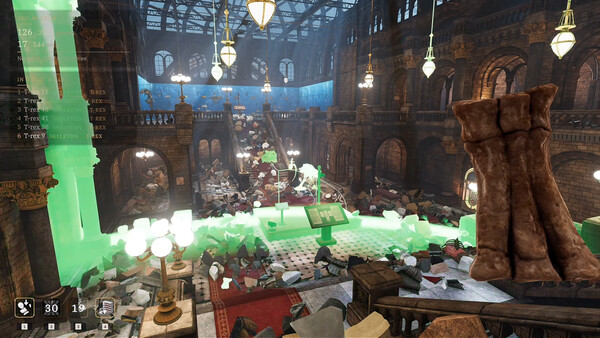
Museologist: Tidy Up the Museum! A single-player simulation. The whole collection has fallen apart. Find where each fragment belongs, piece it back together like a puzzle, and restore 543 objects from 3,513 scattered pieces.
Official game page