FREE CHEATS FOR
Onigotchi
Released September 24, 2026
Updated

EAGLE CHEATSOnigotchi
 EAGLE CHEATS
How to use Eagle in Onigotchi
With Onigotchi running, press Insert to open the Eagle menu. The quick keys give direct access to Instant Training and Max Bond. Use the menu for Unlimited Care Supplies, No Fatigue and Unlock Traits and the remaining listed features; close it with Insert to return to the app.
- F2 Instant Training
Press F2 to activate Instant Training without opening the menu. - F3 Max Bond
Press F3 to turn Max Bond on or off without opening the menu. - Insert Unlimited Care Supplies
Press Insert, find Unlimited Care Supplies in the feature list, and switch it on or off. - Insert No Fatigue
Press Insert, find No Fatigue in the feature list, and switch it on or off. - Insert Unlock Traits
Press Insert, choose Unlock Traits, and apply the unlock.
EXPLORE THE MENUFeatures
8 features
The free Onigotchi trainer includes Instant Training, Max Bond and Unlimited Care Supplies. It also offers No Fatigue, Unlock Traits and Reveal Growth Outcome. Press Insert to open the menu on Windows PC.
- Instant Training
- Max Bond
- Unlimited Care Supplies
- No Fatigue
- Unlock Traits
- Reveal Growth Outcome
- Freeze Day Clock
- Save Progress State
About the game
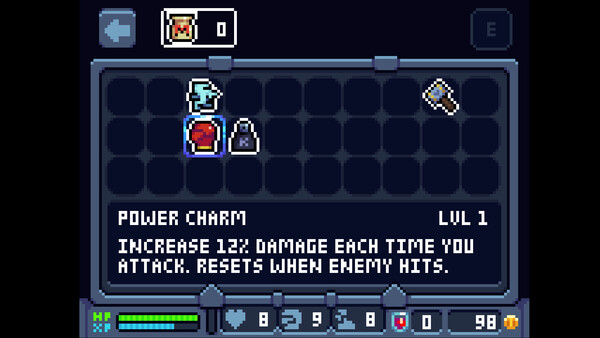
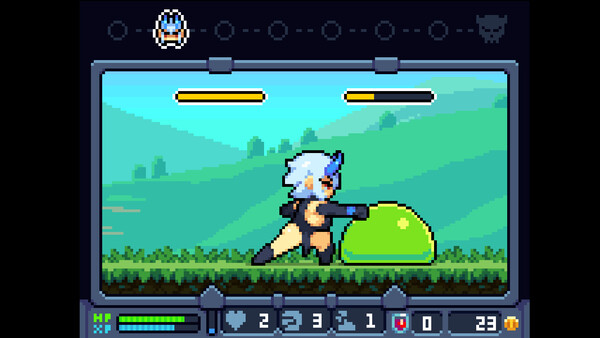
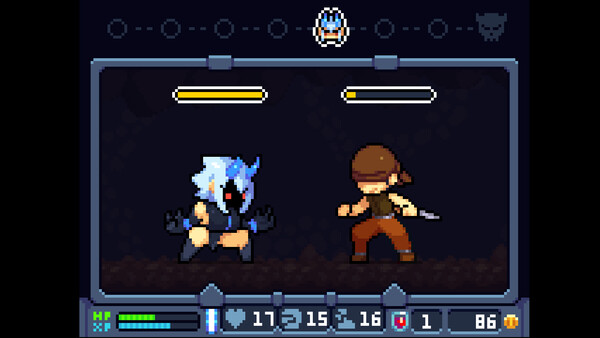
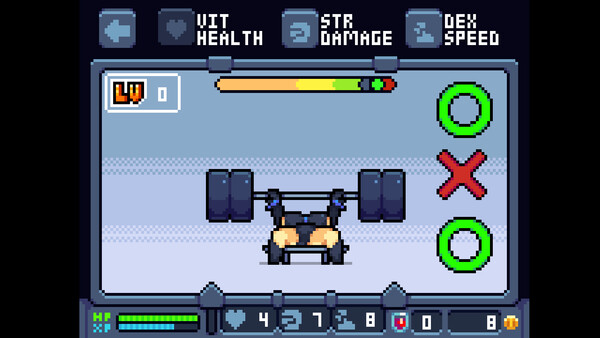
Control a cute and hot 'Oni' in a simple Tamagotchi - style game. Train to become stronger to defeat monsters. Mix and match charms with special effects obtained by losing and being bred by monsters.
Official game page


KEEP EXPLORING



