FREE CHEATS FOR
OPUS: Prism Peak
Released April 15, 2026
Updated
 EAGLE CHEATS
How to use Eagle in OPUS: Prism Peak
With OPUS: Prism Peak running, press Insert to open the Eagle menu. The quick keys give direct access to Photo Frame Overlay and Camera Zoom. Use the menu for Interaction Markers, Scene Bookmark and Objective Markers and the remaining listed features; close it with Insert to return to the app.
- F2 Photo Frame Overlay
Press F2 to turn Photo Frame Overlay on or off without opening the menu. - F3 Camera Zoom
Press F3 to turn Camera Zoom on or off without opening the menu. - Insert Interaction Markers
Press Insert, find Interaction Markers in the feature list, and switch it on or off. - Insert Scene Bookmark
Press Insert, find Scene Bookmark in the feature list, and switch it on or off. - Insert Objective Markers
Press Insert, find Objective Markers in the feature list, and switch it on or off.
EXPLORE THE MENUFeatures
8 features
Photo Frame Overlay and Camera Zoom let you capture and adjust shots. Eagle changes the world based on your photography, revealing secrets and upgrades. Press Insert to open the Eagle menu on Windows PC. The trainer is free for Windows PC.
- Photo Frame Overlay
- Camera Zoom
- Interaction Markers
- Scene Bookmark
- Objective Markers
- Free Camera
- Dialogue History
- UI Hide
About the game
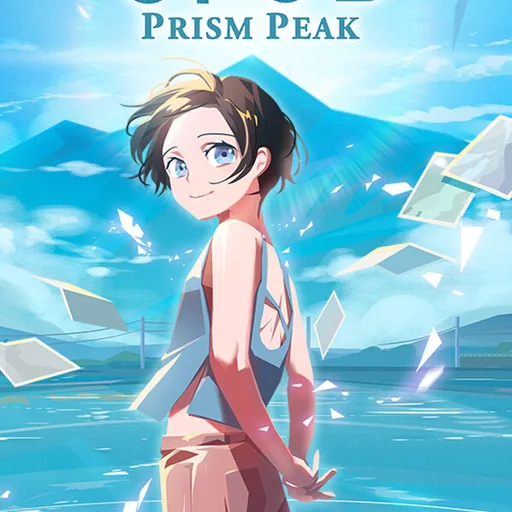
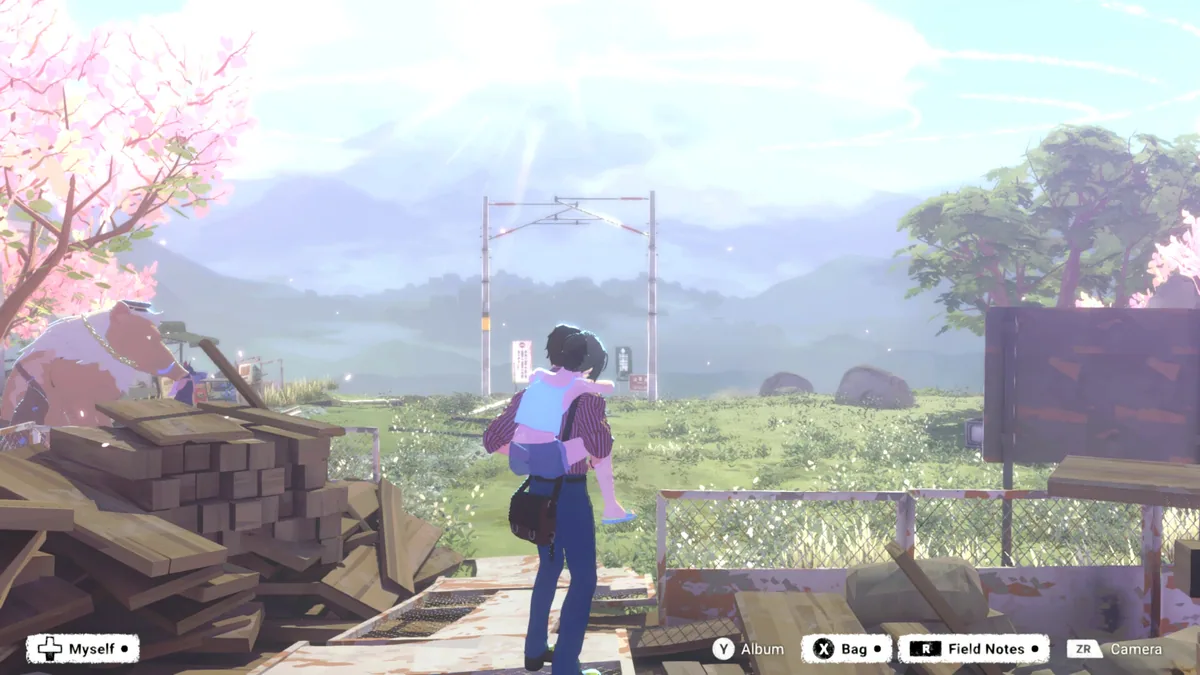
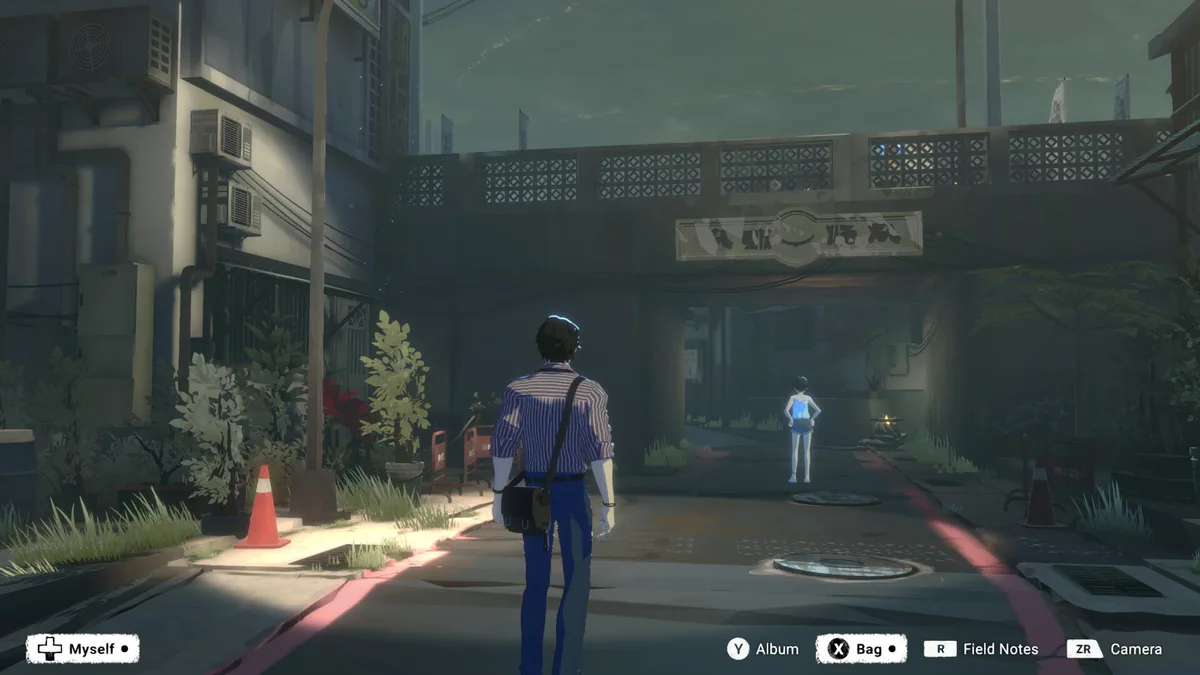
OPUS: Prism Peak is a narrative adventure set in the mysterious Dusklands, where a weary photographer teams up with a girl who has lost her memories. Together, they explore this world filled with spirits and secrets, using the photographer's camera to uncover the truth. The game's loop involves capturing the perfect shot by adjusting framing, timing, exposure, and filters, which reveals deeper insights into the world and its inhabitants. As the journey progresses, the player uncovers the reason behind the disappearance of humanity and the true purpose of this land.
Players make choices by interacting with the environment and capturing specific moments, which can lead to different outcomes and upgrades for their camera. The game blends magical realism with a heartfelt story, where every shot brings the player closer to understanding the world and finding a way home.
Official game page
Using the OPUS: Prism Peak trainer
Use Photo Frame Overlay to frame perfect shots and Camera Zoom to adjust focus. These controls help you capture required photos for Sacred Firebowl shrines and unlock upgrades. Interact with the environment to progress and uncover the Dusklands' mysteries.