FREE CHEATS FOR
Order: The New Dawn
Released October 13, 2026
Updated

 EAGLE CHEATS
How to use Eagle in Order: The New Dawn
With Order: The New Dawn running, press Insert to open the Eagle menu. The quick keys give direct access to Colony Funds, Population Needs and Food Stock. Use the menu for Water Supply, Time Speed and Power Grid and the remaining listed features; close it with Insert to return to the app.
- F2 Colony Funds
Press F2 to turn Colony Funds on or off without opening the menu. - F3 Population Needs
Press F3 to turn Population Needs on or off without opening the menu. - F4 Food Stock
Press F4 to turn Food Stock on or off without opening the menu. - Insert Water Supply
Press Insert, find Water Supply in the feature list, and switch it on or off. - Insert Time Speed
Press Insert, choose Time Speed, adjust the value, and apply. - Insert Power Grid
Press Insert, find Power Grid in the feature list, and switch it on or off.
EXPLORE THE MENUFeatures
14 features
Manage New Terra's resources, buildings and expedition routes from a colony view.
- Colony Funds
- Population Needs
- Food Stock
- Water Supply
- Power Grid
- Construction Materials
- Production Chains
- Research Queue
- Wastespace Threat View
- Expedition Supplies
- Ship Fuel
- Planet Map Reveal
- Outpost Markers
- Time Speed
About the game
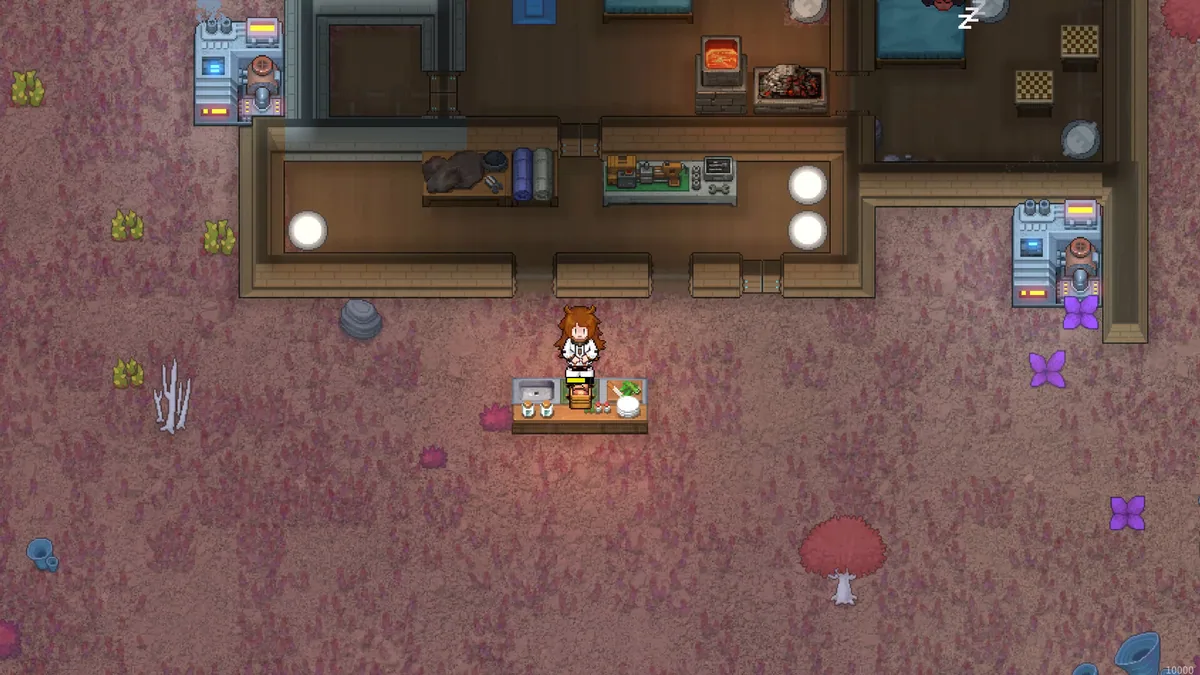
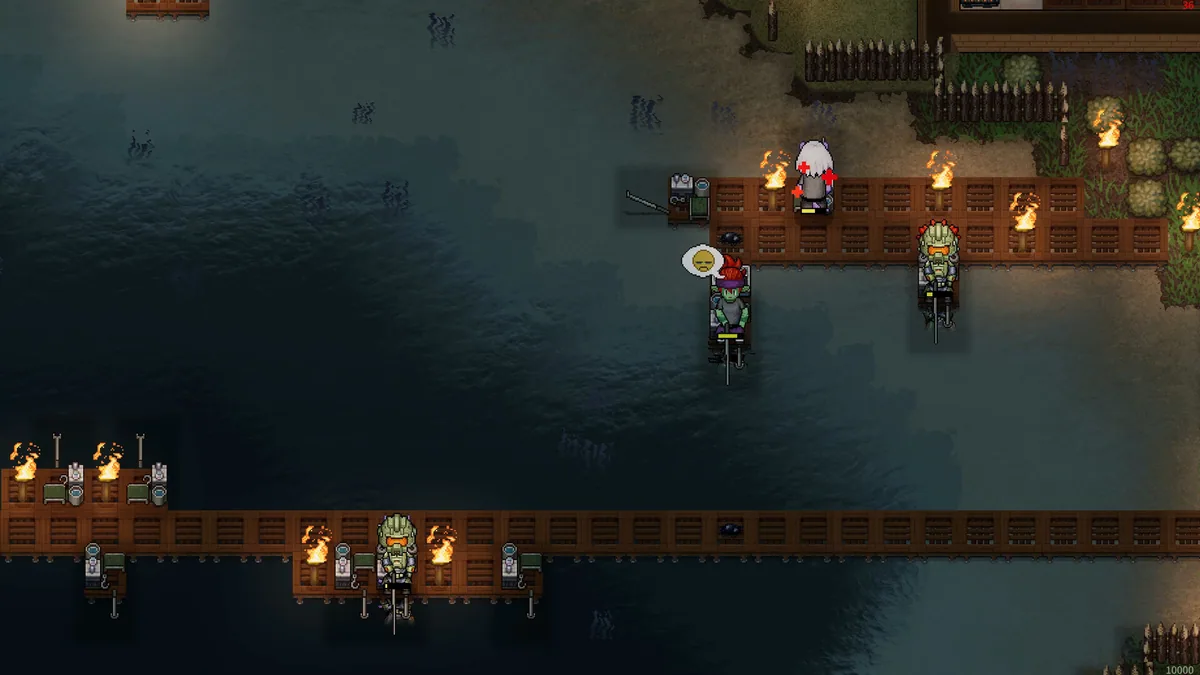
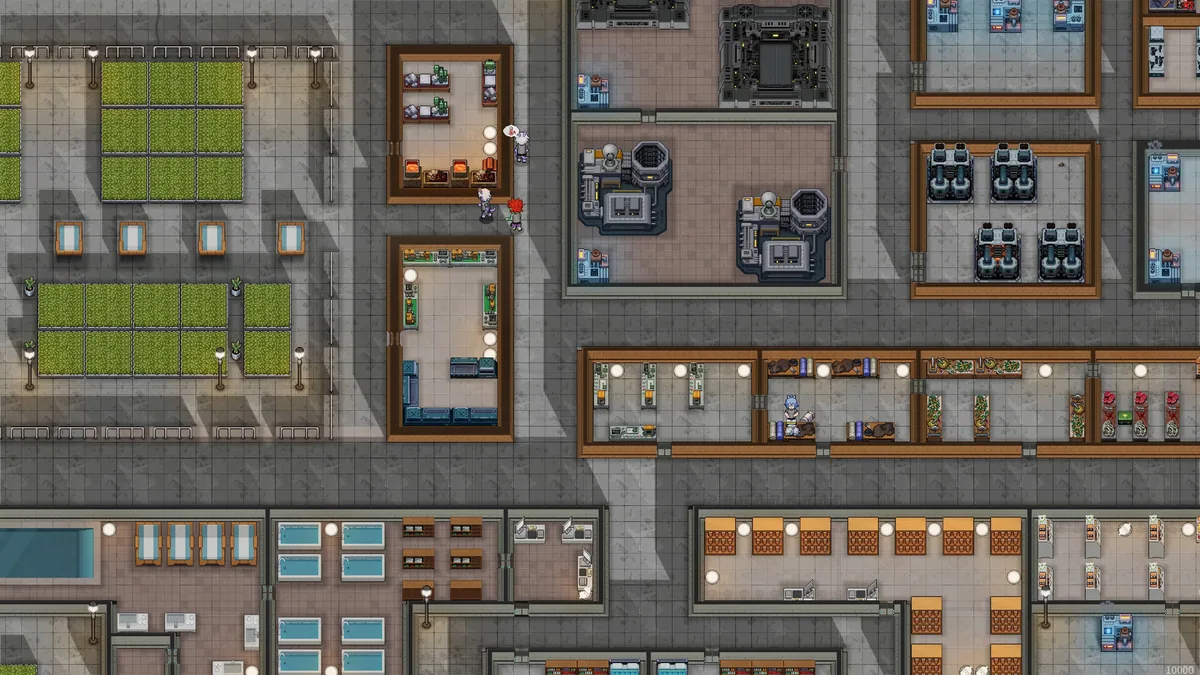
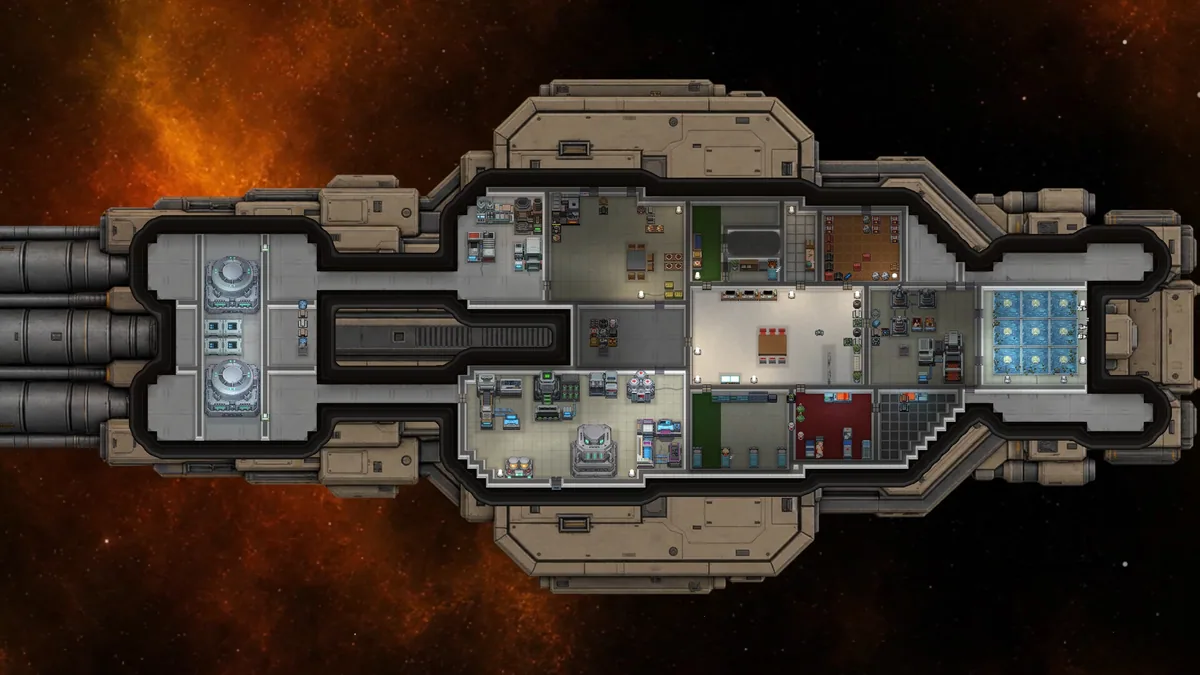
Order: The New Dawn begins with a captain building a colony on the desert planet New Terra. A settlement grows through resource extraction, infrastructure and decisions about the dangers beyond its walls.
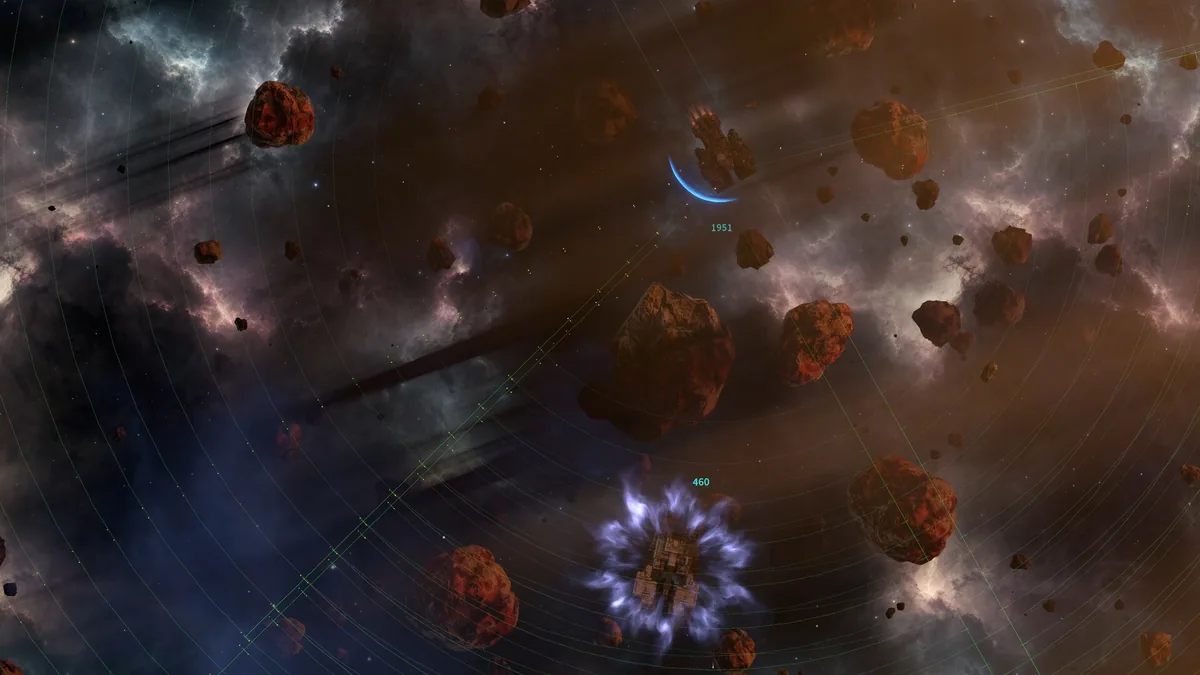
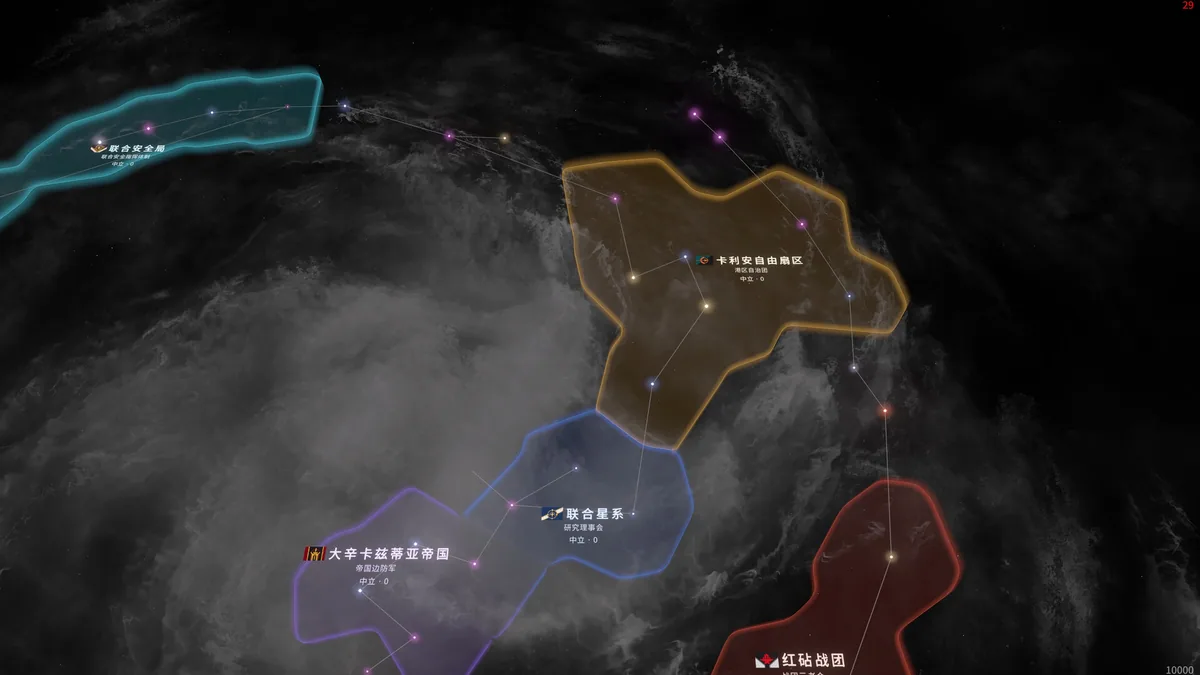
Space exploration connects the base to a wider frontier. A strong colony has to balance its people, power, production and expedition needs.
Official game page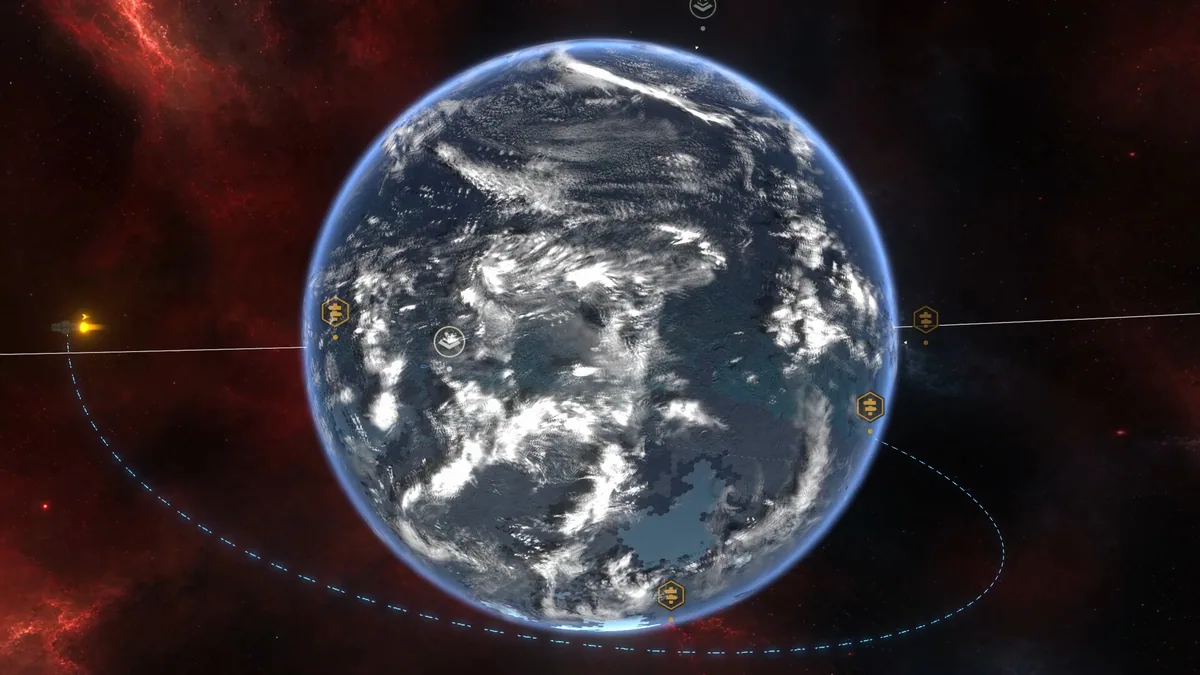
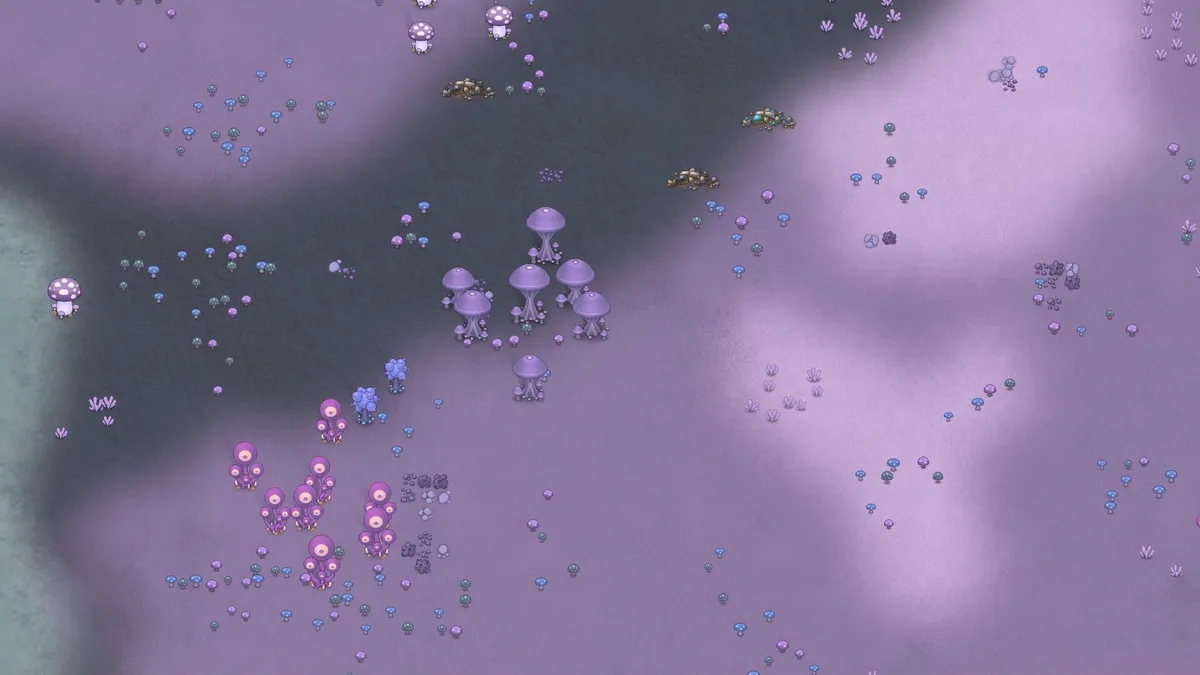

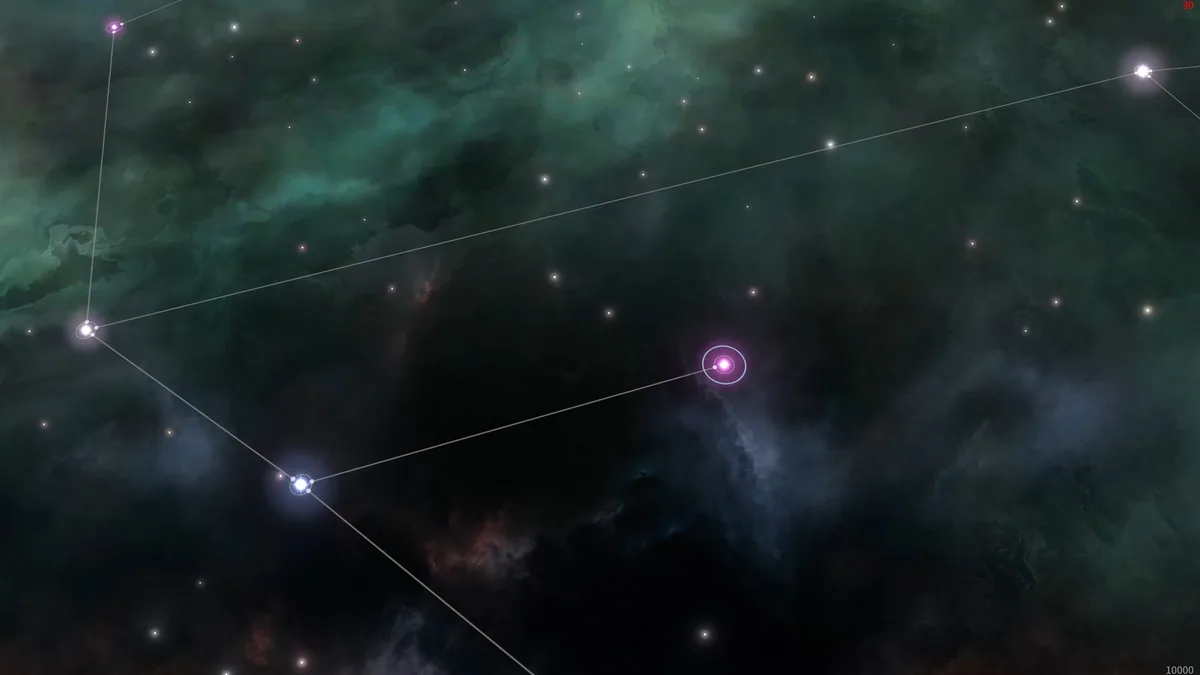
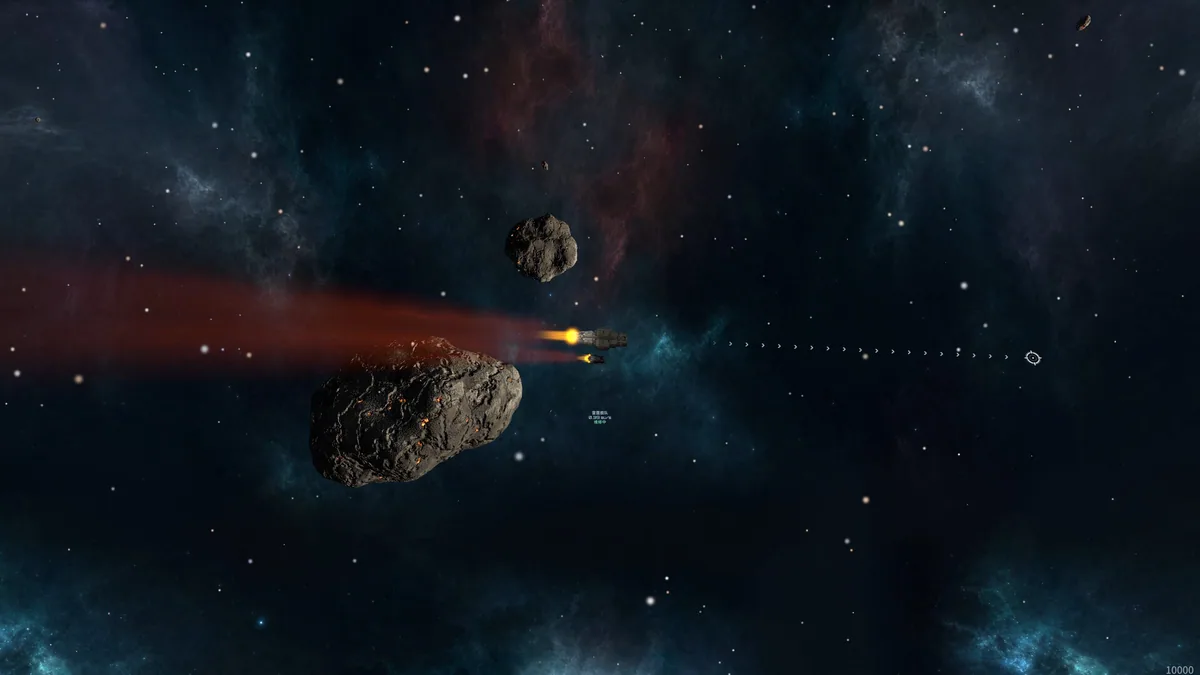
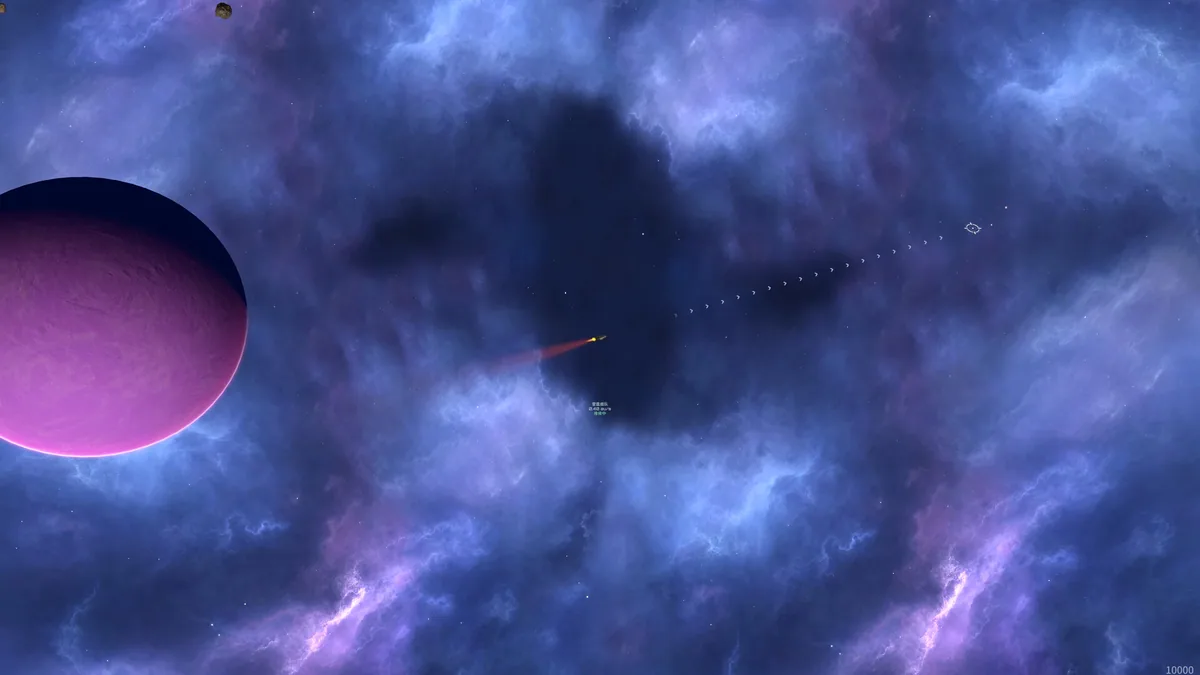

Order: The New Dawn trainer features
Space exploration connects the base to a wider frontier. A strong colony has to balance its people, power, production and expedition needs.