FREE CHEATS FOR
Ore Factory Squad ⛏️
Released July 16, 2026
Updated

 EAGLE CHEATS
How to use Eagle in Ore Factory Squad ⛏️
With Ore Factory Squad ⛏️ running, press Insert to open the Eagle menu. The quick keys give direct access to Unlimited Raw Materials and Instant Production. Use the menu for No Machine Downtime, Power Network Overlay and Throughput Monitor and the remaining listed features; close it with Insert to return to the app.
- F2 Unlimited Raw Materials
Press F2 to turn Unlimited Raw Materials on or off without opening the menu. - F3 Instant Production
Press F3 to activate Instant Production without opening the menu. - Insert No Machine Downtime
Press Insert, find No Machine Downtime in the feature list, and switch it on or off. - Insert Power Network Overlay
Press Insert, find Power Network Overlay in the feature list, and switch it on or off. - Insert Throughput Monitor
Press Insert, find Throughput Monitor in the feature list, and switch it on or off.
EXPLORE THE MENUFeatures
11 features
The free Ore Factory Squad ⛏️ trainer includes Unlimited Raw Materials, Instant Production and No Machine Downtime. It also offers Power Network Overlay, Throughput Monitor and Fast Construction. Press Insert to open the menu on Windows PC.
- Unlimited Raw Materials
- Instant Production
- No Machine Downtime
- Power Network Overlay
- Throughput Monitor
- Fast Construction
- Copy Building Layout
- Free Build Camera
- Fast Mining
- Ore Highlight
- No Tool Wear
About the game
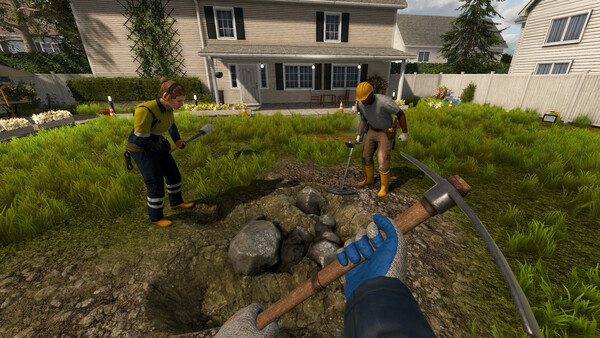
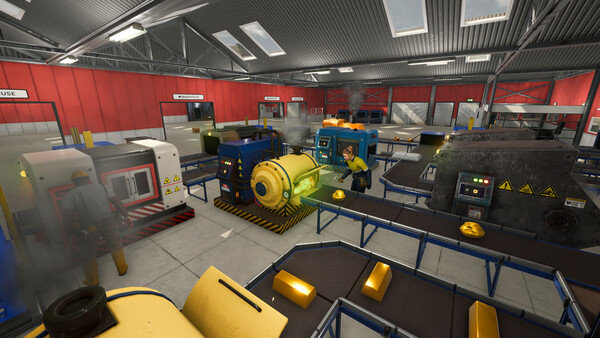
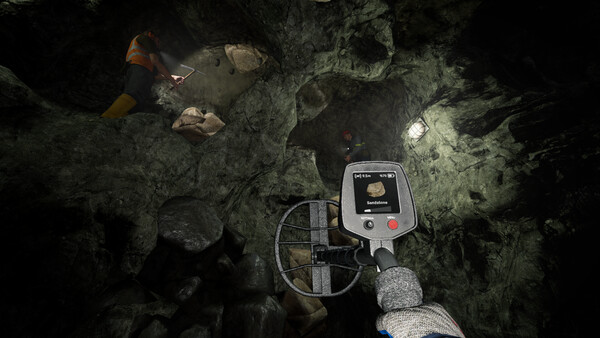
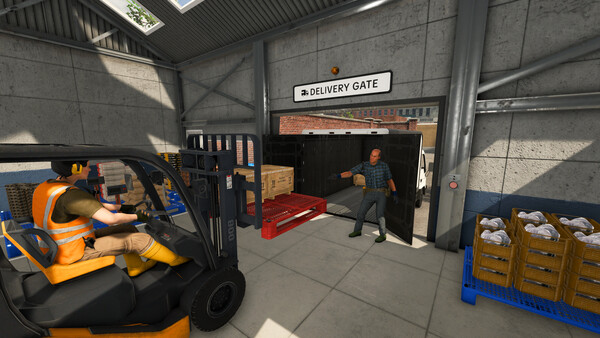
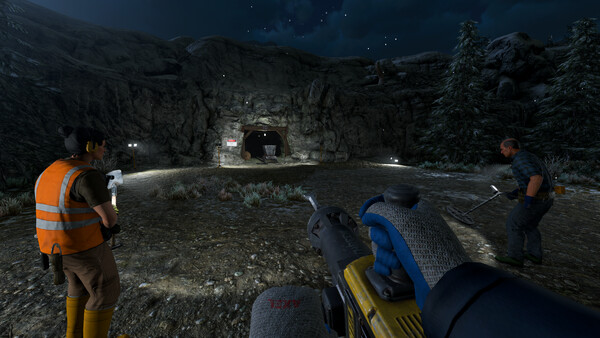
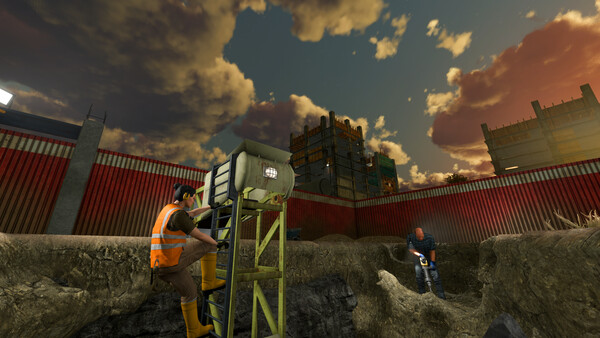
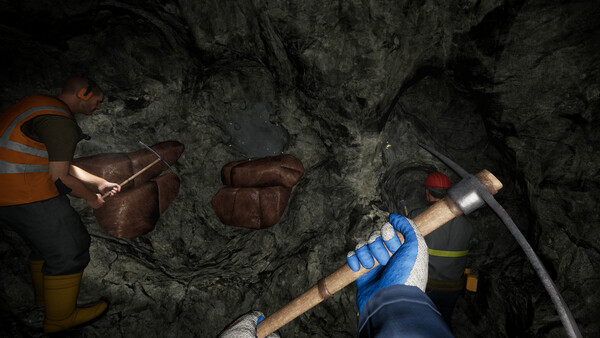
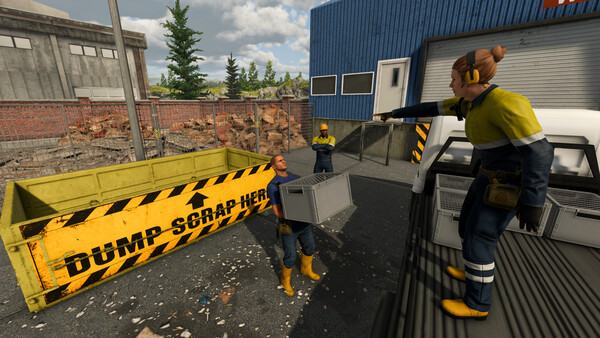
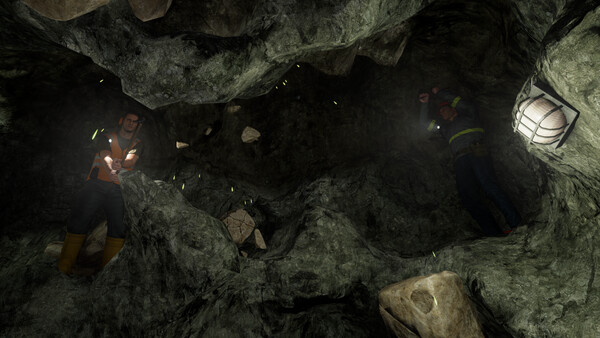
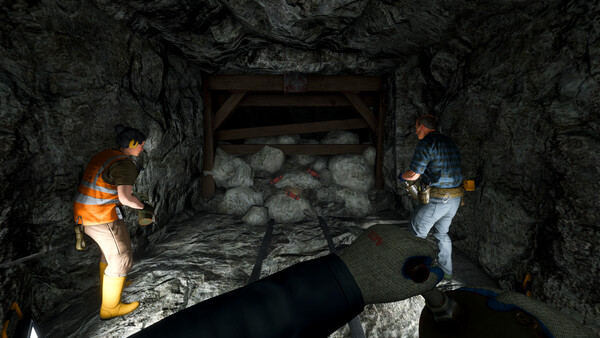
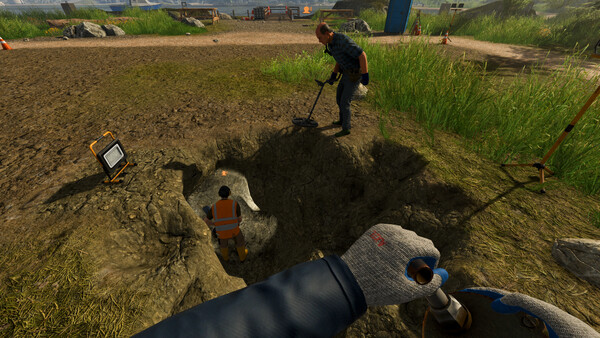
Ore Factory Squad is a co-op mining and factory-building game with procedural mining and fun at its core! Play alone or with friends, buy properties, dig deep for valuable resources, complete contracts, upgrade and automate production lines and grow your factory from zero to industry!.
Official game page