FREE CHEATS FOR
Ori and the Will of the Wisps
Released March 10, 2020
Updated

 EAGLE CHEATS
How to use Eagle in Ori and the Will of the Wisps
With Ori and the Will of the Wisps running, press Insert to open the Eagle menu. The quick keys give direct access to Infinite Health, Infinite Energy and Infinite Spirit Light. Use the menu for No Fall Damage, One Hit Kills and Infinite Jumps and the remaining listed features; close it with Insert to return to the app.
- F2 Infinite Health
Press F2 to turn Infinite Health on or off without opening the menu. - F3 Infinite Energy
Press F3 to turn Infinite Energy on or off without opening the menu. - F4 Infinite Spirit Light
Press F4 to turn Infinite Spirit Light on or off without opening the menu. - Insert No Fall Damage
Press Insert, find No Fall Damage in the feature list, and switch it on or off. - Insert One Hit Kills
Press Insert, find One Hit Kills in the feature list, and switch it on or off. - Insert Infinite Jumps
Press Insert, find Infinite Jumps in the feature list, and switch it on or off.
EXPLORE THE MENUFeatures
18 features
The free Ori and the Will of the Wisps trainer includes Infinite Health, Infinite Energy and Infinite Spirit Light. It also offers No Fall Damage, Infinite Jumps and Dash Cooldown. Press Insert to open the menu on Windows PC.
- Infinite Health
- Infinite Energy
- Infinite Spirit Light
- No Fall Damage
- Infinite Jumps
- Dash Cooldown
- Movement Speed
- One Hit Kills
- Reveal Map
- Save Location
- Reveal Clues
- Hint Overlay
- Highlight Interactable Objects
- Skip Puzzle
- Unlock Doors
- Free Camera
- Save Position
- Freeze Timer
About the game
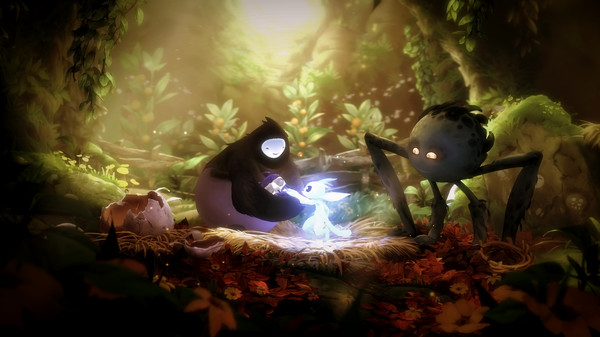
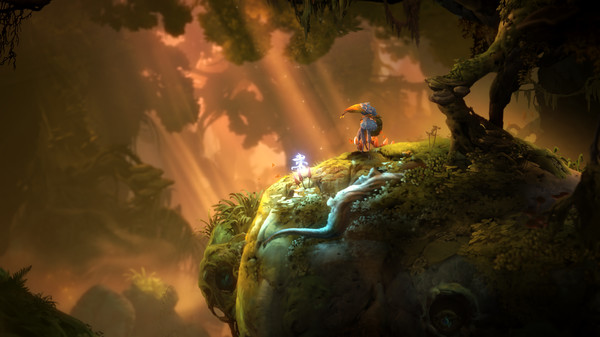
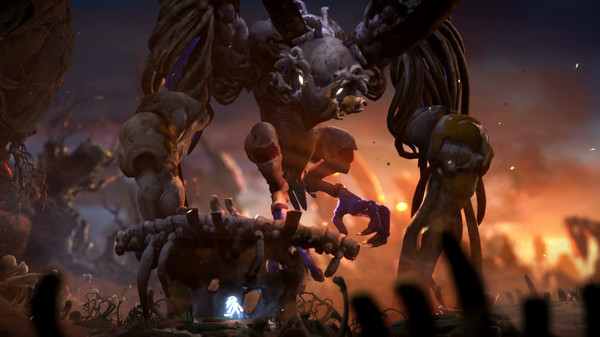
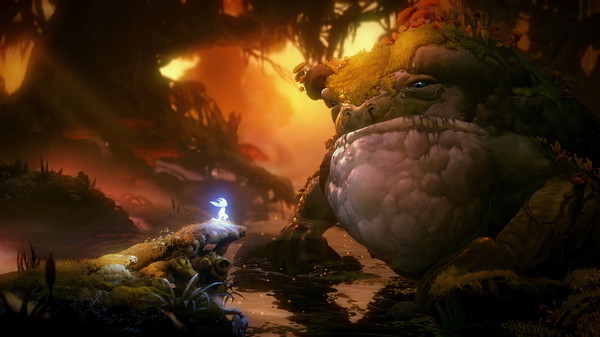
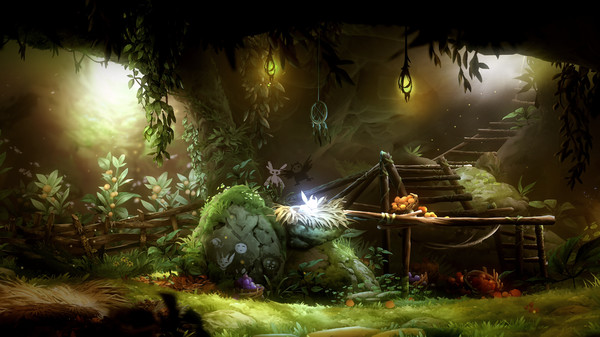
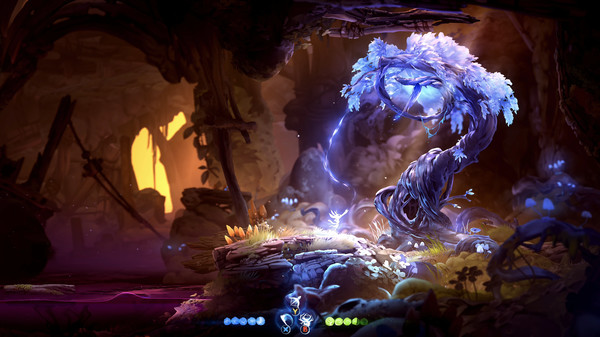
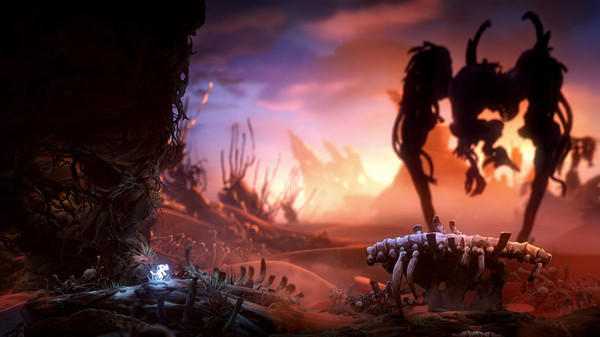
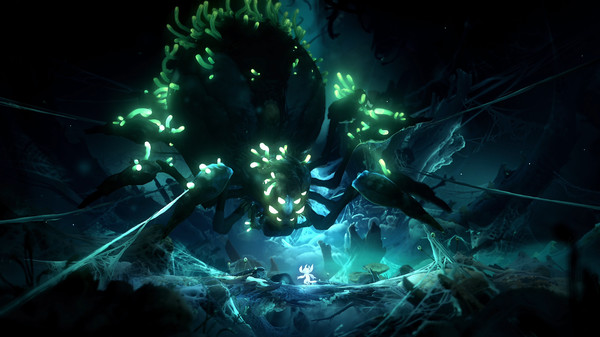
Ori and the Will of the Wisps follows Ori into Niwen, a forest shaped by loss and decay. Exploration combines precise platforming with combat, puzzles and abilities that gradually open paths through earlier areas.
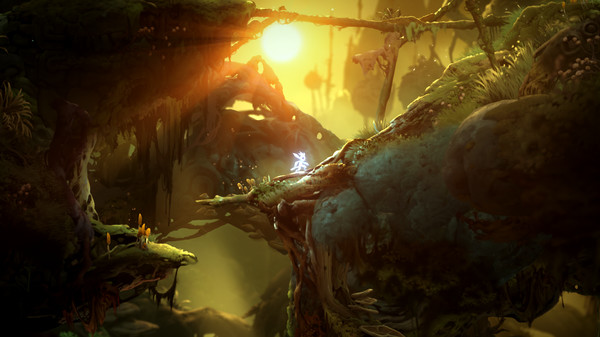
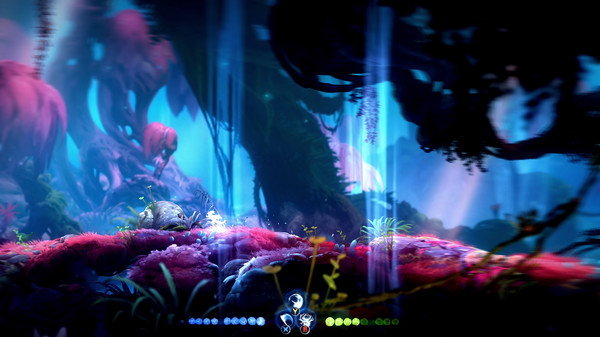
Movement is the heart of the game. Dashes, jumps and aerial control turn each new region into a route to learn, while upgrades make previously distant places reachable.
Official game page