FREE CHEATS FOR
Overcooked! 2
Released August 7, 2018
Updated

 EAGLE CHEATS
How to use Eagle in Overcooked! 2
With Overcooked! 2 running, press Insert to open the Eagle menu. The quick keys give direct access to Instant Cooking and No Food Burn. Use the menu for Unlimited Ingredients, Freeze Order Timer and Reveal Orders and the remaining listed features; close it with Insert to return to the app.
- F2 Instant Cooking
Press F2 to activate Instant Cooking without opening the menu. - F3 No Food Burn
Press F3 to turn No Food Burn on or off without opening the menu. - Insert Unlimited Ingredients
Press Insert, find Unlimited Ingredients in the feature list, and switch it on or off. - Insert Freeze Order Timer
Press Insert, find Freeze Order Timer in the feature list, and switch it on or off. - Insert Reveal Orders
Press Insert, find Reveal Orders in the feature list, and switch it on or off.
EXPLORE THE MENUFeatures
8 features
The free Overcooked! 2 trainer includes Instant Cooking, No Food Burn and Unlimited Ingredients. It also offers Reveal Orders, Freeze Order Timer and Max Customer Satisfaction. Press Insert to open the menu on Windows PC.
- Instant Cooking
- No Food Burn
- Unlimited Ingredients
- Reveal Orders
- Freeze Order Timer
- Max Customer Satisfaction
- No Staff Fatigue
- Fast Serving
About the game
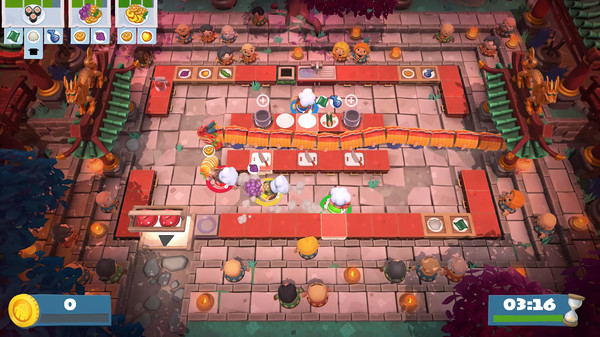
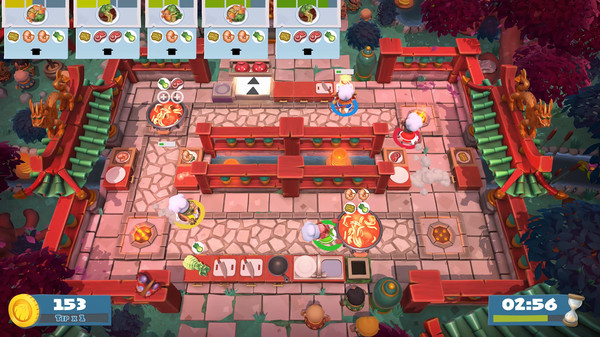
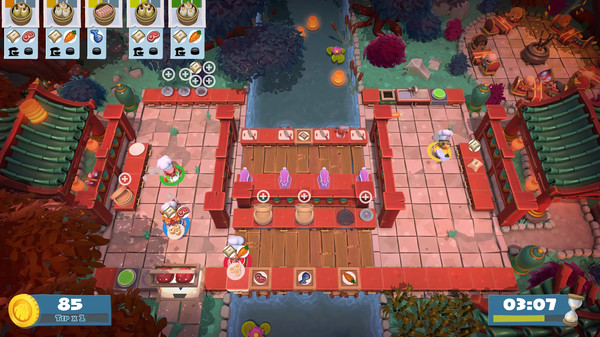
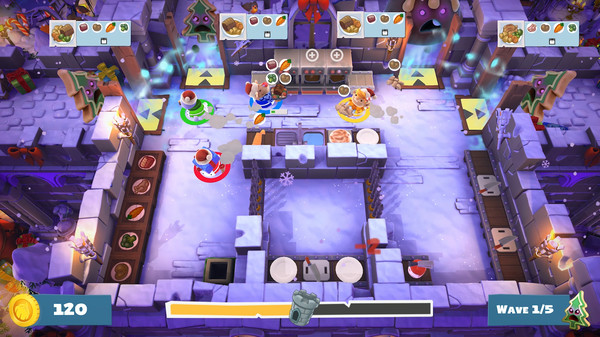
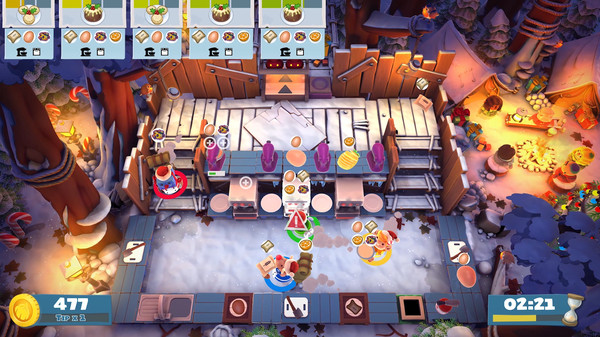
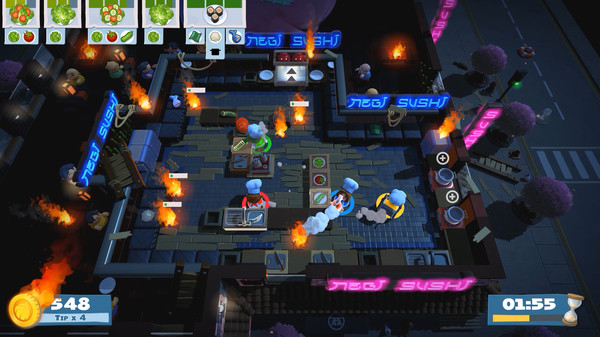
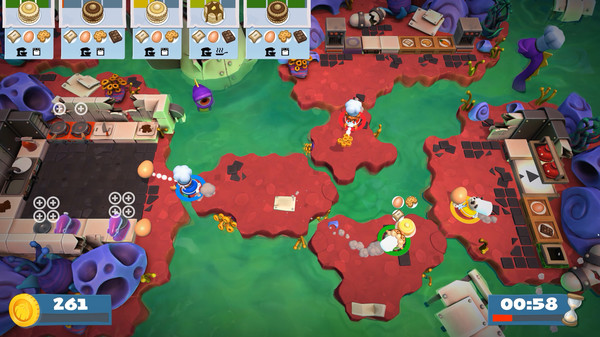
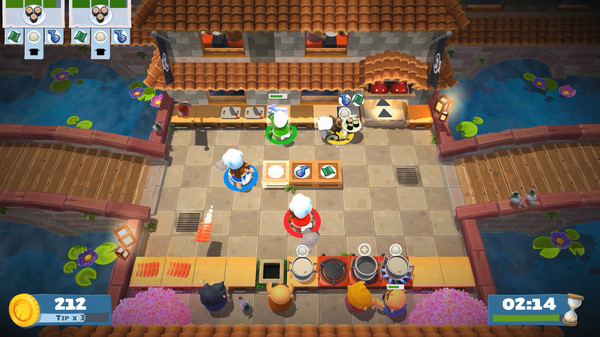
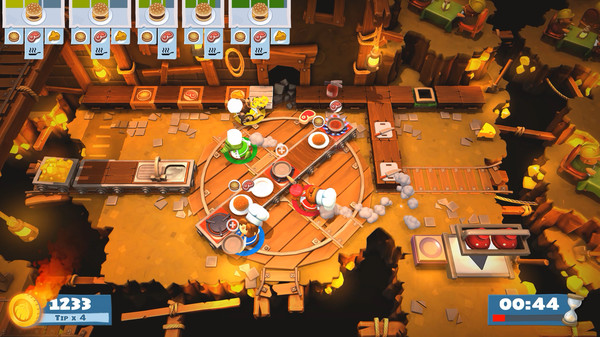
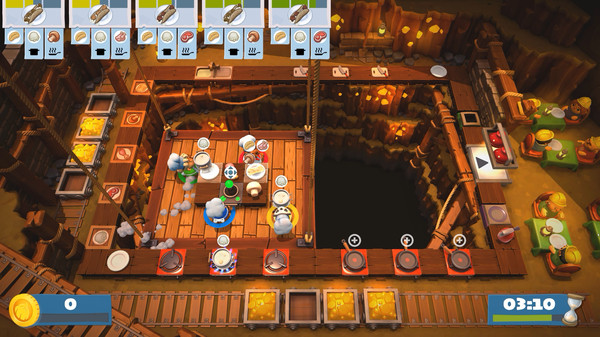
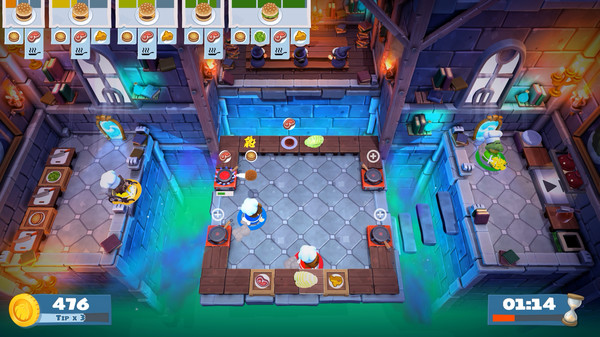
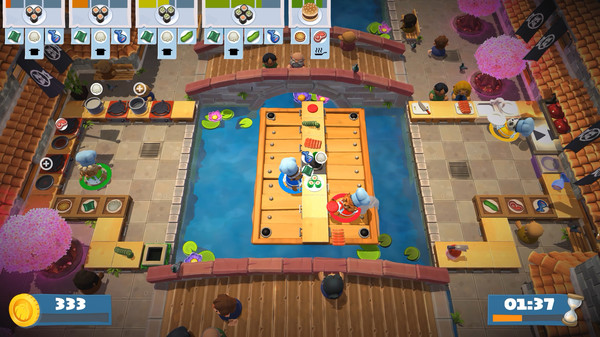
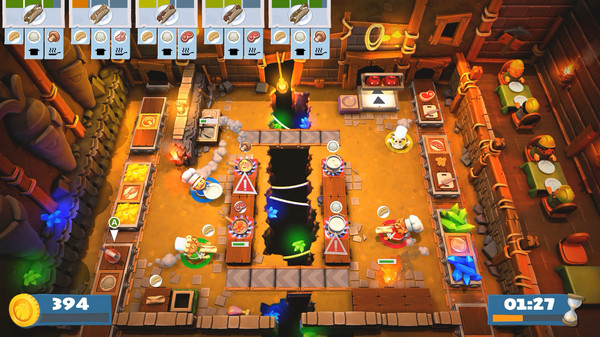
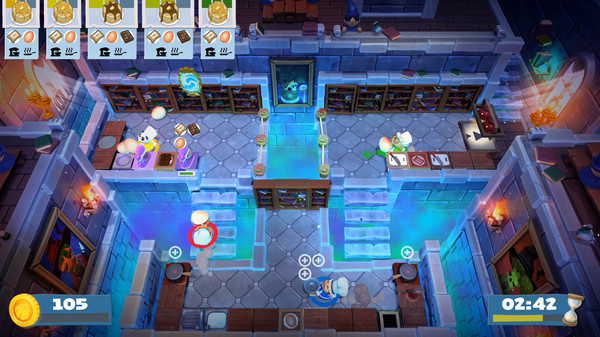
Overcooked returns with a brand-new helping of chaotic cooking action! Journey back to the Onion Kingdom and assemble your team of chefs in classic couch co-op or online play for up to four players. Hold onto your aprons… it’s time to save the world again!.
Official game page