FREE CHEATS FOR
Poly Fighter
Released October 13, 2026
Updated

 EAGLE CHEATS
How to use Eagle in Poly Fighter
With Poly Fighter running, press Insert to open the Eagle menu. The quick keys give direct access to Health Control, Special Meter and Move Collection. Use the menu for Move Slot View, Opponent Health and Round Timer and the remaining listed features; close it with Insert to return to the app.
- F2 Health Control
Press F2 to turn Health Control on or off without opening the menu. - F3 Special Meter
Press F3 to turn Special Meter on or off without opening the menu. - F4 Move Collection
Press F4 to turn Move Collection on or off without opening the menu. - Insert Move Slot View
Press Insert, find Move Slot View in the feature list, and switch it on or off. - Insert Opponent Health
Press Insert, find Opponent Health in the feature list, and switch it on or off. - Insert Round Timer
Press Insert, find Round Timer in the feature list, and switch it on or off.
EXPLORE THE MENUFeatures
12 features
Shape a move set and read each opponent during arcade duels.
- Health Control
- Special Meter
- Move Collection
- Move Slot View
- Combo Counter
- Opponent Health
- Opponent Move Cue
- Guard Meter
- Dodge Timing
- Round Timer
- Run Progress
- Unlock Tracker
About the game
Poly Fighter is a solo roguelike fighting game in which defeated opponents teach new moves. Every duel adds a choice about which attacks belong in a growing personal style.
Retro arcade rounds reward reading an opponent and controlling distance. A run becomes harder as the move list grows and new combinations become possible.
Official game page

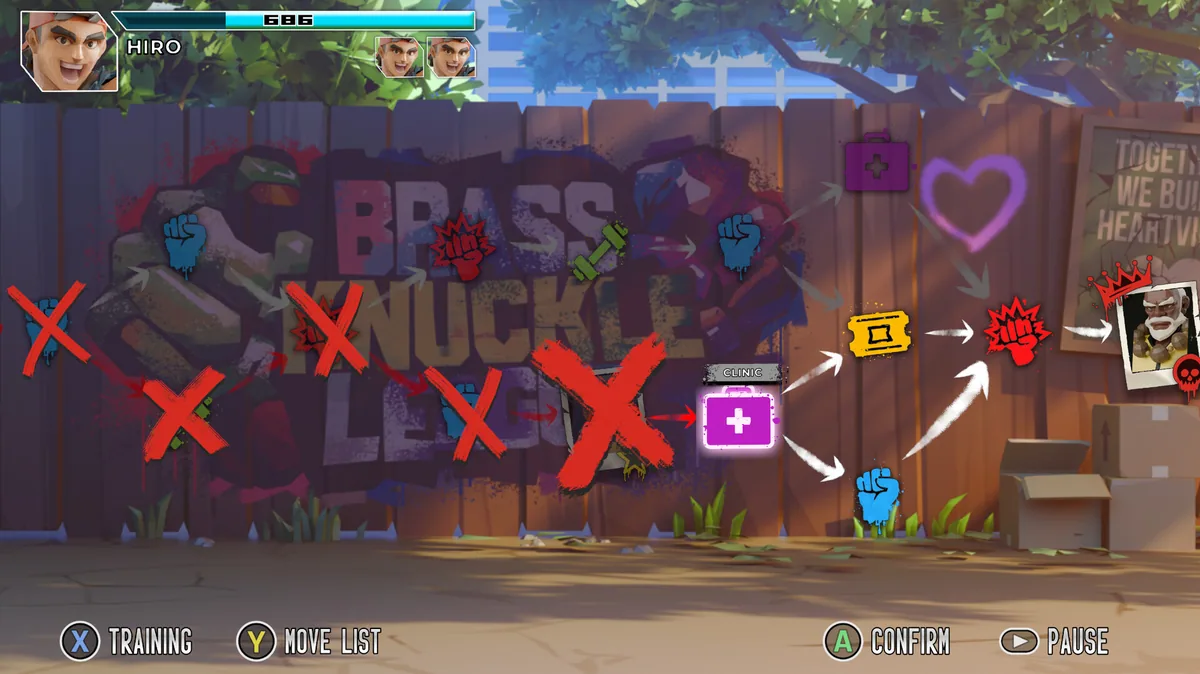
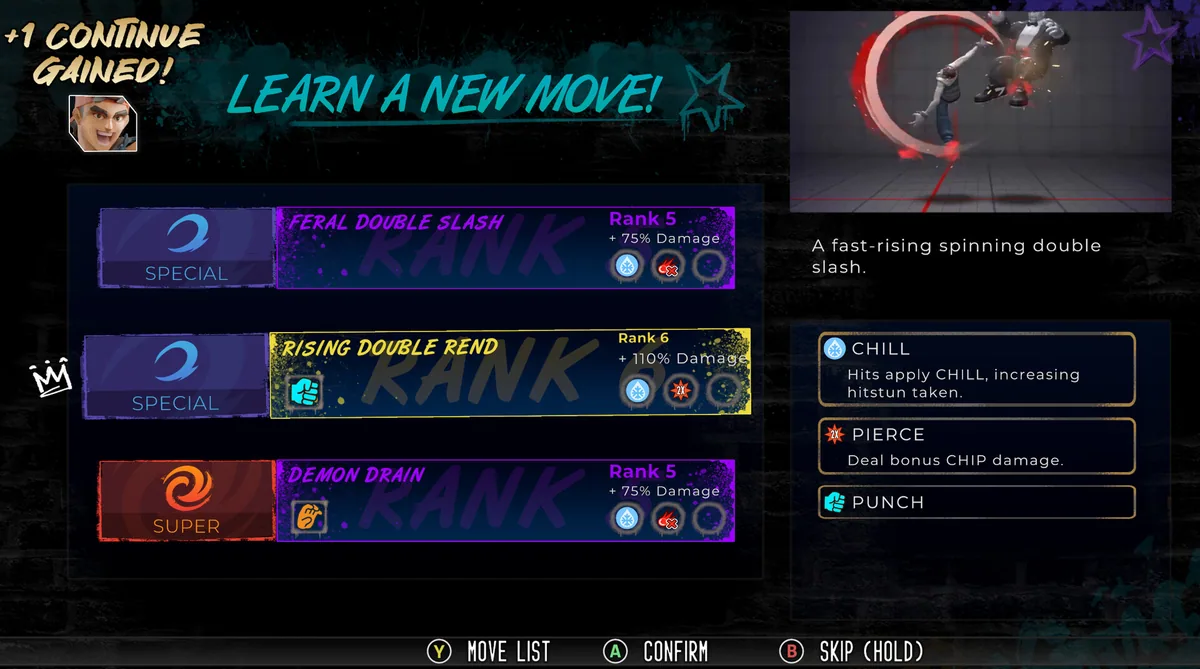






Poly Fighter trainer features
Retro arcade rounds reward reading an opponent and controlling distance. A run becomes harder as the move list grows and new combinations become possible.