FREE CHEATS FOR
Power Network Tycoon
Released September 30, 2026
Updated
 EAGLE CHEATS
How to use Eagle in Power Network Tycoon
With Power Network Tycoon running, press Insert to open the Eagle menu. The quick keys give direct access to Budget Balance, Resource Stockpiles and Research Progress. Use the menu for Construction Costs, Fault Protection and Teleport to Waypoint and the remaining listed features; close it with Insert to return to the app.
- F2 Budget Balance
Press F2 to turn Budget Balance on or off without opening the menu. - F3 Resource Stockpiles
Press F3 to turn Resource Stockpiles on or off without opening the menu. - F4 Research Progress
Press F4 to turn Research Progress on or off without opening the menu. - Insert Construction Costs
Press Insert, find Construction Costs in the feature list, and switch it on or off. - Insert Fault Protection
Press Insert, find Fault Protection in the feature list, and switch it on or off. - Insert Teleport to Waypoint
Press Insert and choose Teleport to Waypoint when you want to run this action.
EXPLORE THE MENUFeatures
14 features
The free Power Network Tycoon trainer includes Budget Balance, Resource Stockpiles and Research Progress. It also offers Construction Costs, Generator Output and Power Demand. Press Insert to open the menu on Windows PC.
- Budget Balance
- Resource Stockpiles
- Research Progress
- Construction Costs
- Generator Output
- Power Demand
- Line Capacity
- Substation Capacity
- Fault Protection
- Outage Recovery
- Weather Impact
- Reveal Map
- Save Position
- Teleport to Waypoint
About the game
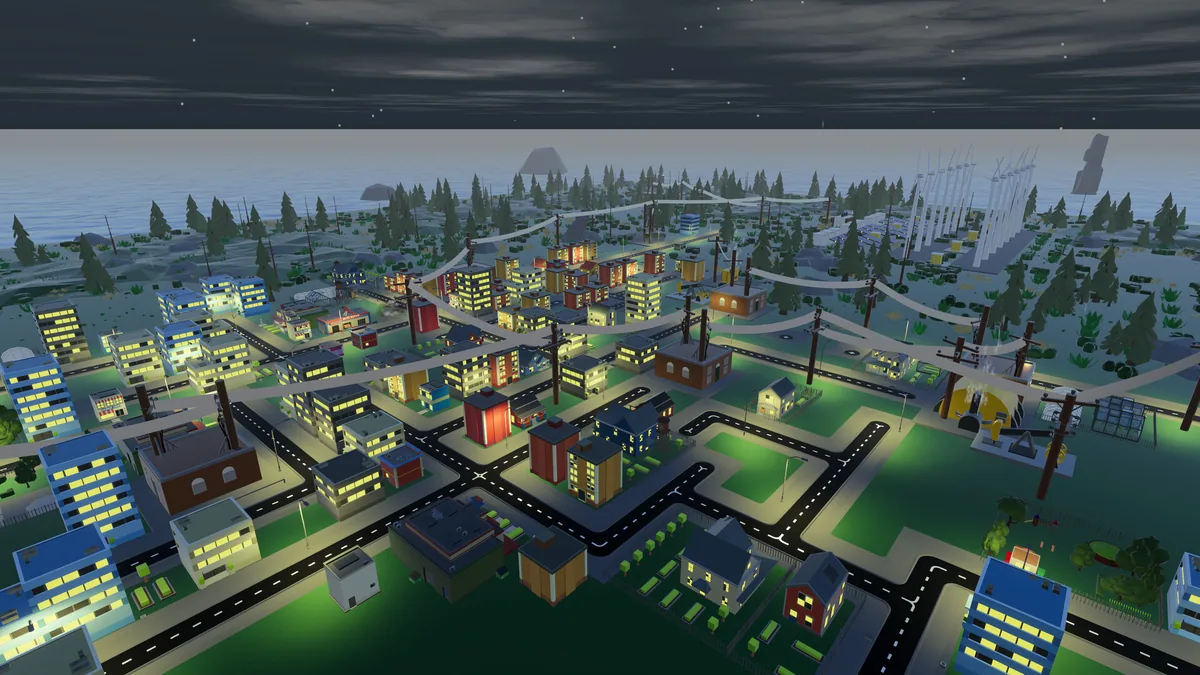
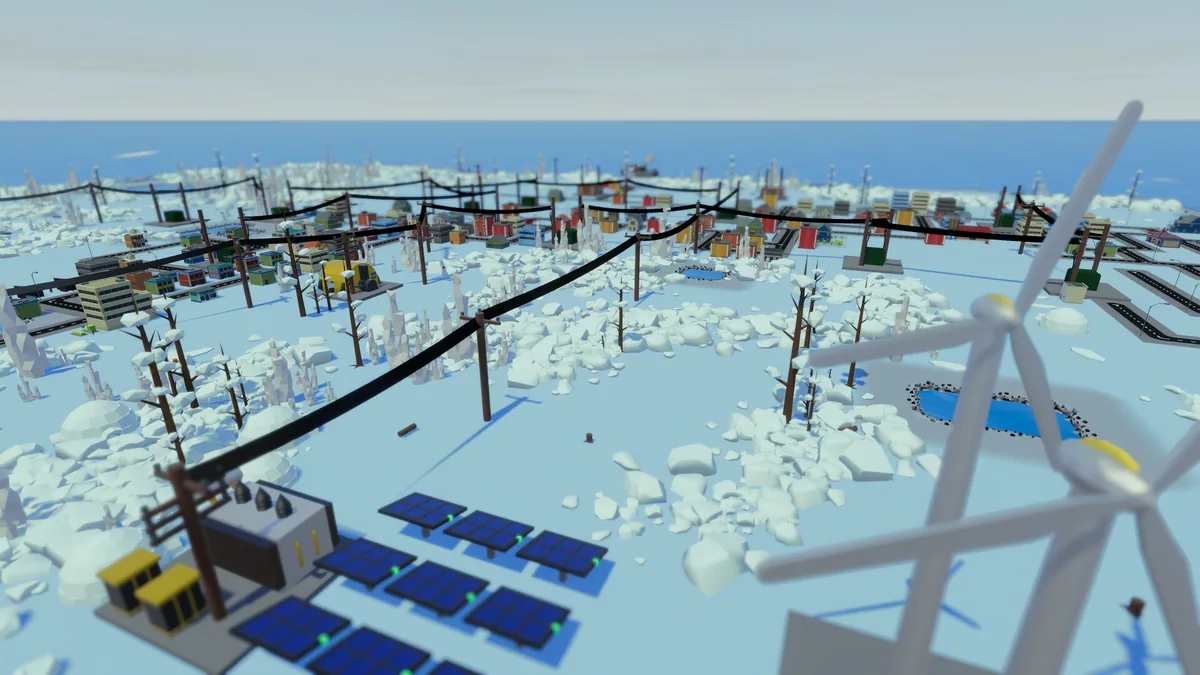
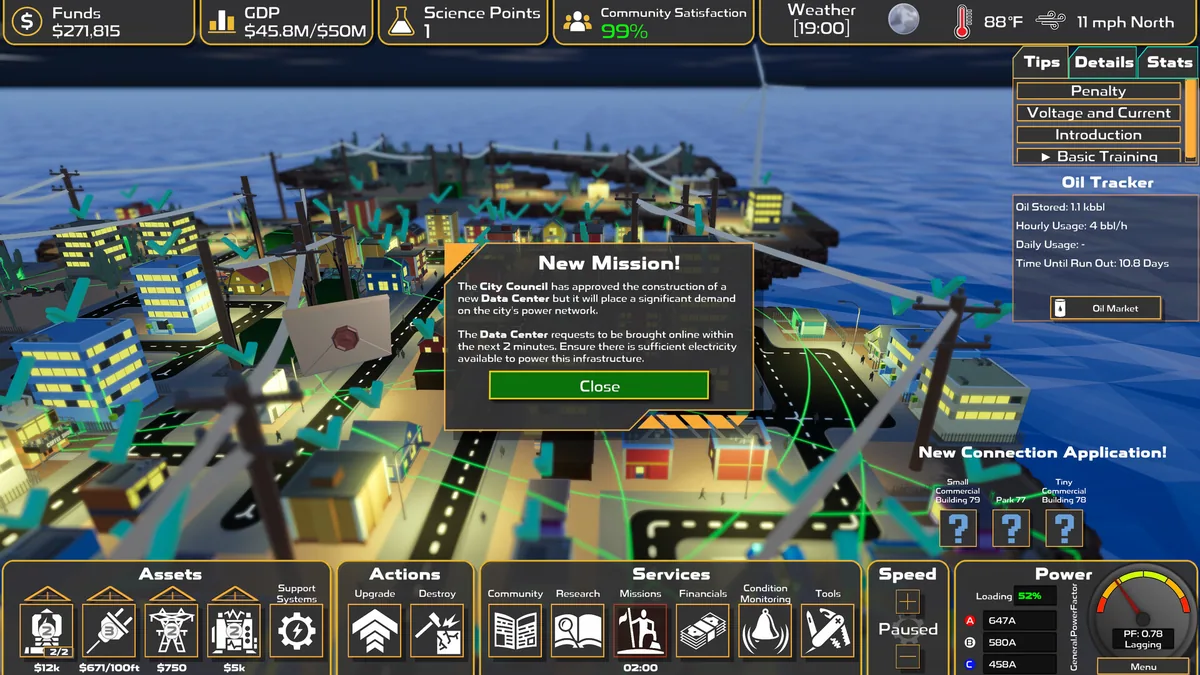
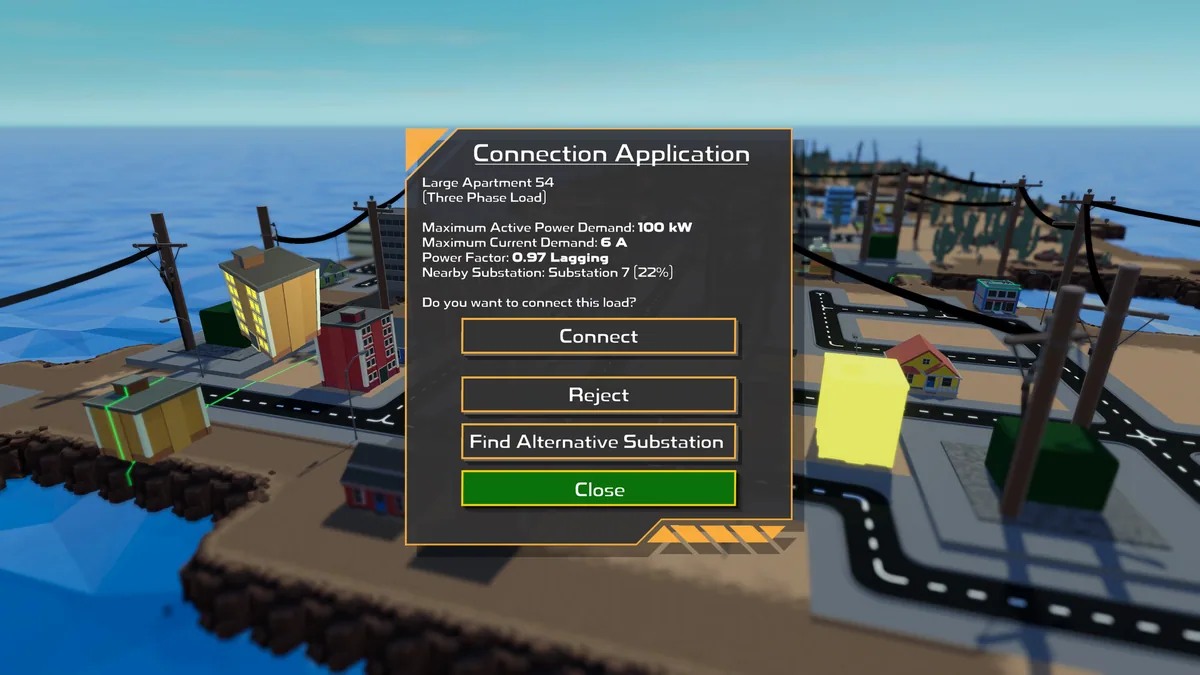
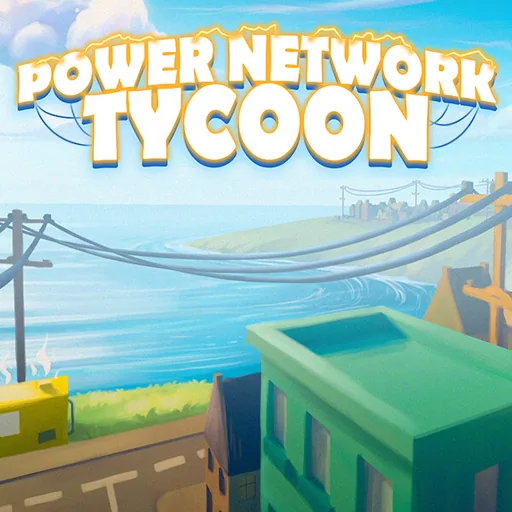
Power Network Tycoon is a power-grid simulation about supplying a growing island community. Players place generators, substations and transmission lines, then connect them into a network that can keep up with changing demand.
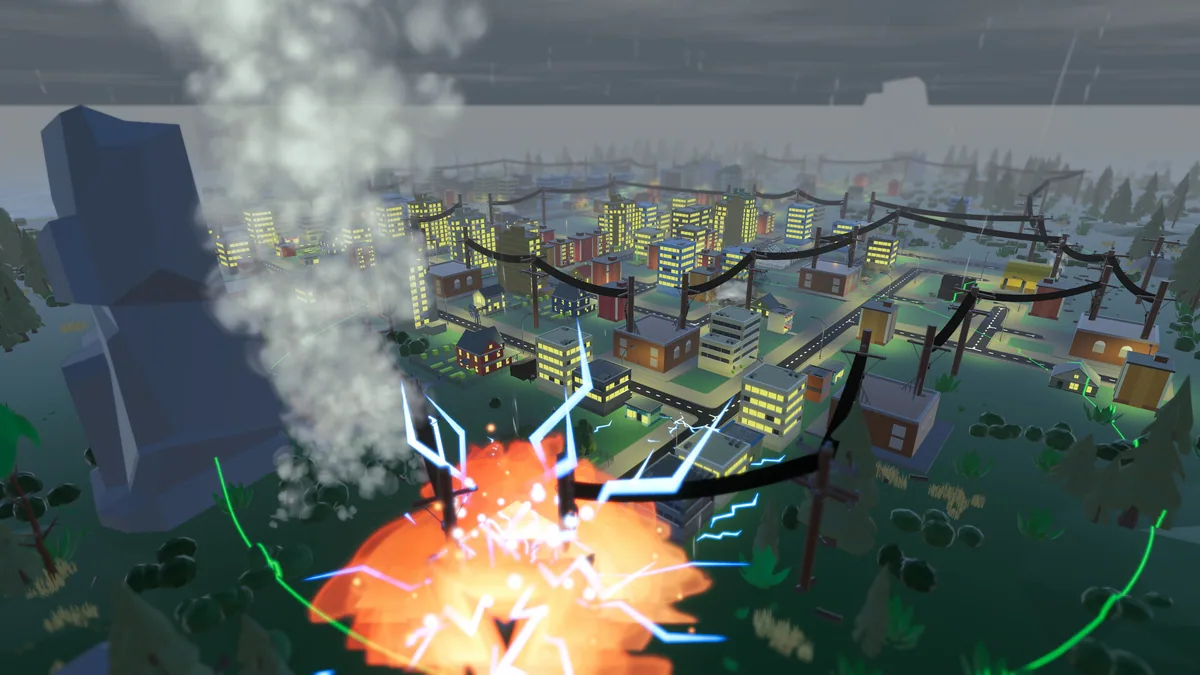
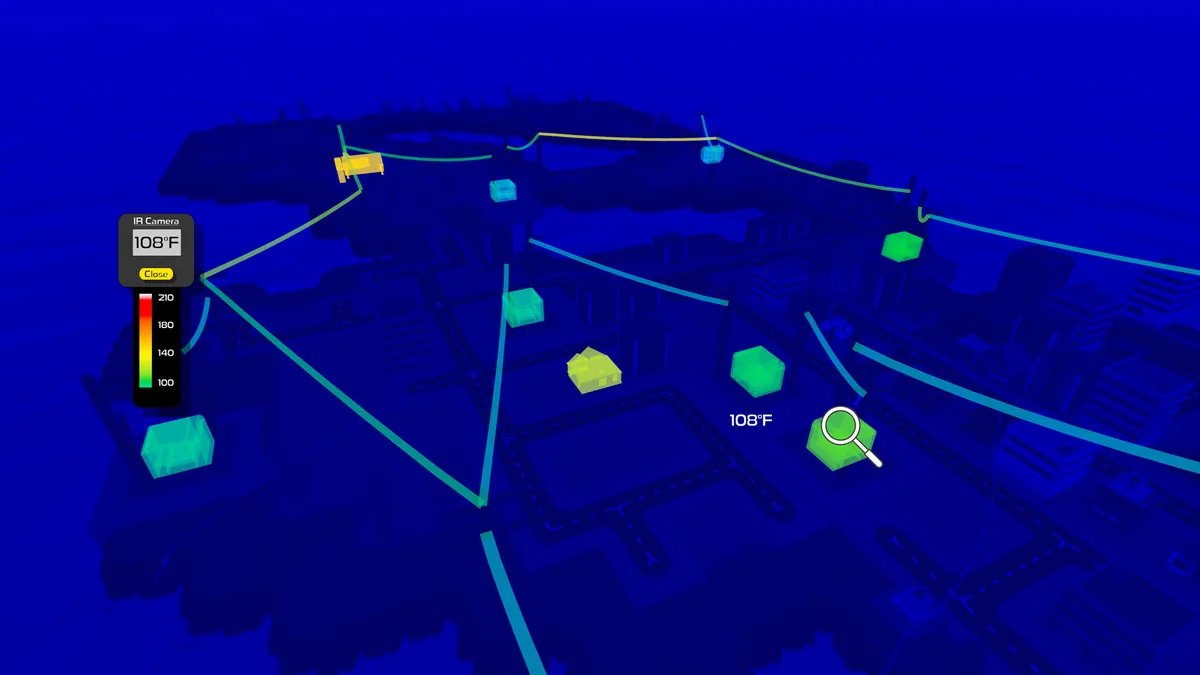
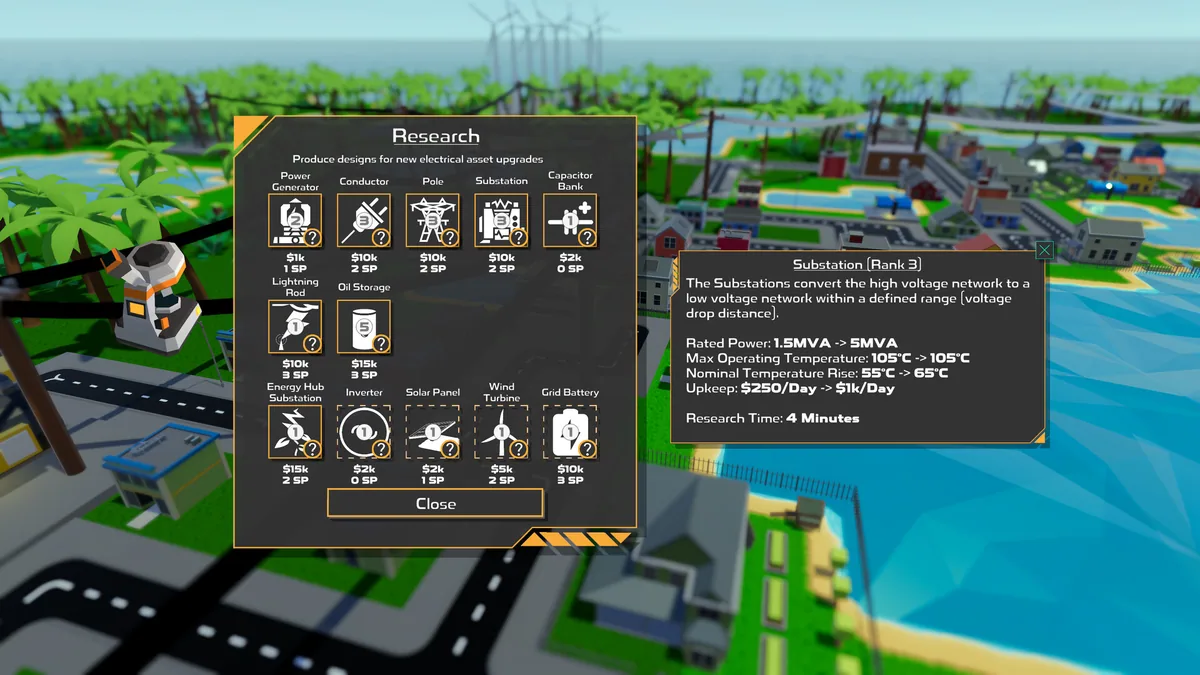
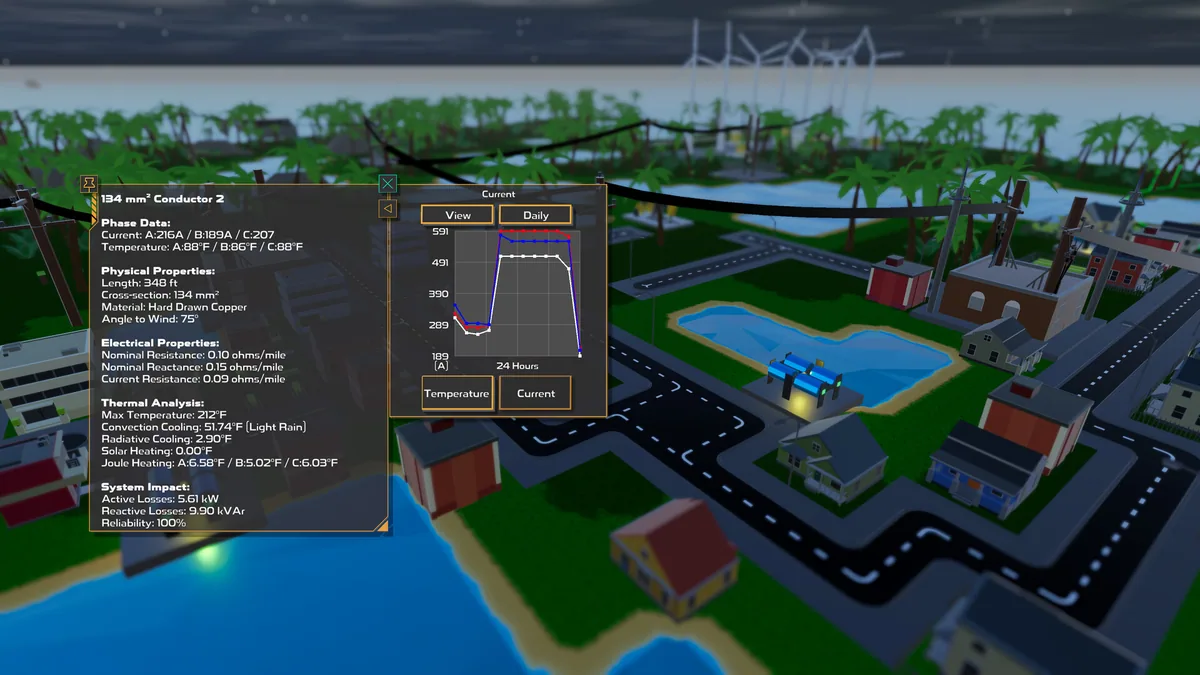
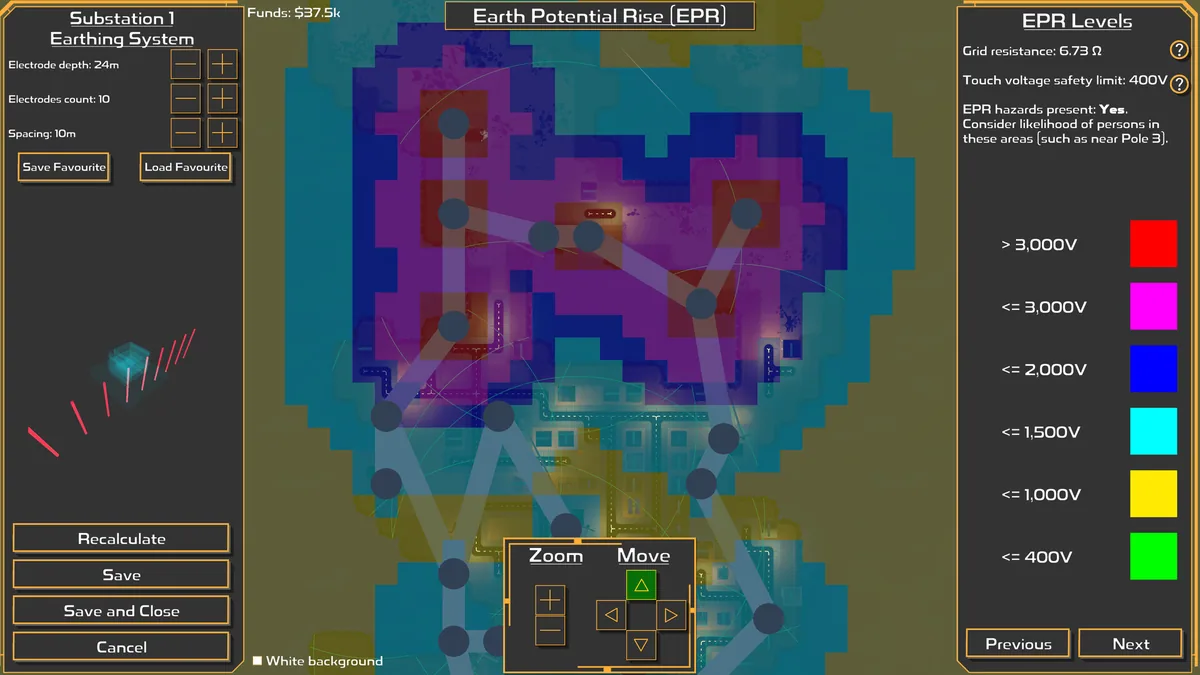
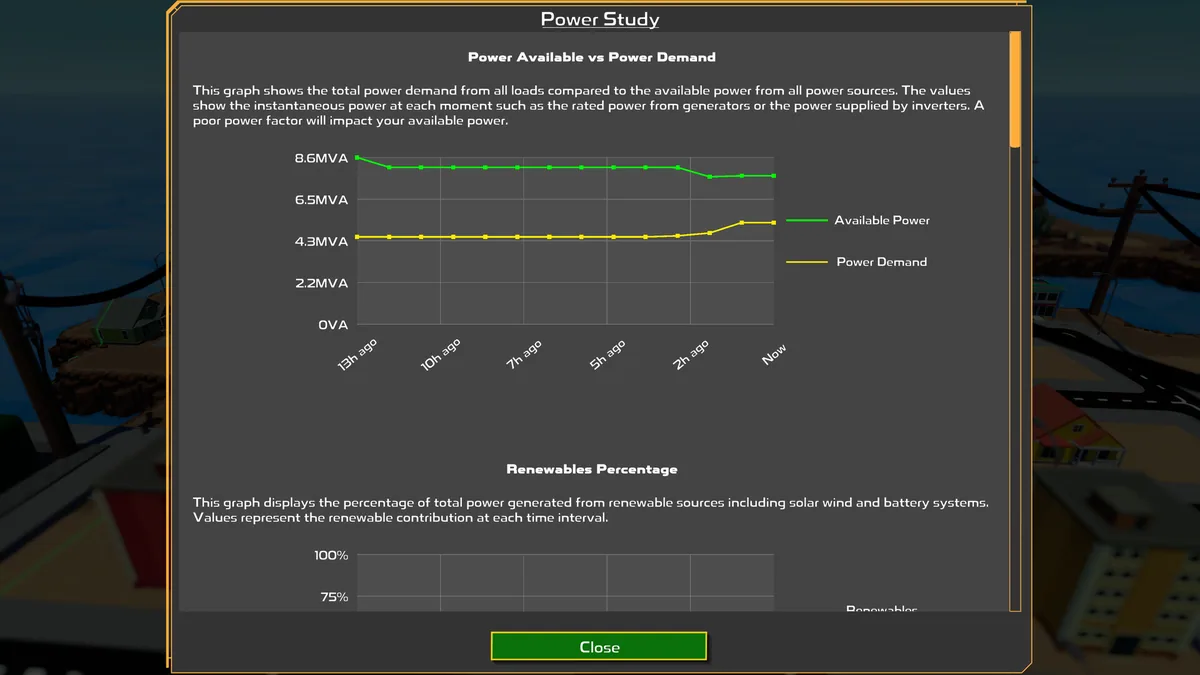
Resource limits, research and equipment upgrades shape each expansion. Grid safety matters as much as output: faults can cause outages, while storms and heatwaves put infrastructure under pressure. Monitoring capacity and protecting citizens are central to a stable network.
Official game page