FREE CHEATS FOR
Prince of Suburbia - Part 1
Released December 21, 2023
Updated
 EAGLE CHEATS
How to use Eagle in Prince of Suburbia - Part 1
With Prince of Suburbia - Part 1 running, press Insert to open the Eagle menu. The quick keys give direct access to Skip Seen Dialogue and Free Camera. Use the menu for Unlock Scenes, Animation Speed and Unlock Gallery and the remaining listed features; close it with Insert to return to the app.
- F2 Skip Seen Dialogue
Press F2 to activate Skip Seen Dialogue without opening the menu. - F3 Free Camera
Press F3 to turn Free Camera on or off without opening the menu. - Insert Unlock Scenes
Press Insert, choose Unlock Scenes, and apply the unlock. - Insert Animation Speed
Press Insert, choose Animation Speed, adjust the value, and apply. - Insert Unlock Gallery
Press Insert, choose Unlock Gallery, and apply the unlock.
EXPLORE THE MENUFeatures
8 features
The free Prince of Suburbia - Part 1 mod menu includes Unlock Scenes, Unlock Gallery and Skip Seen Dialogue. It also offers Animation Speed, Free Camera and Camera Zoom. Press Insert to open the menu on Windows PC.
- Unlock Scenes
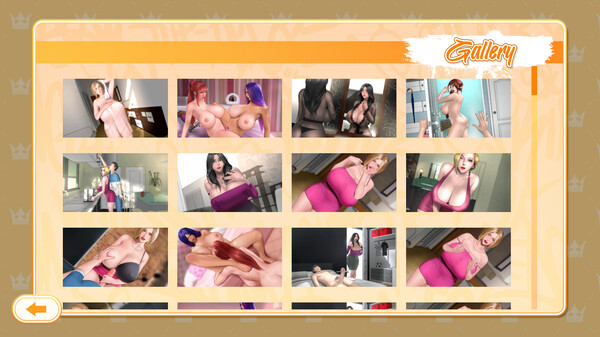
- Unlock Gallery
- Skip Seen Dialogue
- Animation Speed
- Free Camera
- Camera Zoom
- Hide Interface
- Save Scene Preset
About the game
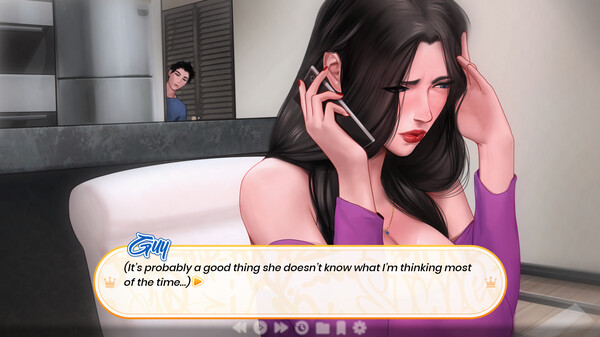
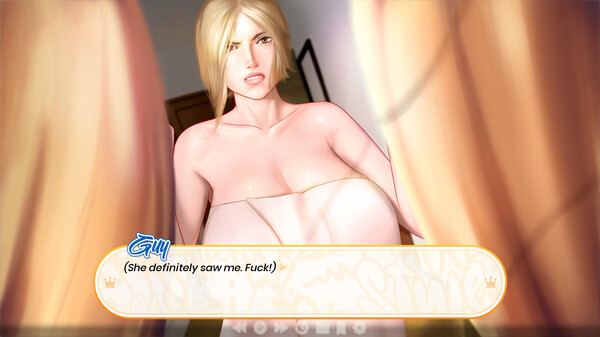
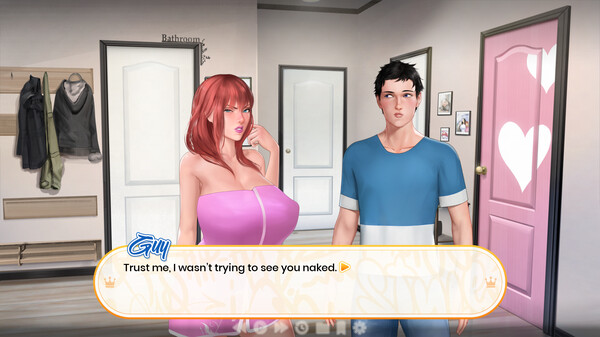
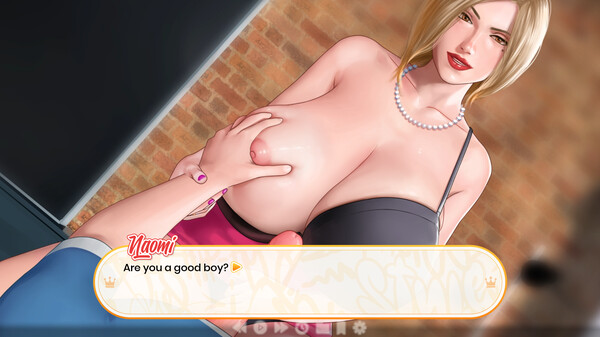
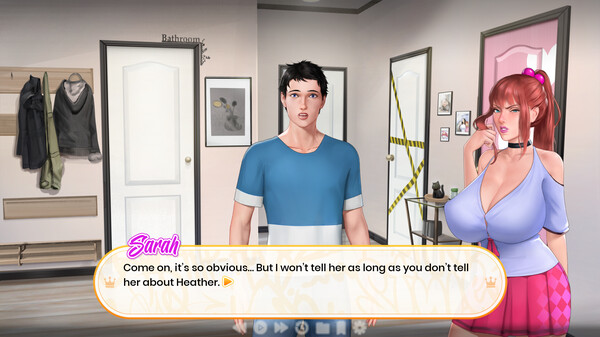
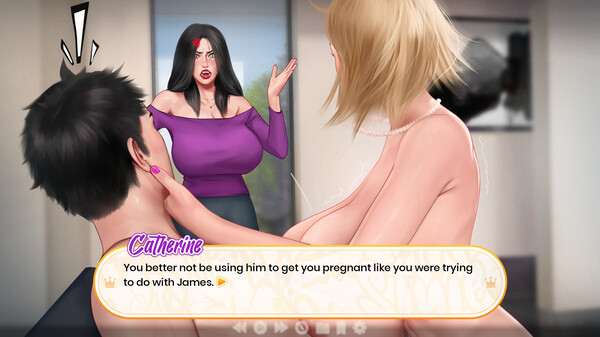
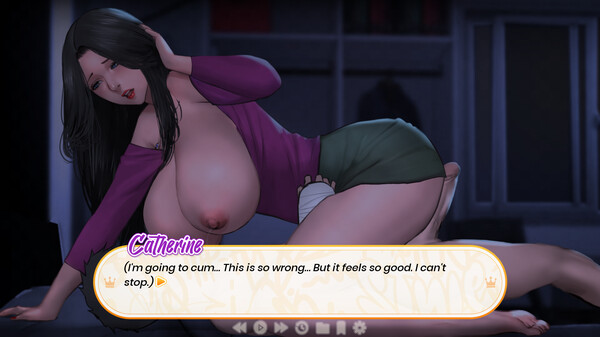
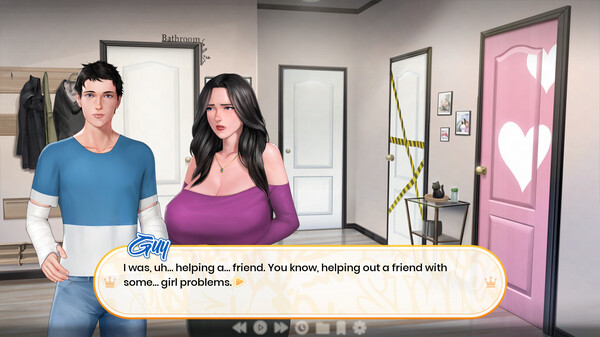
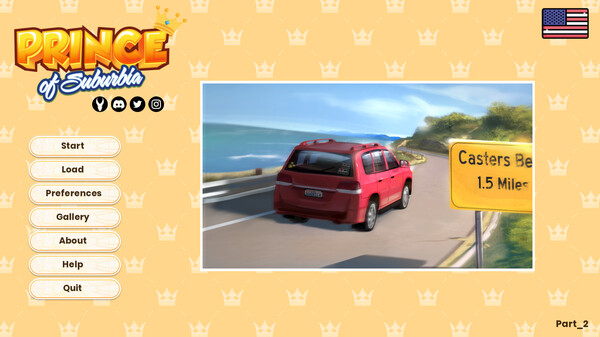
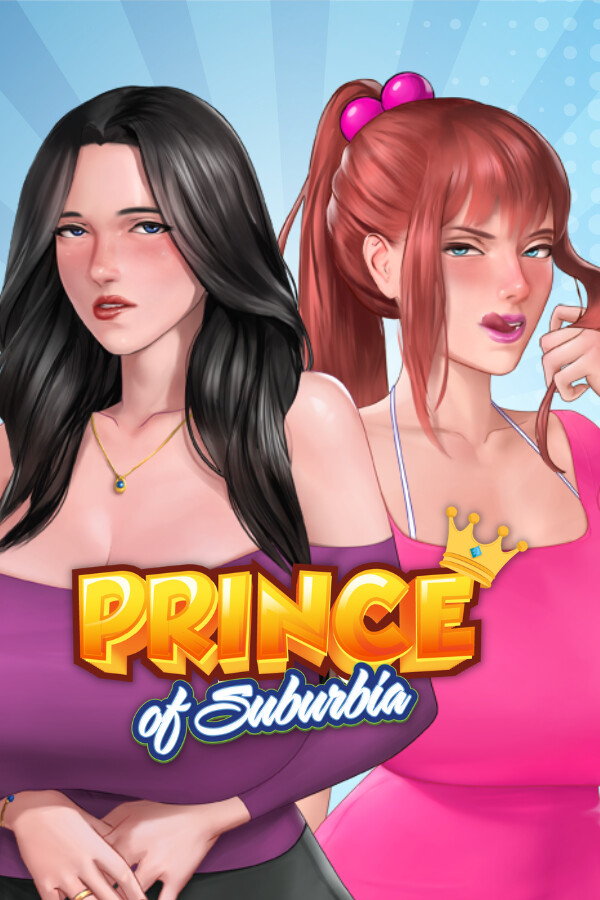
Prince of Suburbia is a kinetic (linear) adult visual novel with only one thing on its mind. This simple sandbox game is packed with lewd scenes and sprinkled with a fun story that aims to never leave you wanting more. Play Part 1 for FREE!.
Official game page