FREE CHEATS FOR
Remnant: From the Ashes
Released August 19, 2019
Updated

 EAGLE CHEATS
How to use Eagle in Remnant: From the Ashes
With Remnant: From the Ashes running, press Insert to open the Eagle menu. The quick keys give direct access to Infinite Health and Infinite Ammo. Use the menu for No Reload, No Recoil and Movement Speed and the remaining listed features; close it with Insert to return to the app.
- F2 Infinite Health
Press F2 to turn Infinite Health on or off without opening the menu. - F3 Infinite Ammo
Press F3 to turn Infinite Ammo on or off without opening the menu. - Insert No Reload
Press Insert, find No Reload in the feature list, and switch it on or off. - Insert No Recoil
Press Insert, find No Recoil in the feature list, and switch it on or off. - Insert Movement Speed
Press Insert, choose Movement Speed, adjust the value, and apply.
EXPLORE THE MENUFeatures
8 features
The free Remnant: From the Ashes trainer includes Infinite Health, Infinite Ammo and No Reload. It also offers No Recoil, No Weapon Sway and Enemy ESP. Press Insert to open the menu on Windows PC.
- Infinite Health
- Infinite Ammo
- No Reload
- No Recoil
- No Weapon Sway
- Enemy ESP
- Ammo Counter Overlay
- Movement Speed
About the game
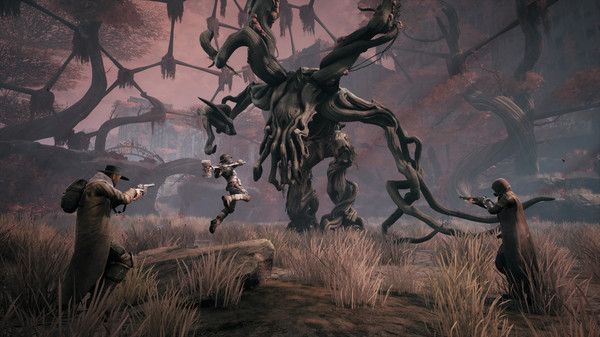
The world has been thrown into chaos by an ancient evil from another dimension. As one of the last remnants of humanity, you must set out alone or alongside up to two other survivors to face down hordes of deadly enemies to try to carve a foothold, rebuild, and retake what was lost.
Official game page