FREE CHEATS FOR
ReStory: Chill Electronics Repairs
Released August 6, 2026
Updated

 EAGLE CHEATS
How to use Eagle in ReStory: Chill Electronics Repairs
With ReStory: Chill Electronics Repairs running, press Insert to open the Eagle menu. The quick keys give direct access to Unlimited Repair Parts and Instant Device Diagnosis. Use the menu for Highlight Missing Components, No Repair Mistakes and Instant Cleaning and the remaining listed features; close it with Insert to return to the app.
- F2 Unlimited Repair Parts
Press F2 to turn Unlimited Repair Parts on or off without opening the menu. - F3 Instant Device Diagnosis
Press F3 to activate Instant Device Diagnosis without opening the menu. - Insert Highlight Missing Components
Press Insert, find Highlight Missing Components in the feature list, and switch it on or off. - Insert No Repair Mistakes
Press Insert, find No Repair Mistakes in the feature list, and switch it on or off. - Insert Instant Cleaning
Press Insert and choose Instant Cleaning when you want to run this action.
EXPLORE THE MENUFeatures
10 features
The free ReStory: Chill Electronics Repairs trainer includes Unlimited Repair Parts, Instant Device Diagnosis and Highlight Missing Components. It also offers No Repair Mistakes, Instant Cleaning and Max Customer Satisfaction. Press Insert to open the menu on Windows PC.
- Unlimited Repair Parts
- Instant Device Diagnosis
- Highlight Missing Components
- No Repair Mistakes
- Instant Cleaning
- Max Customer Satisfaction
- Fast Customer Orders
- Unlimited Shop Funds
- Reveal Customer Requests
- Freeze Shop Clock
About the game
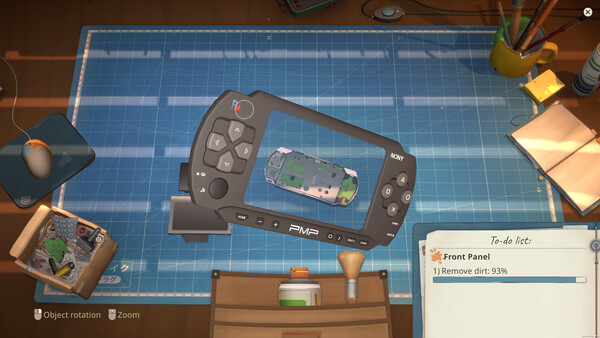
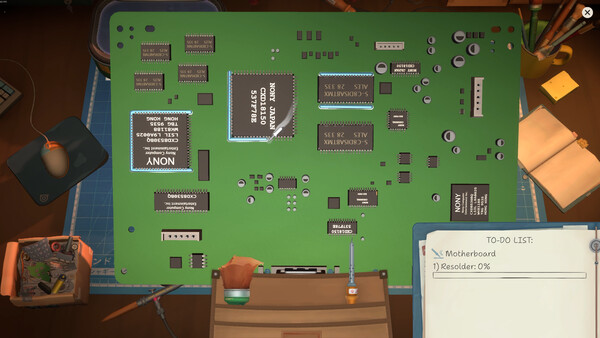
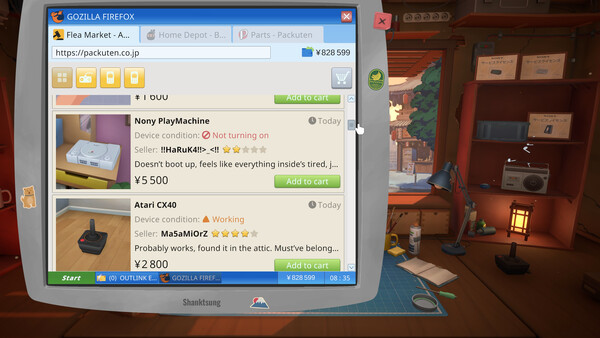
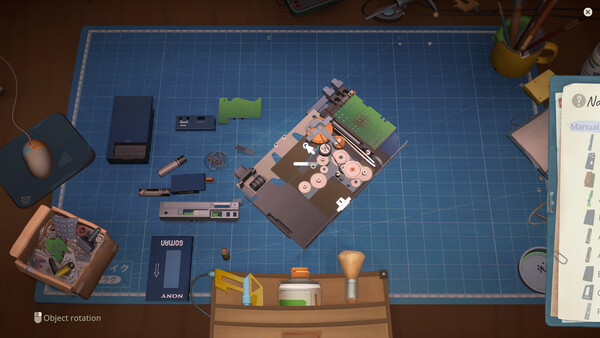
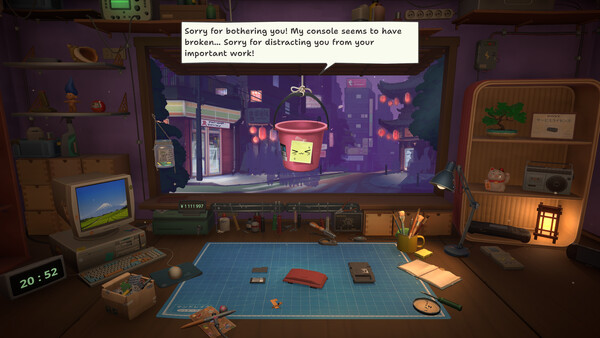
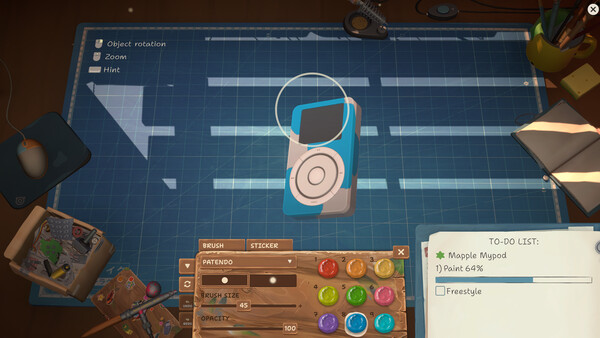
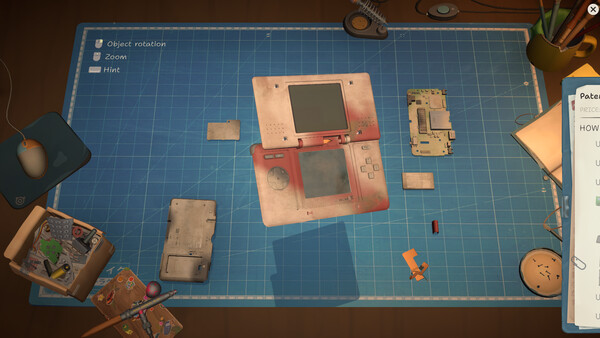
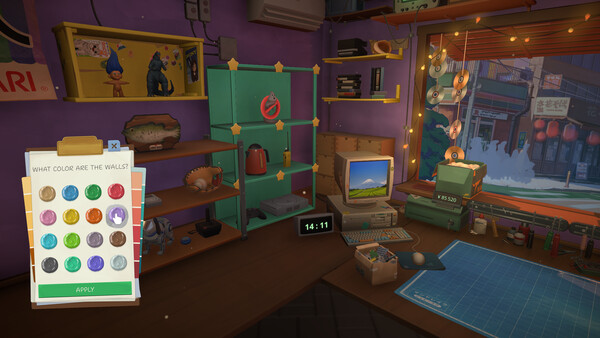
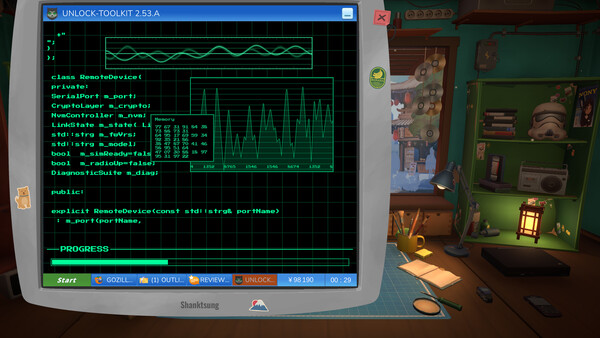
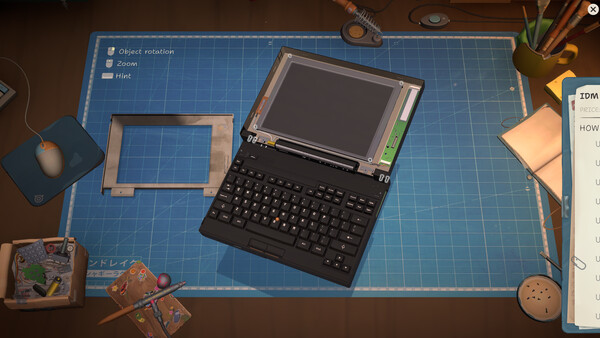
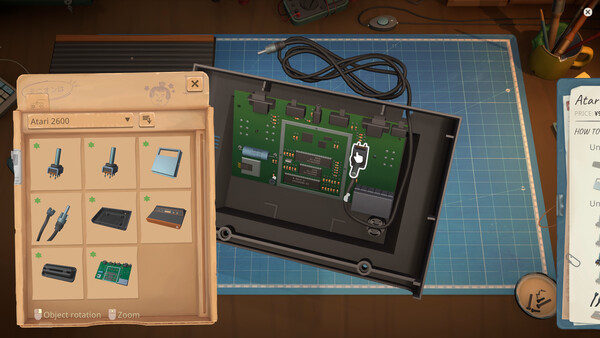
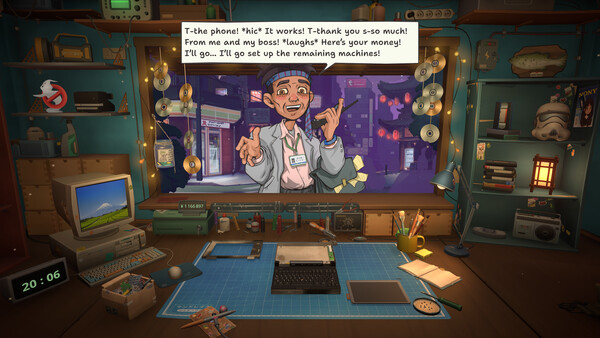
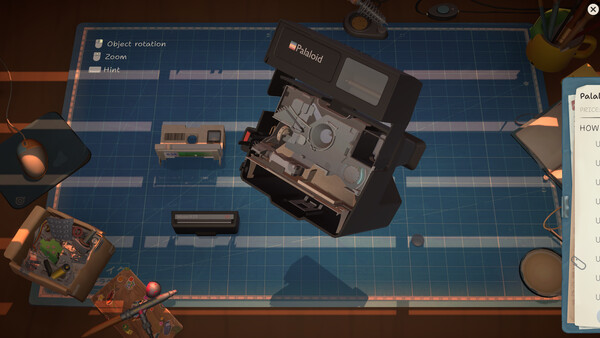
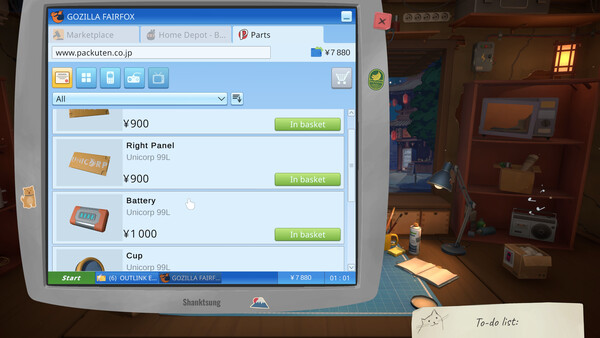
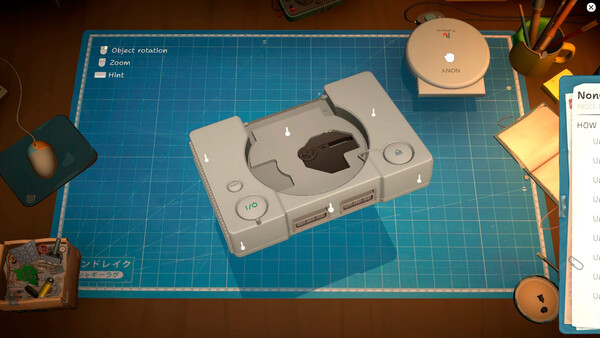
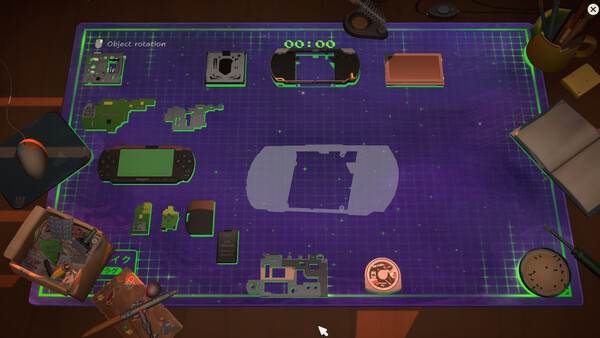
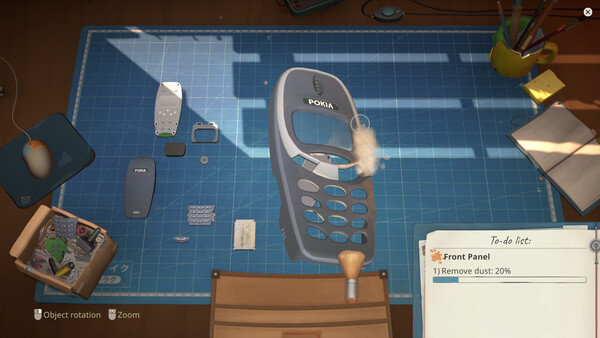
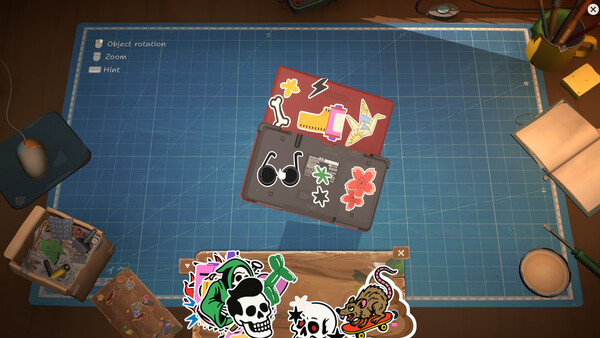
Run a quaint electronics repair shop in mid-2000s Tokyo. Grow your business by carefully restoring iconic video game consoles, cell phones, music players, and other nostalgic devices. Talk to customers, hear their stories, and see how your decisions impact both their lives and your shop.
Official game page