FREE CHEATS FOR
Returns Outlet Simulator
Released August 15, 2025
Updated
 EAGLE CHEATS
How to use Eagle in Returns Outlet Simulator
With Returns Outlet Simulator running, press Insert to open the Eagle menu. The quick keys give direct access to Instant Crafting and No Build Cost. Use the menu for Unlimited Materials, Max Customer Satisfaction and Fast Orders and the remaining listed features; close it with Insert to return to the app.
- F2 Instant Crafting
Press F2 to activate Instant Crafting without opening the menu. - F3 No Build Cost
Press F3 to turn No Build Cost on or off without opening the menu. - Insert Unlimited Materials
Press Insert, find Unlimited Materials in the feature list, and switch it on or off. - Insert Max Customer Satisfaction
Press Insert, find Max Customer Satisfaction in the feature list, and switch it on or off. - Insert Fast Orders
Press Insert, find Fast Orders in the feature list, and switch it on or off.
EXPLORE THE MENUFeatures
6 features
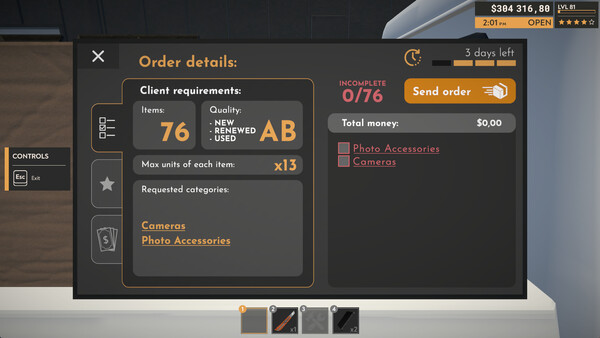
The free Returns Outlet Simulator trainer includes Instant Crafting, No Build Cost and Unlimited Materials. It also offers Max Customer Satisfaction, Fast Orders and Reveal Customer Demand. Press Insert to open the menu on Windows PC.
- Instant Crafting
- No Build Cost
- Unlimited Materials
- Max Customer Satisfaction
- Fast Orders
- Reveal Customer Demand
About the game
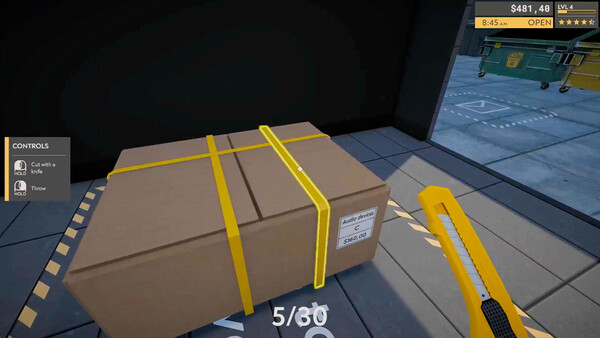
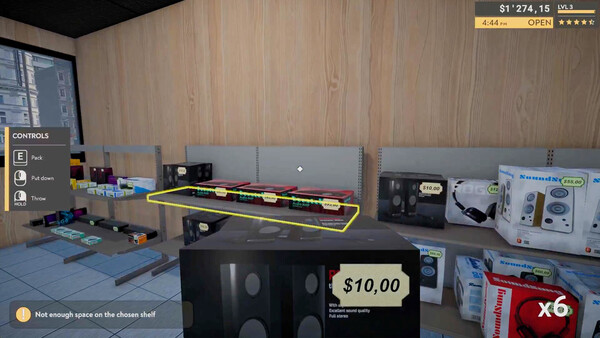
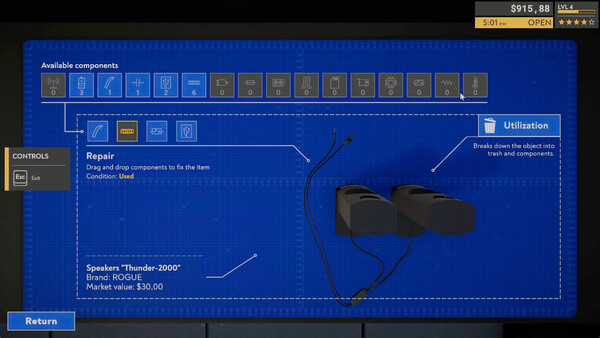
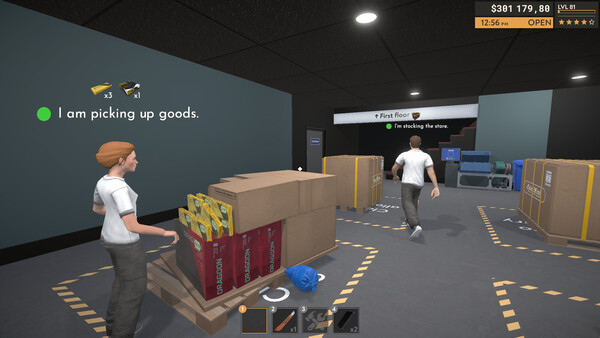
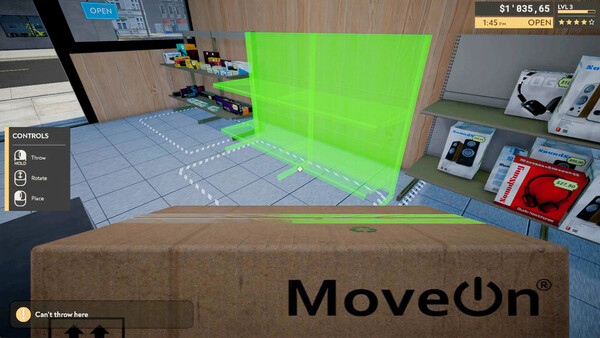
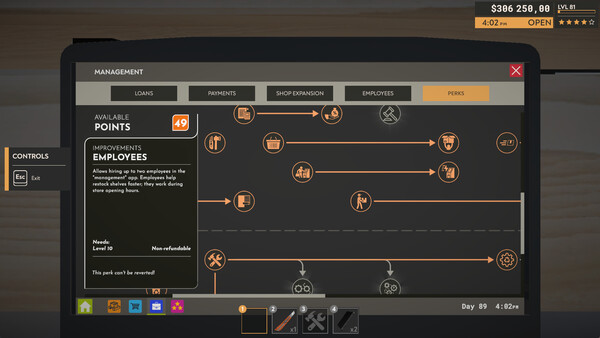
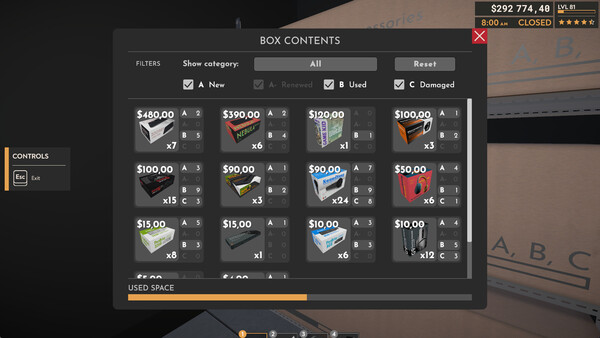
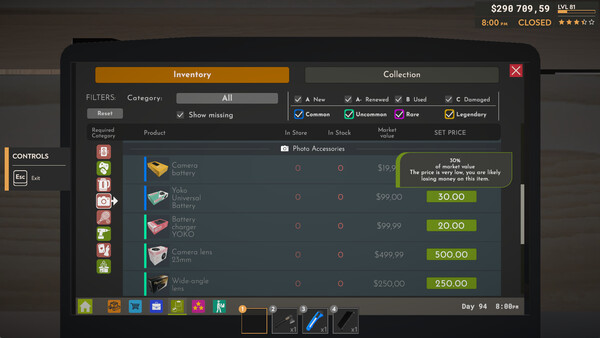
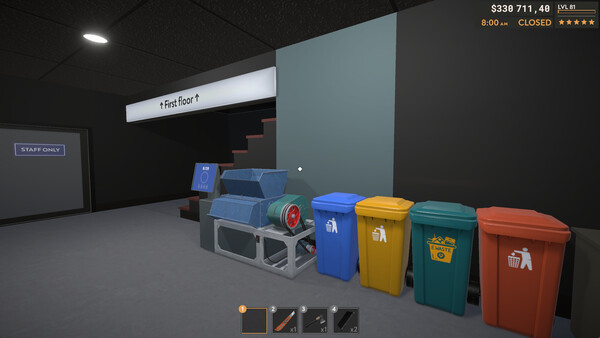
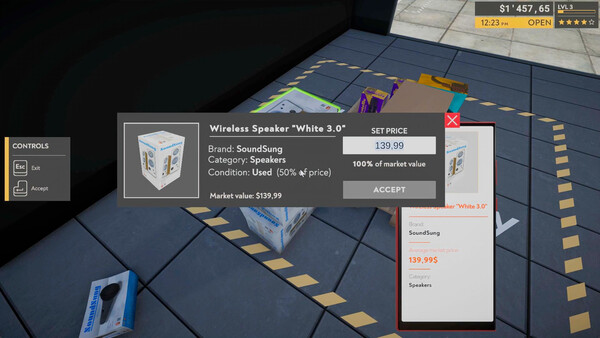
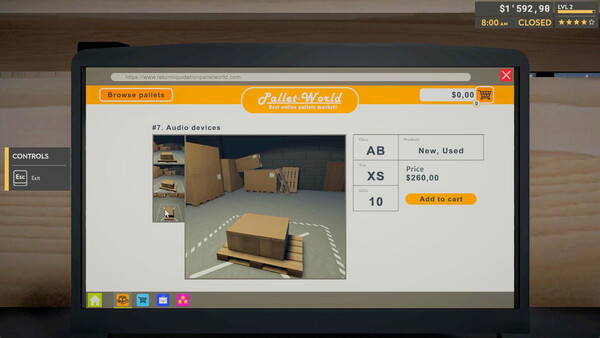
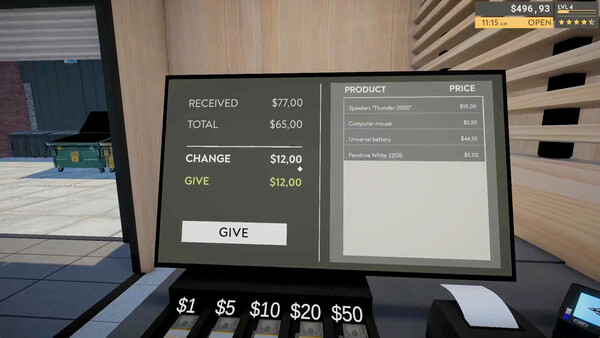
Build an Empire from Pallet Returns! Buy mystery pallets of customer returns, uncover hidden treasures, and fix broken electronics! Manage your own outlet store and take risks to turn someone else's returns into your pure profit!.
Official game page