FREE CHEATS FOR
Romestead
Released May 25, 2026
Updated

 EAGLE CHEATS
How to use Eagle in Romestead
With Romestead running, press Insert to open the Eagle menu. The quick keys give direct access to Unlimited Seeds, Instant Crop Growth and No Watering. Use the menu for Fast Harvest, Unlimited Materials and Set Weather and the remaining listed features; close it with Insert to return to the app.
- F2 Unlimited Seeds
Press F2 to turn Unlimited Seeds on or off without opening the menu. - F3 Instant Crop Growth
Press F3 to activate Instant Crop Growth without opening the menu. - F4 No Watering
Press F4 to turn No Watering on or off without opening the menu. - Insert Fast Harvest
Press Insert, find Fast Harvest in the feature list, and switch it on or off. - Insert Unlimited Materials
Press Insert, find Unlimited Materials in the feature list, and switch it on or off. - Insert Set Weather
Press Insert, choose Set Weather, adjust its value or option, and apply.
EXPLORE THE MENUFeatures
14 features
The free Romestead trainer includes Unlimited Seeds, Instant Crop Growth and No Watering. It also offers Fast Harvest, Unlimited Farm Supplies and No Tool Wear. Press Insert to open the menu on Windows PC.
- Unlimited Seeds
- Instant Crop Growth
- No Watering
- Fast Harvest
- Unlimited Farm Supplies
- No Tool Wear
- Set Weather
- Freeze Day Clock
- Instant Crafting
- No Build Cost
- Unlimited Materials
- Instant Repair
- No Repair Mistakes
- Highlight Missing Parts
About the game
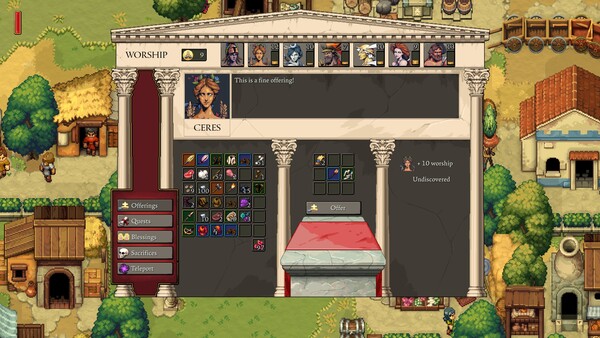
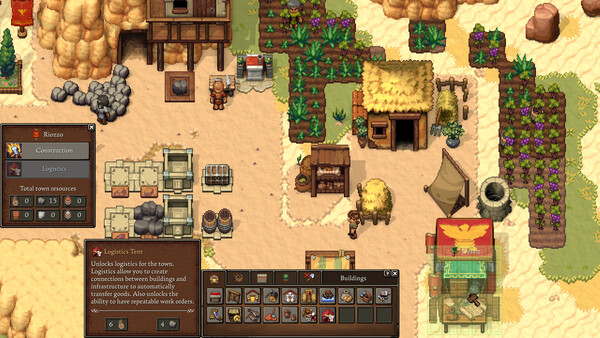
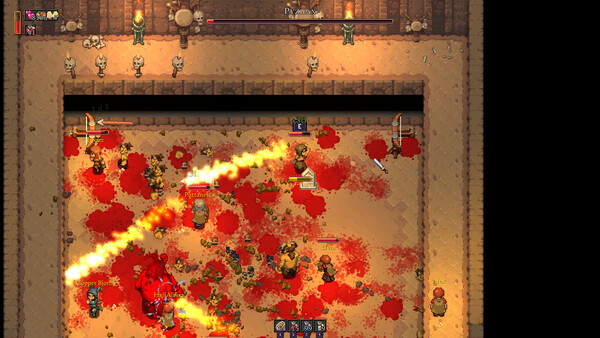
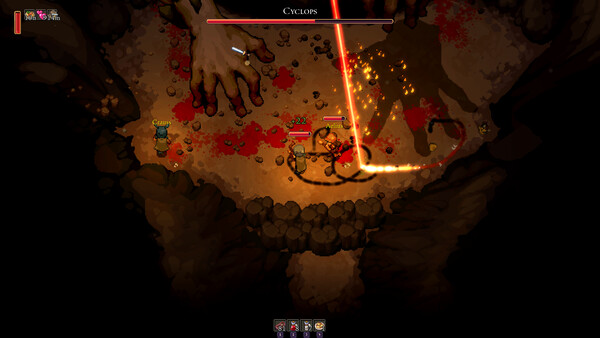
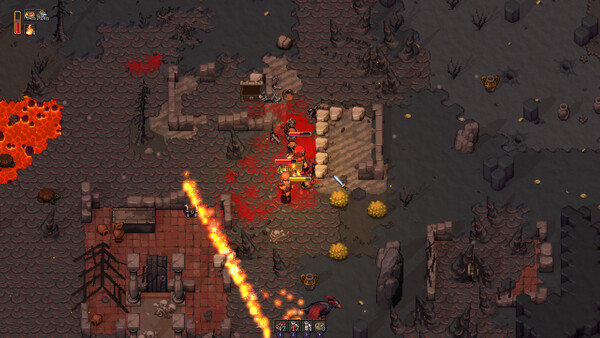
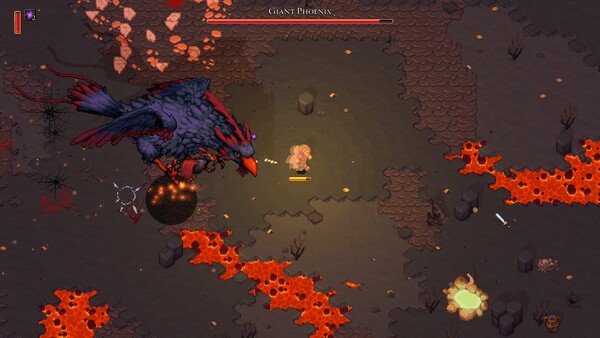
Rome has fallen! Rebuild civilization in this action-adventure survival game for 1-8 players. Fight hordes of the walking dead, build settlements, restore the Roman gods... or kick back and farm with friends.
Official game page